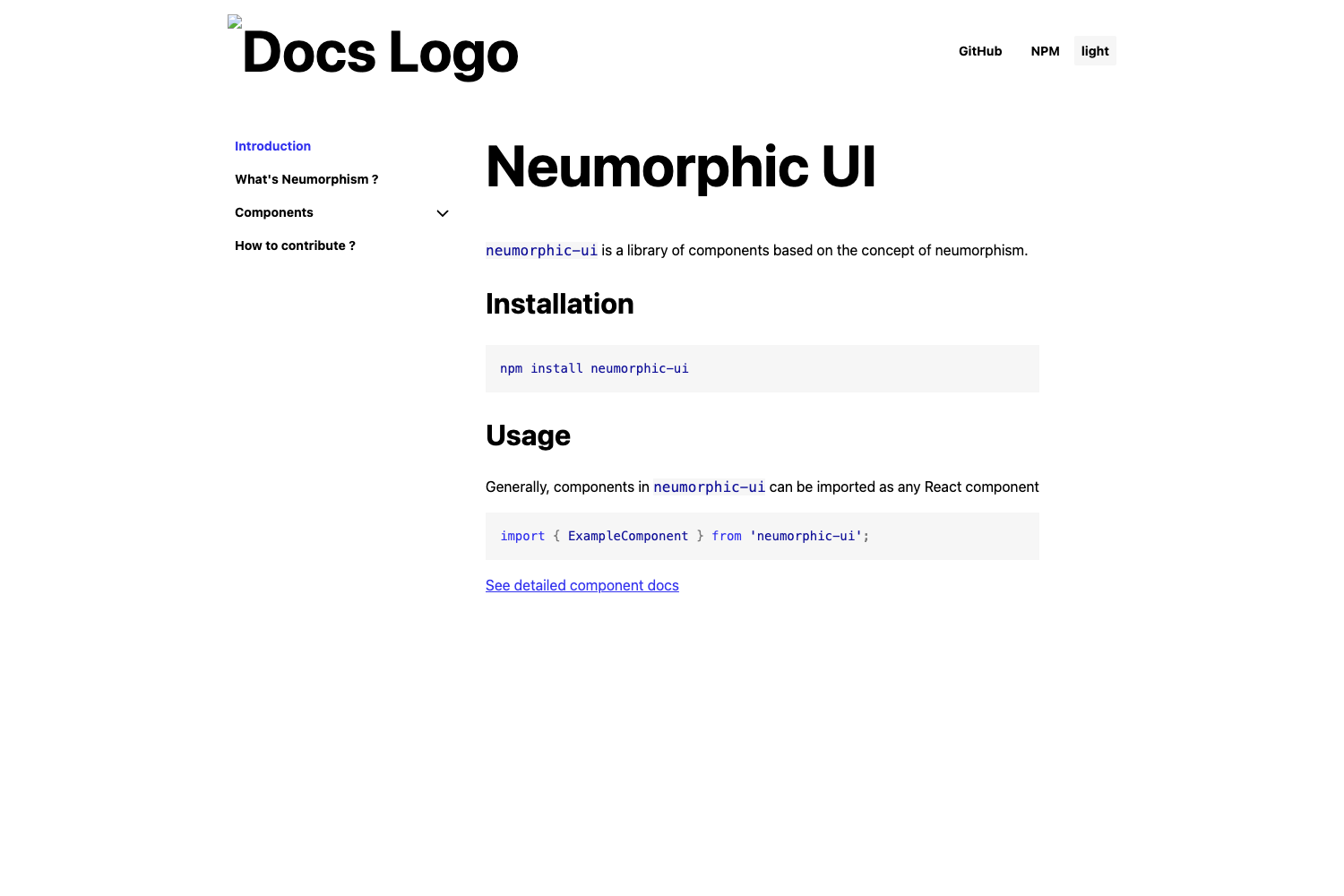
Template details
Hugo docPort Theme
A Hugo documentation theme with automatic search, rich shortcodes, and Netlify CMS integration.
About this template
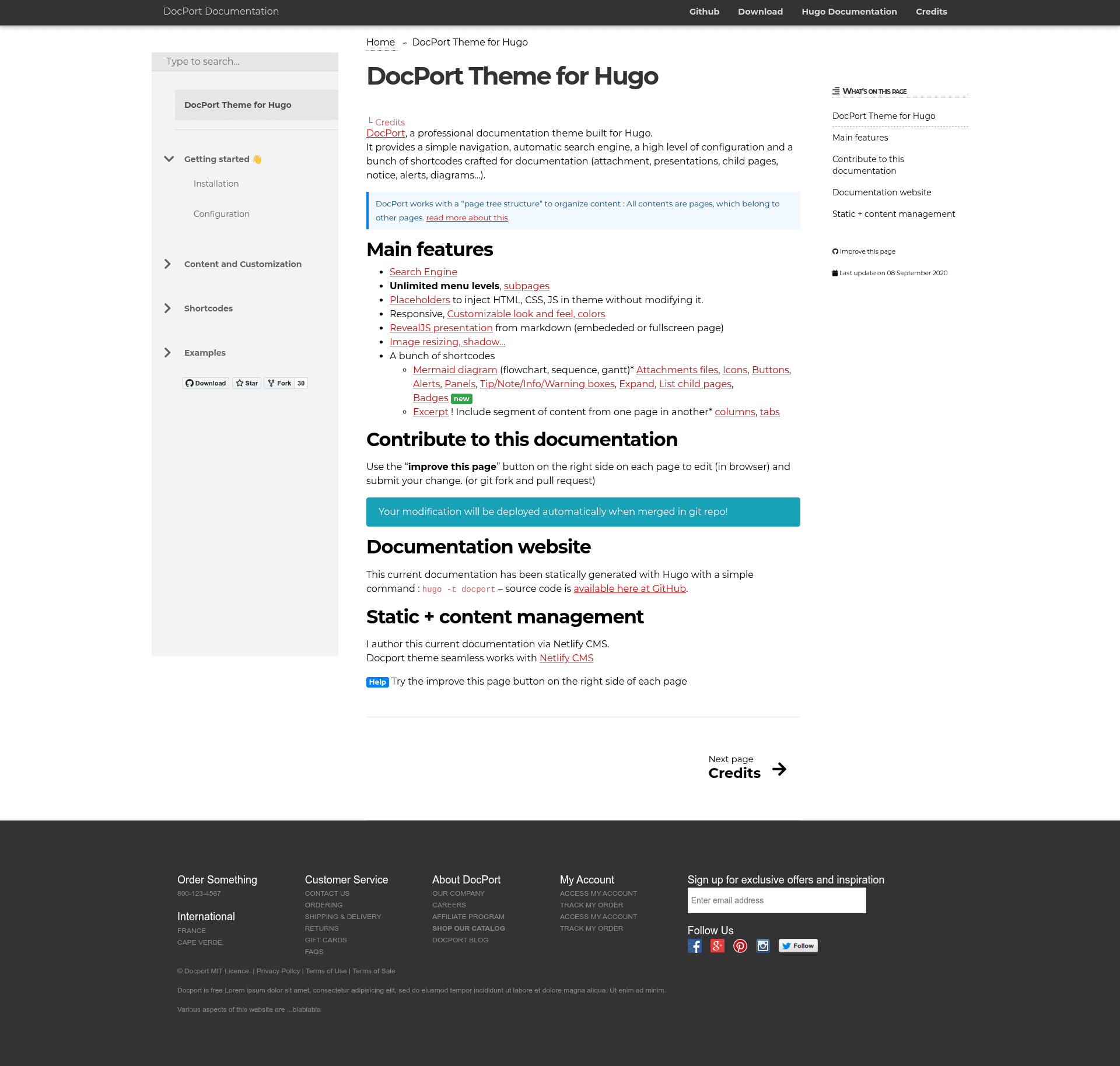
Hugo docPort is a documentation theme for the Hugo static site generator, purpose-built to turn Markdown content into a navigable documentation website with built-in search, documentation-specific shortcodes, and Netlify CMS integration.
What is Hugo docPort Theme?
Hugo docPort is an open-source Hugo theme for producing documentation sites. It takes Markdown content structured in a Hugo project and generates a static HTML site with automatic navigation and search. The theme is maintained by Valère JEANTET, distributed under the MIT license, and draws inspiration from Hugo Learn Theme and the earlier docdock theme.
Key Features
- Automatic search engine — Client-side search index built from the content, so visitors can search documentation without a third-party service.
- Documentation shortcodes — A set of shortcodes for attachments, presentations, child pages, notice boxes, alerts, and diagrams, letting authors add rich elements from Markdown.
- Simple navigation — Navigation is generated automatically from the section and page hierarchy, including child page listings.
- Netlify CMS integration — Designed to work with Netlify CMS so content can be edited in a browser, without leaving the static workflow.
- High configurability — The theme exposes many settings in config.toml, giving control over layout, branding, and features.
- MIT license — Free to use, modify, and redistribute, with no licensing fees.
Who is it for?
- Technical writers — Publish product documentation, API references, or user guides using a familiar Markdown workflow and get a clean, searchable site.
- Open-source maintainers — Stand up a documentation site for a project quickly, with the ability to accept content edits via Netlify CMS.
- Hugo users — Anyone already using Hugo who needs a documentation-oriented theme instead of a generic blog theme.
What can you do with Hugo docPort Theme?
- Product teams: Create a comprehensive documentation hub with searchable guides, attachment downloads, and alert boxes for warnings or notes.
- Educators: Structure course material into child pages and use the presentation shortcode to build slide-like content from Markdown.
- Static site enthusiasts: Manage content through Netlify CMS in the browser, enabling non-technical contributors to edit docs without touching code.
How does Hugo docPort Theme work?
Installation follows the usual Hugo theme workflow: add the repository as a Git submodule into the themes directory, copy or reference the example site's config.toml, then run hugo server to preview locally. Content is written in Markdown, and the theme generates the navigation structure automatically from the folder hierarchy.
Pricing
Hugo docPort Theme is free and open-source under the MIT license. There are no paid tiers or premium features; the full theme is available in the public repository.
Alternatives
- Hugo Learn Theme, which this theme builds upon and expands.
- Docsy, another Hugo documentation theme with a strong focus on technical documentation.
FAQ
Is Hugo docPort Theme free?
Yes, it is licensed under the MIT license, so it is completely free to use for any project, including commercial ones.
Does Hugo docPort Theme include search?
Yes, it has an automatic search engine that indexes the documentation content and provides client-side search without needing external services.
How do I install Hugo docPort Theme?
Clone or add the repository as a Git submodule into the themes directory of your Hugo project, configure the theme in config.toml, then run hugo server. The exampleSite directory includes a reference configuration.
Can I edit my documentation with Netlify CMS?
Yes, the theme is designed to integrate with Netlify CMS, so content can be edited in the browser while keeping the static site workflow.
What documentation shortcodes are available?
Shortcodes include attachment, presentation, child pages, notice, alert, and diagram elements, all usable from Markdown content.