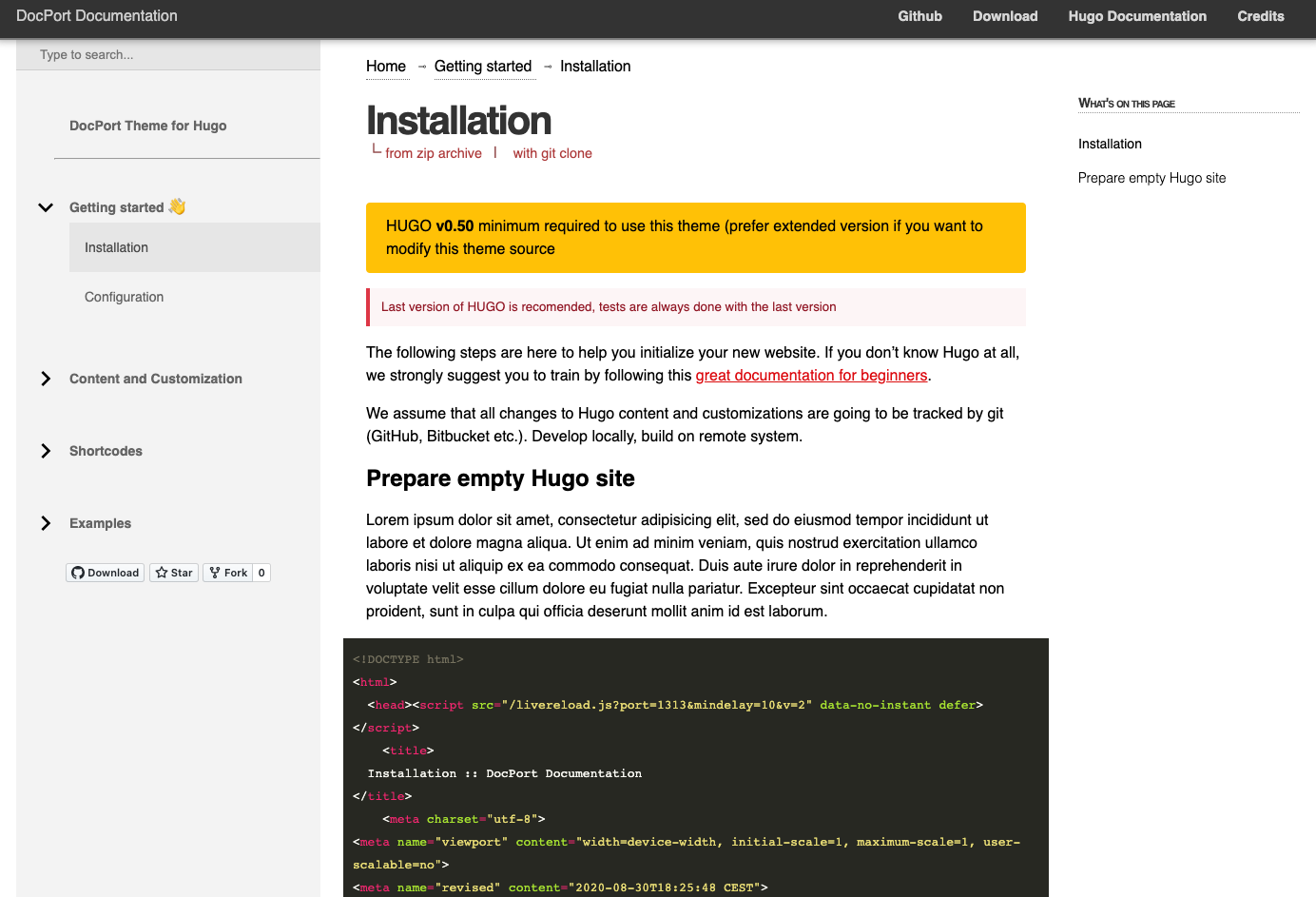
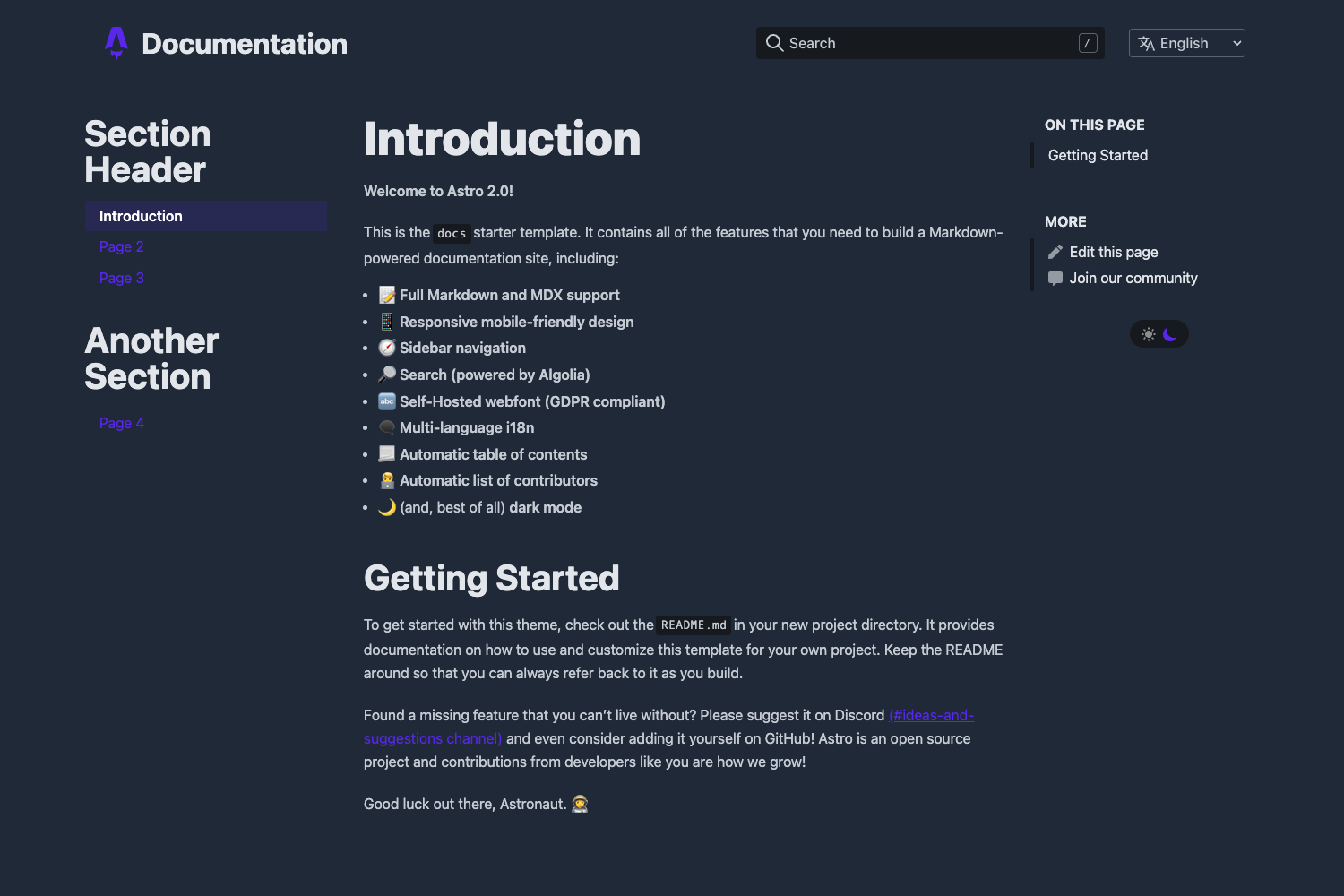
Template details
Aviator
API documentation template for Jekyll by CloudCannon, featuring full-text search, responsive layout, and CMS-optimized editing.
About this template
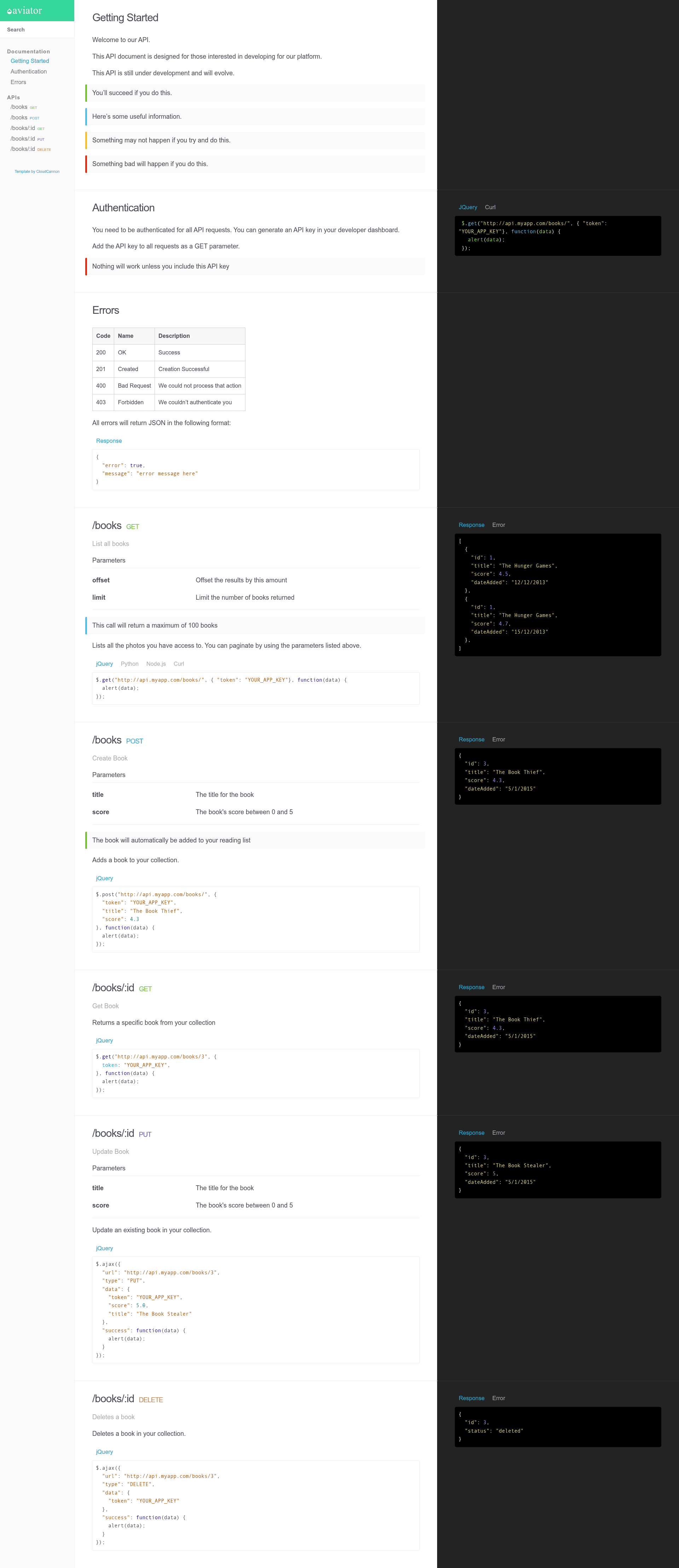
Aviator is a Jekyll-based API documentation template created by CloudCannon, designed to publish and maintain reference documentation through a three-column layout, full-text search, and category-driven navigation.
What is Aviator?
Aviator is a Jekyll template for building API documentation sites. It takes documentation pages written in Markdown with front matter and generates a static site with a three-column layout: navigation on the left, content in the center, and supplementary information on the right. The template runs on Jekyll 3.7.2 and supports newer versions. It was made by CloudCannon, the Cloud CMS for Jekyll, and is distributed through the CloudCannon GitHub repository with a live demo available.
Key Features
- Three column layout — A structured reading experience with separate columns for navigation, content, and supplemental information, suitable for API reference material.
- Fully responsive — The layout adapts to different screen sizes, keeping documentation readable on mobile, tablet, and desktop.
- Full text search — Users can search across all documentation pages; individual pages can be excluded by setting
excluded_in_search: truein front matter. - Pre-styled components — Common documentation elements such as code blocks, tables, and callouts come styled out of the box.
- Auto-generated navigation based on category — Each documentation section is a Jekyll collection, and navigation order is controlled by a
position_numberfield in the collection configuration or page front matter. - Optimised for editing in CloudCannon — The template is organised so content editors can add, update, and remove pages through CloudCannon's visual editor without changing code.
- SEO tags — Built-in metadata output helps search engines index the documentation.
- Google Analytics — The template includes a Google Analytics integration that you connect by adding your tracking ID during setup.
Who is it for?
Aviator is for developers and technical writers who need a fast, searchable API reference site. It suits teams already using Jekyll as their static site generator, and it is especially convenient for teams using CloudCannon as a CMS because the template is pre-optimised for that editing workflow.
What can you do with Aviator?
- API documentation teams — Publish endpoint references, code samples, and guides in an organised, searchable structure.
- Technical writers — Manage documentation in Markdown with front matter, and let Jekyll generate the navigation automatically.
- CloudCannon users — Edit documentation in a visual CMS interface while keeping the static site output.
How does Aviator work?
To get started, you add your site and author details in _config.yml, then run bundle install and bundle exec jekyll serve to work locally. Each documentation section is a collection; you set the order of collections with the position_number field in the collection configuration and the order of pages within a collection in their front matter.
FAQ
Is Aviator still actively maintained?
No. Aviator is a legacy template that CloudCannon no longer maintains. It still works with Jekyll, but you should not expect updates or bug fixes.
How do I exclude a page from search results?
Add excluded_in_search: true to the front matter of any documentation page, and that page will be left out of the full-text search index.
Can I use Aviator with a newer version of Jekyll?
Aviator was built with Jekyll 3.7.2, and the template's documentation says it should support newer versions as well. Because the template is no longer maintained, you may need to test compatibility.
How do I control the order of sections and pages?
The order of collections is set by a position_number field in the collection configuration inside _config.yml. Within a collection, each document's order is set by the same field in its front matter.
Do I need CloudCannon to use Aviator?
No. Aviator is a standard Jekyll theme, so you can use it with any Jekyll workflow, such as building locally with Bundler or deploying to any static host. CloudCannon support is an additional benefit, not a requirement.