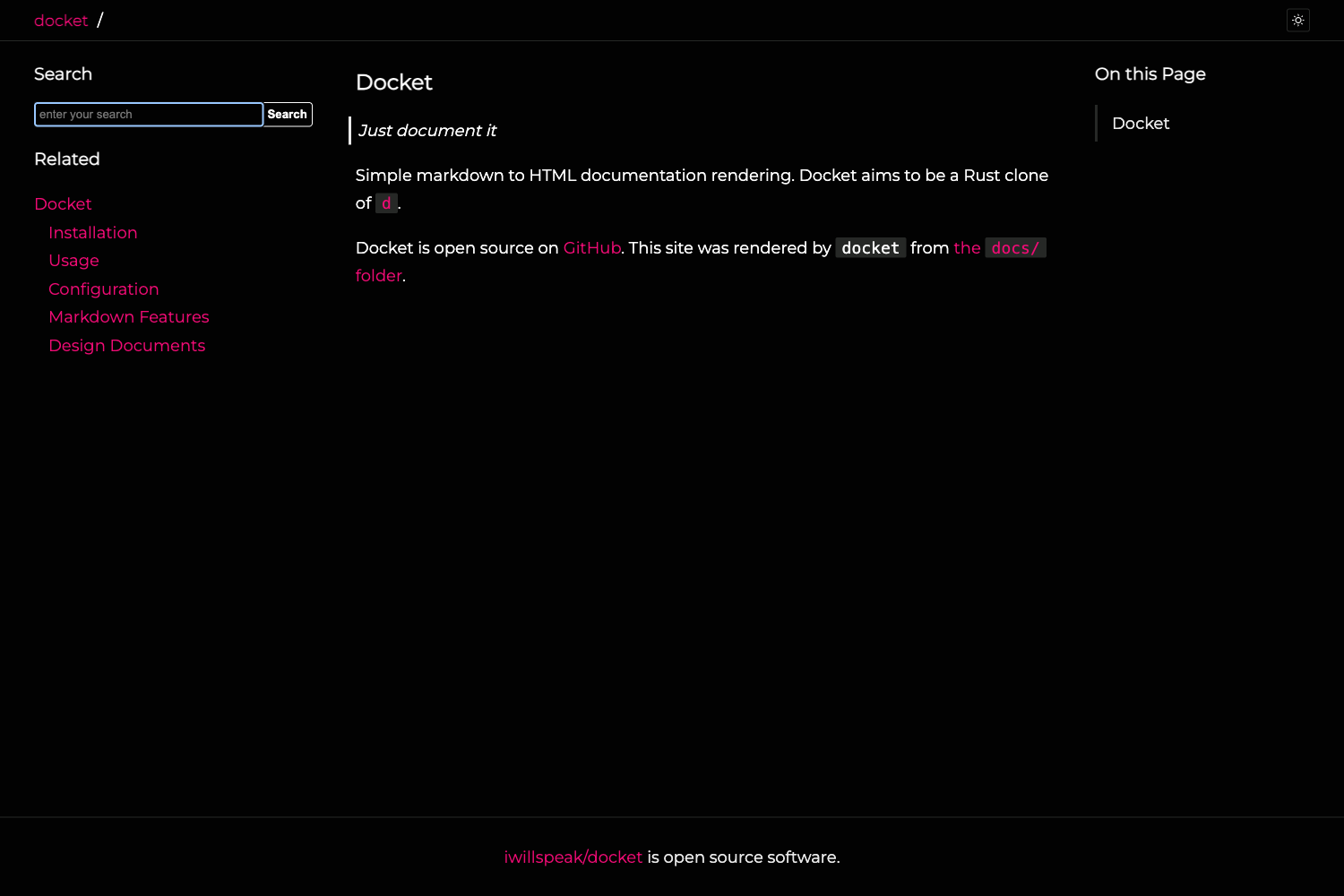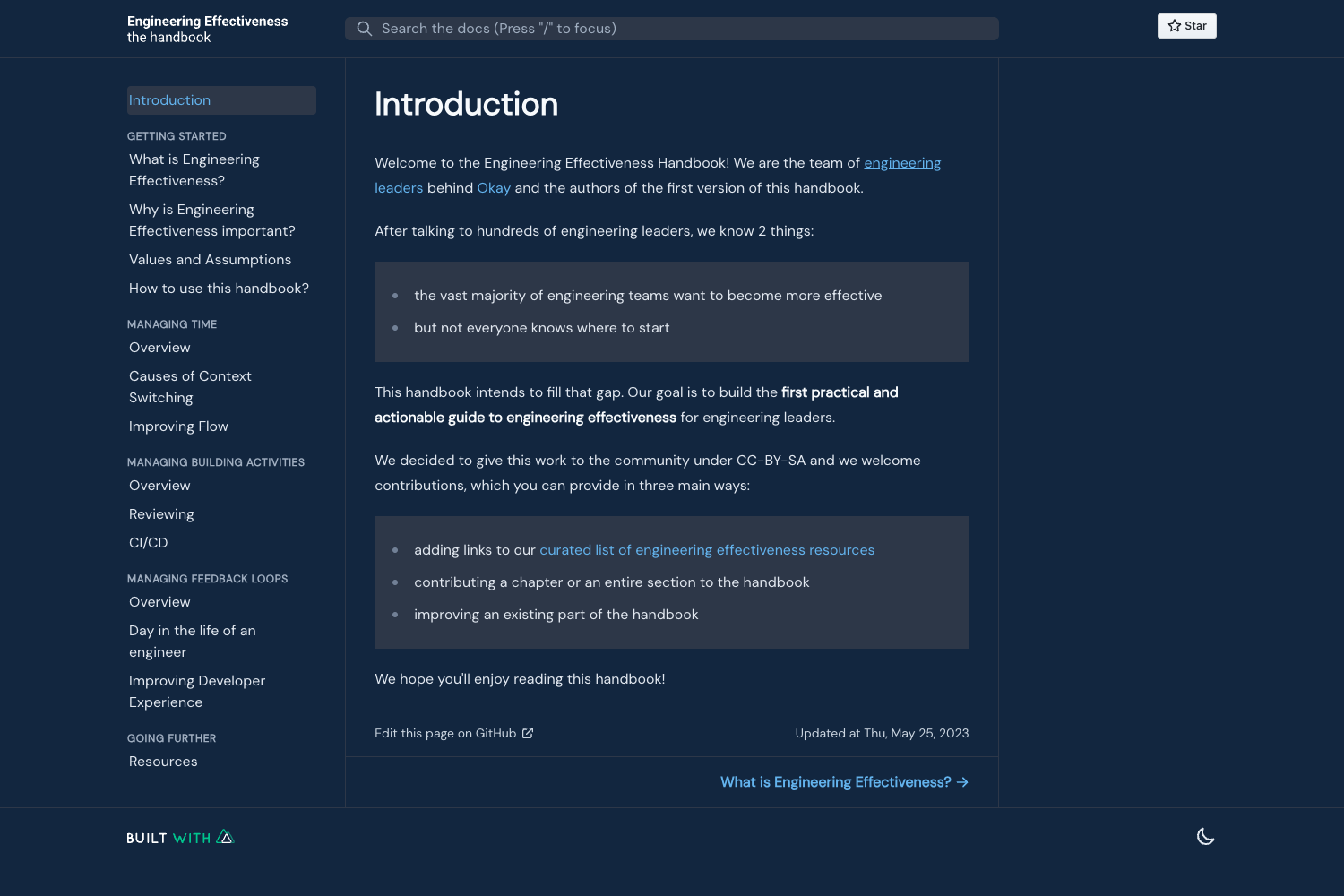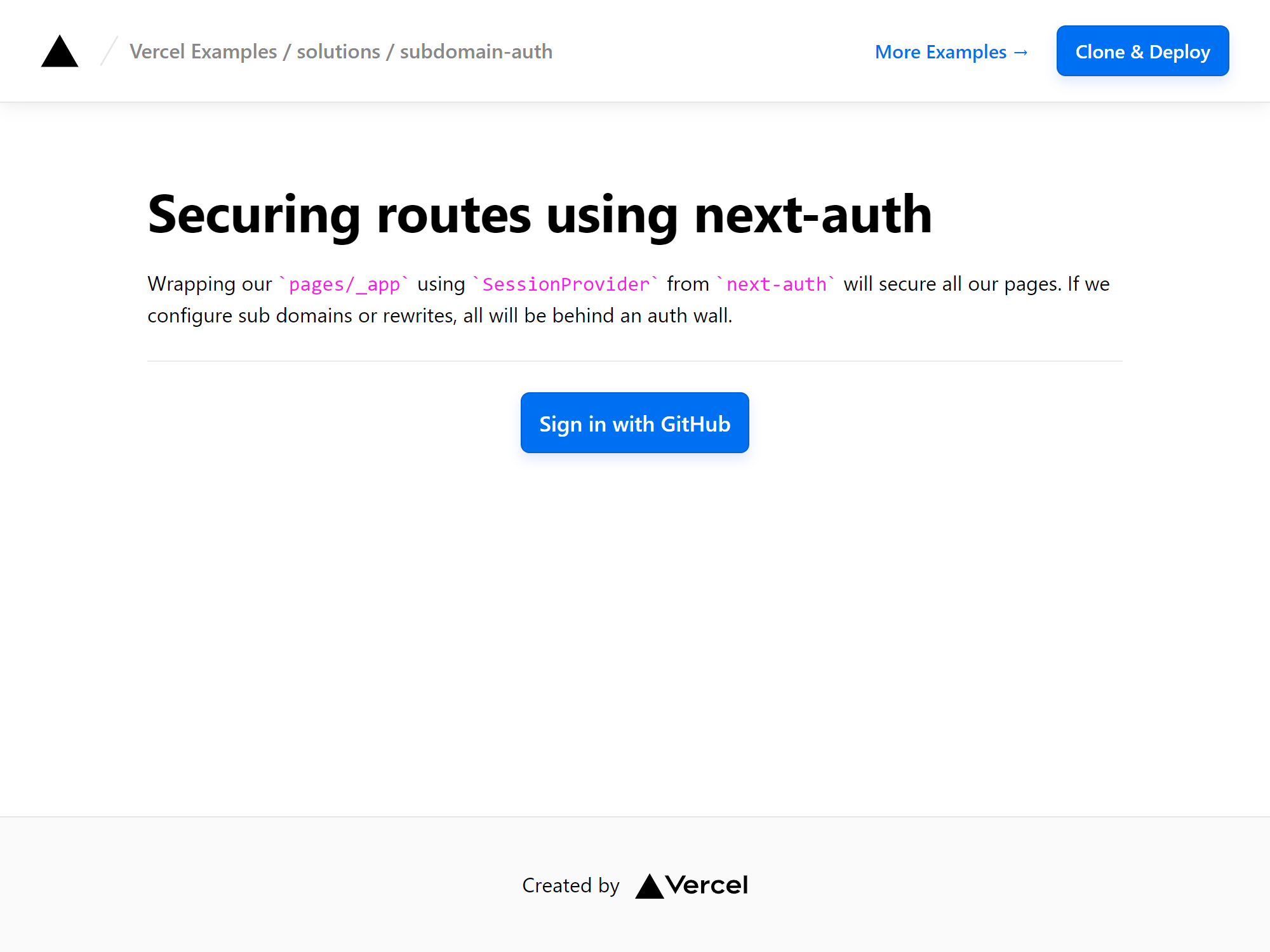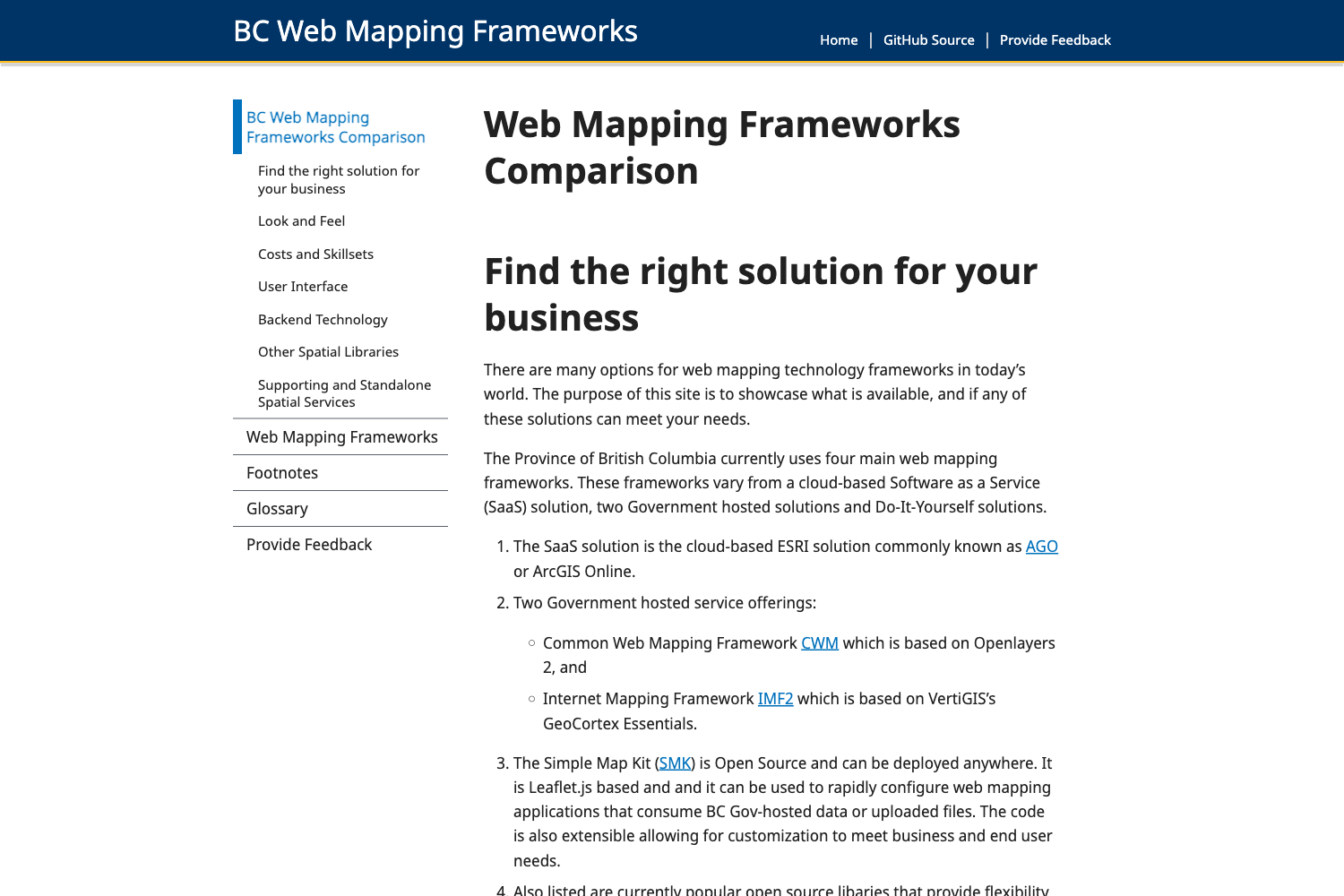
Template details
lifeblood
A hyperfocused Jekyll theme for documentation, designed for the victus project and available to all.
About this template
Lifeblood is a hyperfocused Jekyll theme for documentation, designed as the official theme for the victus project and released for anyone to use on their own documentation sites.
What is lifeblood?
Lifeblood is a theme for Jekyll that renders standard Jekyll content into a documentation-focused static site. It takes Markdown files and Liquid layouts as input and produces a clean, customizable HTML site with a "cutesy" visual style. The theme is distributed two ways: as a remote theme for GitHub Pages via remote_theme: sporeball/lifeblood, and as a gem-based theme you can add to your Gemfile with gem "lifeblood". It is built and maintained by sporeball, and the repository is hosted on GitHub with the topics documentation, github-pages, jekyll, and jekyll-theme.
What makes lifeblood stand out?
- Remote theme support — Add one line to your
_config.ymlto use it on GitHub Pages without installing anything locally. - Gem-based installation — Works like a standard Jekyll theme: add the gem to your
Gemfile, settheme: lifeblood, and runbundleto update. - Hyperfocused documentation design — The theme is purpose-built for documentation, not repurposed from a blog or business template.
- Cutesy visual style — Its look is distinct from generic minimal documentation themes, giving docs personality.
- Built for a real project — It powers the documentation for victus, so it is exercised by an actual open-source project.
- Public documentation — Usage and customization details are published at sporeball.dev/lifeblood.
Who should use lifeblood?
Documentation writers who want a Jekyll-based theme that stays focused on content will find it a good fit. Developers who publish docs to GitHub Pages can adopt it by changing a single _config.yml line. Open-source maintainers who want a lightweight, no-dependency theme for project docs can use the gem version with Bundler. It is also the theme used for the victus documentation, so anyone reading victus docs is already seeing lifeblood in action.
What can you do with lifeblood?
- Project maintainers: Set up a documentation site on GitHub Pages by adding
remote_theme: sporeball/lifebloodto their repository's_config.yml. - Jekyll users: Install the
lifebloodgem and configuretheme: lifebloodto start writing Markdown docs that render with the theme's design. - Documentation teams: Customize the theme's options (details in the official documentation) to match their project's tone while keeping the clean layout.
How does lifeblood work?
Lifeblood works like a typical Jekyll theme. To use it on GitHub Pages, add the remote theme line to your _config.yml. To use it as a gem, add gem "lifeblood" to your Gemfile, change the theme parameter to lifeblood, and run bundle to install the theme. After that, Jekyll processes your Markdown content with the theme's layouts.