Template details
DocKit
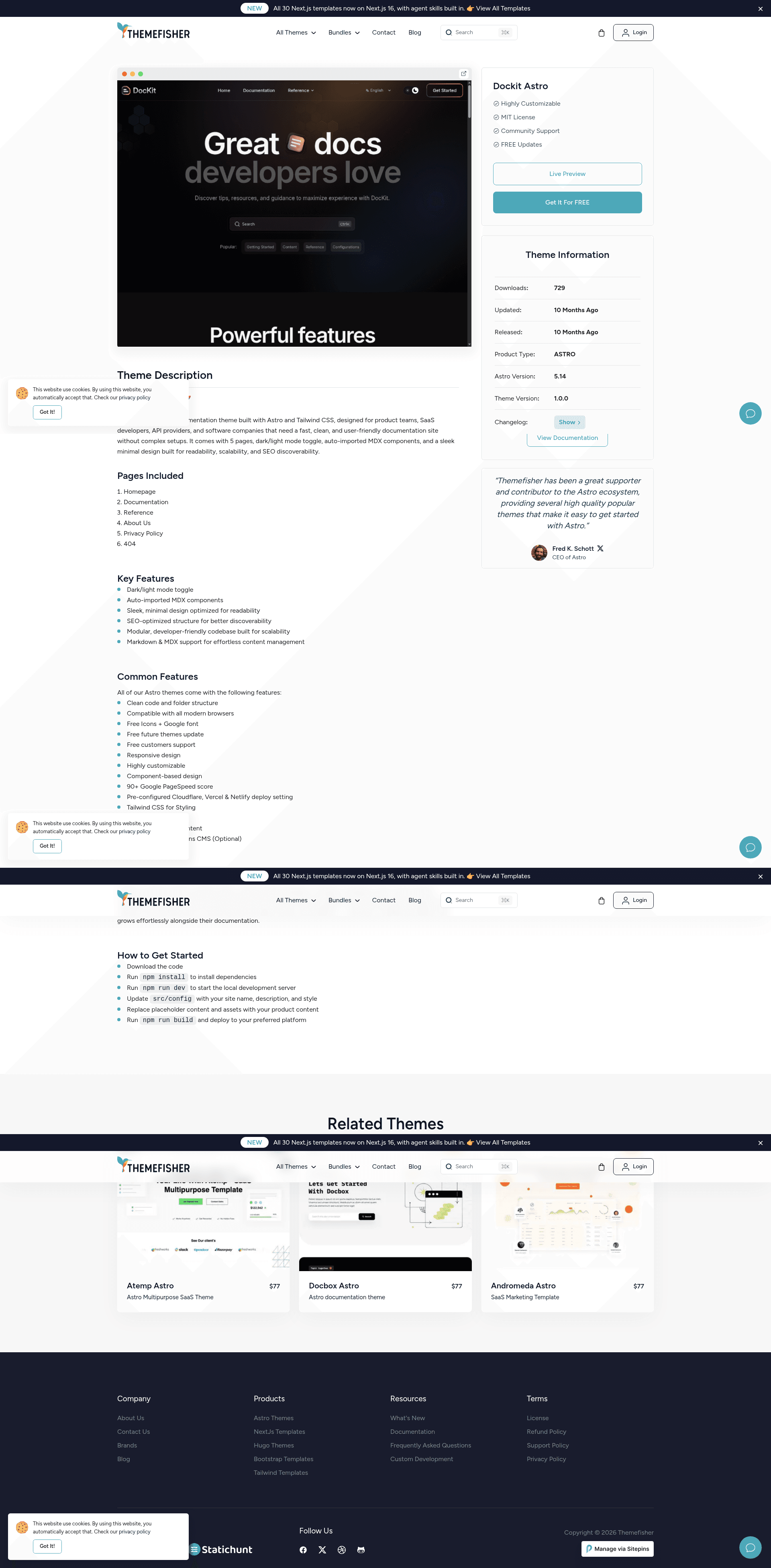
A modern, feature-rich documentation theme built on Astro Starlight with custom components, enhanced UI, and multilingual support.
About this template
DocKit is a documentation theme for Astro Starlight that adds custom components, icon-based sidebar navigation, and multilingual support to the base Starlight framework.
What is DocKit?
DocKit is a documentation theme built on Astro Starlight, the documentation-focused static site generator. It accepts Markdown and MDX content placed in src/content/docs/ and JSON configuration files in src/config/, and outputs a static website with styled navigation, feature cards, accordions, and buttons. The theme runs entirely on Astro and builds to plain HTML, CSS, and JavaScript in the dist/ directory. The project is distributed as a public GitHub repository under the name dockit-astro.
Key Features
- Custom user components — DocKit provides five Astro components:
Accordion.astro,Button.astro,Grid.astro,ListCard.astro, andNewCard.astro, which can be imported into MDX pages to add collapsible sections, call-to-action buttons, responsive grids, and gradient cards. - Enhanced Starlight overrides — The theme overrides Starlight's
Sidebar,Header,Footer,Hero, andTableOfContentscomponents, improving mobile navigation, hero styling, and table-of-contents behavior. - Icon-based sidebar navigation — The sidebar is configured through
src/config/sidebar.jsonand supports icon syntax such as[seti:vite],[document],[setting], and[rocket], using Seti UI and Starlight built-in icons. - Multilingual support — Locale settings are defined in
src/config/locals.jsonwith adefaultLocaleand per-language labels; translated content can be stored in subdirectories likesrc/content/docs/de/for Dutch. - Theme customization — The primary color is set via
src/config/theme.json(for example,#2563eb), and additional styles can be added tosrc/styles/global.cssusing Starlight's CSS variables. - Step-by-step onboarding — The README includes an eight-step guide that covers cloning, installing with Yarn, editing configuration, adding pages, configuring the sidebar, building, and deploying to Netlify, Vercel, or GitHub Pages.
- Centralized configuration — Site settings, theme, sidebar, menus, and locale settings each have their own JSON file in
src/config/, making the theme predictable to customize.
Who should use DocKit?
- Documentation engineers — Set up a structured documentation site quickly by cloning the theme, editing
config.json, and building; no need to hand-write navigation or styles. - Open-source maintainers — Publish project documentation with multilingual support and a polished look, deploying the static build to GitHub Pages, Netlify, or Vercel.
- Product teams — Create API references, feature overviews, and FAQ sections using the
Grid,NewCard, andAccordioncomponents in MDX pages. - Technical writers — Focus on writing content in Markdown or MDX while relying on the enhanced sidebar, auto-generated table of contents, and mobile-friendly header.
Use cases
- API reference sites — Organize endpoint documentation into directories and let the sidebar autogenerate navigation with the
autogenerateconfiguration pointing at anapifolder. - Multilingual documentation — Maintain parallel translations in language folders such as
src/content/docs/de/and switch between them using the locale settings inlocals.json. - Interactive help centers — Use
Accordion.astroto build collapsible Q&A sections andButton.astrofor prominent links to support articles or contact forms. - Branded product docs — Adjust the primary color in
theme.jsonand override CSS variables inglobal.cssto match a company's brand identity.
How does DocKit work?
Getting started follows the steps in the README: clone the repository, run yarn install and yarn dev, edit the configuration files in src/config/, add Markdown files to src/content/docs/, customize the sidebar in sidebar.json, then run yarn build to generate a production site in dist/. The dev server runs at localhost:4321.
FAQ
Is DocKit free?
The theme is stored in a public GitHub repository and uses only free, open-source dependencies such as Astro and Starlight. The documentation does not mention any paid tier or license fee, so you can clone and use it without paying.
What components does DocKit include?
DocKit ships five user-facing Astro components: Accordion.astro, Button.astro, Grid.astro, ListCard.astro, and NewCard.astro. It also overrides five Starlight components: Sidebar, Header, Footer, Hero, and TableOfContents.
How do I add a new page?
Create a .md or .mdx file in src/content/docs/. The file's frontmatter must include a title and description. After that, add its slug to src/config/sidebar.json to make it appear in the navigation.
Can I add my own language?
Yes. Add a locale entry to src/config/locals.json, create a matching content subdirectory such as src/content/docs/de/, and place translated .md files there. The menu files are named with language codes, for example menu.en.json and menu.de.json.
What is the difference between DocKit and stock Starlight?
DocKit adds a set of custom UI components, icon support in the sidebar, a configurable footer and hero, and a centralized JSON configuration system. Base Starlight provides the core site generation and built-in components, while DocKit layers these enhancements on top.