Template details
Uwe Uwe (u²)
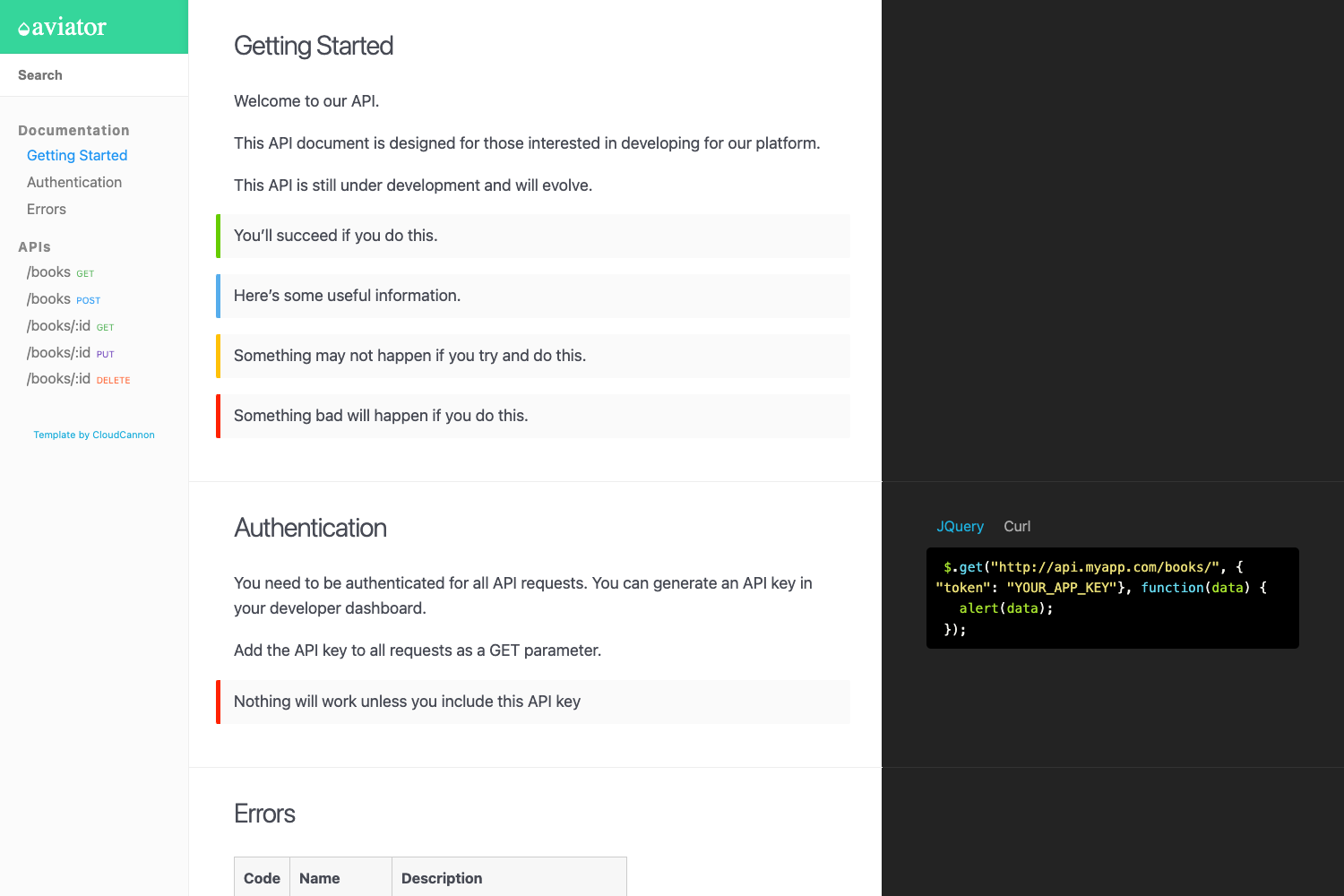
A minimalist Hugo theme that builds responsive documentation sites by merging all content into a single index.html.
About this template
Uwe Uwe (u²) is a minimalist Hugo theme that builds fully responsive documentation websites by merging every markdown and HTML page into a single index.html output.
What is Uwe Uwe (u²)?
Uwe Uwe (u²) is a Hugo theme designed for creating documentation sites for small projects. It takes content written in markdown and/or HTML, organized as Hugo pages, and produces exactly one index.html file — no additional pages, assets, or output formats are generated. The theme is hosted on GitHub with 10 stars, and its full documentation is published at a dedicated docs site.
Key Features
- Single-file output — all markdown and HTML source pages are merged into one index.html, making the entire documentation a single file.
- Minimalist design — the theme omits decorative components, focusing on readable content with a clean layout.
- Responsive layout — the generated page adapts to phone, tablet, and desktop viewport widths.
- Dual content format support — source pages can be authored in either markdown or raw HTML.
- Small-project scope — the theme targets documentation that fits naturally on a single page, such as guides, manuals, and API references for compact projects.
- Built on Hugo — it leverages Hugo's static site generator pipeline, so content is processed with front matter and templates before the single-page merge.
- Zero extra output — only index.html is produced; there are no CSS or JS files unless explicitly embedded by the user.
Who is it for?
- Open-source maintainers who need a lightweight, single-page documentation site for a small library or tool, without managing a multi-page site structure.
- Hobbyist developers building a personal project and wanting a clean, responsive manual that can be hosted on any static file server.
- Technical writers producing concise guides or FAQs who prefer to write in markdown and deliver one self-contained HTML file.
What can you do with Uwe Uwe (u²)?
- Publish project docs as one file: compile markdown pages into a single index.html that can be dropped into any web host or shared as a standalone file.
- Create a mobile-friendly manual: write HTML or markdown sections and get a responsive page that scales down for phone readers.
- Keep a static site minimal: use it as a no-frills alternative to multi-page documentation generators when the content is short enough for one scrollable page.
- Learn Hugo theming: study a compact, open-source theme to see how Hugo templates, content merging, and responsive styles can be combined in a small codebase.
FAQ
Does Uwe Uwe generate multiple pages?
No. By design it merges all content into a single index.html. There are no sub-pages, pagination, or additional output formats, so large documentation sets will result in a very long single page.
What content formats can I use?
You can write source pages in either markdown or HTML. Both are accepted and will be merged into the final index.html in the order defined by the Hugo site structure.
Is the theme free to use?
The theme is published on GitHub, so you can download, inspect, and use it for your own projects. The repository is publicly accessible, and the theme is intended for open-source use.
What do I need to run it?
You need the Hugo static site generator installed on your machine. Once Hugo processes the site, the theme outputs the single index.html file ready for deployment.