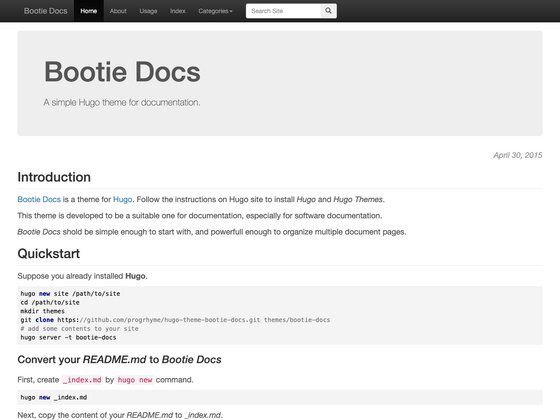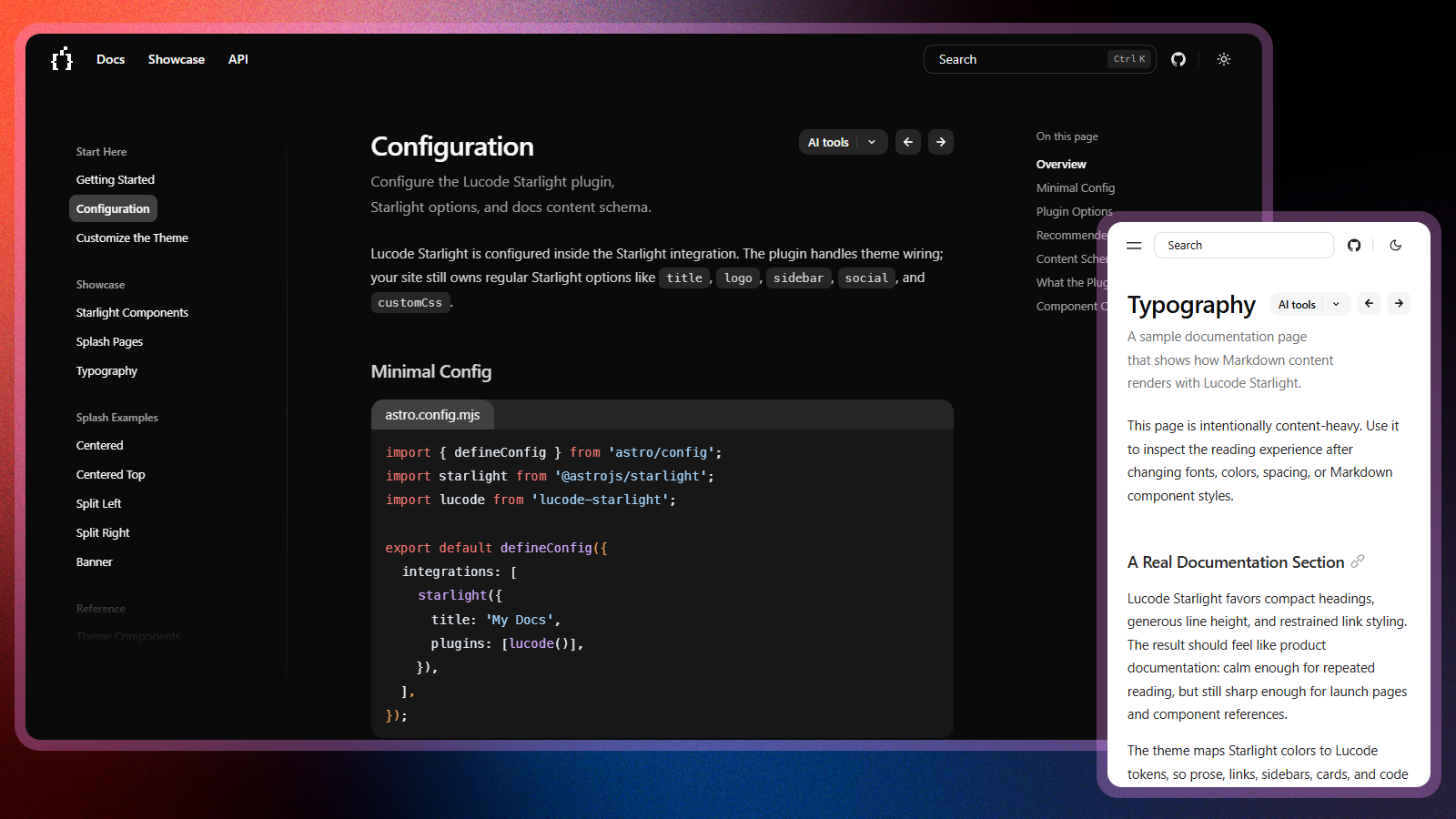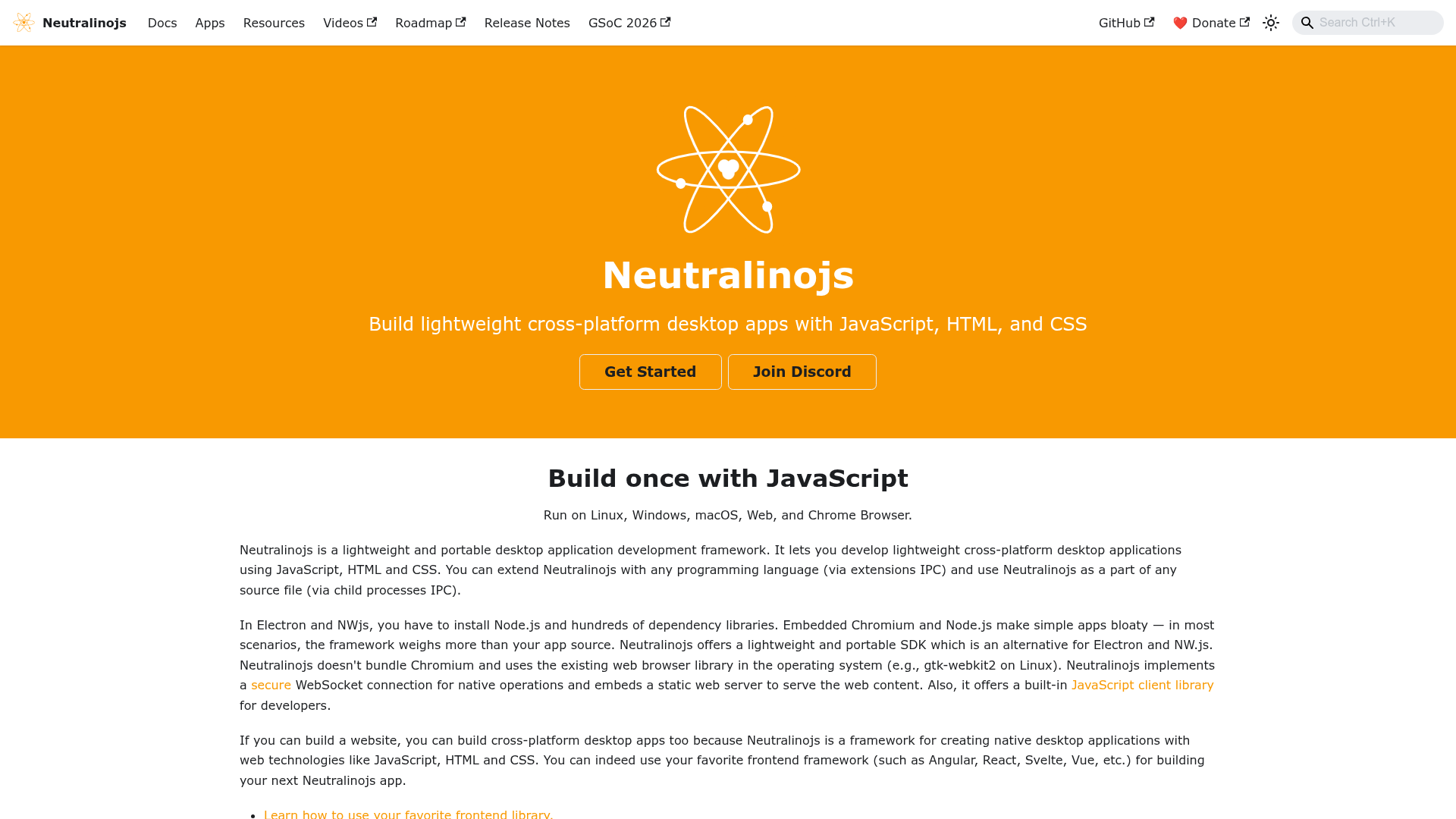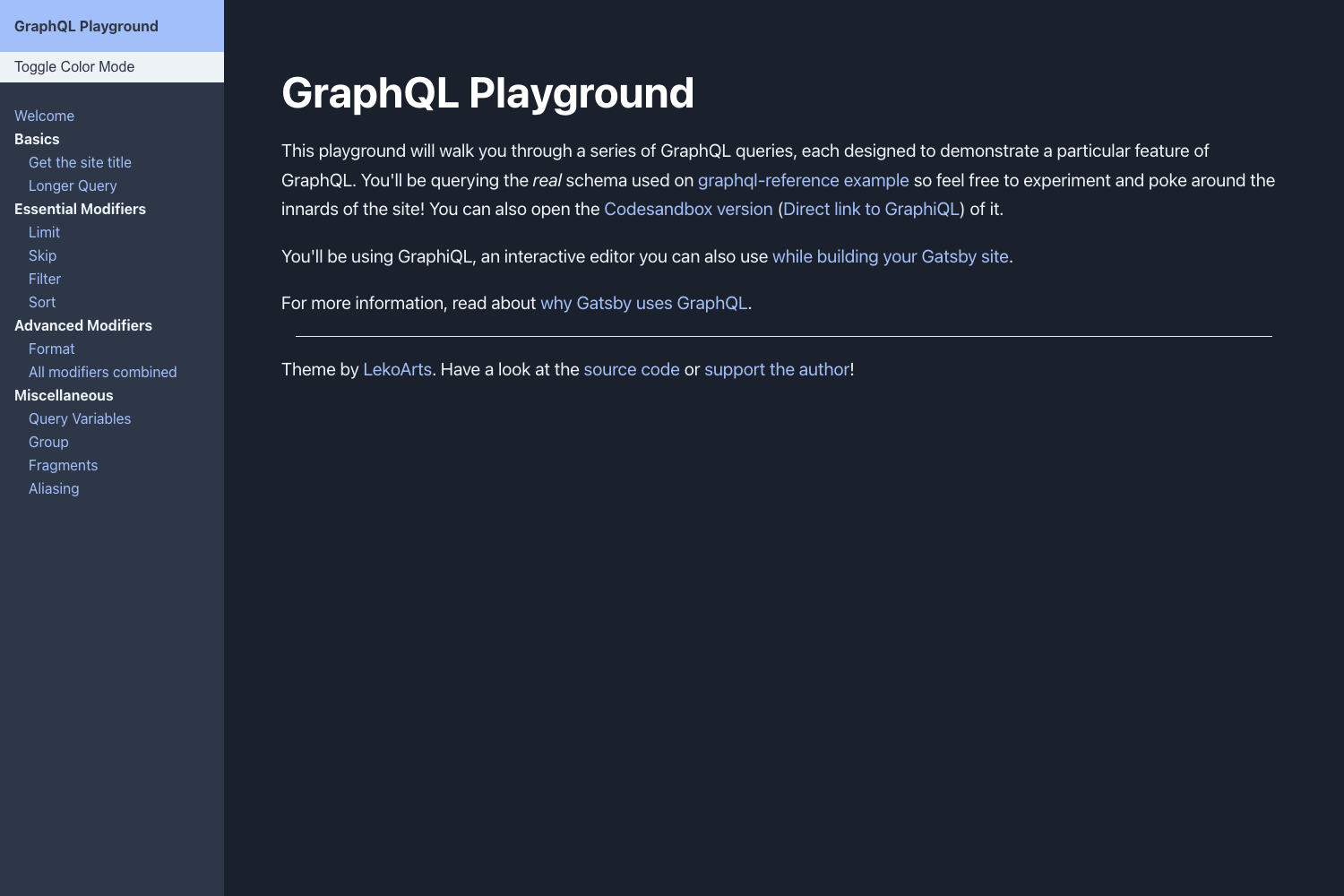
Template details
Shadocs
A free Hugo theme for documentation websites, shadcn/ui-inspired, with its own live docs site built using it.
About this template
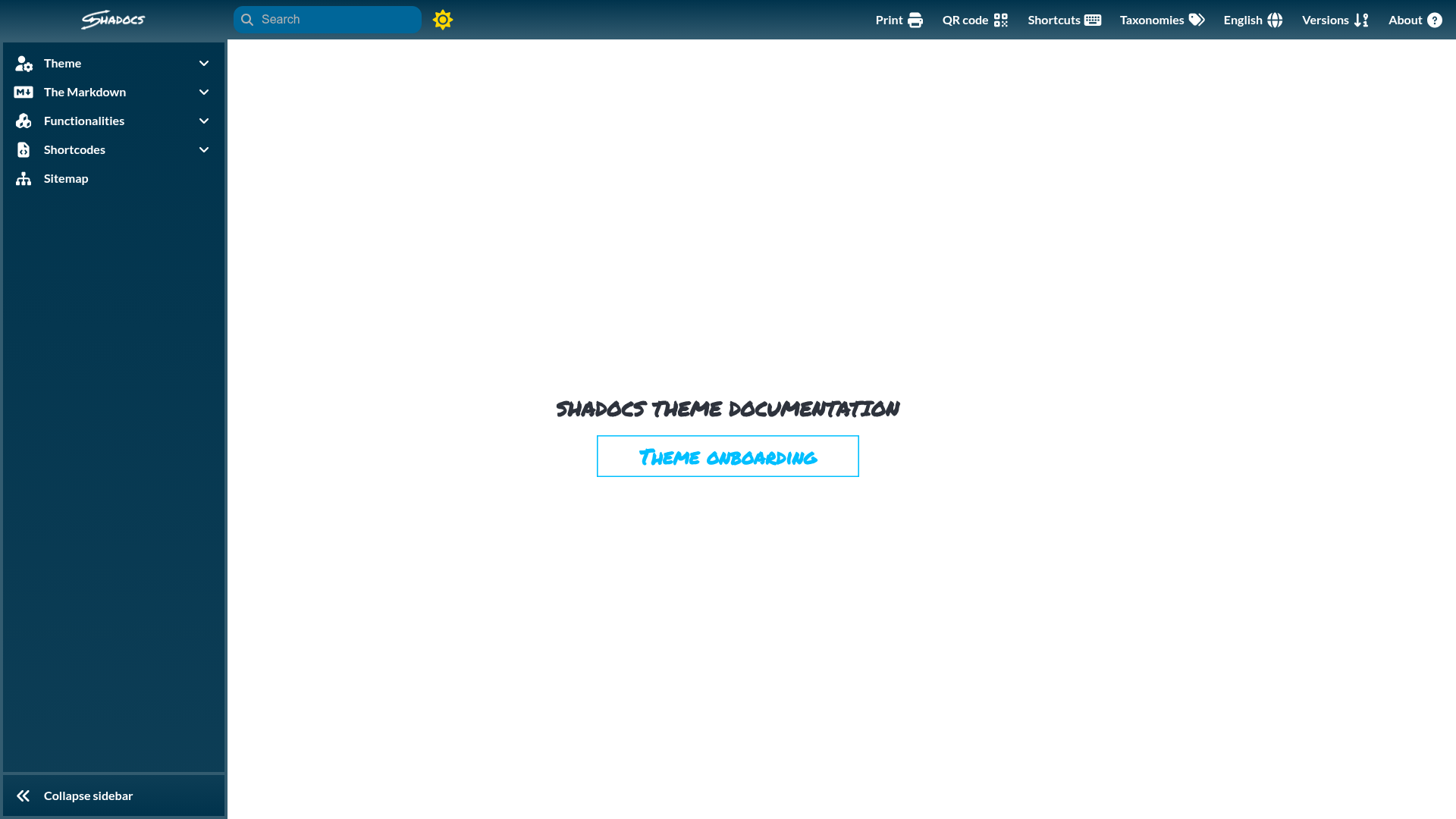
Shadocs is an open-source Hugo theme, created by jgazeau, that turns a folder of Markdown documentation files into a static documentation website you can deploy to any static host. The name blends "shad" from shadcn/ui with "docs", signaling a documentation design inspired by the shadcn/ui component aesthetic, and the theme's own documentation at https://jgazeau.github.io/shadocs/ is built with the theme itself. The project is distributed as a GitHub repository with 60 stars, tagged releases, and two GitHub Actions workflows that build the documentation website and validate branches.
What is Shadocs?
Shadocs is a documentation theme for the Hugo static site generator. It takes Markdown content files and Hugo configuration as input and outputs a static documentation website, with no server-side runtime required. The theme is maintained by jgazeau, published on GitHub under an open-source license, and its live documentation at https://jgazeau.github.io/shadocs/ is generated from the theme, meaning every feature shown in the docs is exercised in a real production build. The repository's status badges show GitHub Actions running a workflow called "Documentation Website" and a second workflow for branches.
Key Features
- Hugo-native documentation theming — Content is authored in Markdown inside a Hugo site and compiled to static HTML, with no database or server-side rendering layer.
- Self-hosted documentation — The documentation website for the theme is itself a Shadocs site, so users can inspect live output while reading the docs.
- GitHub Actions workflows — The repository includes a workflow that builds the documentation website and a separate branches workflow, both displayed as status badges in the repository header.
- Versioned releases — Release tags are tracked on the GitHub releases page through the repository's version-tag badge.
- Open-source distribution — The full theme source is available on GitHub under an open-source license, so it can be forked, audited, and customized.
- Static-site deployment — Because the output is plain static files, the resulting documentation site can be hosted on GitHub Pages, Netlify, or any static file host.
Who should use Shadocs?
- Open-source maintainers — publish project documentation as Markdown in a Hugo site and deploy the generated static site to GitHub Pages or similar hosting.
- Technical writers — write and organize guides, API references, and release notes as Markdown files, relying on the theme for consistent layout and navigation without building a custom frontend.
- Developer teams on GitHub — commit docs changes in the repository, then let the included GitHub Actions workflows rebuild the documentation site on each branch.
What can you do with Shadocs?
- Ship a project docs site: convert a Markdown-based documentation folder into a themed static site by running the Hugo build, then deploy the output anywhere static files are served.
- Preview documentation in CI: use the branches workflow in GitHub Actions to confirm documentation content builds cleanly before merging changes.
- Study a working example: open the live documentation website at https://jgazeau.github.io/shadocs/ to see how the theme renders pages, navigation, and content in a real deployment.
How does Shadocs work?
Shadocs works like any Hugo theme: you place Markdown files in a Hugo content directory, define a site configuration that references the Shadocs theme, and run the Hugo build command to generate a static site. The theme's own GitHub Actions pipeline runs this same build on the main branch, as shown by the "Documentation Website" workflow badge. The resulting files are self-contained HTML, CSS, and assets ready for deployment.
Pricing
Shadocs is free and open source. The theme source is published on GitHub under an open-source license, and no paid tiers or premium features are indicated on the page.
Alternatives
- Docsy — a Hugo documentation theme originally developed by Google.
- Hextra — a Hugo theme for modern documentation sites.
- Doks — a Hugo-based documentation theme.
FAQ
Is Shadocs free?
Yes. Shadocs is open source and published on GitHub under an open-source license, with no paid tiers or premium features. You can clone the repository and use the theme in your own Hugo documentation sites without cost.
What does Shadocs do?
Shadocs is a Hugo theme for documentation websites. It takes Markdown content and Hugo configuration as input and produces a static documentation site as output, which can be deployed to any static hosting service.
What is Shadocs built with?
Shadocs is built on Hugo, the static site generator. The theme name signals a design inspired by shadcn/ui, and the project's documentation website at https://jgazeau.github.io/shadocs/ is built using the theme itself.
Does Shadocs work with GitHub Pages?
Hugo sites produce static files, so a Shadocs build can be hosted on GitHub Pages. The repository's GitHub Actions workflow named "Documentation Website" already builds the theme's own documentation site as part of its CI pipeline.
How popular is Shadocs?
The GitHub repository for Shadocs has 60 stars at the time this template was indexed. It is a smaller project than mainstream Hugo documentation themes, but it ships with passing CI workflow badges and tagged releases.