Template details
Dorkodu's Astro Template
Minimalist Astro website template with React, TypeScript, Mantine UI, and MDX for portfolios, blogs, and landing pages.
About this template
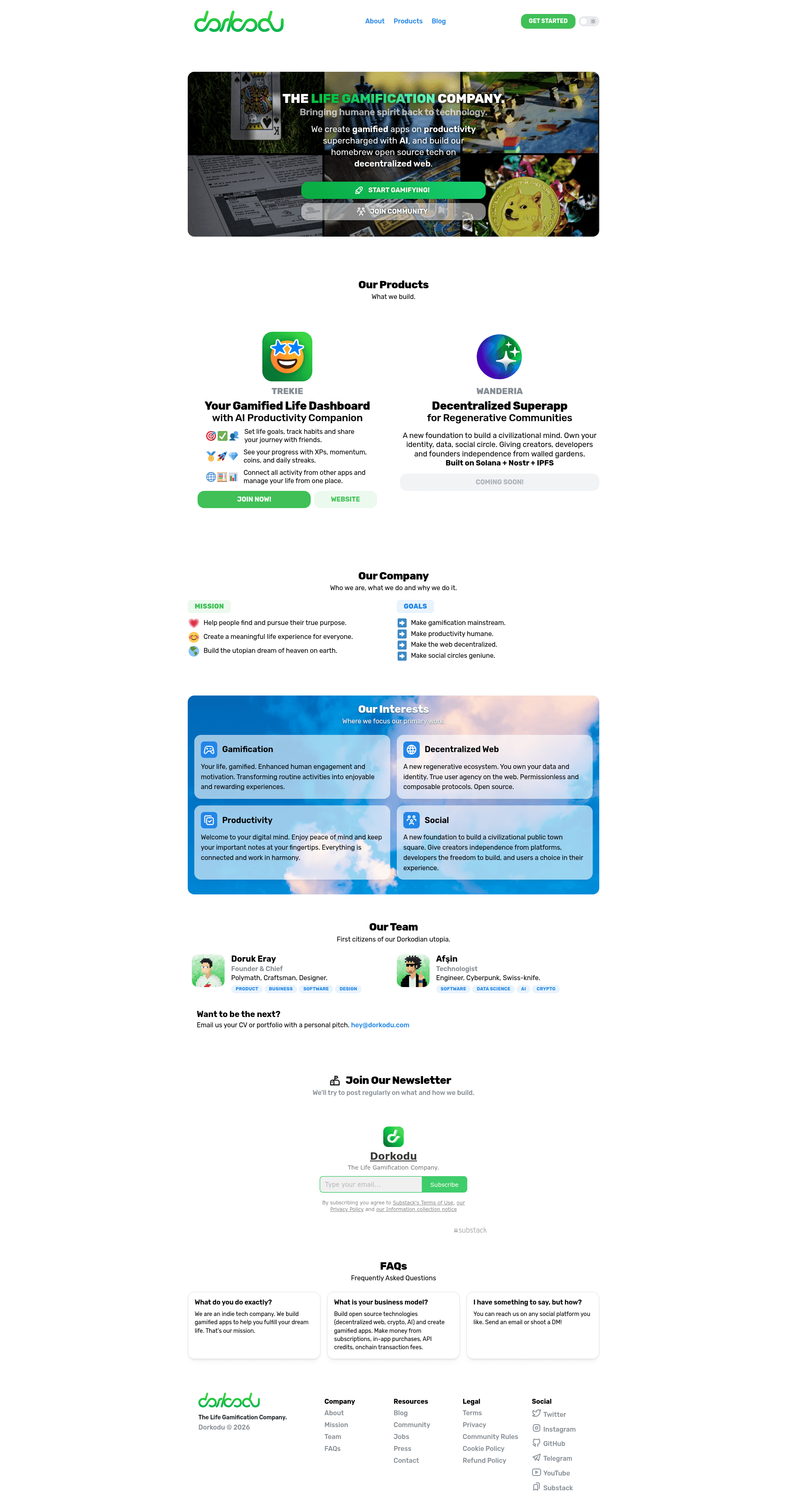
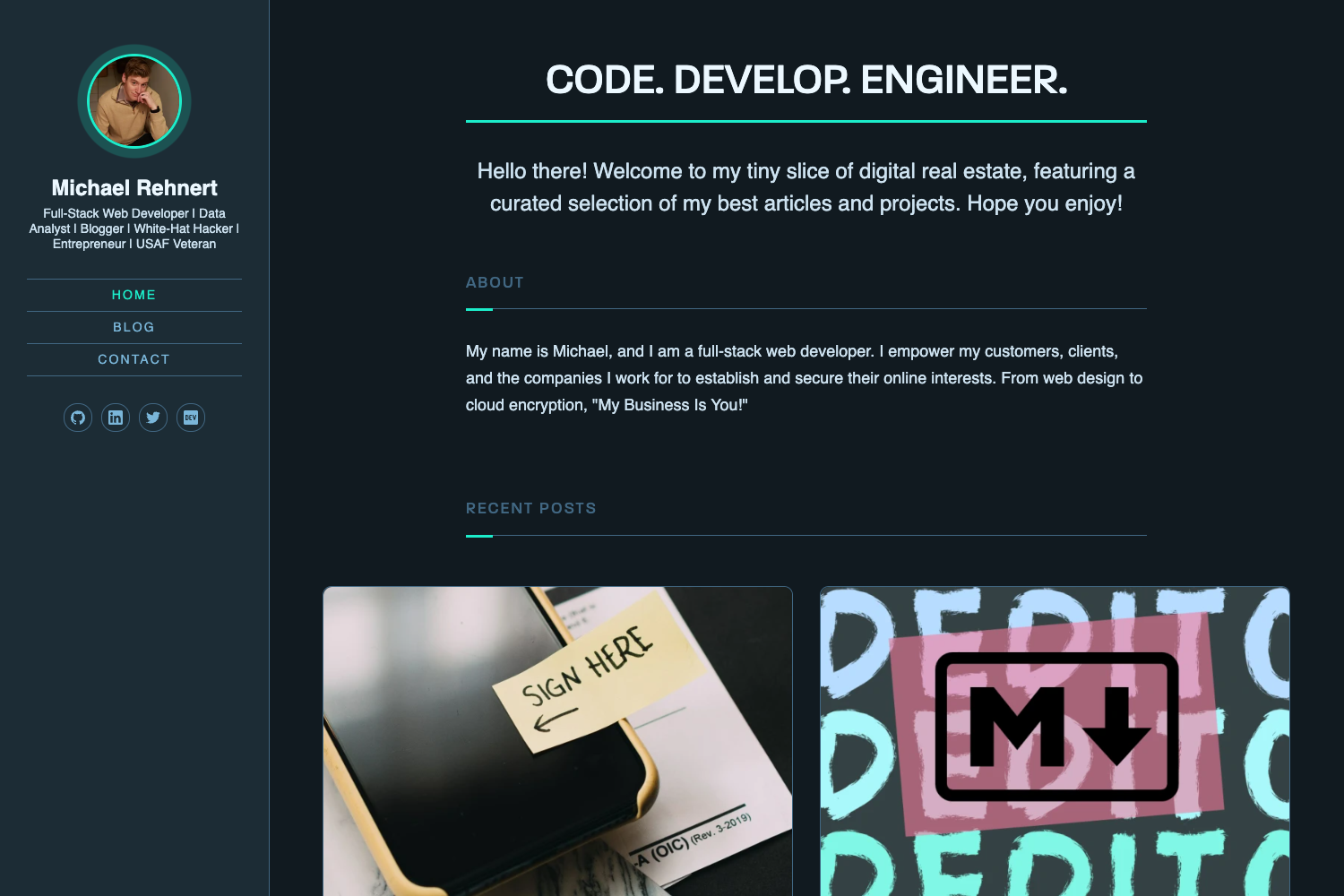
Dorkodu's Astro Template is a minimalist Astro starter for portfolios, blogs, landing pages, and personal websites, built with React, TypeScript, and Mantine UI.
What is Dorkodu's Astro Template?
Dorkodu's Astro Template is a website starter built on the Astro framework. It takes source files in .astro and .md formats from the src/pages directory and builds a static site into ./dist when you run the build command. The template is developed by Dorkodu and uses React, TypeScript, Mantine UI, MDX, Partytown, and Sitemap. It comes with a site.config.ts file for central configuration and PostCSS setup.
Key Features
- Astro-based routing — Every .astro or .md file placed in src/pages becomes a route whose URL matches the file name, so adding a page is just adding a file.
- Mantine UI styling — The template includes theme.ts, index.css, index.css.ts, and Layout.css.ts in src/styles, with Mantine UI providing the component styling system.
- React and TypeScript — Components are written in React with TypeScript for typed props; default components include Header, Footer, Hero, and Card in src/components.
- MDX support — Markdown pages can contain embedded JSX, letting authors mix prose with interactive elements.
- PostCSS preconfiguration — A postcss.config.js sits in the project root so CSS transformations are ready out of the box.
- Partytown integration — Third-party scripts can be executed in a web worker via Partytown, keeping the main thread free.
- Sitemap integration — Sitemap generation is included as part of the used stack, simplifying search engine indexing.
- Central site configuration — site.config.ts holds site-wide settings, while public/ holds images, fonts, favicon.svg, robots.txt, and site.webmanifest.
Who is it for?
- Developers starting a personal site — Clone the repo, run pnpm install and pnpm dev, then edit index.astro and about.astro in src/pages.
- Portfolio owners — Use the Card and Hero components to present projects and a headline, with styling controlled by the Mantine theme.
- Bloggers — Write posts in Markdown or MDX; each file in src/pages becomes a route automatically.
- Small landing page creators — The Hero section and Card grid give a ready-made structure for a product or service landing page.
What can you do with it?
- Launch a personal homepage — Edit src/pages/index.astro and about.astro to publish a two-page site with a shared layout from src/layouts/Layout.astro.
- Showcase a portfolio — Add project cards using the Card component and configure site metadata in site.config.ts.
- Publish a blog — Drop .md or .mdx files into src/pages; they compile to static pages with no extra routing setup.
- Build a landing page — Customize the Hero component as the top section and keep the rest minimal using the built-in layout.
How does Dorkodu's Astro Template work?
The template uses pnpm for all commands. Run pnpm install to install dependencies, pnpm dev to start a local server at localhost:4321, and pnpm build to output the production site to ./dist. Static files placed in public/ are copied as-is to the output, and src/pages determines the site's routes.