Template details
Next.js + TypeScript + Chakra
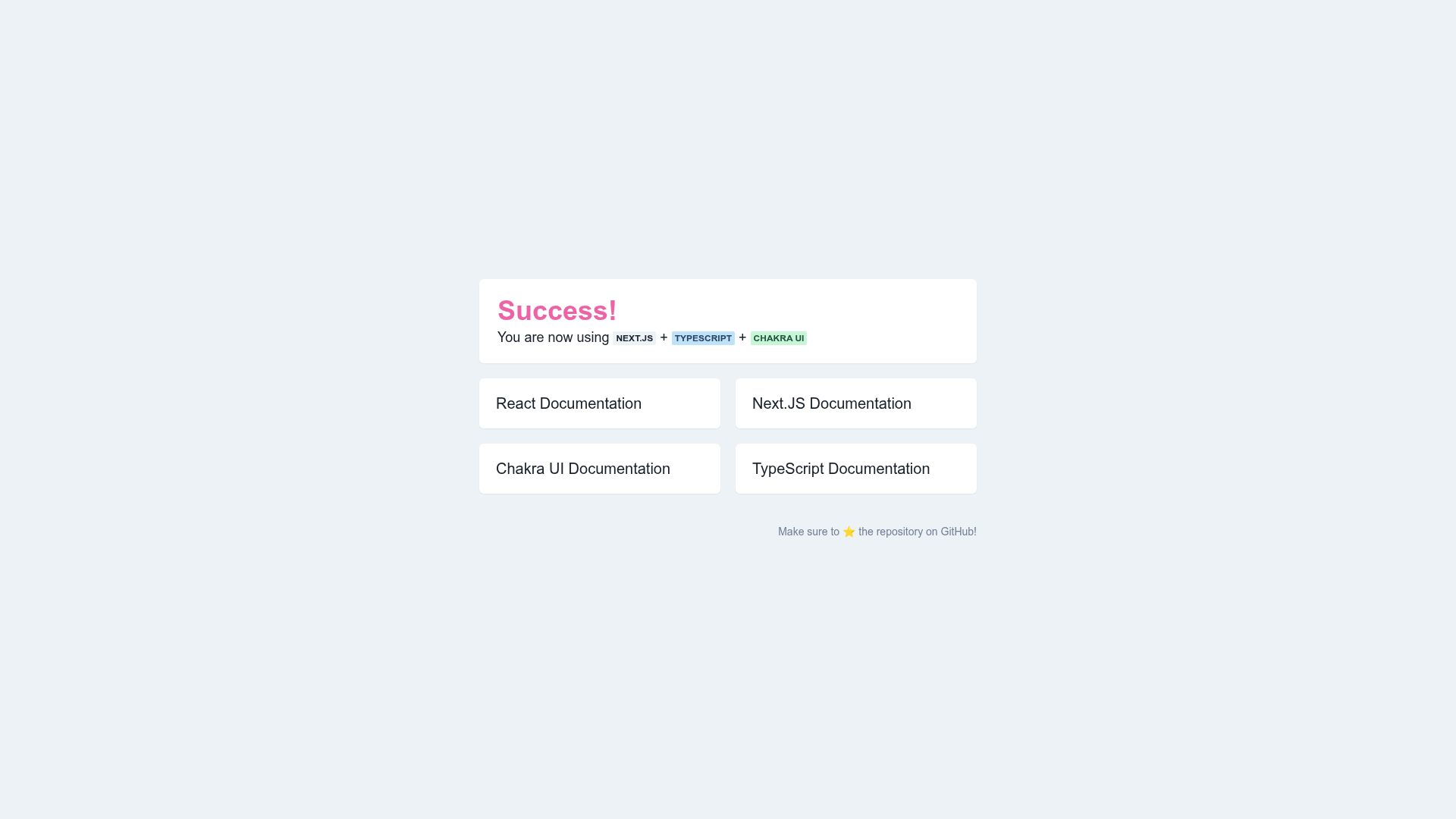
Starting point for a Next.JS app with TypeScript and Chakra UI.
About this template
Next.js + TypeScript + Chakra is a minimal, open-source boilerplate that scaffolds a new Next.js application with TypeScript and Chakra UI pre-configured, so you can start coding immediately after cloning.
What is Next.js + TypeScript + Chakra?
Next.js + TypeScript + Chakra is a GitHub repository by AshMW2724 that serves as a starting point for building Next.js applications. Its core function is to eliminate the setup overhead: instead of manually installing and wiring TypeScript and Chakra UI into a blank Next.js project, you clone this template and run three commands to have a working app. The template outputs a standard Next.js project structure with the TypeScript compiler and Chakra UI component library configured. It runs on any machine with Node.js and is started locally using the npm run dev command.
Key Features
The template's value lies in bundling the essential front-end tooling into one ready-made repo.
- Next.js framework — Built on Next.js, the React framework that provides file-based routing, server-side rendering, and API routes out of the box.
- TypeScript setup — TypeScript is pre-configured, giving you static type checking and editor IntelliSense without extra setup.
- Chakra UI library — Chakra UI is included as a dependency, offering accessible, themeable React components for rapid UI development.
- Prettier formatting — Prettier is installed, and the README points to the VS Code extension for automatic code formatting.
- ESLint and prettier-eslint — The repository's topics list ESLint and prettier-eslint, indicating linting is part of the configured toolchain.
- Three-step setup — Get a running dev server with git clone, npm install, and npm run dev.
- Official docs links — The README links directly to Next.js, TypeScript, and Chakra UI documentation for further reading.
Who is it for?
This template is for anyone who wants a working Next.js + TypeScript + Chakra UI base without spending time on configuration.
- Developers starting a new project who want these three technologies ready from the first commit.
- Students and learners who want a minimal, real example to explore how Next.js pages combine with TypeScript types and Chakra components.
- Prototype builders who need a fast way to spin up a UI with Chakra's components and don't want to deal with tooling details.
- Teams standardizing on Prettier and ESLint who want formatting and linting established at the start.
What can you do with Next.js + TypeScript + Chakra?
- Launch a front-end project: Clone the repo and start building components and pages immediately, since the structure and tooling are already in place.
- Test Chakra UI components: Use the included library to mock up interfaces quickly with its ready-made elements, then customize the theme.
- Learn the stack: Use the project as a study reference to see how TypeScript definitions and Chakra UI imports look inside a default Next.js page.
How does the template work?
The README outlines a simple workflow: clone the repository, install dependencies with npm install, and start the development server with npm run dev. After that, you can modify files and preview changes in the browser. No custom scripts or extra configuration are documented; the project relies on Next.js defaults, and the official documentation is linked for advanced needs.