Template details
my-dev-jamstack
Gatsby JAMstack template with Git as CMS, generated by Stackbit; includes swapable themes, CMS backends, and SSGs.
About this template
my-dev-jamstack is a Gatsby-based JAMstack site template generated with Stackbit that treats Git as a CMS, letting you manage content in Markdown and deploy a static site to Netlify.
What is my-dev-jamstack?
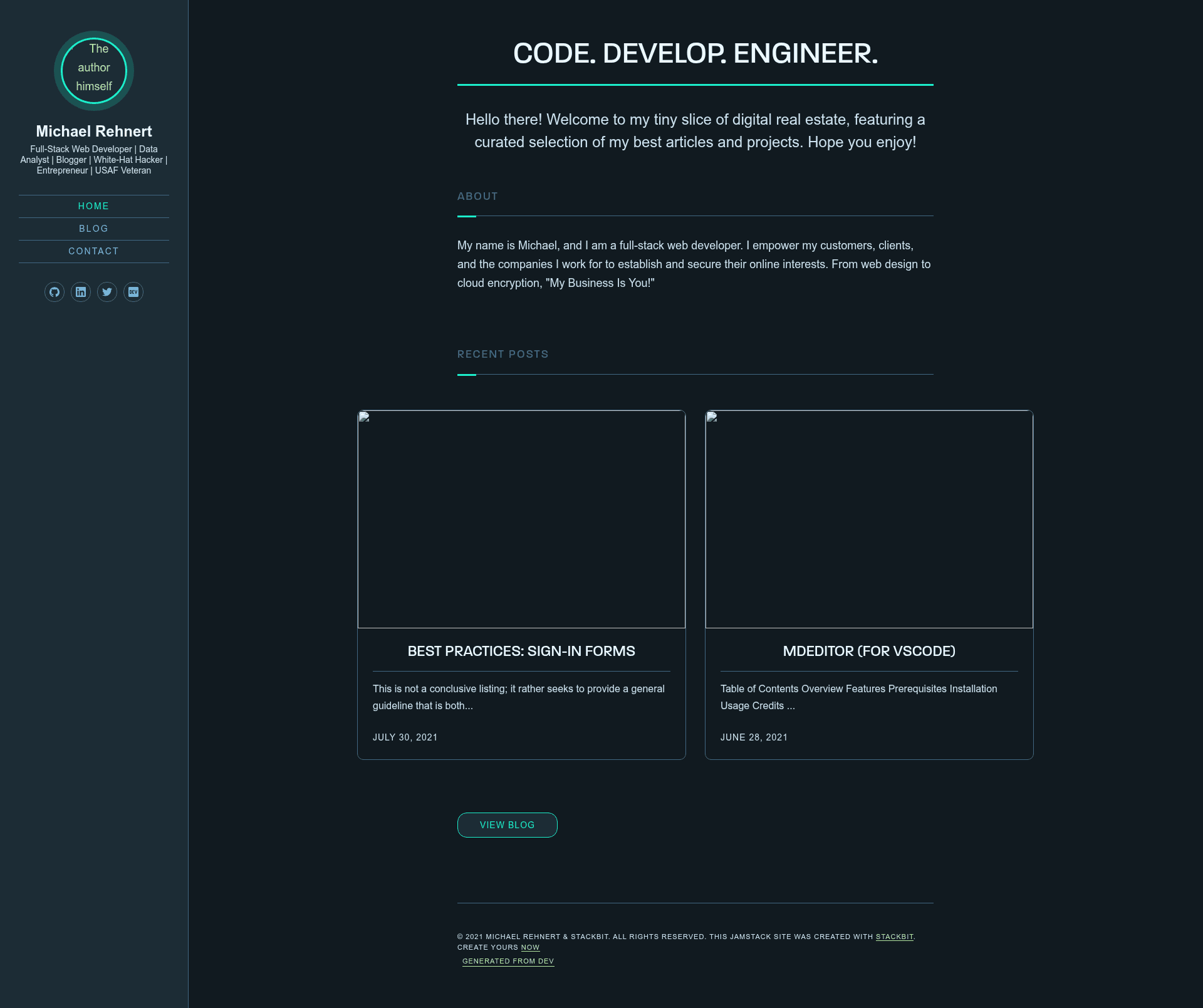
my-dev-jamstack is a headless Gatsby site built on the Stackbit Fresh theme, created with Stackbit in under a minute. It stores content as Markdown files in a Git repository, which acts as the content management system. The site produces a static JAMstack output deployable to Netlify, as indicated by the repository's Netlify status badge.
Key Features
my-dev-jamstack combines a Gatsby static site with Git-based content management and Stackbit's configuration options, letting you swap the look, CMS, and static site generator at creation time.
- Gatsby framework — Uses Gatsby as the static site generator; the local development server runs on
localhost:8000after runningnpm run develop. - Git as CMS — Content is edited as Markdown files that are versioned in Git, so publishing happens through your normal repository workflow.
- Stackbit Fresh theme — The default theme is one of several Stackbit looks; alternatives via the README links include the Ampersand, Book, and Startup themes.
- Swapable CMS backends — At creation you can choose Netlify CMS, Contentful, or Forestry instead of Git-only editing.
- Swapable static site generators — The same Stackbit setup can also generate sites with Next.js, Hugo, or Jekyll instead of Gatsby.
- Stackbit Studio editing — Provides free on-page editing, with linked video guides covering content editing, adding and reordering items, collaboration, and publishing.
- Netlify deployment — Includes a Netlify status badge and is set up for continuous deployment from the Git repository.
- Markdown content support — All site content lives in Markdown files, editable directly in a text editor or through Stackbit Studio.
Who is it for?
my-dev-jamstack is for developers, content editors, and startup teams who want a JAMstack site with Git-based content editing and no separate CMS server to run.
- Developers can start from a working Gatsby setup with a CMS integration and focus on customizing components and styling.
- Content editors can write posts in Markdown or use Stackbit Studio's on-page editor without touching code.
- Startup teams can use the Startup theme variant to build a company homepage quickly.
- Bloggers can use the Ampersand variant for a Medium-inspired blog layout.
What can you do with it?
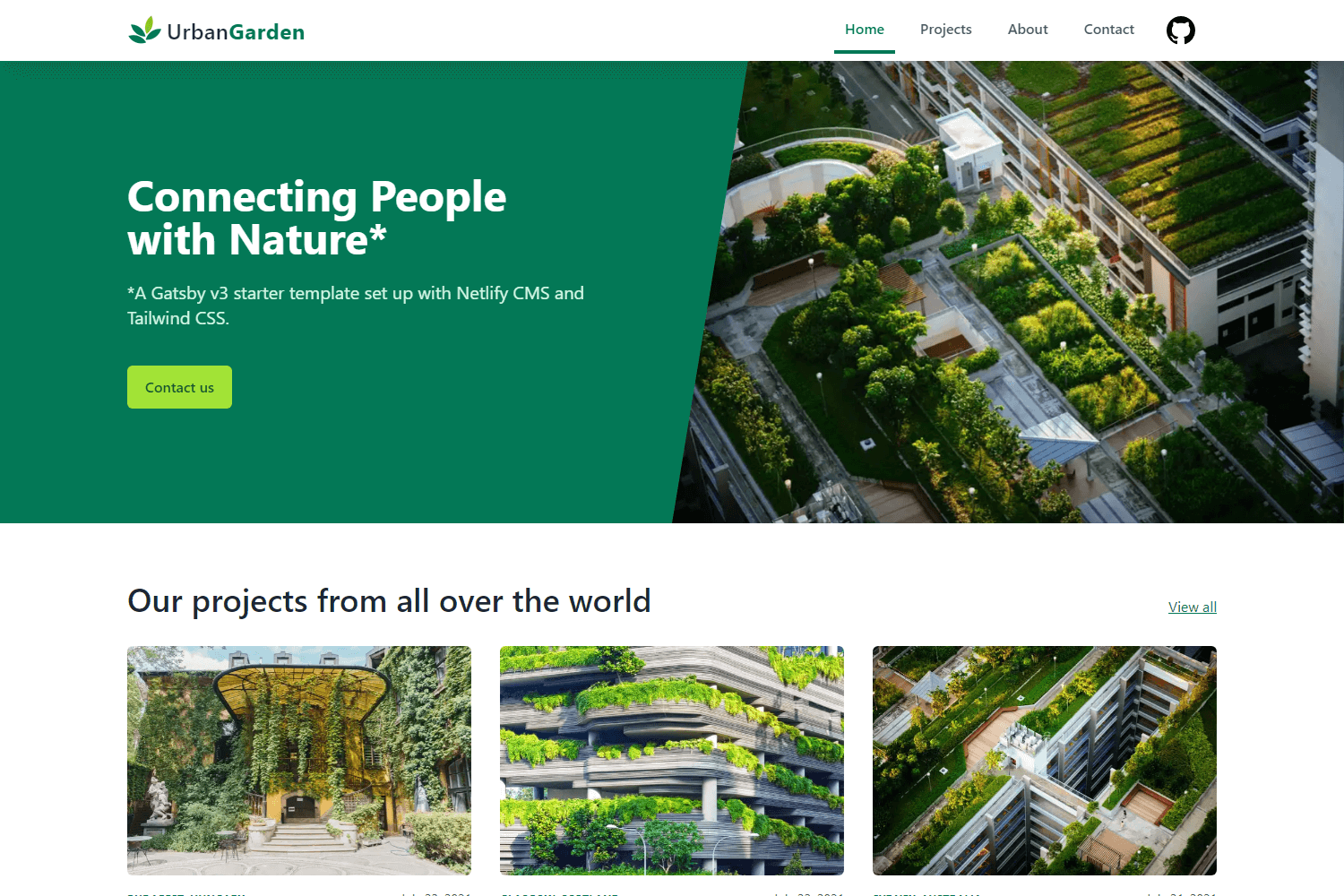
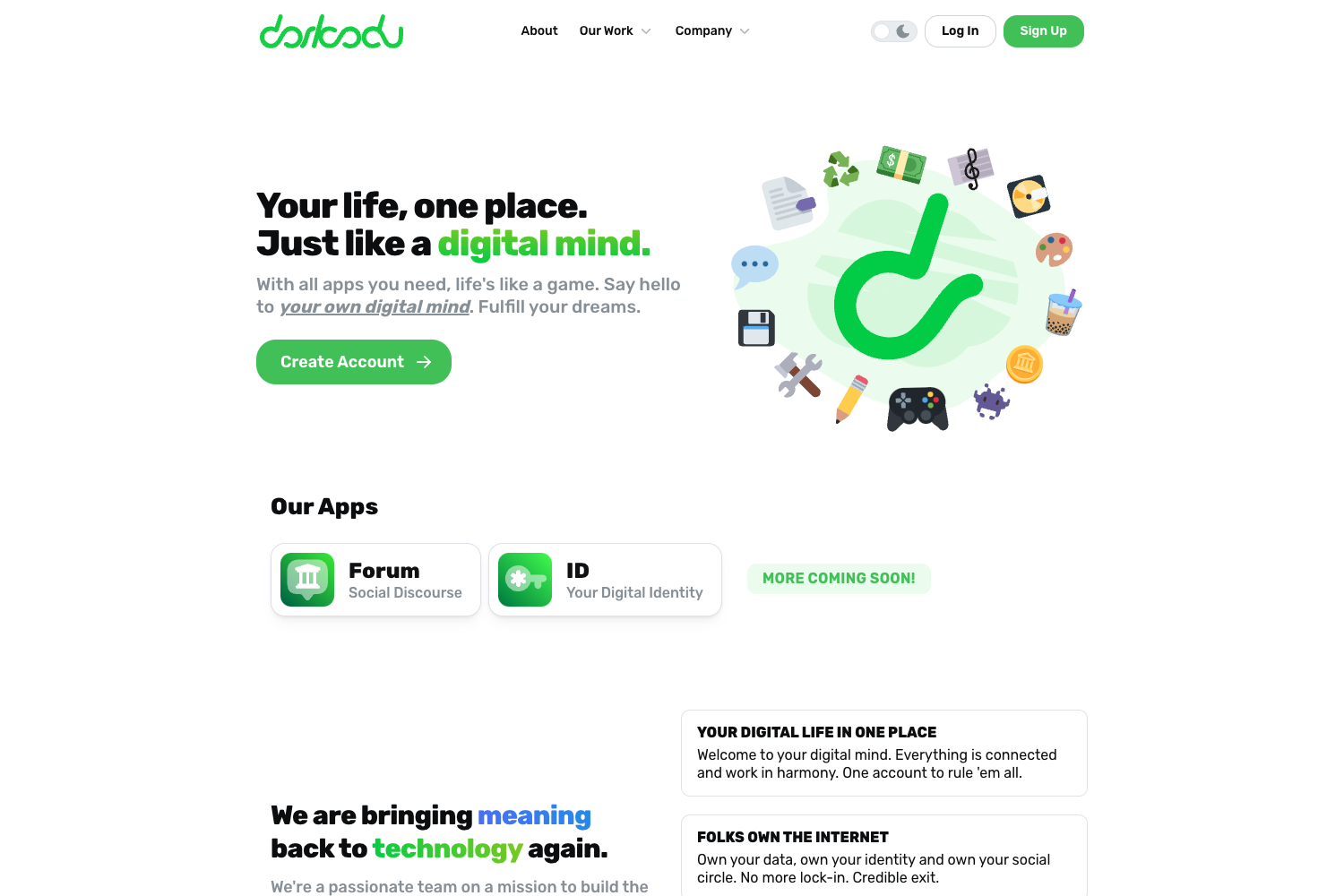
The template supports multiple site types depending on which Stackbit theme you pick: the default Fresh theme for a personal site, Ampersand for a Medium-style blog, Book for documentation, and Startup for a company homepage.
- Personal sites: Create a personal homepage with the Fresh theme and publish updates via Git or Stackbit Studio.
- Blogs: Use the Ampersand theme to run a Medium-inspired blog with posts stored as Markdown.
- Documentation sites: Use the Book theme to publish documentation from Markdown files.
- Company pages: Use the Startup theme to build a marketing site for a new business.
How does my-dev-jamstack work?
Running the site locally requires Node.js and npm, an API key from the Stackbit dashboard, and a few npm commands.
- Install Node.js and npm, then run
npm installin the project directory. - Get a stackbit-api-key from the project menu in the Stackbit dashboard and set it as the
STACKBIT_API_KEYenvironment variable. - Optionally run
npx @stackbit/stackbit-pullto fetch additional site contents from Stackbit. - Run
npm run developand openhttp://localhost:8000/in your browser.
Content editing is done by editing the Markdown files directly, or by using the free on-page editing experience in Stackbit Studio.