Template details
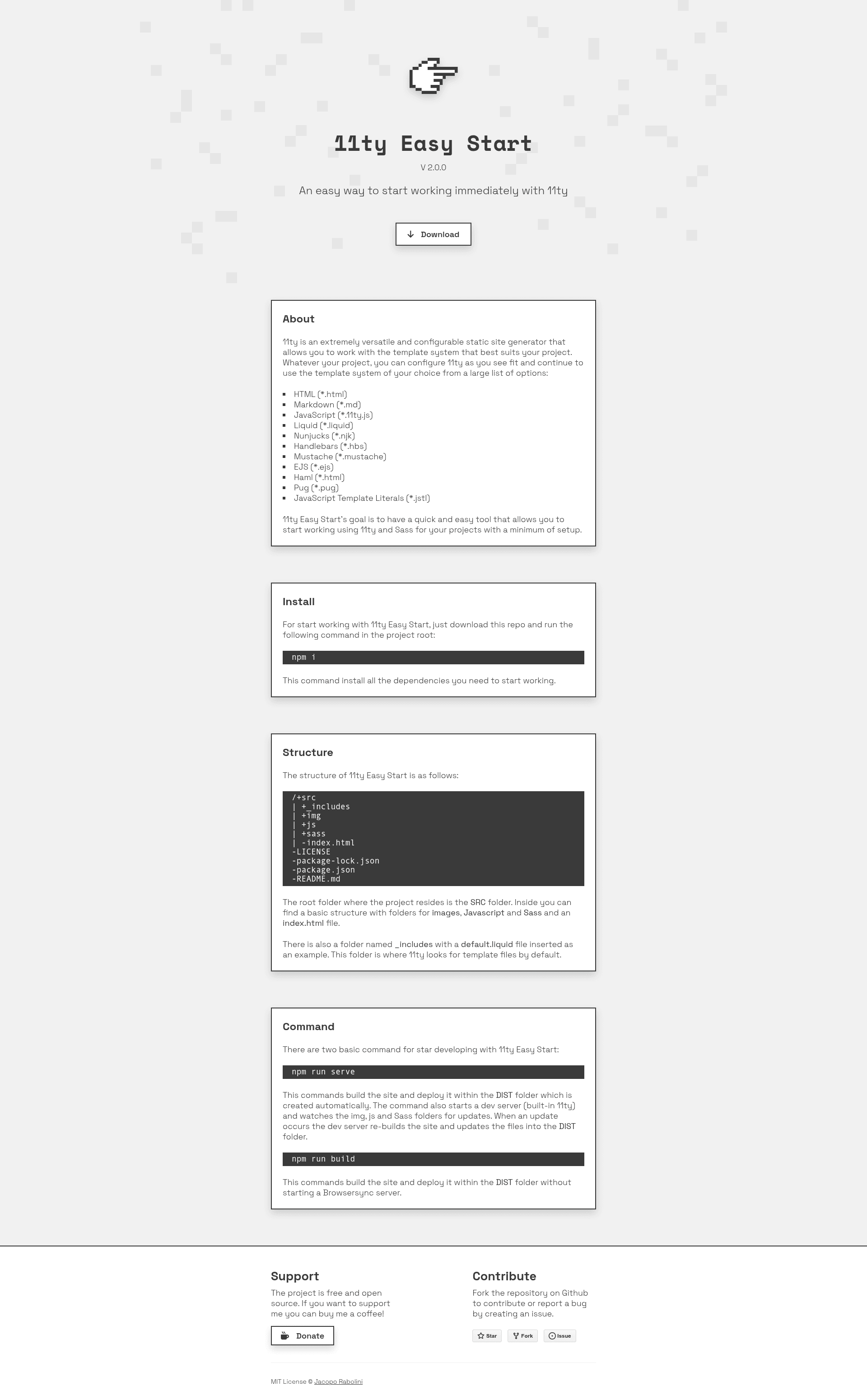
11ty Easy Starter
Start working immediately with 11ty.
About this template
11ty Easy Starter is a minimal boilerplate for the Eleventy static site generator that gets a new project running from a single install command and two npm scripts.
What is 11ty Easy Starter?
11ty Easy Starter is a GitHub-hosted boilerplate for building static websites with Eleventy (also known as 11ty). It accepts a source directory named src, compiles it into a deployable dist directory, and includes a local development server with live reload. The project is public, with the description "Start working immediately with 11ty."
Key Features
- One-command install — Clone or download the repository, then run
npm ito install all dependencies required to start. - Build script — The
buildcommand compiles thesrcdirectory into adistdirectory, producing static output ready for hosting. - Serve script with Browsersync — The
servecommand launches a Browsersync server that restarts every time a file is modified, enabling live reload during development. - Eleventy core — The starter is built on Eleventy, a static site generator that transforms templates and content into plain HTML.
- Minimal setup — The README shows only two npm scripts, meaning no extra configuration or tooling is required to get started.
Who is it for?
- Developers learning Eleventy — Use the starter to understand how a simple Eleventy project is structured without the overhead of a full framework.
- Freelancers building static sites — Spin up a new client site quickly by cloning the repo and running
serveto start editing. - Prototypers — Use the live-reloading Browsersync server to iterate on HTML and content in real time.
What can you do with it?
- Build a static website — Run
npm run buildto compile thesrcfolder intodist, then upload that folder to any static hosting service. - Develop with live reload — Run
npm run serveto open a local server that refreshes automatically on file saves, perfect for testing changes. - Learn Eleventy's file structure — Examine the repository to see a minimal src-to-dist build pattern you can adapt for larger projects.
How does it work?
The README describes two steps after cloning: run npm i to install dependencies, then use either build to produce a static output or serve to launch a Browsersync server. The serve command watches the project files and restarts automatically on modifications.
FAQ
What does the build command do?
The build command reads the src directory and outputs a finished static site into a dist directory, suitable for deployment to any web server.
What does the serve command do?
The serve command starts a Browsersync server that automatically reloads the browser whenever a file in the project changes, providing a smooth development experience.
Do I need to configure anything after installing?
The only setup mentioned is running npm i after cloning. The README does not list any additional configuration steps, so you can start working immediately.