Template details
Dumbarton
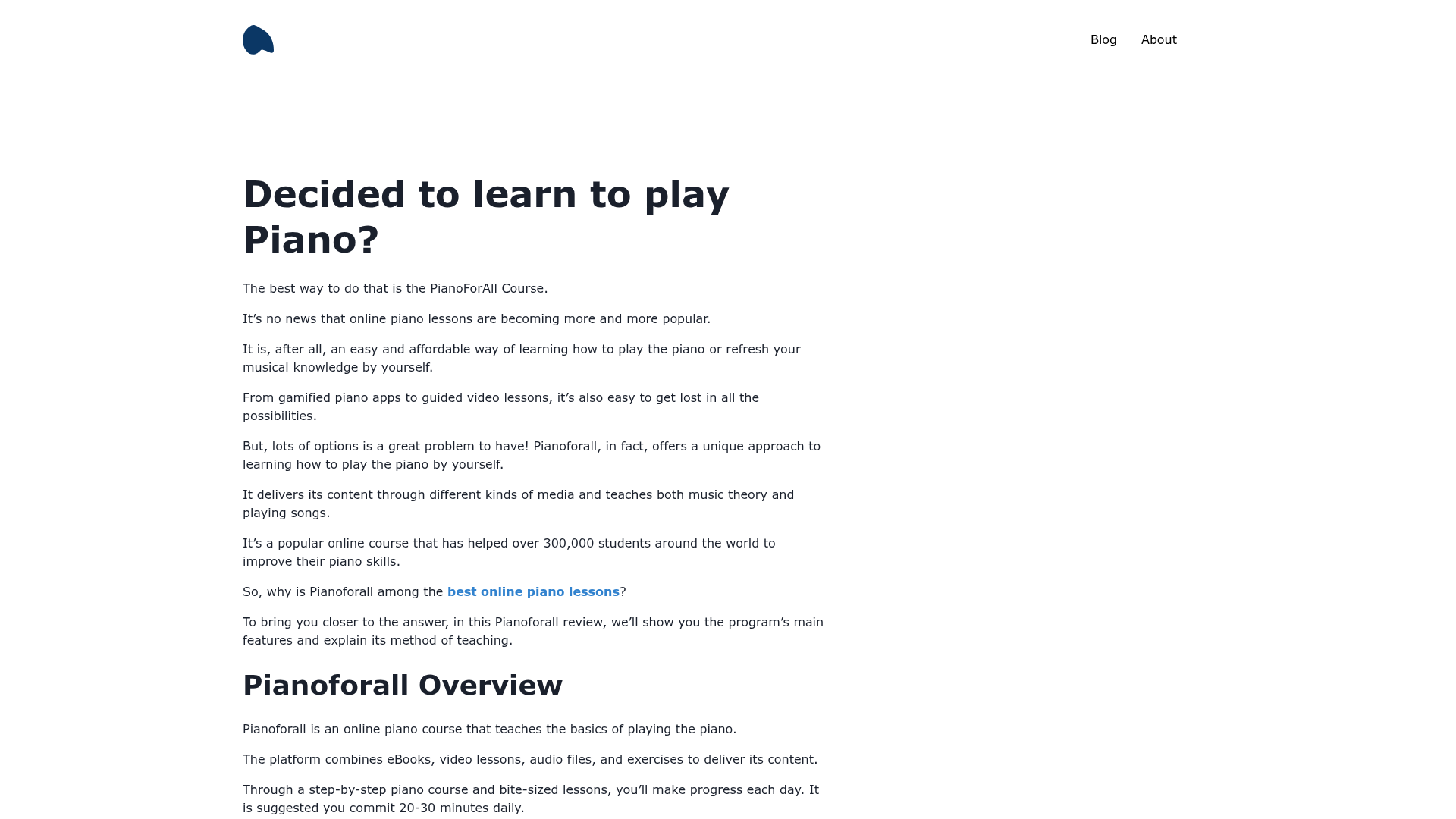
A simple Jekyll theme for academics, featuring an about-me homepage, blog, and publications highlights.
About this template
Dumbarton is a free Jekyll theme developed by Tyler Butler for building academic personal websites, with a simple homepage featuring an about-me section, a blog, and an interactive highlights area for publications, coursework, courses taught, and projects.
What is Dumbarton?
Dumbarton is a Jekyll theme designed specifically for academics. It takes a standard Jekyll site structure and a _config.yml file as input, and produces a static website with a homepage, blog, and publication list. The theme is built with Bootstrap 4.5.3 and Animate CSS, and it uses the Jekyll Scholar plugin to format bibliographies and generate citation-powered publication pages. The theme is not compatible with GitHub Pages because GitHub does not support the jekyll-scholar plugin; it is designed to be deployed on other platforms such as Netlify, and a live demo is available at dumbarton.netlify.app.
Key Features
- Homepage highlights — An interactive section that lets you feature publications, coursework, courses taught, and projects using tabs; only the
educationhome option is currently functional. - Bootstrap 4.5.3 UI — The interface is styled with Bootstrap 4.5.3 plus Animate CSS for entrance animations that can be toggled on via the
animateconfig option. - Color schemes — The
ui-themeoption in_config.ymllets you select pre-configured color themes, and you can create your own by adding a new entry in_data/themes.ymlwith fields likenav-color,title-font, andfont-color. - Jekyll Scholar integration — Used on the publications page and the homepage publications highlight; you configure it with a
papers.bibfile and settings for citation style like APA. - Blog with tags — A blog section where you can define a space-separated tag list in the config, and comment support via Gitalk (currently not working).
- Customizable navigation and footer — Social links (e.g., Twitter) are set in the config and generate links in both the nav bar and footer.
- Meta tag controls — Optional verification meta tags for Google Search Console, Yandex, Bing, Alexa, Pinterest, Norton Safe Web, plus Open Graph and DNS prefetch settings.
- Favicon support — Replaceable icons at
/assets/img/icons, with instructions to generate a new set using a favicon generator.
Who is it for?
- Academic researchers — Create a professional homepage to present your publications, current research, and a blog for sharing updates with the academic community.
- PhD students and postdocs — Set up a personal academic site quickly without designing from scratch, using the built-in education and certification sections.
- Professors and lecturers — Use the highlights section to list courses taught, coursework, and projects for prospective students or collaborators.
What can you do with Dumbarton?
- Showcase a publication list — Use Jekyll Scholar to automatically format a bibliography from a BibTeX file, with citation style options such as APA.
- Run a research blog — Write blog posts under a
/blogsection with configurable tags, and control commenting through Gitalk (though this feature is currently not working). - Build a personal brand — Add social media links in the navigation and footer, set your profile image, and include verification meta tags for search engines.
How does Dumbarton work?
To install, clone the repository from GitHub, run bundle install to install dependencies, then start a local server with bundle exec jekyll serve. Most settings — including site info, theme color scheme, scholar configuration, and meta tags — are changed in _config.yml, and you must restart the Jekyll server to see those changes take effect.
Pros and cons
- Pros — Simple and focused design for academic sites; integrates Jekyll Scholar for bibliographies; offers configurable color schemes and accent fonts; includes SEO and verification meta tags.
- Cons — Not compatible with GitHub Pages due to the jekyll-scholar dependency; the comments feature (Gitalk) is currently non-functional; only the
educationoption works for the homepage's lower section.
FAQ
Is Dumbarton compatible with GitHub Pages?
No. The theme explicitly states that it is not compatible with GitHub Pages because GitHub does not support the jekyll-scholar plugin. It is recommended to deploy on platforms like Netlify, and the demo site runs on Netlify.
How do I install Dumbarton?
Clone the repository, run bundle install to install dependencies, and then start the development server with bundle exec jekyll serve. You will need a local Jekyll environment set up with Ruby and Bundler.
What is Jekyll Scholar and why is it used?
Jekyll Scholar is a Jekyll plugin that formats bibliographies and reading lists. Dumbarton uses it for the publications page and the homepage highlights so that academic citations can be generated from a BibTeX file.
Can I customize the color scheme?
Yes. Set the ui-theme option in _config.yml to a pre-configured theme name, or define a new theme by adding an entry to _data/themes.yml with fields for nav colors, fonts, and more.
Does Dumbarton support blog comments?
The theme includes a comments setting enabled via Gitalk, but the documentation notes that this feature is "Not Currently Working". You can leave the setting as comments: false to disable it.