Template details
Portio Hugo
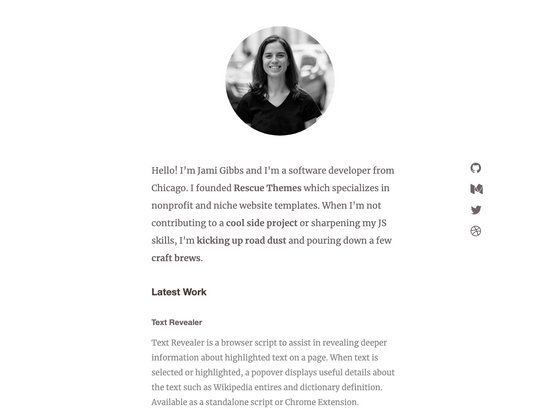
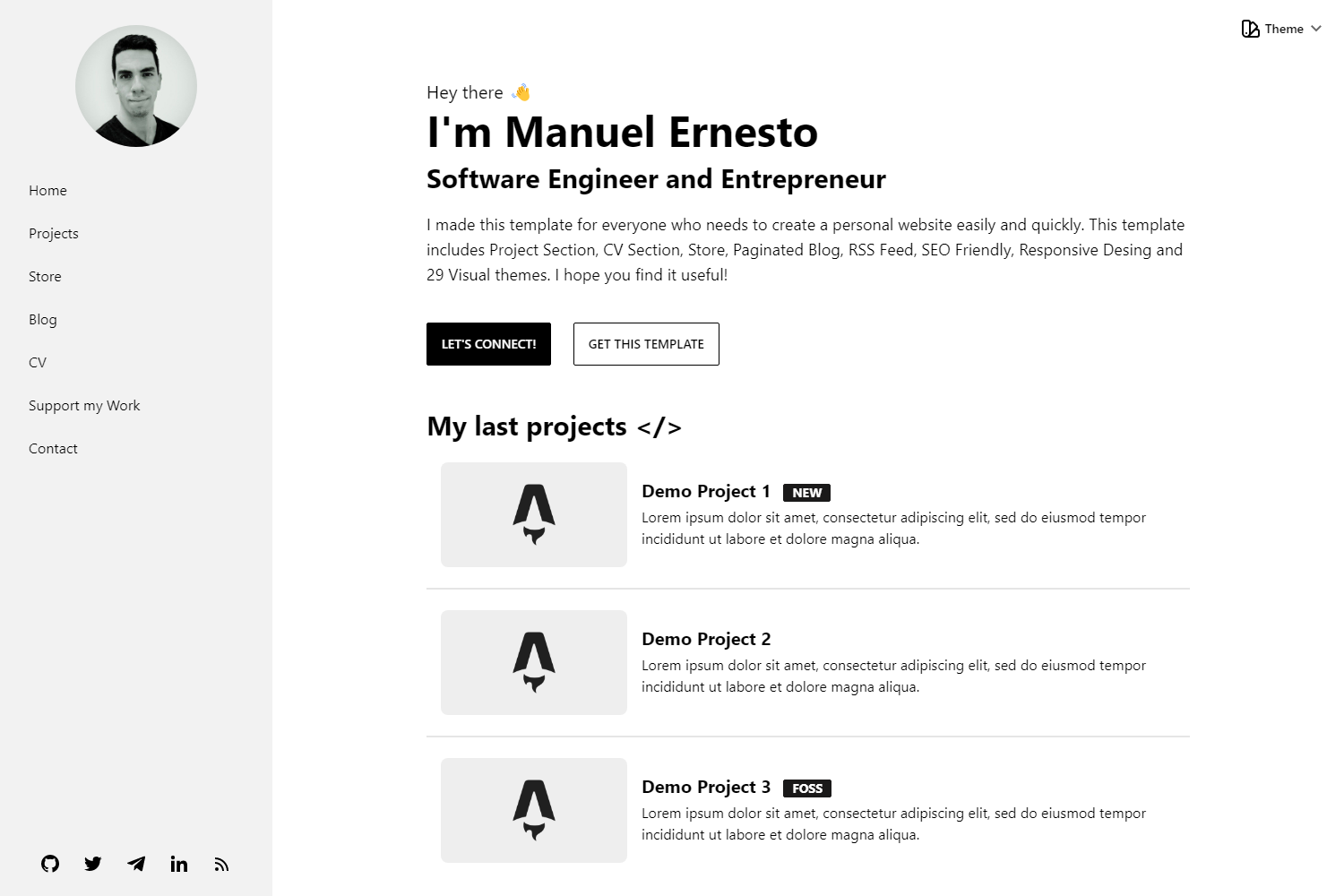
Portio Hugo is a minimal, responsive portfolio theme for Hugo, built with Bootstrap 4 and designed for easy customization.
About this template
Portio Hugo is a minimal, responsive portfolio theme built for Hugo, the static site generator, that turns Markdown content into a static portfolio website.
What is Portio Hugo?
Portio Hugo is a portfolio website theme for the Hugo static site generator. It takes content files (such as project descriptions, biographies, and contact settings) and configuration data, then builds a static HTML site that can be hosted on any web server or CDN. The theme is built with Bootstrap 4 and requires Hugo Extended v0.160 or newer, Node.js v18 or newer, and Go v1.22 or newer to set up the development toolchain. The project is distributed as a free GitHub repository and has 448 stars.
Key Features
- Minimal and clean design — A simple layout focused on presenting portfolio content without decorative clutter, suited for professional personal sites.
- Responsive layout — Built with Bootstrap 4, so pages automatically adjust to mobile, tablet, and desktop screen sizes.
- Well-organized file structure — The theme is separated into named partials, templates, and config files, making specific sections easy to locate and modify.
- Easy customization — Design tokens, content, and colors are defined in configuration and content files, so users can change the look without touching core templates.
- Yarn-based development workflow — Commands like
yarn install,yarn project-setup,yarn dev, andyarn previewhandle dependency installation, setup, local development, and production preview. - Static site output — The Hugo build produces plain HTML, CSS, and JavaScript that can be deployed to any static hosting service without a server.
Who should use Portio Hugo?
- Freelance designers and developers — Present project case studies, client work, and skills in a clean, minimal portfolio layout.
- Photographers and visual artists — Showcase a gallery-style portfolio using the responsive theme on a fast static site.
- Students and early-career professionals — Create a personal landing page that links to project repositories, resumes, and contact channels without managing a CMS.
What can you do with Portio Hugo?
- Publish a personal portfolio site — Feed it your projects, biography, and contact details to generate a professional-looking site with no backend.
- Customize the design — Since the theme is built with Bootstrap 4 and named templates, you can restructure the layout or restyle components directly in the source files.
- Preview changes locally — Use
yarn devto spin up a local development server andyarn previewto check the production build before deploying.
How does Portio Hugo work?
- Clone or copy the theme into a Hugo site directory.
- Run
yarn installto install Node dependencies andyarn project-setupto initialize the project configuration. - Add your portfolio content and site settings to the config and content files.
- Start the development server with
yarn devto preview the site locally, or useyarn previewto build and serve the production output.