Template details
Ecommerce Netlify
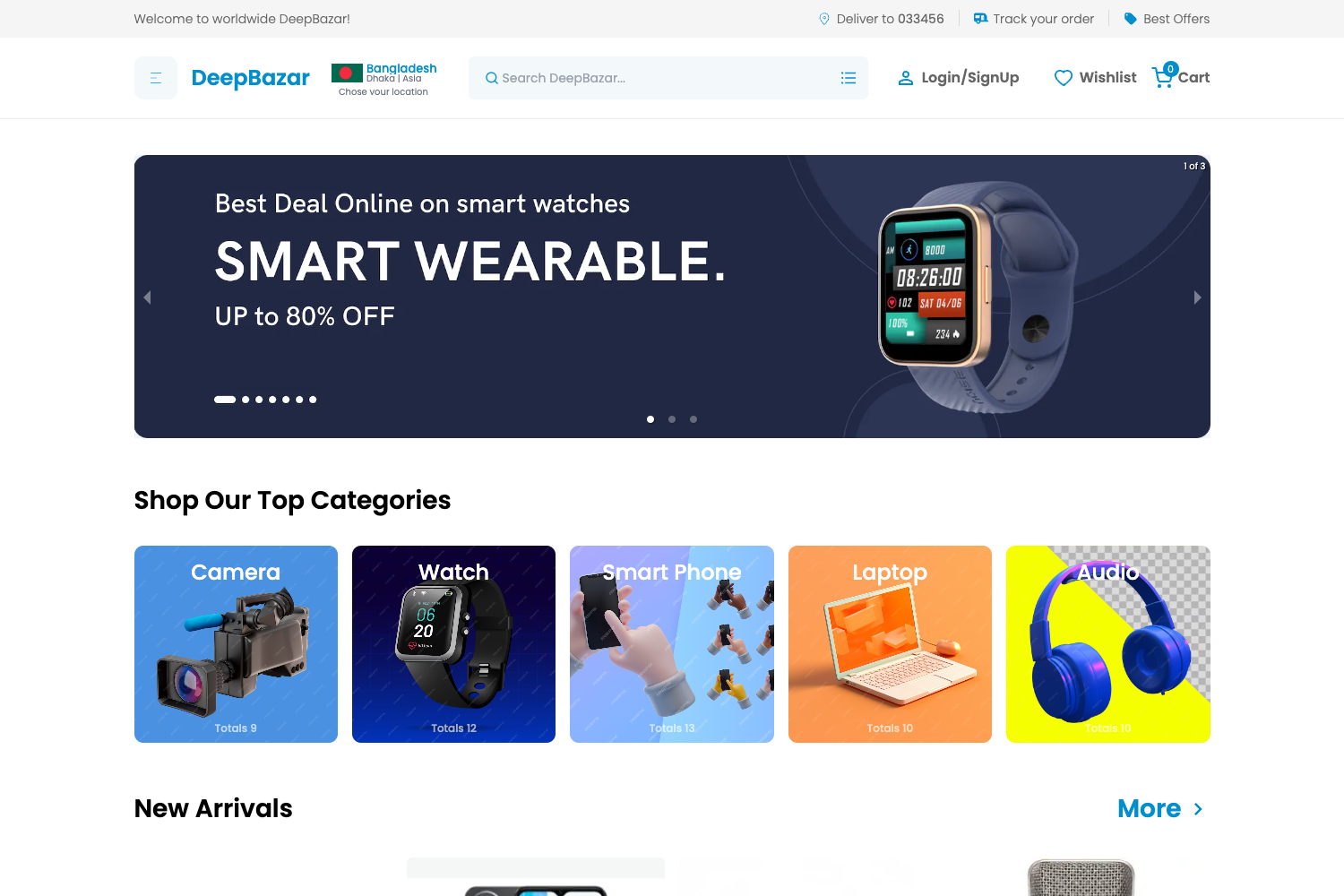
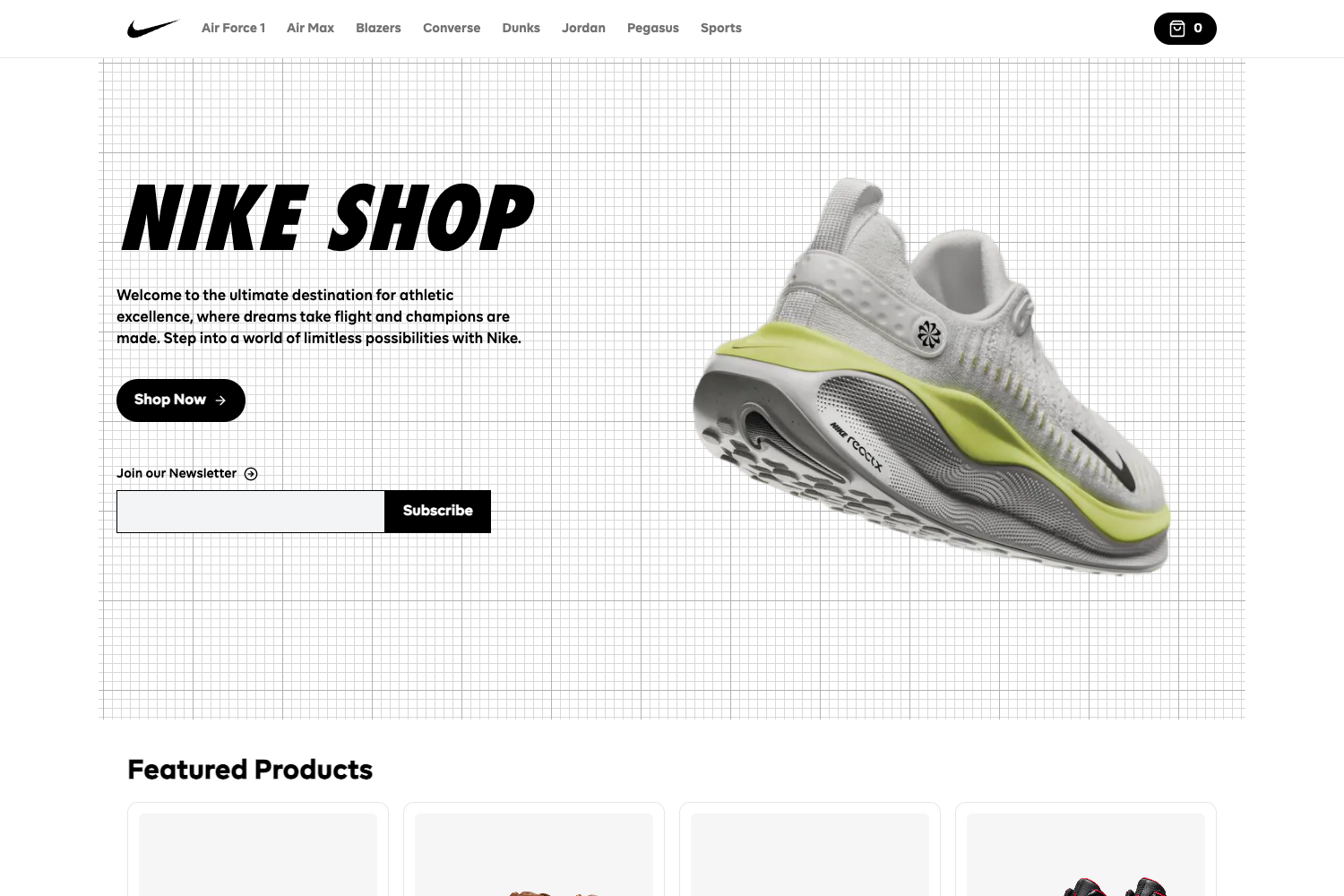
A JAMstack ecommerce site built with Nuxt and Netlify Functions, using Stripe for payments.
About this template
Ecommerce Netlify is a JAMstack ecommerce storefront starter built on Nuxt.js that processes payments through Stripe Checkout using Netlify Functions, designed for developers who want a working serverless commerce reference implementation.
What is Ecommerce Netlify?
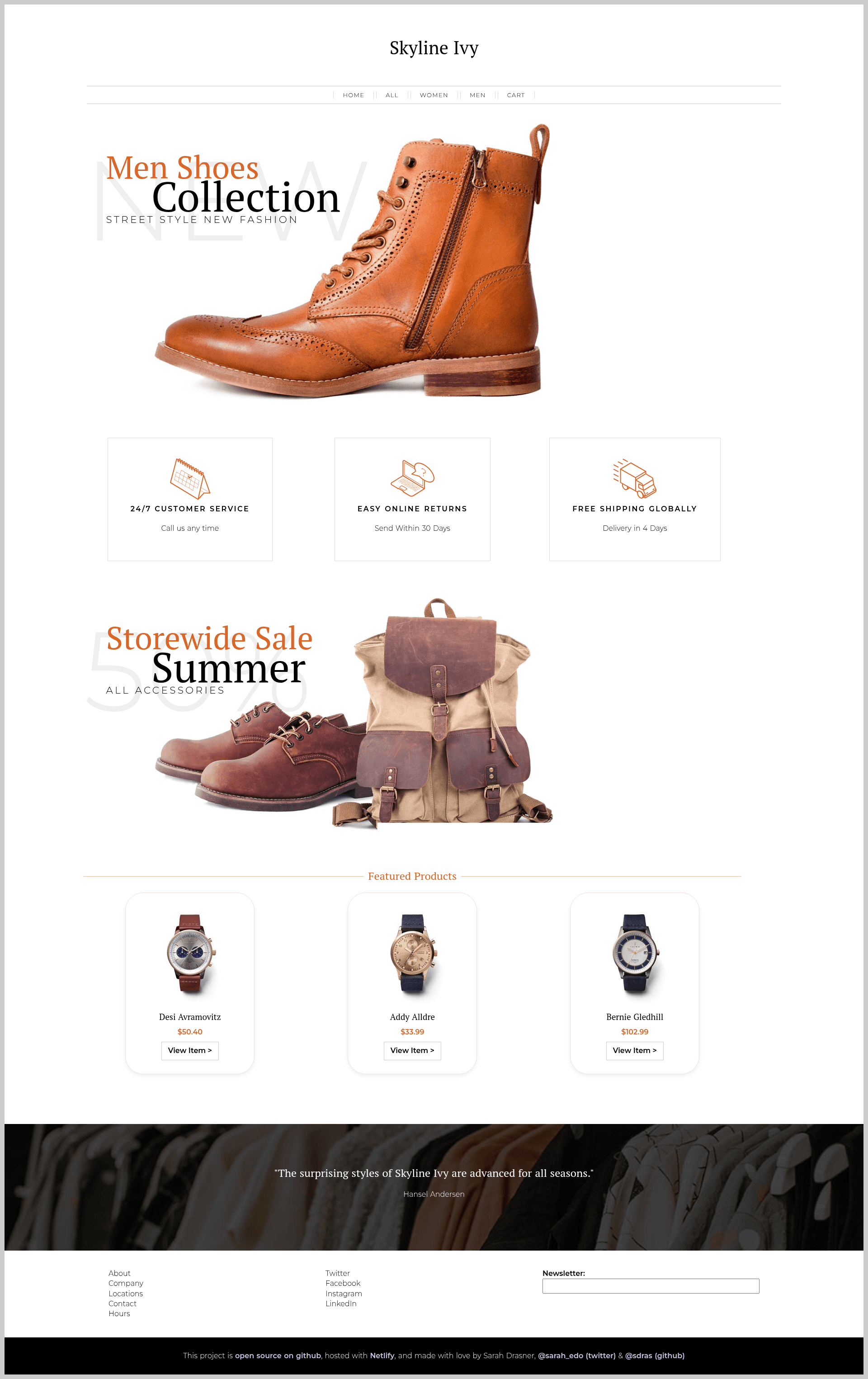
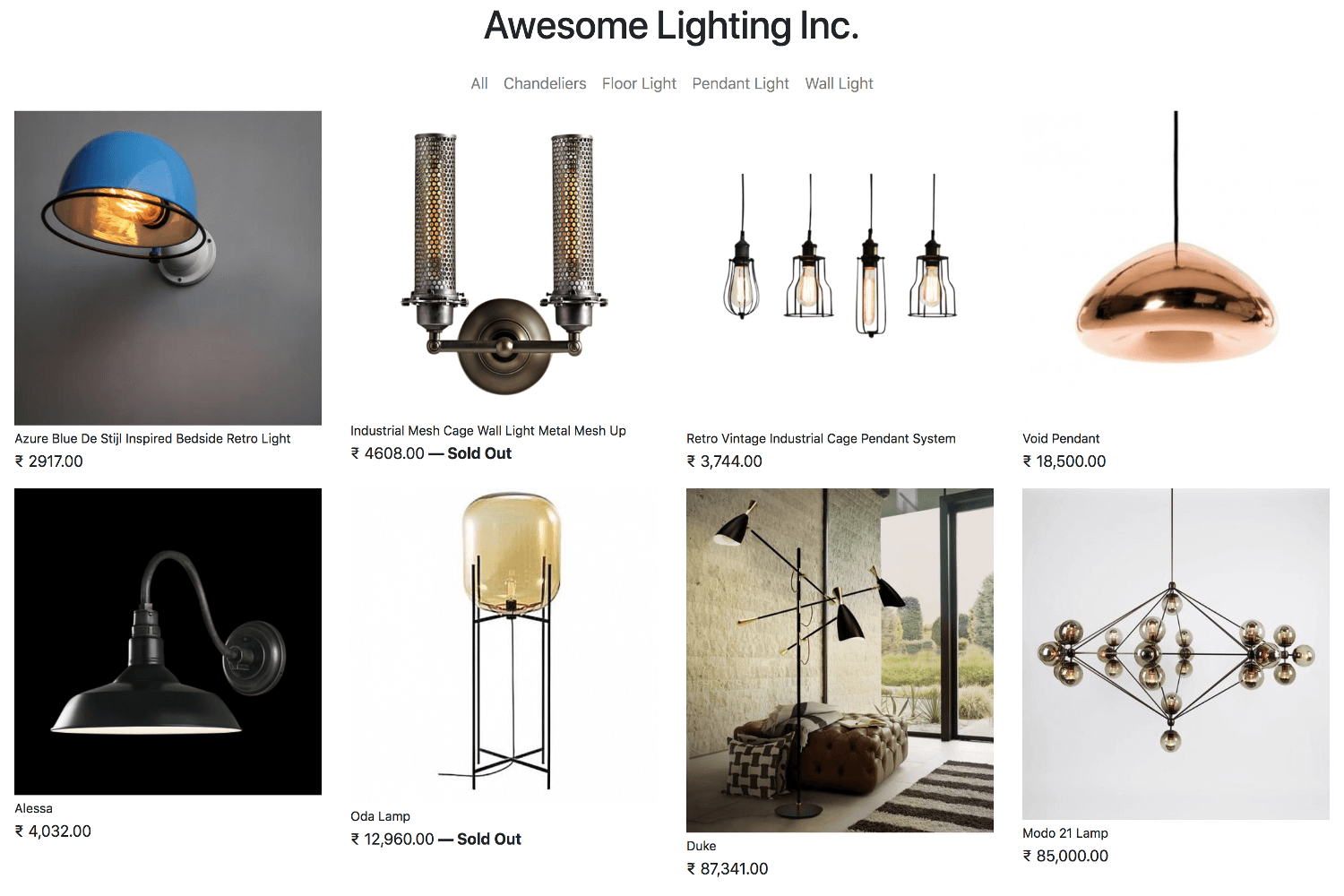
Ecommerce Netlify is an open-source project that combines the Nuxt.js Vue framework, Netlify Functions for serverless backend logic, and Stripe for payment processing. It takes product data and generates a static ecommerce site with individual product pages via Nuxt dynamic routing, then uses a Netlify Function to create Stripe Checkout sessions so customers can pay without the site managing its own server. The repository includes a live demo site and two CSS-Tricks articles that explain the Netlify Functions setup and Nuxt dynamic routing in depth.
Key Features
- Nuxt.js frontend — The storefront is built on Nuxt.js, with hot reload at localhost:3000 during development and
yarn generatefor static site output. - Netlify Functions backend — Serverless Lambda functions process Stripe payments, keeping payment logic and secret keys off the client.
- Stripe Checkout integration — Payments flow through Stripe's hosted checkout, and Stripe Checkout is listed in the repository topics.
- Dynamic product pages — Individual product routes are created using Nuxt's dynamic routing, with a dedicated CSS-Tricks tutorial explaining the implementation.
- JAMstack architecture — The site can be generated as a static project and deployed to Netlify, relying on Functions for the only dynamic part.
- Full build tooling — Includes yarn and npm commands for installing dependencies, development server, production build, and static generation.
- Public GitHub repository — The project is shared on GitHub with 1,562 stars, making it a well-adopted community reference for JAMstack ecommerce.
- Companion tutorials — Two CSS-Tricks articles step through the Netlify Functions + Stripe setup and Nuxt dynamic route creation.
Who is it for?
Ecommerce Netlify is aimed at developers and teams who want to understand or adopt a serverless ecommerce stack. Developers learning JAMstack can trace how Nuxt static generation and Netlify Functions split frontend and backend work. Ecommerce builders can fork the repository and customize the product data, styling, and Stripe configuration to launch a small store. Technical content readers can follow the linked CSS-Tricks articles to grasp the underlying patterns in detail.
What can you do with it?
- Launch a small digital or physical products store — Replace the demo products, configure Stripe keys, and deploy the static site to Netlify with the included Functions.
- Prototype a serverless checkout flow — Use the Netlify Function and Stripe Checkout integration as a starting template for your own payment logic.
- Learn Nuxt dynamic routing — Study how the product pages are generated from route parameters by reading the companion "Creating Dynamic Routes in Nuxt Application" article.
How does it work?
The README defines a standard Nuxt workflow: install dependencies with yarn install or npm run install, then run yarn dev for local development at localhost:3000, yarn build for a production build, or yarn generate to output a fully static site. The payment flow relies on a Netlify Function that receives a request and returns a Stripe Checkout session, so the frontend never handles secret material.
FAQ
Is Ecommerce Netlify free?
Yes, the project is published on GitHub as open source, and the demo site is live at ecommerce-netlify.netlify.com. There is no license restriction mentioned in the README, so you can freely fork and adapt the template.
What framework does it use?
The frontend is built with Nuxt.js, which is the Vue.js framework. The backend payment processing uses Netlify Functions (AWS Lambda), and payments are handled through Stripe Checkout.
How do I run it locally?
Clone the repository, run yarn install (or npm run install) to install dependencies, then yarn dev (or npm run dev) to start the development server with hot reload. For a production build, use yarn build and yarn start.
Does it use Stripe Checkout?
Yes, the repository lists stripe-checkout among its topics, and the Netlify Function described in the README processes Stripe payments server-side, which pairs with Stripe's hosted checkout flow.
Where can I find the demo?
A demo site is linked in the README at ecommerce-netlify.netlify.com. Two CSS-Tricks articles are also linked: one explains the Netlify Functions and Stripe setup, and the other covers dynamic routes in Nuxt.