Template details
Nike Shop
Fullstack Next.js e-commerce store with Stripe payments, cart, and admin dashboard.
About this template
Nike Shop is a full-stack Next.js e-commerce storefront that lets customers browse products, add them to a cart, and pay with Stripe, while an admin dashboard manages all product and order data. Built with TypeScript, Tailwind CSS, and shadcn/ui, this open-source repository on GitHub includes a demo video and is intended as a learning resource for building real-world online stores.
What is Nike Shop?
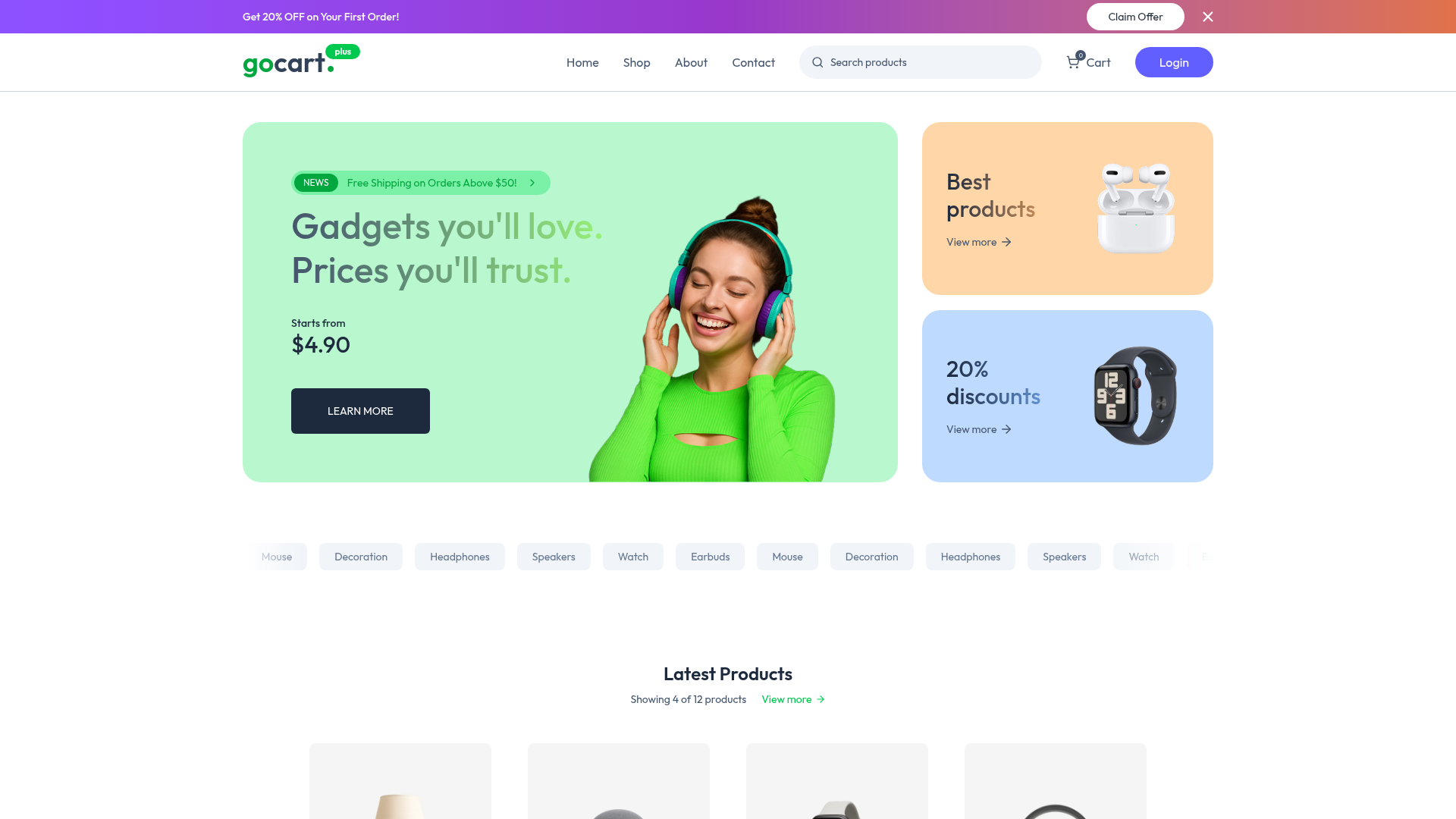
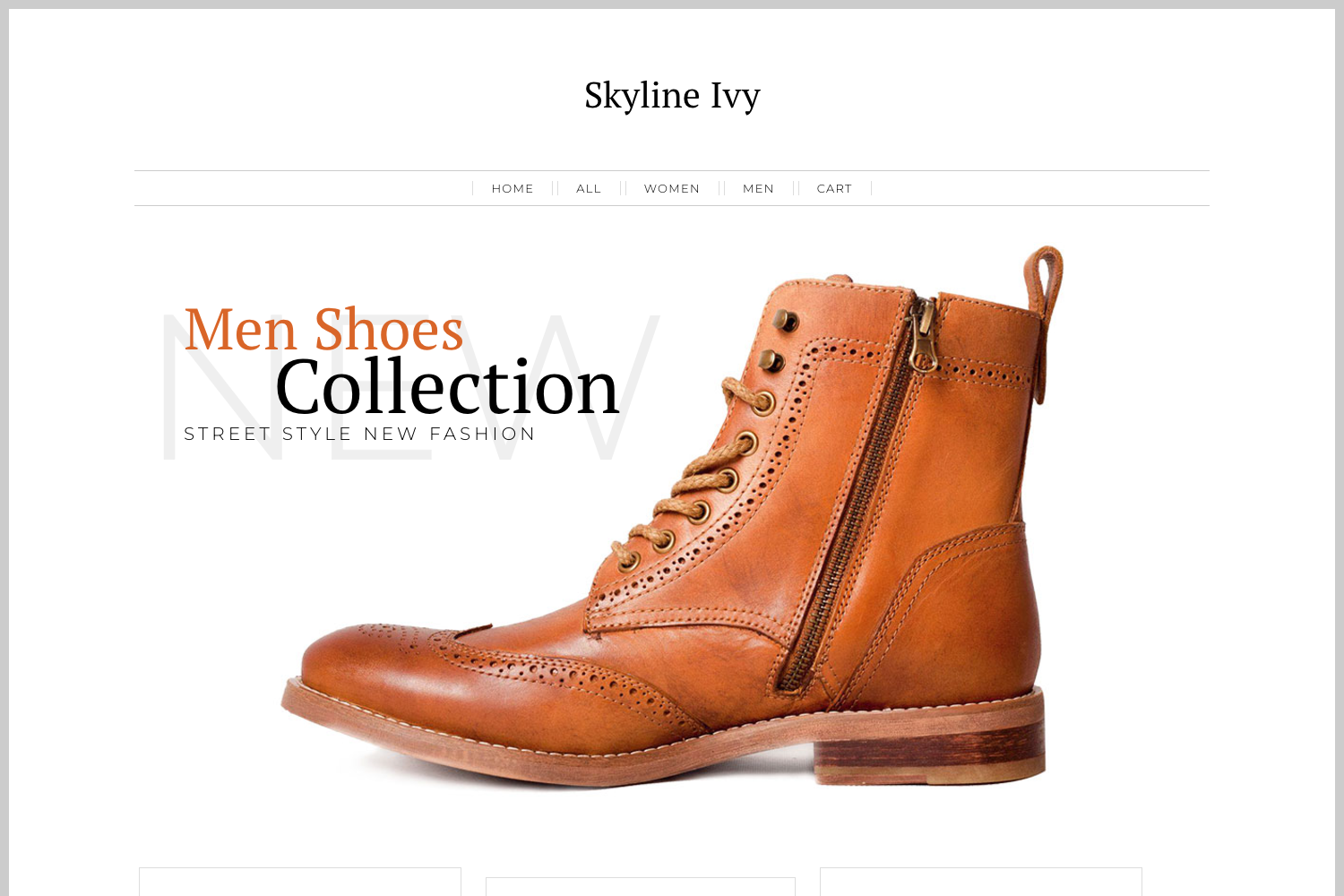
Nike Shop is an open-source e-commerce template built on Next.js and TypeScript. It combines a customer-facing storefront with an admin dashboard: storefront pages display products, support a shopping cart, and process payments through Stripe Checkout; the admin dashboard allows store owners to create, edit, and delete products, with changes rendered dynamically on the public site. The project uses Cloudinary for image hosting, Zod for input validation, and Tailwind CSS with shadcn/ui for styling. It is hosted on GitHub and currently has 36 stars.
Key Features
- Stripe Checkout integration — The repo includes a checkout pipeline using Stripe's hosted Checkout page; payments are confirmed via webhooks and orders are stored.
- Admin dashboard — A protected area where admins can add product names, descriptions, prices, and images; changes appear on the storefront without a rebuild.
- Shopping cart — Visitors can add items, set quantities, and see a running total before redirecting to Stripe Checkout.
- Cloudinary image management — Product photos are uploaded to Cloudinary and delivered through its CDN with resizing and optimization options.
- Tailwind CSS + shadcn/ui — The UI is composed of shadcn/ui components (buttons, cards, forms) styled with Tailwind utility classes.
- TypeScript and Zod — The entire codebase is typed with TypeScript, and Zod schemas validate form inputs and API payloads.
- Next.js App Router — The project uses Next.js routing, server components, and API routes to separate customer and admin experiences.
Who is it for?
- Developers learning full-stack e-commerce — Study the repository to see how product models, Stripe Checkout sessions, webhooks, and an admin CRUD interface interact in one Next.js project.
- Startup founders — Fork the repo, replace the Nike branding, connect your own Stripe account, and have a working storefront and admin panel to customize.
- Freelance web developers — Use the template as a base for client projects; the included admin dashboard lets clients manage their own products without code.
What can you do with Nike Shop?
- Launch a branded storefront — Swap in your own logo and products through the admin dashboard, and the public shop updates automatically.
- Process real payments — Set your Stripe secret key and webhook secret to accept credit card payments through Stripe Checkout.
- Manage inventory — Add, edit, or remove products, update prices, and upload images from the dashboard.
How does Nike Shop work?
- An admin logs into the dashboard and creates a product with name, description, price, and image.
- The product is saved to a MySQL database (the original setup used PlanetScale, which has since discontinued its free tier).
- The Next.js storefront fetches the product list and displays it; customers add items to their cart and click checkout.
- Stripe Checkout handles the payment, and a webhook creates an order record in the database.
Known limitations
The hosted demo link is currently offline because PlanetScale discontinued its hobby/free plan, and the project's author could not export the database without adding a credit card and paying about $39 to wake the database. This affects the live preview but not the source code.