Template details
Atelier Kō
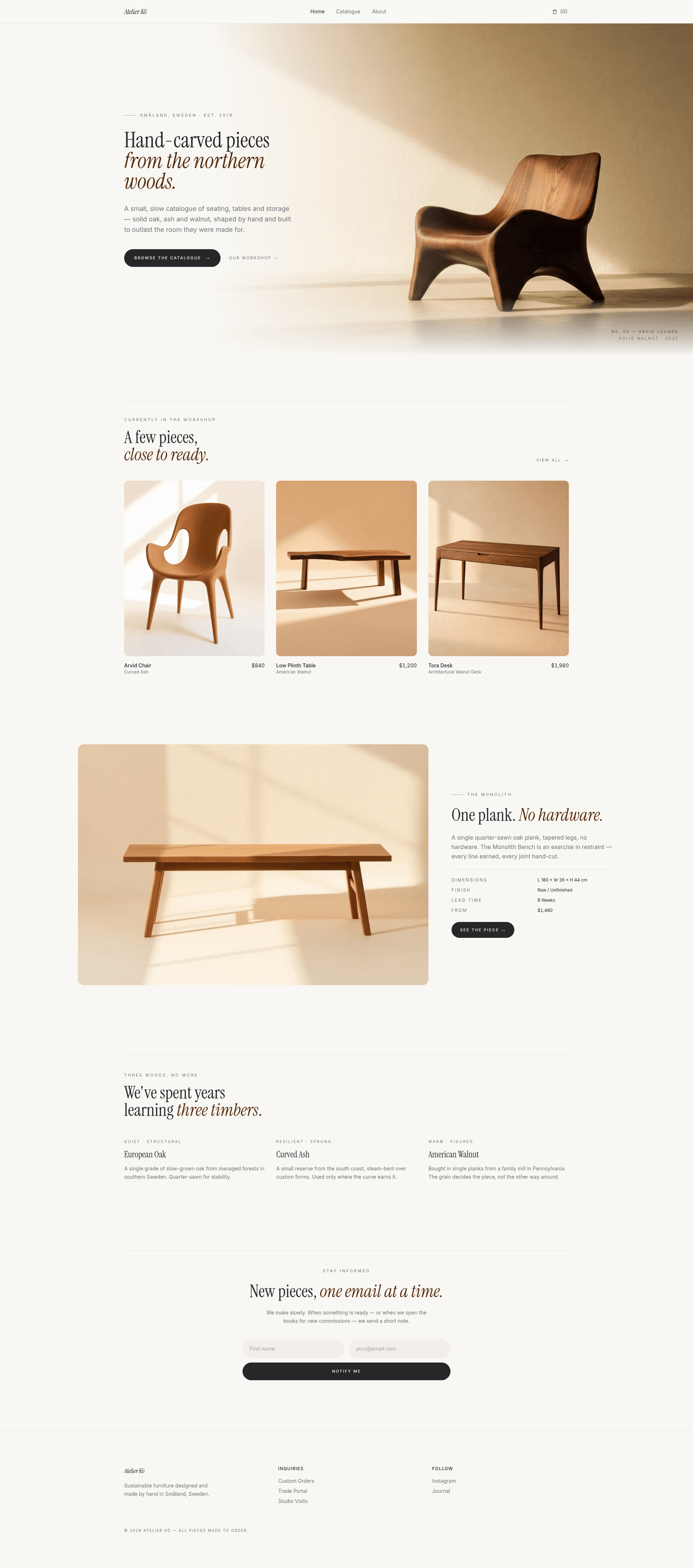
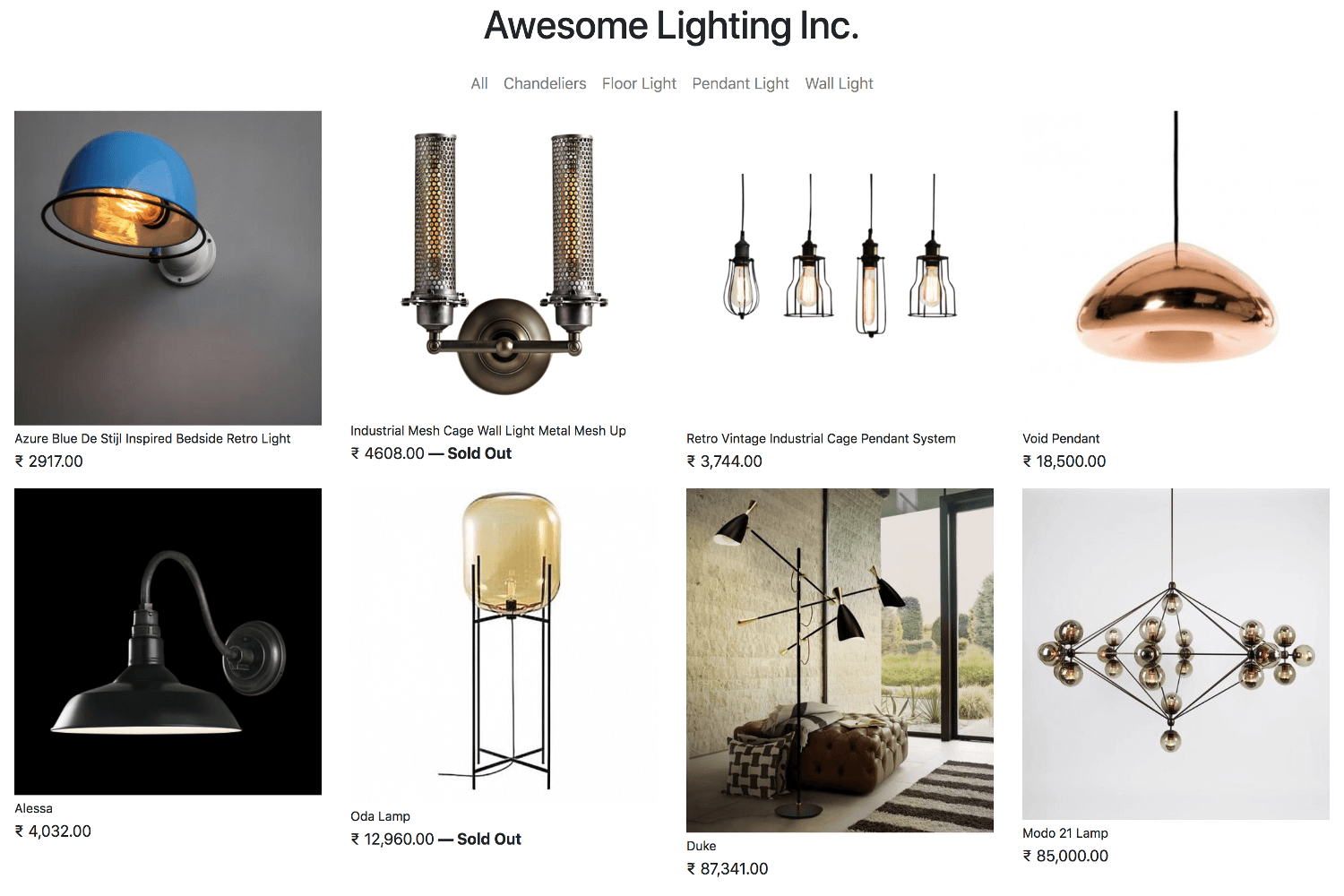
Quiet, editorial Astro theme for small furniture ateliers, craft studios, and curated product catalogues.
About this template
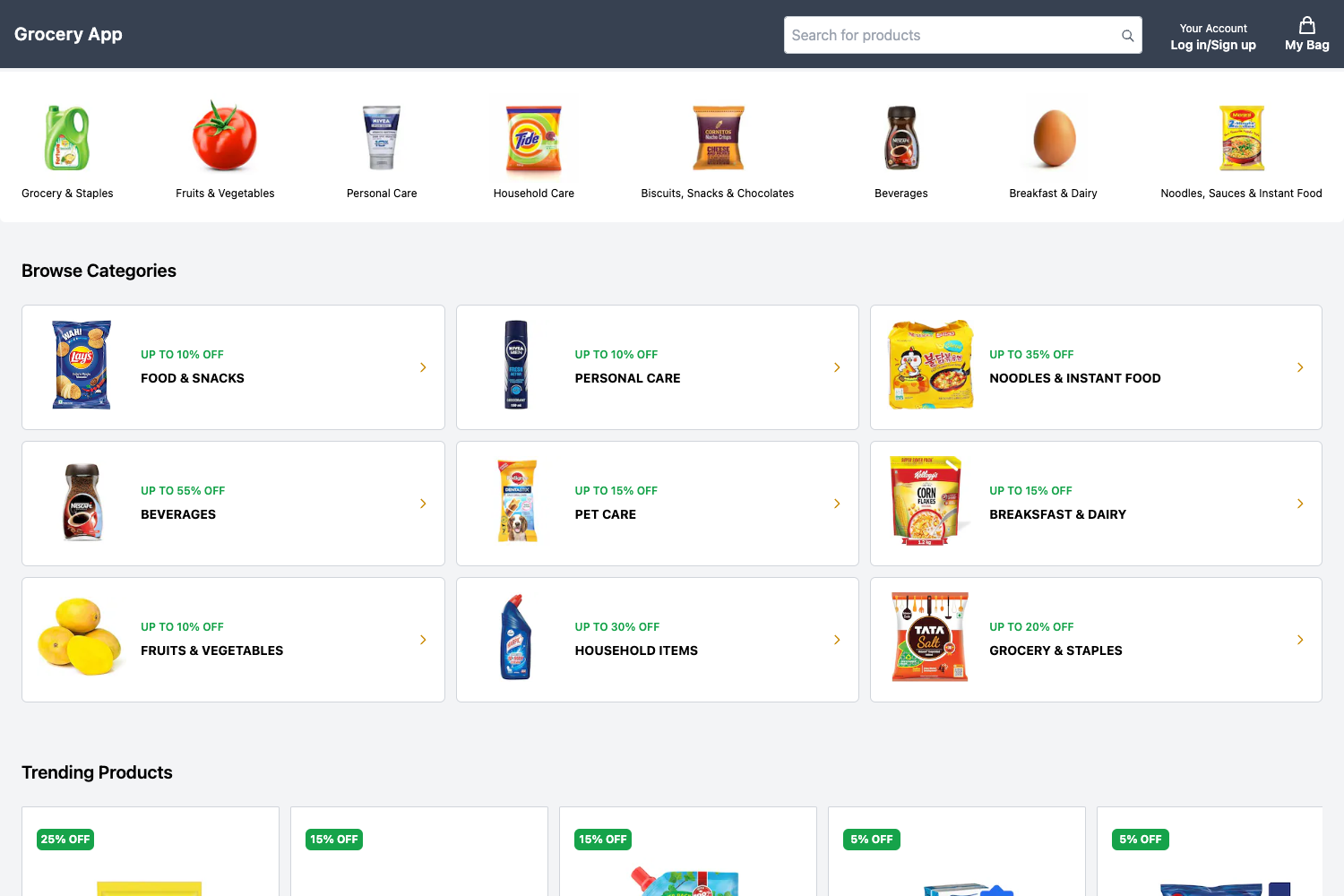
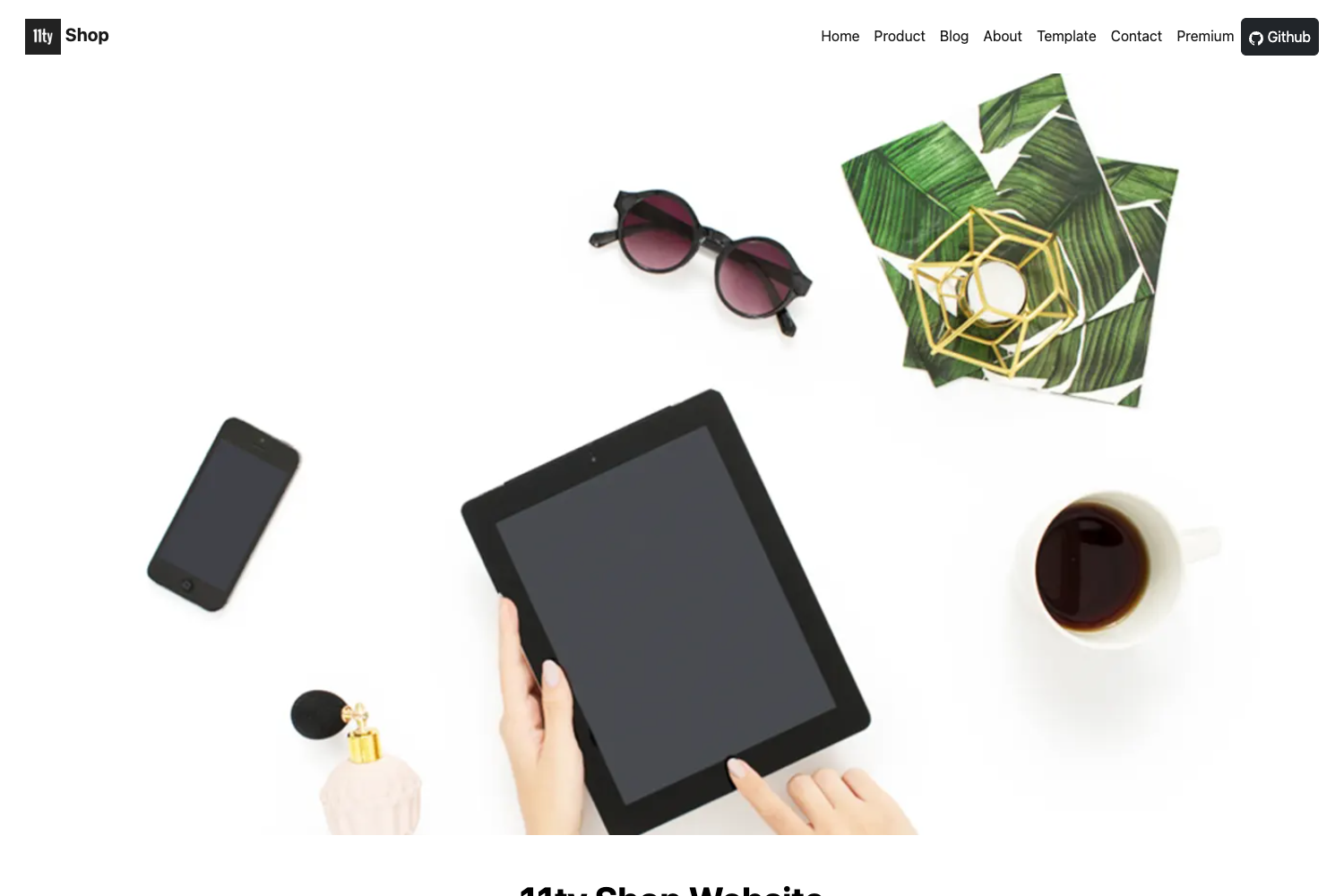
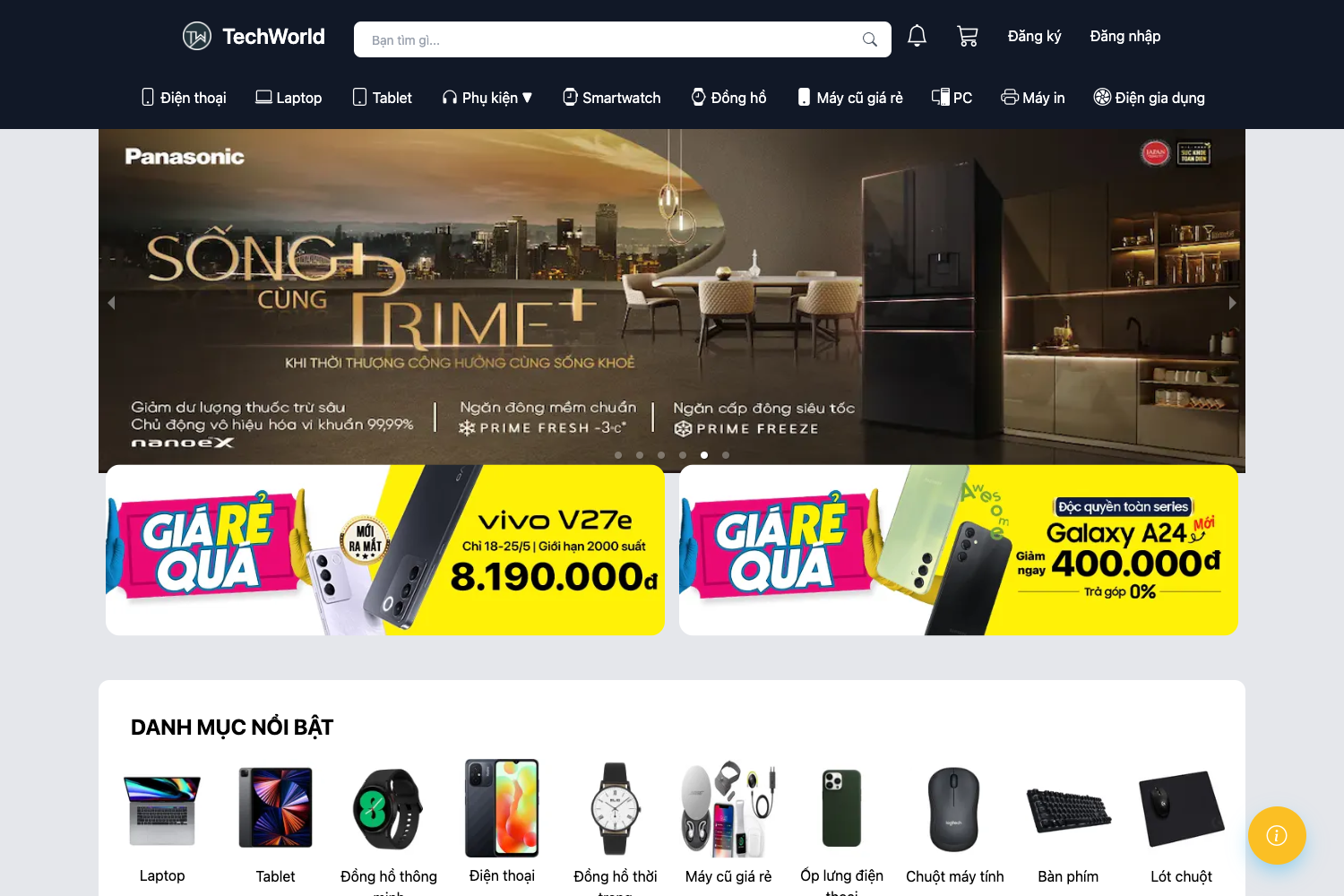
Atelier Kō is a minimalist, editorial furniture-store theme built on Astro 6 that turns Markdown product files into a fully static ecommerce-style website with a catalogue, product detail pages, and a localStorage cart.
What is Atelier Kō?
Atelier Kō is an MIT-licensed Astro theme for small furniture ateliers, craft studios, and curated product catalogues. It accepts product data written as Markdown files with Zod-validated frontmatter (name, price, material, dimensions, finish, lead time) and renders a static site with a homepage, /catalog filter page, /products/[slug] detail pages, an /about page, and a /cart page. The site builds to a dist/ directory of static files that deploys to any static host; setting the SITE environment variable controls canonical URLs, sitemap, and robots.txt.
Key Features
Atelier Kō ships a focused set of features that keep the site static while offering interactive catalogue filtering, a product gallery, and a cart preview.
- Client-side catalogue filters — the catalogue page dynamically filters products by category and material and sorts by price without a backend request.
- Product gallery with thumbnails — product detail pages include a thumbnail-navigated image gallery; images are served as WebP with responsive widths through Astro's image pipeline.
- LocalStorage cart — visitors can adjust quantities and step through a multi-step checkout preview, all stored in the browser.
- Zod-validated product schema —
src/content.config.tsenforces frontmatter fields so malformed product entries fail the build. - Self-hosted fonts — Inter and Instrument Serif are shipped as WOFF2 in
src/assets/fonts, eliminating external font requests. - Full SEO metadata — canonical URLs, Open Graph, Twitter cards, Product and Organization JSON-LD, sitemap via
@astrojs/sitemap, and a dynamicrobots.txtwithnoindexon cart and 404 pages. - Accessibility — skip-to-content link, ARIA labels, a focus-managed mobile menu, and semantic HTML throughout.
- Strict TypeScript — the entire theme, including helpers in
src/data/products.ts, is typed in strict mode.
Who is it for?
Atelier Kō is suited to anyone who needs a catalogue-and-story site without a dynamic backend.
- Small furniture ateliers — present a product catalogue with editorial storytelling without running a server or a CMS.
- Craft studios and makers — add products as Markdown and rely on generated filters and gallery pages.
- Web designers — use the theme as a starting point for client sites, since the content schema and layout files are clearly separated.
What can you do with Atelier Kō?
The theme supports three concrete workflows out of the box.
- Furniture makers: publish a static product catalogue with price, material, dimensions, and finish details, plus a cart preview, all without an ecommerce backend.
- Studio owners: tell the workshop story on a dedicated About page with image-led sections and a contact CTA.
- Developers: extend the theme by editing
src/data/products.tsand the content collection, or restyle the design tokens insrc/styles.css.
How does Atelier Kō work?
Install dependencies with npm install, run npm run dev for local development, and npm run build for a production build. Add each product as a Markdown file in src/content/products/ — the file name becomes the URL slug — then set SITE to your production domain and build to generate correct canonical URLs, sitemap, and robots.txt.
FAQ
Is Atelier Kō free?
Yes, the theme is released under the MIT License, so you can use, modify, and redistribute it freely.
Does Atelier Kō include a real checkout or newsletter backend?
No. The cart and checkout flow are a multi-step preview stored in localStorage, and the newsletter form is a design preview. The README advises connecting them to your preferred backend or form provider.
How do I add products to Atelier Kō?
Create one Markdown file per product in src/content/products/. Each file's filename becomes the product URL slug, and frontmatter fields (name, price, material, etc.) are validated by Zod. Product images go in src/assets/ so Astro can optimize them.
Can I deploy Atelier Kō anywhere?
Yes, the site builds to static files in dist/. During deployment, set SITE to the production origin so that canonical URLs, sitemap entries, and robots.txt use the correct domain.