Template details
TechWorld
Full-stack Next.js e-commerce template for tech devices with a complete admin dashboard, built with Prisma, MongoDB, and Cloudinary.
About this template
TechWorld is an open-source, full-stack e-commerce template built with Next.js, TypeScript, and Tailwind CSS that provides a complete online storefront for tech devices and a separate administrator dashboard. Developed as a student project by three collaborators at HCMUS, it runs on Node.js with MongoDB and Prisma ORM, uses NextAuth for authentication, and Cloudinary for image uploads.
What is TechWorld?
TechWorld is a full-stack e-commerce web application for selling technology products such as smartphones, tablets, laptops, gaming consoles, and smart home devices. It takes product, order, user, and review data through its MongoDB database, exposes them through a Next.js storefront and a dedicated admin area, and outputs a production-ready shopping experience that is already deployed at https://tech-world-hcmus.vercel.app/. The project is licensed under MIT, so it can be reused and modified freely.
Key Features
- User authentication — Register, sign in, and authenticate users with NextAuth, configured through NEXTAUTH_URL and NEXTAUTH_SECRET environment variables.
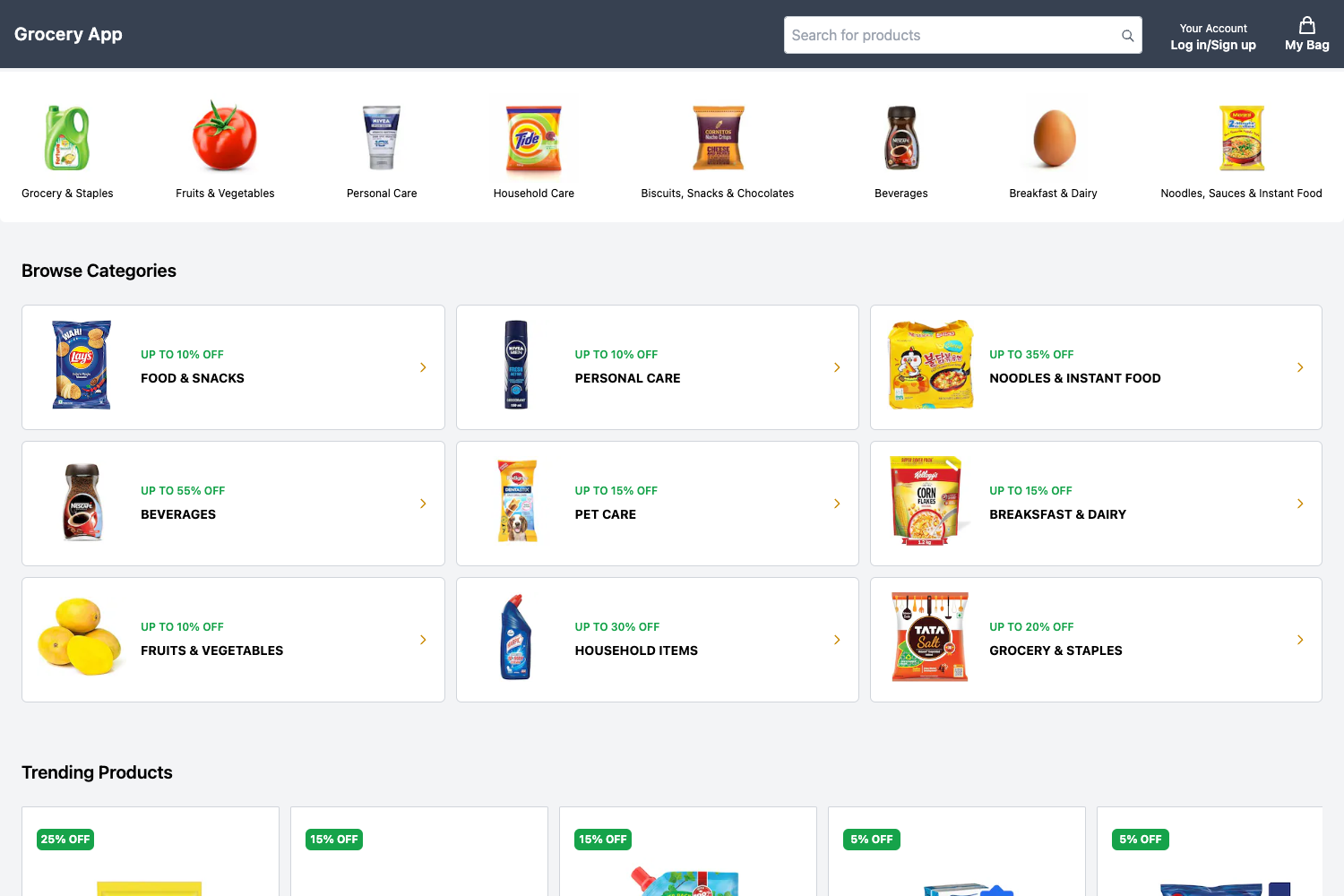
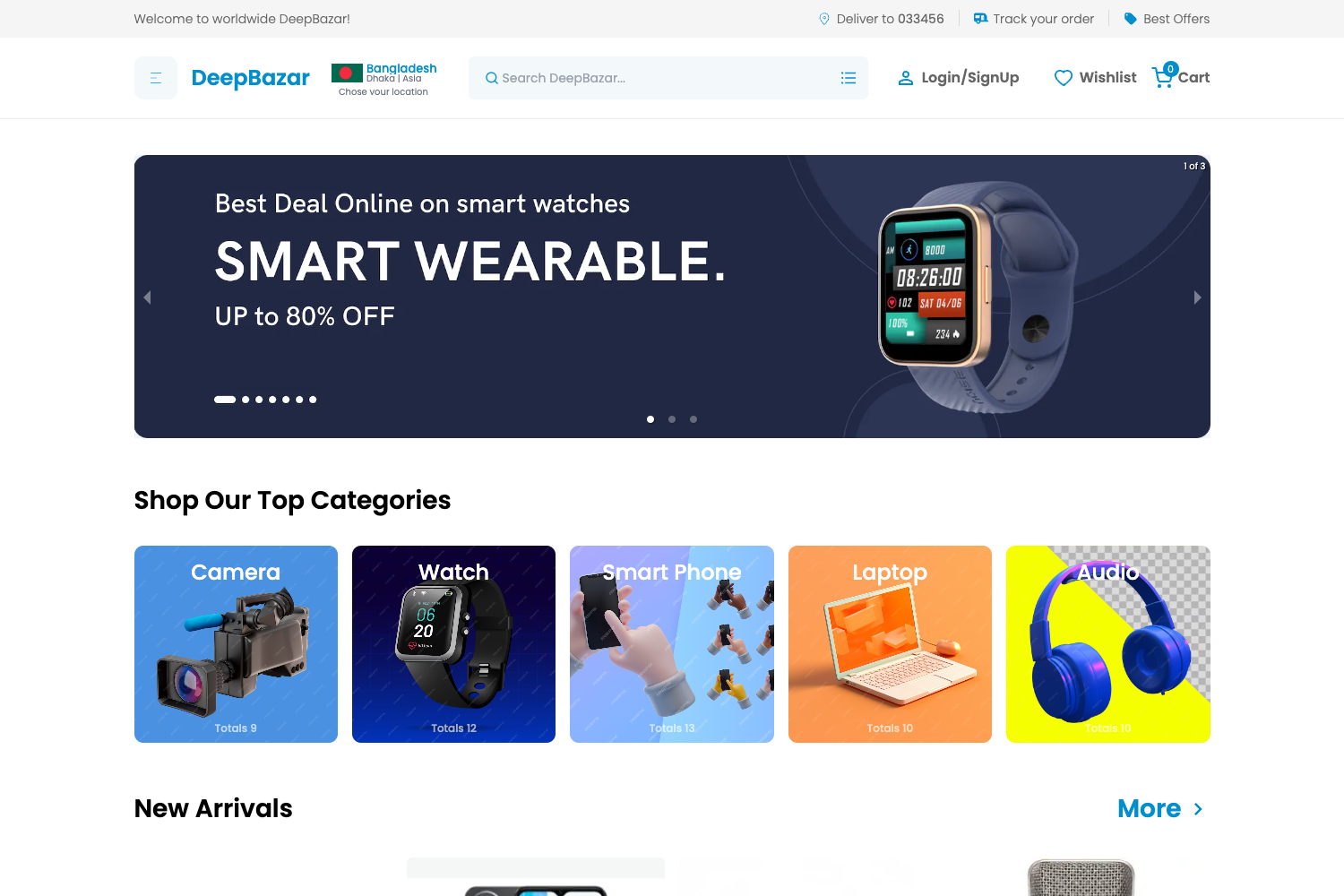
- Product catalog — View products by category, search by keyword, filter the product list, view product details, and see trending products.
- Shopping cart and orders — Add products to the cart, update quantities, delete items, place orders, cancel orders, return orders, and track order history with status filters.
- Account management — Users can update their name, phone number, email, avatar, and saved addresses.
- Reviews — Review delivered products and update existing reviews afterwards.
- Notifications — Users receive notifications about delivering and delivered orders.
- Admin dashboard — Dashboard with system-wide statistics, top 10 trending categories, and top 10 trending products.
- Admin management — Manage products, orders, users, categories, brands, reviews, and advertisements/promotions with create, read, update, delete, search, and filter operations.
Who is it for?
- Developers — Anyone looking for a ready-made full-stack e-commerce codebase to study or adapt, since it combines Next.js, Prisma, MongoDB, and Cloudinary in one project.
- Students — A practical example of a complete software engineering project, with role-based features separating general users and administrators.
- Tech retailers — A foundation for selling electronics online, with a storefront and admin panel that already cover catalog management, order processing, and customer accounts.
What can you do with TechWorld?
- Sell tech devices online — Add products with Cloudinary image uploads, categorize them, and process customer orders through the cart and checkout flow.
- Manage the store — Use the admin area to view sales statistics, update order statuses, and manage products, brands, categories, promotions, and user roles.
- Handle customer service — Customers cancel or return orders, leave product reviews, manage addresses, and receive delivery notifications.
How does TechWorld work?
The setup is described in the repository's Getting Started guide: clone the project, install dependencies with npm, yarn, or pnpm, copy the .env.example file to .env and fill in the database, NextAuth, and Cloudinary credentials, sync the Prisma schema with npx prisma db push, and run the development server with npm run dev. The project also has a deployed version hosted on Vercel for immediate testing.
Pros and cons
- Pros — Built with a modern stack (Next.js, TypeScript, Tailwind CSS), includes a full admin dashboard, uses Prisma for type-safe database access, and is MIT licensed.
- Cons — Several planned features are still in the to-do list, including product comparison, sharing, promo codes, personalized recommendations, preferences, loyalty points, surveys, and a recycle bin.
FAQ
Is TechWorld free?
Yes, TechWorld is open source under the MIT License, so you can use, modify, and distribute it without license fees.
What technologies does TechWorld use?
TechWorld is built with Next.js, TypeScript, and Tailwind CSS. It uses Prisma as the ORM with MongoDB for storage, NextAuth for authentication, and Cloudinary for handling product images and uploads.
Does TechWorld include an admin dashboard?
Yes. The admin area provides statistics about the whole system, top trending products and categories, and full management tools for products, orders, users, categories, brands, reviews, and advertisements.
Can I deploy TechWorld myself?
Yes. The repository includes setup instructions for local development, and the project is already deployed on Vercel. You just need to configure the environment variables for the database, NextAuth, and Cloudinary.
Are there any missing features?
Yes, the README lists a to-do section with future features such as product comparison, sharing products, applying promo codes, viewing recommendations, setting preferences, loyalty points, surveys, and a recycle bin for deleted items.