Template details
Edinburgh
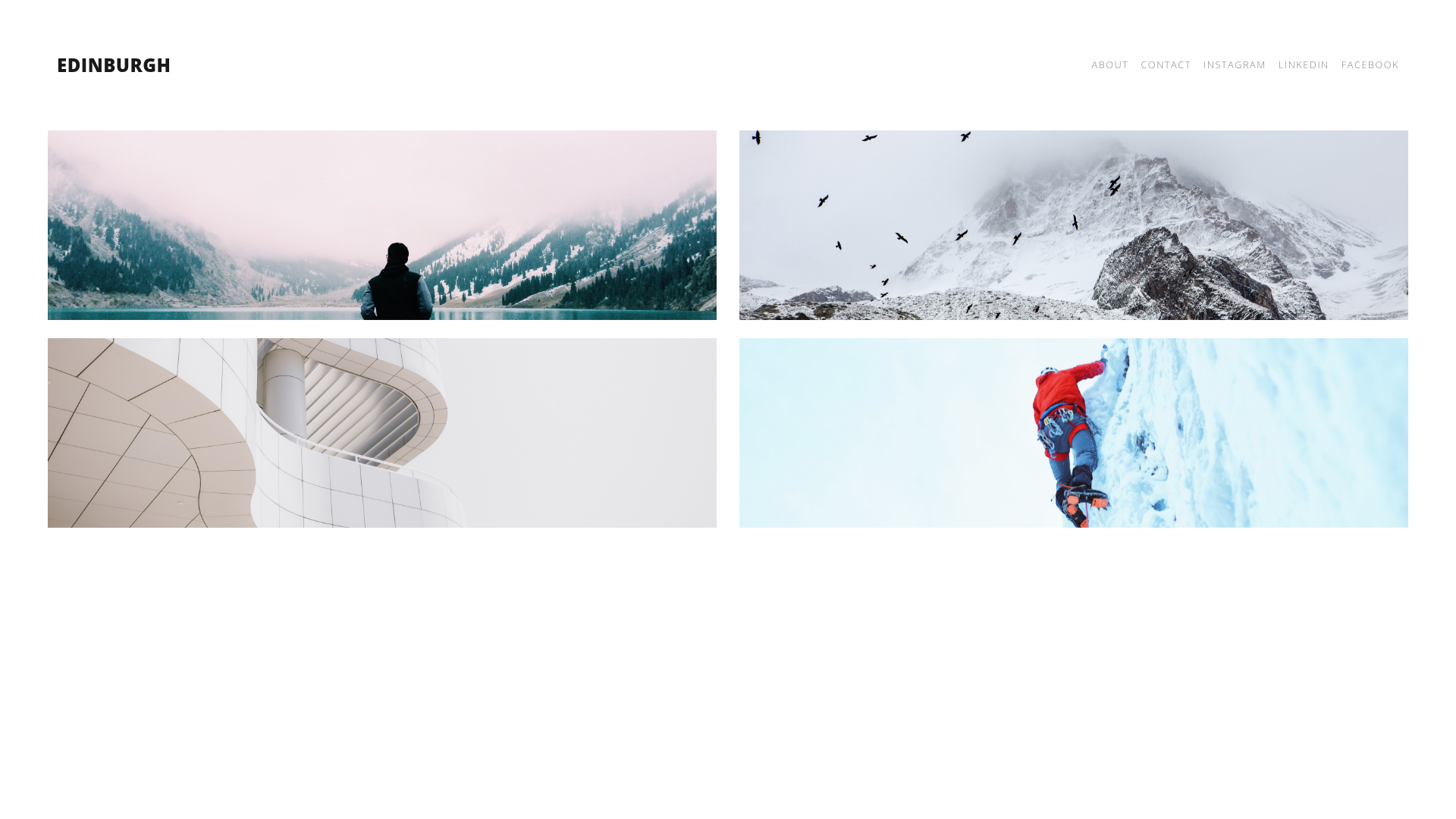
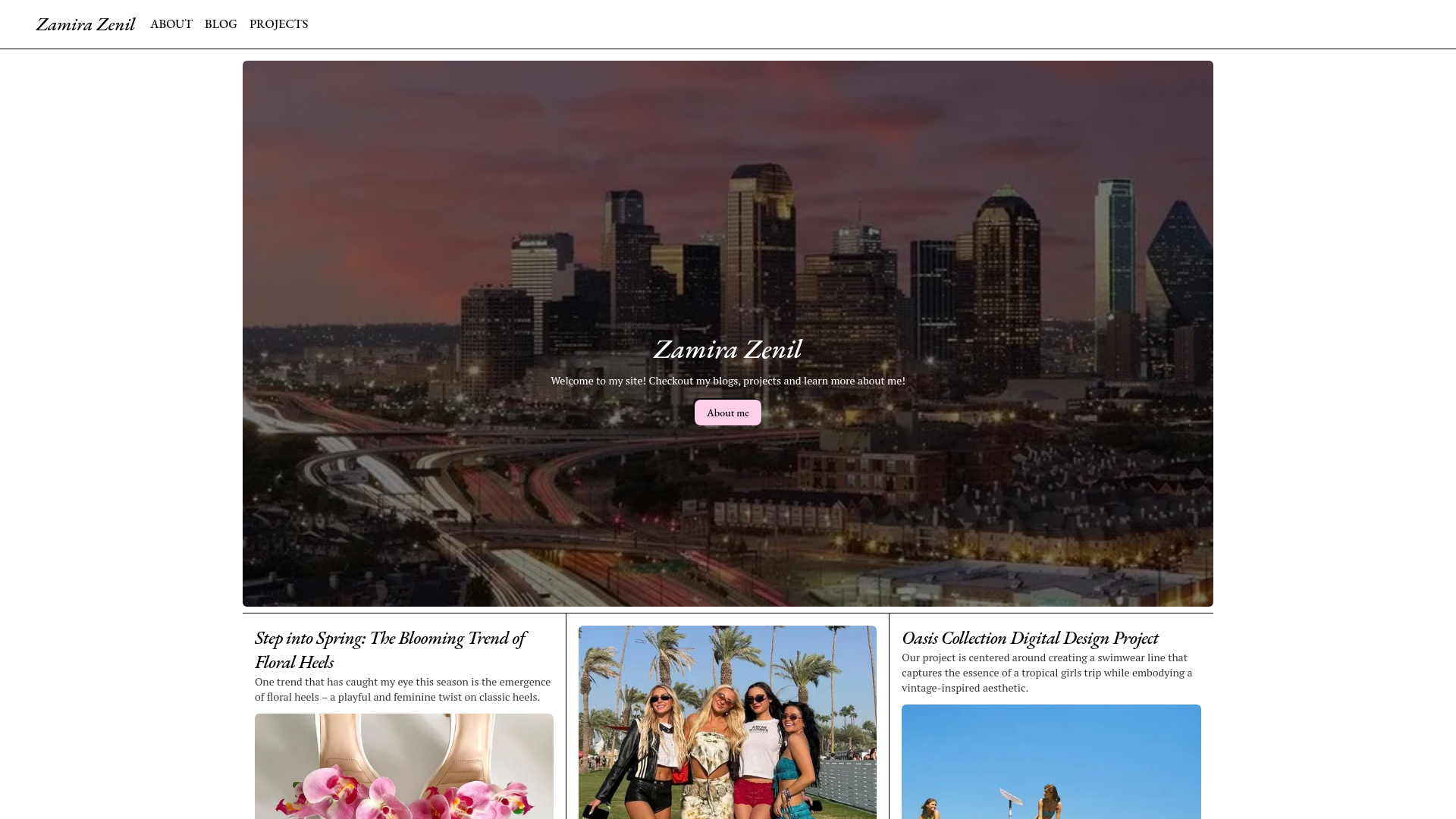
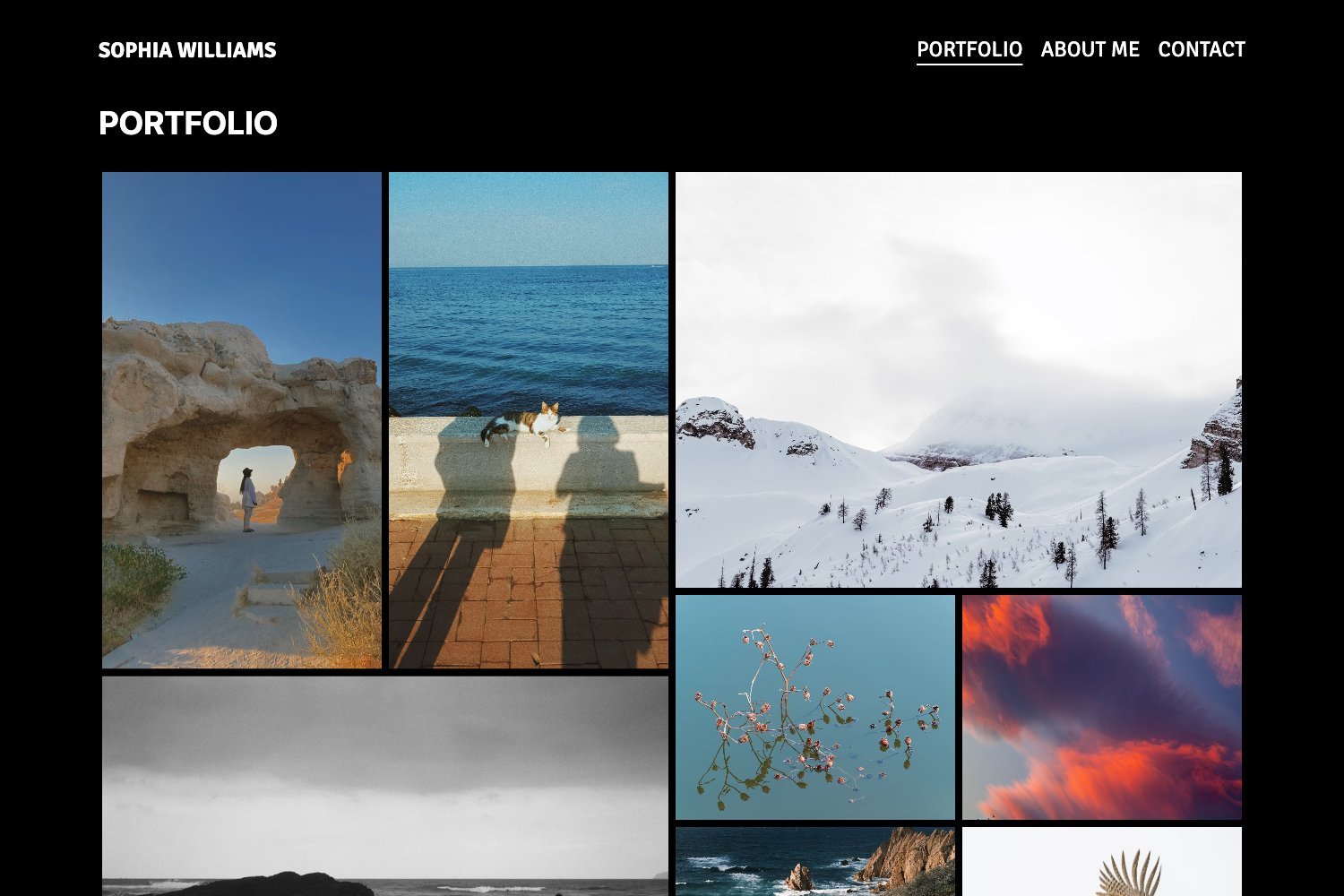
A clean, responsive portfolio theme for Hexo with per-post cover images and configurable header menu.
About this template
Edinburgh is a minimal, responsive portfolio theme for the Hexo static site generator, released under an open-source license on GitHub and designed by Sharvari Desai.
What is Edinburgh?
Edinburgh is a portfolio theme that turns markdown posts into a clean, responsive showcase site. Each post uses Hexo front matter to define a title and a cover image, and the theme renders those into a project gallery. It runs on Hexo, a static site generator, and is installed by cloning the repository from GitHub into the themes/edinburgh folder. The theme was created by Sharvari Desai and includes a live demo at sharvaridesai.github.io/hexo-theme-edinburgh-demo.
Key Features
Edinburgh's standout traits are its responsive design, simple configuration, and portfolio-focused post structure.
- Responsive portfolio layout — The theme is explicitly described as clean, beautiful, and responsive, adapting to desktops, tablets, and mobile screens without extra configuration.
- Simplified header menu — The menu is configured in the blog's main _config.yml, where you can add links for pages like About and Contact, as well as external social profiles like Instagram, LinkedIn, and Facebook.
- Per-post cover images — Each post requires a cover_image field in its front matter; if omitted, the theme falls back to a default cover image so the visual grid never breaks.
- Google Analytics support — A tracking ID can be added to the theme's _config.yml under the google_analytics setting, enabling basic site traffic measurement.
- Custom favicon — Replace the favicon.ico file located at /themes/edinburgh/source/favicon/ to change the browser tab icon across the whole site.
- Simple post structure — Posts are written in standard Hexo markdown, with just a title and cover image needed to appear as a portfolio entry.
Who is Edinburgh for?
Edinburgh suits anyone who wants a no-frills portfolio site on Hexo.
- Designers and visual artists — Use the theme to present project pieces in a clean grid, with each portfolio item as its own post containing a large featured image and description.
- Freelancers — Set up a professional personal site quickly by editing the header menu and connecting social profiles, without building any front-end code.
- Hexo users — Developers already comfortable with Hexo can adopt the theme as a prefabricated portfolio solution, avoiding the need to create templates from scratch.
What can you do with Edinburgh?
With Edinburgh you can build a personal portfolio site, a social link hub, or a simple blog.
- Portfolio showcase: Publish individual projects as posts with cover images to build a visual portfolio that visitors can browse on any device.
- Social media hub: Use the header menu to point visitors to your Instagram, LinkedIn, and Facebook profiles, turning the site into a personal link-in-bio style landing page.
- Minimal blogging: While designed for portfolios, the same post structure supports a simple blog where each article is represented by a title and cover image.
How does Edinburgh work?
Installation starts by cloning the theme's GitHub repository into the themes/edinburgh directory from the root of your Hexo site. Then update the theme key in your blog's main _config.yml to edinburgh. After that, configure the header menu and Google Analytics ID, and create posts with a title and cover_image in front matter.
FAQ
Does Edinburgh work with Hugo?
No. Although the installation instructions in the repository mistakenly refer to a "Hugo site," Edinburgh is built exclusively for Hexo. You must have a Hexo project and clone the theme into its themes directory.
Is Edinburgh free to use?
Yes, the theme is open-source and hosted on GitHub. The repository page indicates no paid tier or license purchase, and it can be cloned and used freely.
What happens if a post doesn't have a cover image?
The theme requires a cover image for each post, but if you don't provide one in the front matter, it automatically uses a default cover image so the layout remains consistent.
How do I add Google Analytics?
Open the theme's _config.yml file, find the google_analytics key, and enter your Tracking ID. The theme will then include the analytics snippet on your generated pages.
Where do I report bugs or request features?
The repository links to a GitHub issue creation page where you can file questions, feature requests, or bug reports directly to the theme's maintainer.