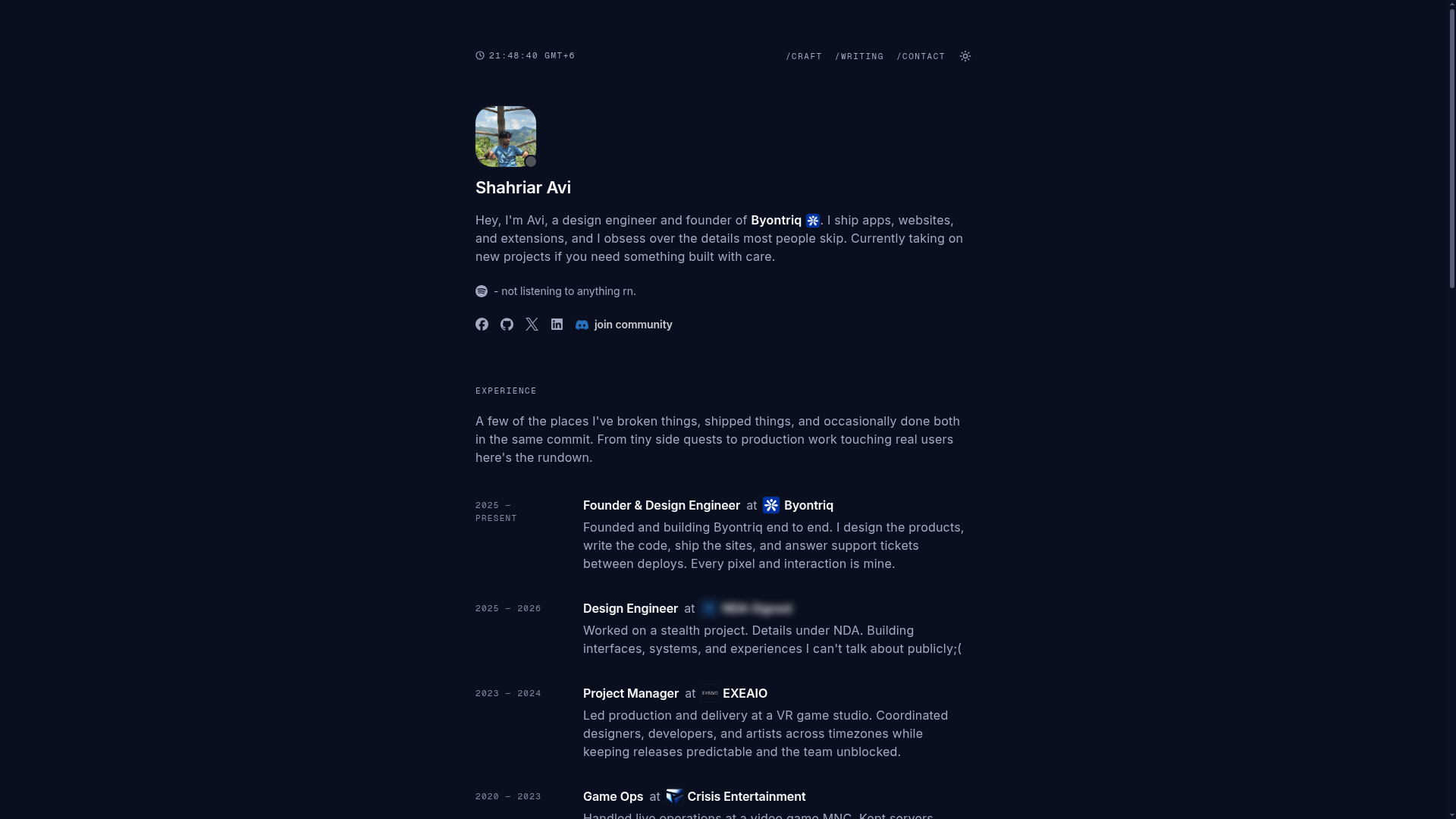
Template details
Portfolio / Blog
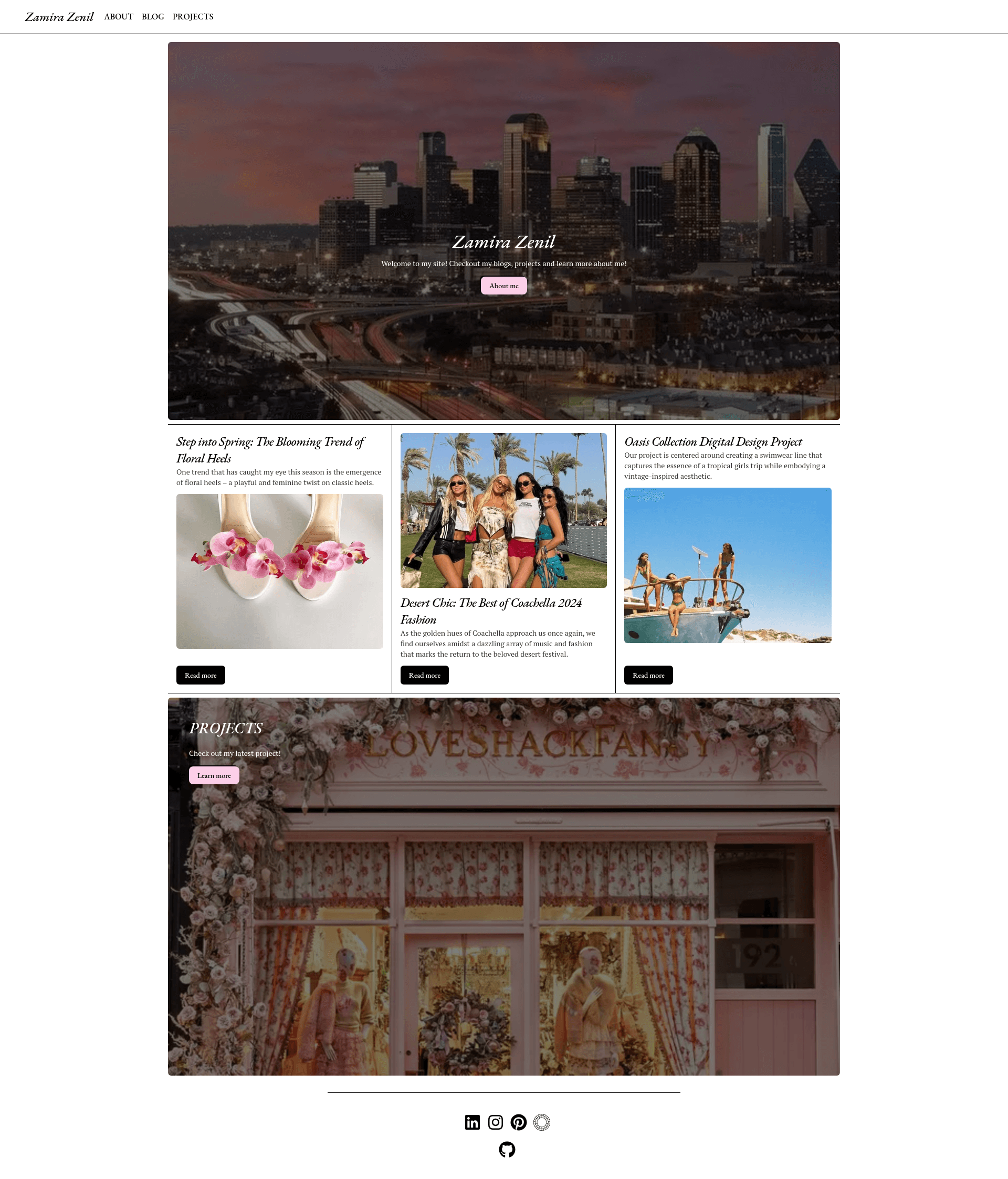
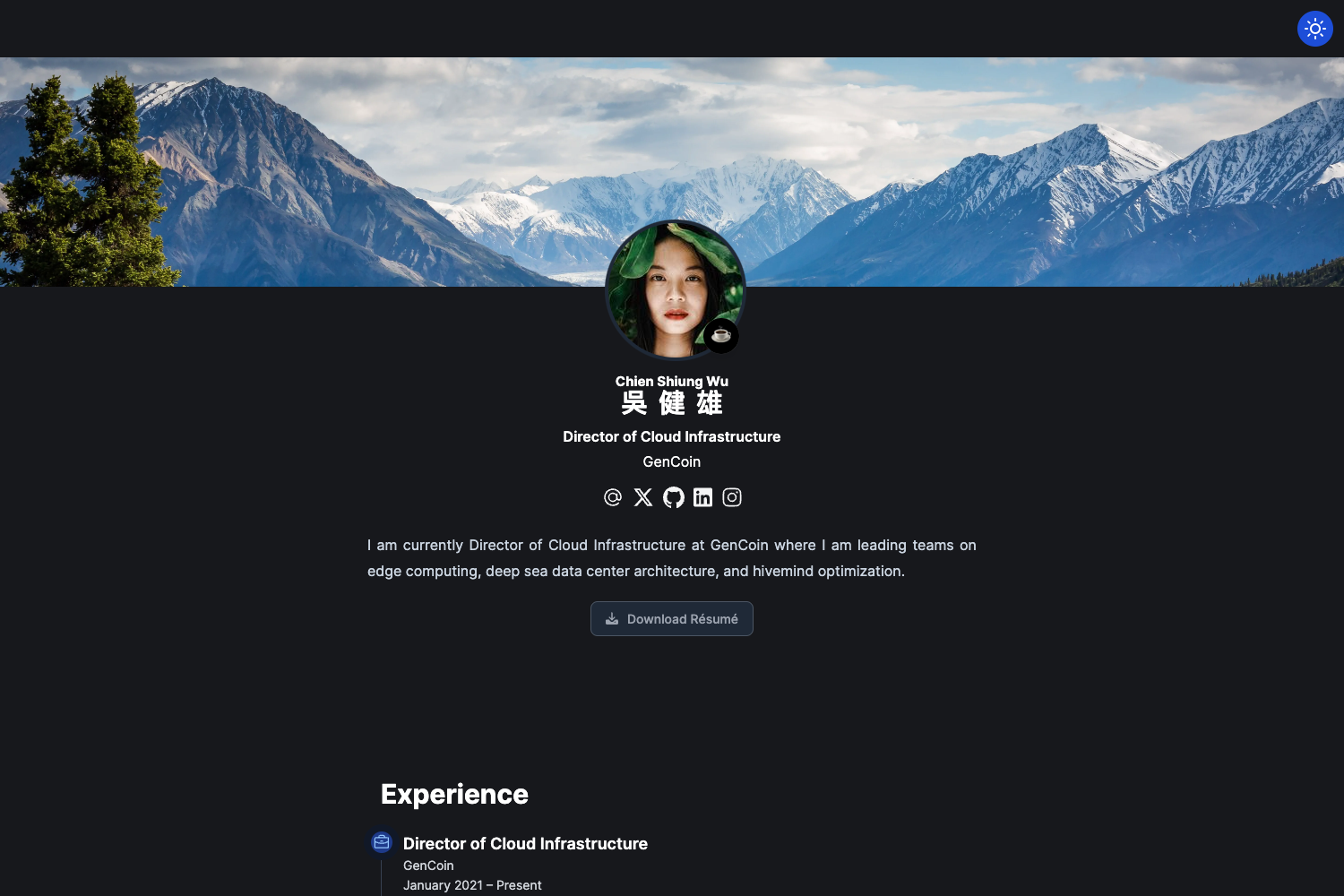
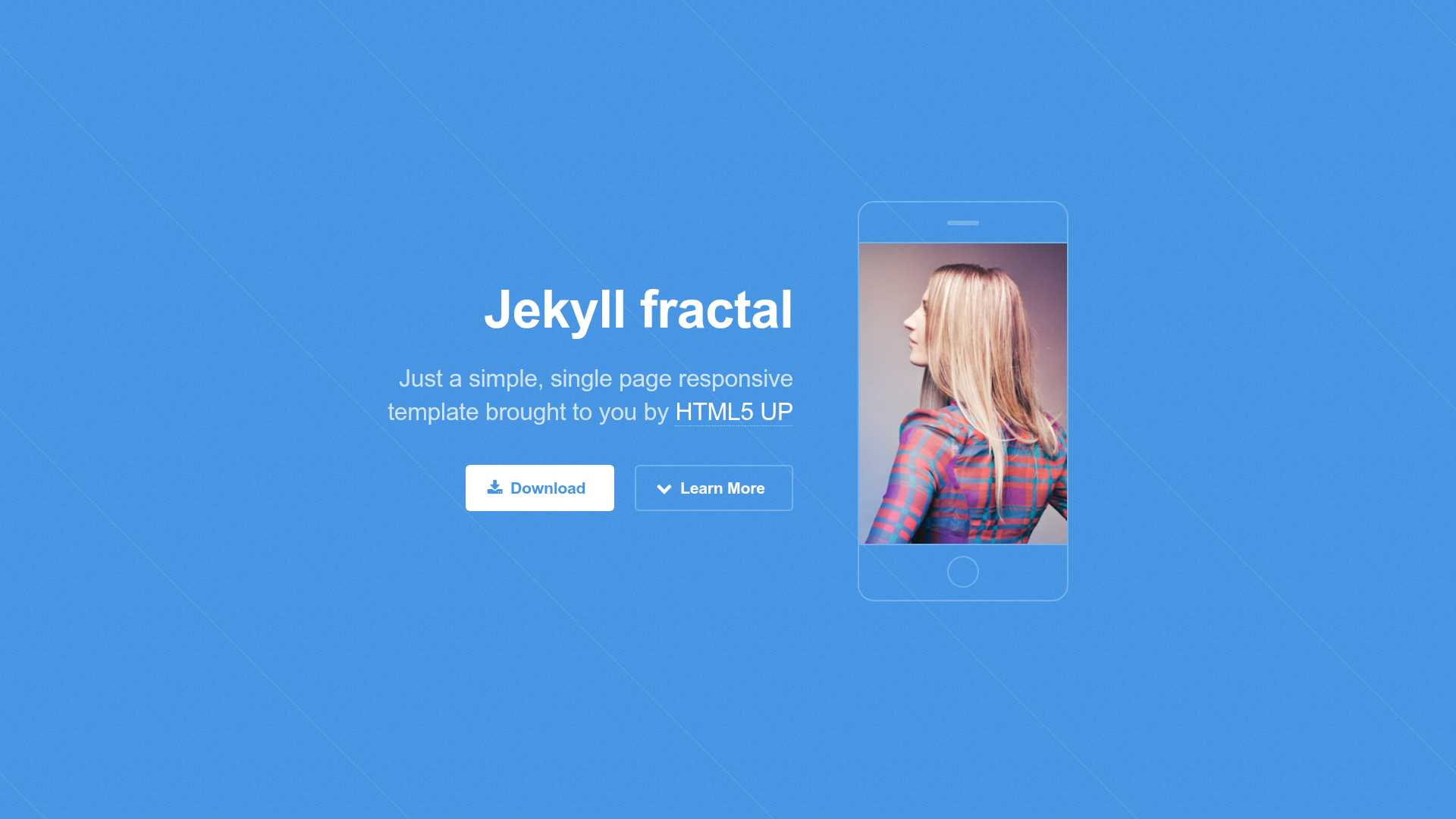
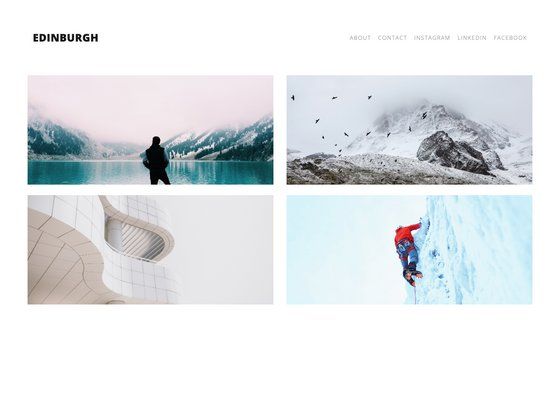
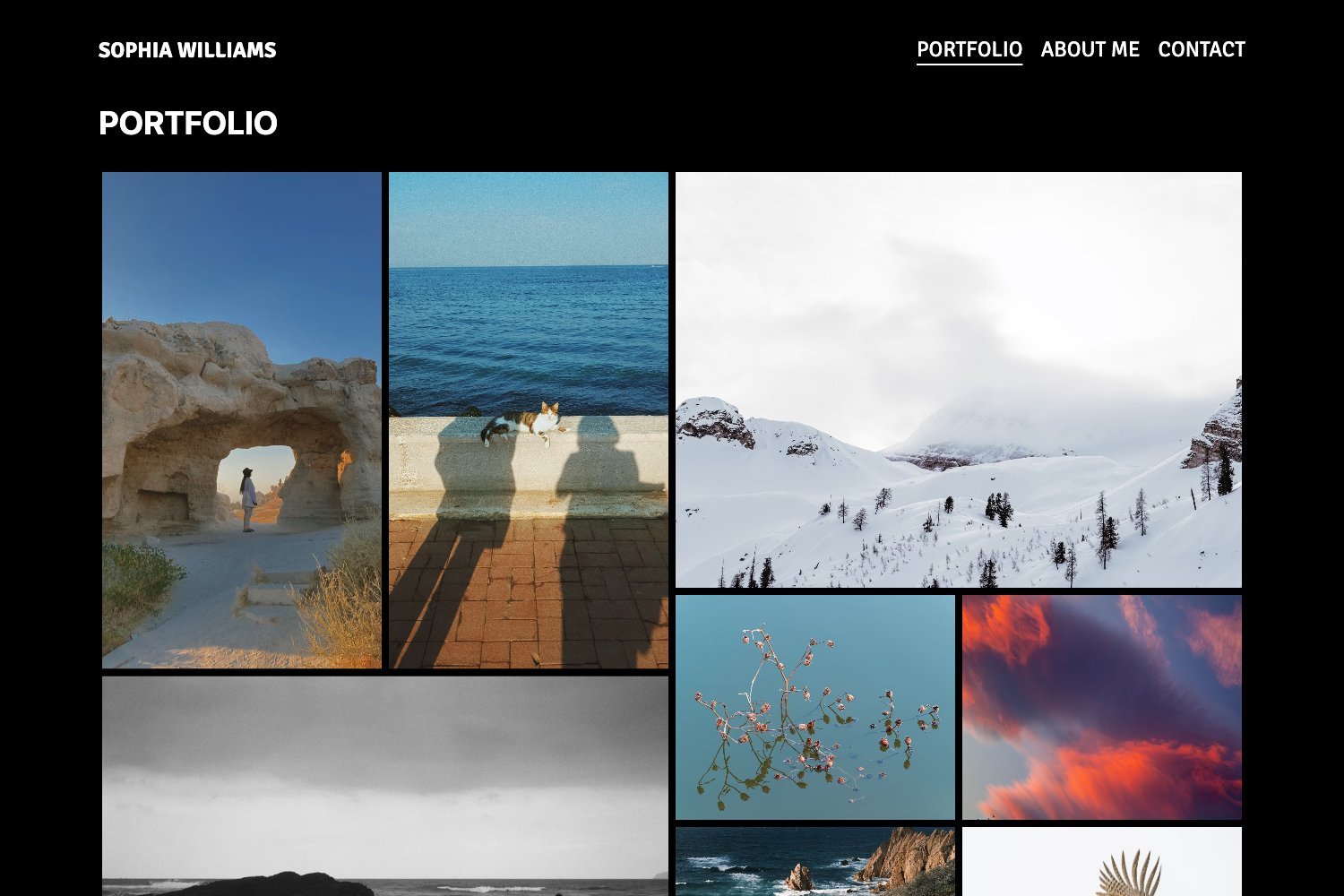
Next.js personal portfolio/blog site with an embedded Sanity CMS for content editing.
About this template
Portfolio / Blog is a Next.js 16 personal portfolio and blog template that pairs the App Router with an embedded Sanity Studio v6 CMS and Tailwind CSS 4, letting a site owner showcase projects and write posts from one codebase.
What is Portfolio / Blog?
Portfolio / Blog is a statically generated template for a personal website that includes a portfolio of projects and a blog. It takes content from Sanity documents — post for blog posts, project for portfolio items, plus singletons such as home, about, postList, projectList, and settings — and produces a live site with visual editing. The template runs on Next.js 16 with the App Router, Turbopack, Cache Components / PPR, and the Sanity Studio lives at the /studio route. Content changes are revalidated through SanityLive, so published edits appear without a rebuild.
What makes Portfolio / Blog stand out?
- Embedded Sanity Studio v6 — The CMS is served at /studio inside the same Next.js app, with Visual Editing and TypeGen for typed content.
- Tailwind CSS 4 + shadcn/ui — Styling uses the latest Tailwind release and shadcn/ui components, giving a utility-class-based design system.
- Next.js 16 App Router — Built on the App Router with Turbopack and Cache Components / PPR for static generation.
- Typed GROQ queries —
bun run typegengenerates sanity.types.ts from the Sanity schema and GROQ queries in sanity/lib/queries.ts. - Bun toolchain — Package install, dev, build, typegen, lint, and format all run through Bun; oxlint and oxfmt replace ESLint and Prettier.
- Vercel deployment — Ready for
vercel env pull, with SANITY_API_READ_TOKEN used for draft mode and visual editing. - No-rebuild content revalidation — SanityLive revalidates pages after publishing, so content updates show without a new build.
- Clear content model — Two document types (post, project) and five singletons (home, about, postList, projectList, settings), with schemas organized under sanity/schemas/.
Who should use Portfolio / Blog?
- Independent developers and designers who want a fast, CMS-backed site to display their projects and publish blog posts without maintaining a separate CMS.
- Portfolio owners already using Sanity — the template reuses Sanity Studio v6 and supports Visual Editing, so it fits existing Sanity workflows.
- Next.js developers starting a personal site — the template ships with typed queries, Bun scripts, and an embedded Studio, reducing setup time.
What can you do with Portfolio / Blog?
- Publish blog posts: Write and edit posts in Sanity Studio at /studio; the post schema and typed queries feed the blog pages.
- Showcase portfolio projects: Maintain a project document type with its own fields; projectList and home singletons control how projects appear.
- Manage page-level content: Use the home, about, postList, and projectList singletons to edit copy and layout without touching code.
- Preview content live: The Presentation tool provides click-to-edit previews via draft mode, so you can see changes before publishing.
How does Portfolio / Blog work?
Install dependencies with bun install, copy .env.local.example to .env.local, fill in the Sanity project ID, dataset, and API read token, then run bun dev to start the dev server (which runs Sanity typegen first). Edit content by opening /studio; SanityLive revalidates the static pages so published edits appear without a rebuild. The build command bun run build also extracts the Studio manifest.
FAQ
How do I set up the environment variables?
Copy .env.local.example to .env.local and fill in NEXT_PUBLIC_SANITY_PROJECT_ID, NEXT_PUBLIC_SANITY_DATASET, SANITY_API_READ_TOKEN, and NEXT_PUBLIC_BASE_URL. You can pull real values from Vercel with vercel env pull .env.local. GOOGLE_ANALYTICS_ID is optional.
Does content editing require a rebuild?
No. SanityLive revalidation means published changes in Sanity Studio appear on the site without rebuilding. The dev server supports draft mode via the SANITY_API_READ_TOKEN.
What is Sanity TypeGen?
Sanity TypeGen regenerates sanity.types.ts from the Sanity schema and GROQ queries. Running bun run typegen keeps content types in sync; the template runs it automatically on bun dev and bun run build.
Is the template deployed on Vercel?
Yes, the template is Vercel-ready. The repository includes Vercel integration commands like vercel env pull, and the stack (Next.js, Sanity, Tailwind) is a standard Vercel deployment.
How do I format and lint the code?
Use bun run lint for oxlint, bun run format for oxfmt, and bun run lint:fix to auto-fix. The template uses oxlint and oxfmt instead of ESLint and Prettier.