Template details
Photography Portfolio
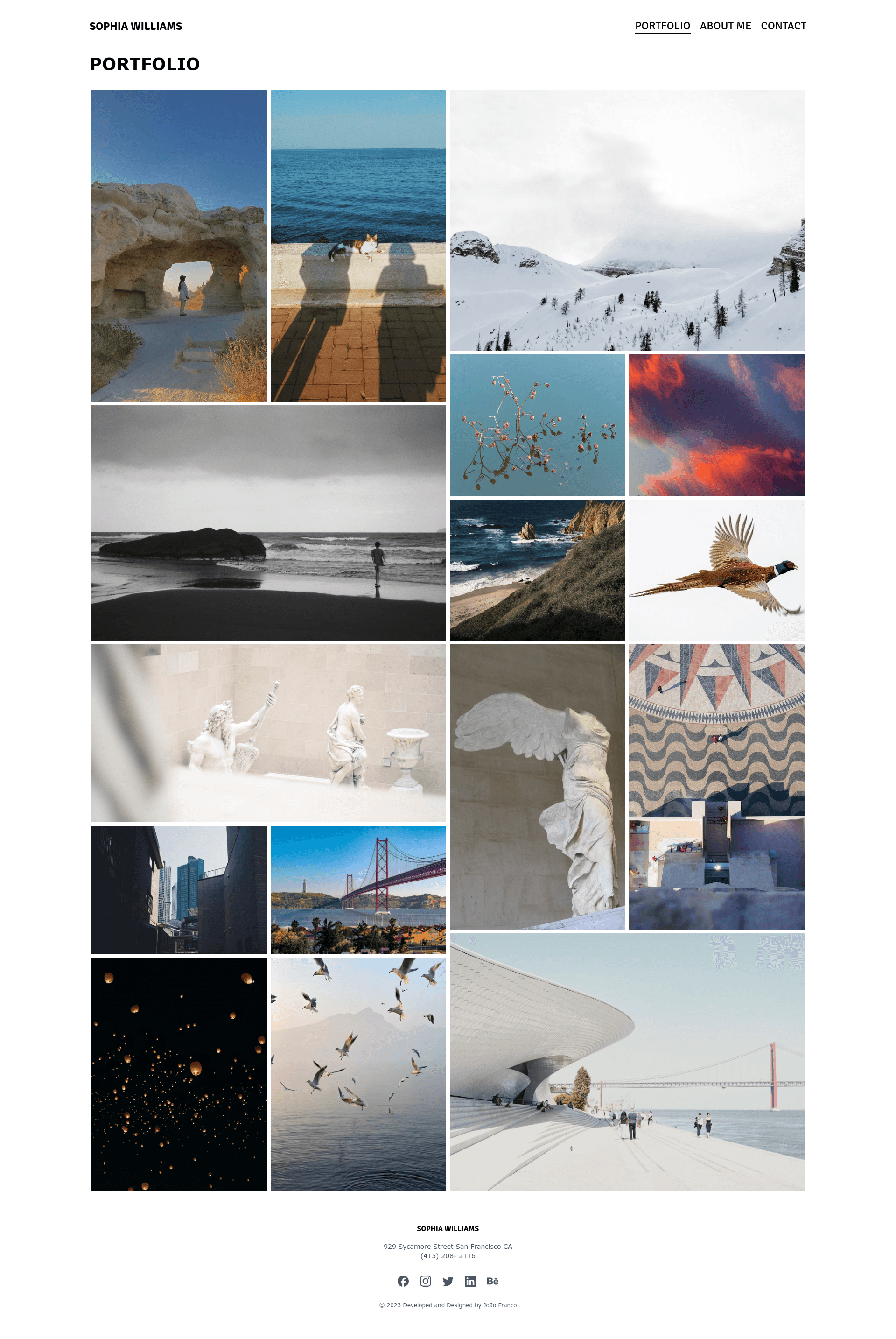
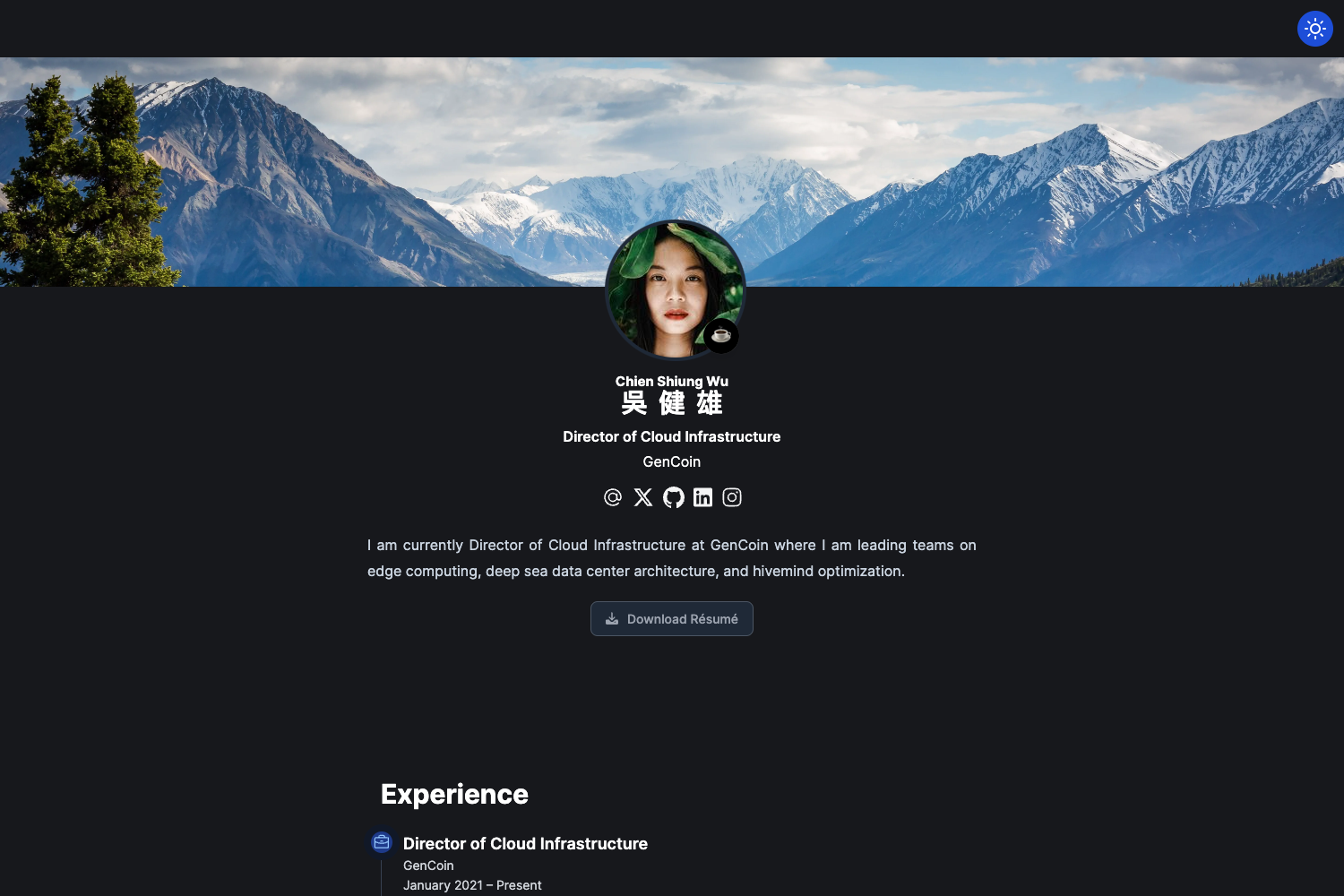
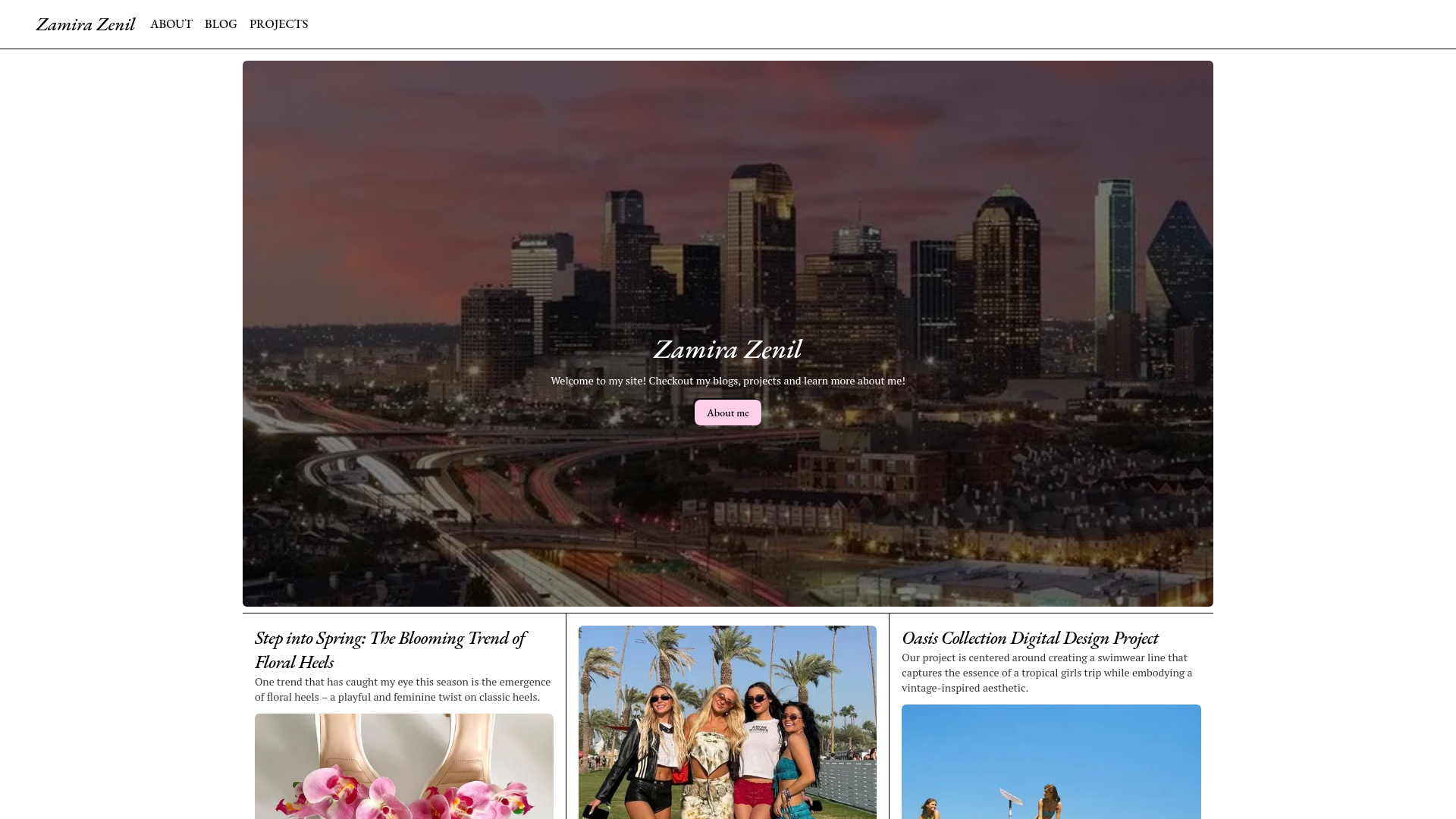
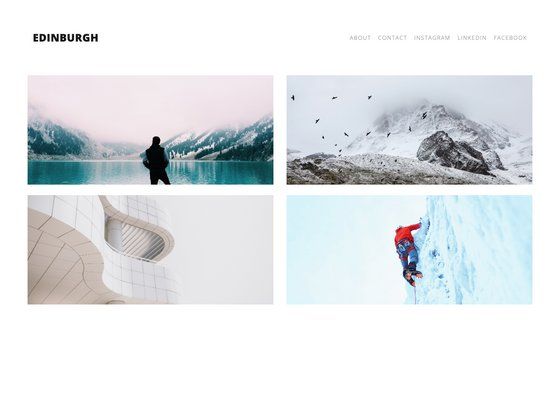
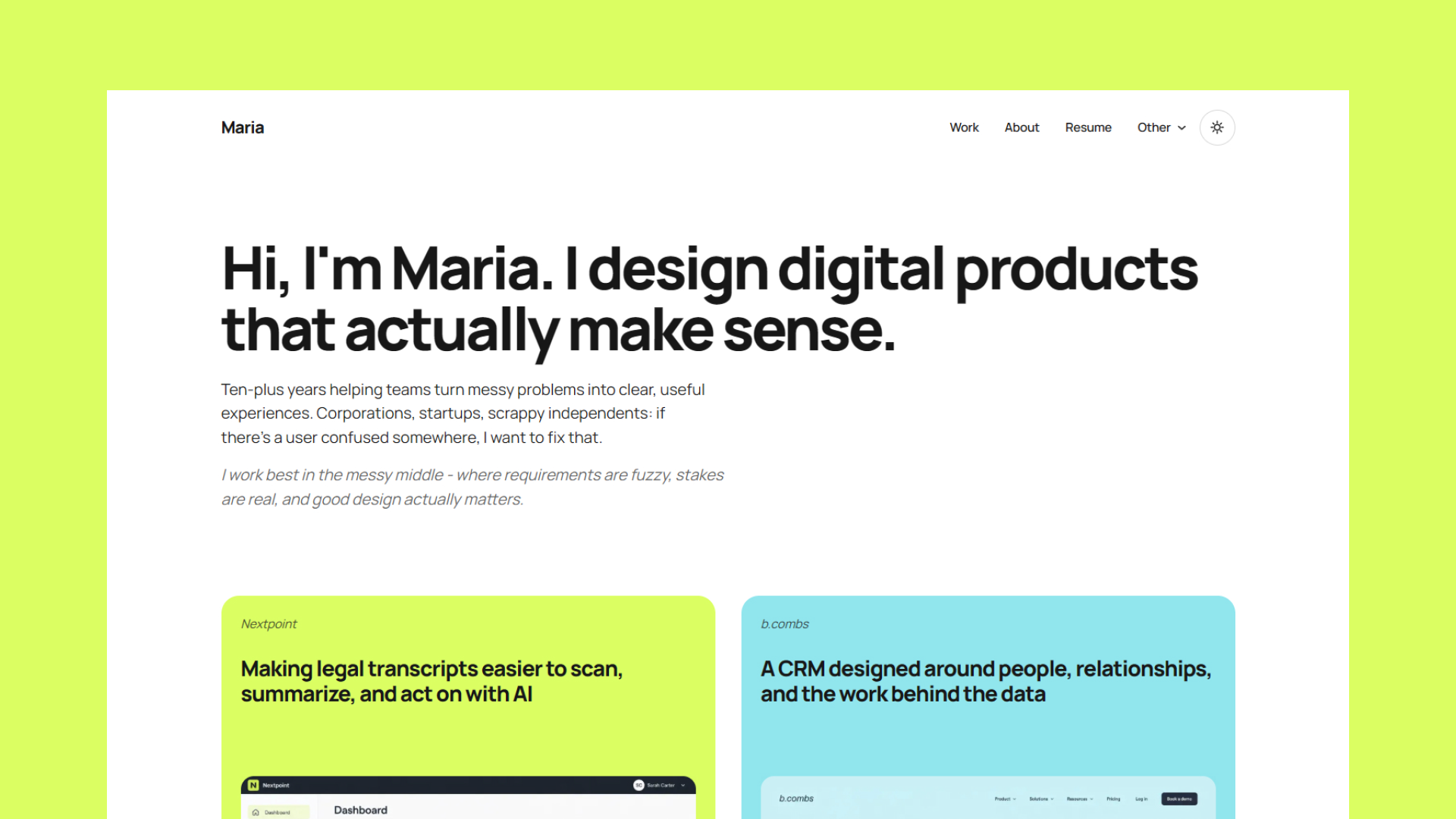
A photography portfolio website built with Tailwind CSS, HTML, CSS, and JavaScript, deployable to Netlify in one click.
About this template
Photography Portfolio is an open-source portfolio website template, built by João Franco with Tailwind CSS, HTML, CSS, and JavaScript, that turns a set of photos into a single-page photographer showcase with a FancyBox lightbox.
What is Photography Portfolio?
Photography Portfolio is a GitHub-hosted website template that produces a complete photographer portfolio site. It takes photos and personal details as input and outputs a single-page site with a gallery, navigation, and contact links, styled with Tailwind CSS and a FancyBox lightbox. The template is created by João Franco, distributed under the GPL-3.0 License, and the live demo presents the fictional photographer Sophia Williams at photography-portfolio-joaofranco03.netlify.app.
Key Features
- Tailwind CSS styling — The layout is built with the Tailwind CSS utility framework, with a source stylesheet at src/input.css that compiles to dist/output.css using the Tailwind CLI watch command.
- FancyBox lightbox — Gallery images open in the FancyBox lightbox overlay, which is the only JavaScript library listed in the project acknowledgments.
- Unsplash placeholder images — The featured photography comes from Unsplash, so the gallery is ready to view immediately and every image can be replaced with the owner's own work.
- One-click Netlify deployment — A Deploy to Netlify button in the README creates a live copy of the site directly from the GitHub repository without any local setup.
- No JavaScript framework — The site runs on plain HTML, CSS, and JavaScript, so it can be hosted on any static server or CDN without a build pipeline beyond the Tailwind compilation.
- Ko-fi support button — The README includes a Ko-fi button linking to the author's support page at ko-fi.com/joaofranco03.
- Ready-to-edit structure — The installation guide explicitly walks through replacing the sample photos, about me text, and contact information before publishing.
Who is it for?
Photographers — Photographers who want an online gallery can clone the repository, swap the Unsplash sample photos for their own work, and publish the page on any hosting platform.
Web developers — Developers can use the project as a working Tailwind CSS example, recompiling the stylesheet with the one-line Tailwind CLI command and extending the layout.
Freelance designers — Designers building portfolio sites for photographer clients can use the template as a starting point, modifying sections and deploying the finished site through Netlify.
What can you do with Photography Portfolio?
- Photographers: present a portfolio of work on the web with a FancyBox viewer, after replacing the Unsplash sample images with original photos.
- Developers: study how a Tailwind CSS input file compiles into a final stylesheet, then customize colors, spacing, and layout through that same workflow.
- Netlify users: publish a live portfolio in one click with the Deploy to Netlify button, which connects the GitHub repository to a Netlify site automatically.
How does Photography Portfolio work?
The setup instructions define a five-step workflow: clone the repository from GitHub, run npx tailwindcss -i ./src/input.css -o ./dist/output.css --watch to compile the stylesheet, run the project in a local server, replace the sample content with personal photos and information, and publish the site through any preferred hosting platform.
FAQ
Is Photography Portfolio free?
Yes, the template is open source under the GPL-3.0 License, so it can be used, modified, and distributed freely. Derivative works must also be released under the same license.
What does Photography Portfolio do?
It creates a single-page photography portfolio website from a gallery of images and personal details. The result is a Tailwind CSS-styled site with a FancyBox lightbox that runs entirely in the browser with plain JavaScript.
How do I deploy Photography Portfolio?
The README offers a Deploy to Netlify button that builds a live version of the site directly from the GitHub repository. Alternatively, clone the repository, run the Tailwind build command, and publish the files on any static hosting service.
Can I customize Photography Portfolio?
Yes, the installation instructions tell you to replace the Unsplash photos, the about me section, and the contact details with your own content. The Tailwind source file is also available for design changes, with a watch command that recompiles the CSS automatically.