Template details
Jekyll-fractal
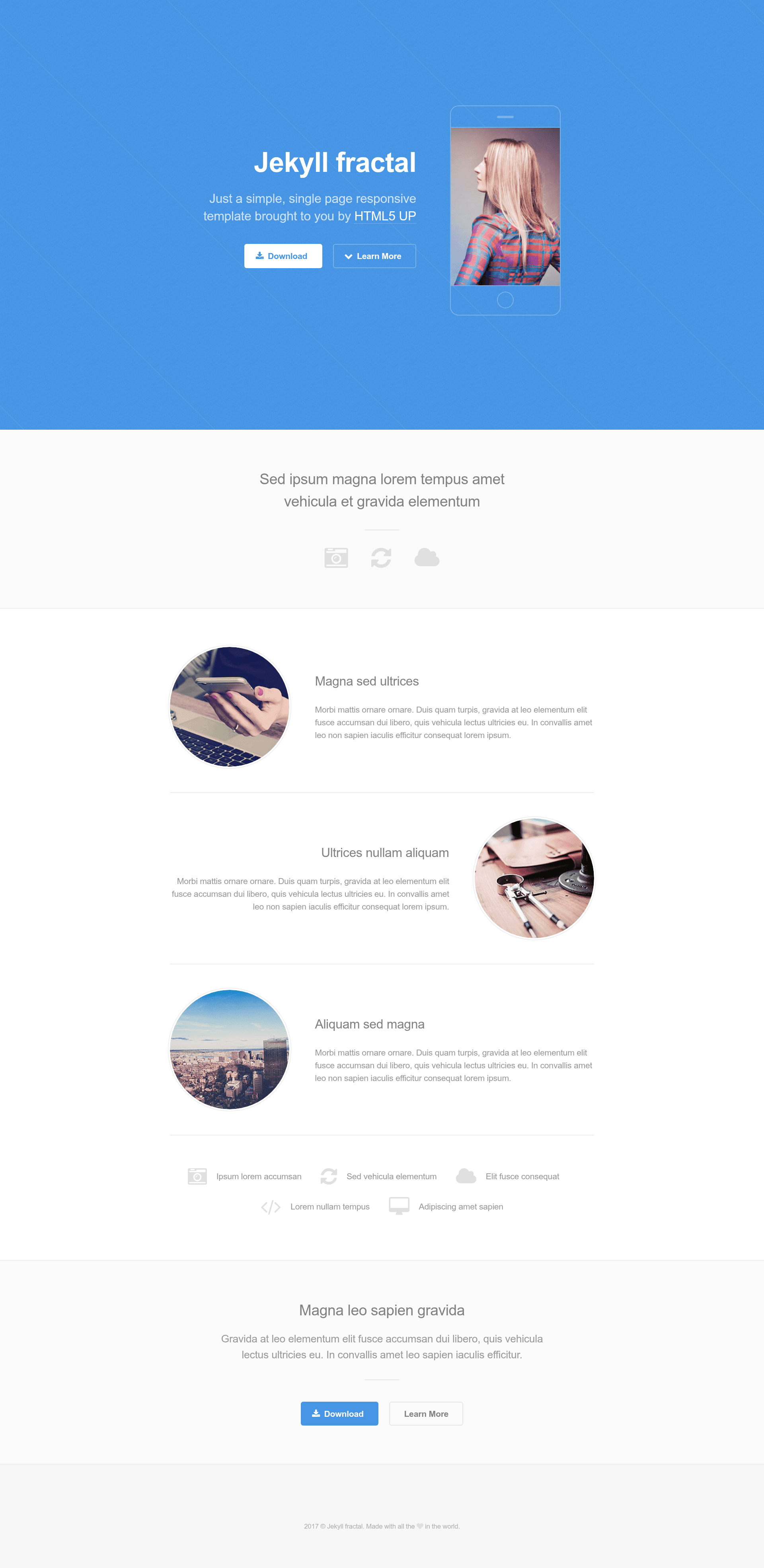
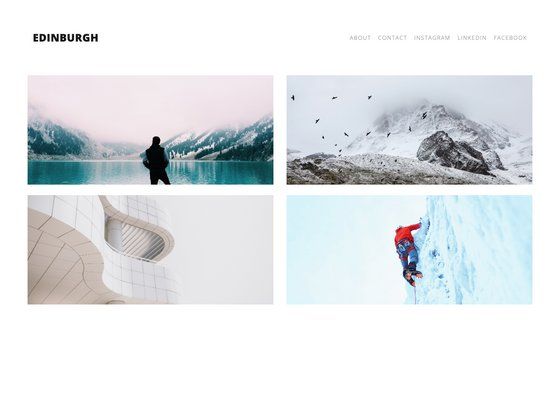
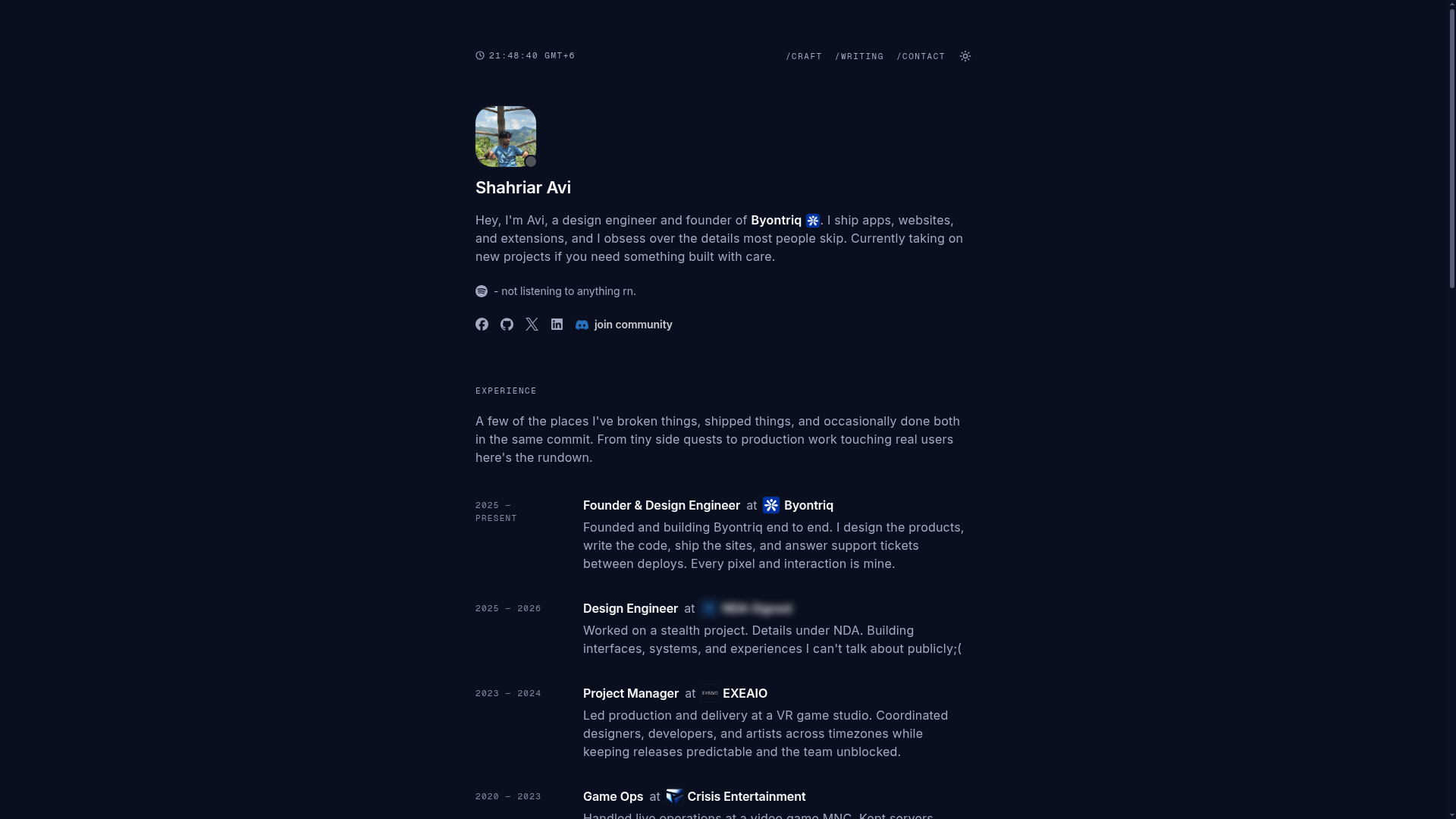
A free, responsive single-page Jekyll theme for personal portfolios, based on HTML5 UP Fractal.
About this template
Jekyll-fractal is a free, single-page Jekyll theme for personal portfolio websites, ported from the HTML5 UP Fractal design and configurable entirely through a single _config.yml file.
What is Jekyll-fractal?
Jekyll-fractal is a Jekyll theme that turns a YAML configuration file into a responsive one-page portfolio site. It takes Jekyll's static site generator and the settings in _config.yml as input, and produces an HTML page that can be hosted anywhere static files are served. The theme is a Jekyll adaptation of the HTML5 UP Fractal template, with the Jekyll integration made by the repository author (yveszenne). A live demo is available at the GitHub Pages link.
What makes Jekyll-fractal stand out?
- Single-page portfolio design — The layout is designed to present a personal portfolio on one scrollable page, suitable for showing a profile, projects, and contact links.
- Responsive layout — The page adapts to mobile and desktop screen sizes, as noted in the theme description.
- Configured through _config.yml — Site title, email, description, base URL, and download button URL are all set in Jekyll's standard configuration file.
- Social media link slots — The theme includes empty fields for 500px, Facebook, GitHub, GitLab, Google+, Instagram, LinkedIn, Pinterest, and Twitter, so you can add your profiles.
- Markdown with kramdown — The default Jekyll markdown engine (kramdown) is specified in the build settings.
- MIT license — The theme is released under the permissive MIT license, allowing free use, modification, and redistribution.
- Simple setup — Setup only requires installing Jekyll, forking or cloning the repository, and editing _config.yml.
Who should use Jekyll-fractal?
Creative professionals — Portfolio owners such as designers, photographers, and developers can present their work on a single page.
Jekyll beginners — The theme's minimal setup (install Jekyll, edit one config file) makes it an approachable starting point for learning Jekyll.
Personal site owners — Anyone who wants a clean, simple personal homepage with social links and a download button can use this theme.
What can you do with Jekyll-fractal?
- Freelance designers: Showcase a portfolio of projects and provide a downloadable CV or résumé via the download button URL.
- Photographers: Display a single-page gallery (the theme uses a hero image) with social links to an Instagram or 500px profile.
- Developers: Publish a personal landing page that links to GitHub and GitLab repositories.
How does Jekyll-fractal work?
The workflow is: install Jekyll with sudo gem install jekyll; clone or fork the repository; then edit _config.yml with your title, email, description, social URLs, and download link. Running Jekyll builds the static site from that configuration. The repository also includes a GitHub Pages-friendly demo, as seen at the live demo link.
FAQ
Is Jekyll-fractal free?
Yes, the theme is available under the MIT license, so it is free to use, modify, and distribute.
How do I customize the theme?
All customization happens in _config.yml. You can set the site title, email, description, baseurl, URL, download button URL, and social media URLs (Facebook, GitHub, Instagram, etc.) there.
Is the theme responsive?
Yes, the theme is described as responsive, meaning it adapts to mobile and desktop screen sizes.
What do I need to run Jekyll-fractal?
You need Jekyll installed (the setup instructions suggest sudo gem install jekyll) and a Ruby environment. Then clone or fork the repository, edit _config.yml, and build the site with Jekyll.