Template details
Eleventy Template
A fast eleventy template to get you started
About this template
Eleventy Template is a free, open-source starter template for building fast static portfolio and blog websites with Eleventy (11ty), a JavaScript-based static site generator.
What is Eleventy Template?
Eleventy Template is a preconfigured starter project created by orestbida for launching a portfolio or blog site with Eleventy. It takes content written in Liquid templates and Markdown files and generates a static HTML site that can be deployed to any web host. The template includes built-in optimizations such as minification, RSS generation, and PWA support.
Key Features
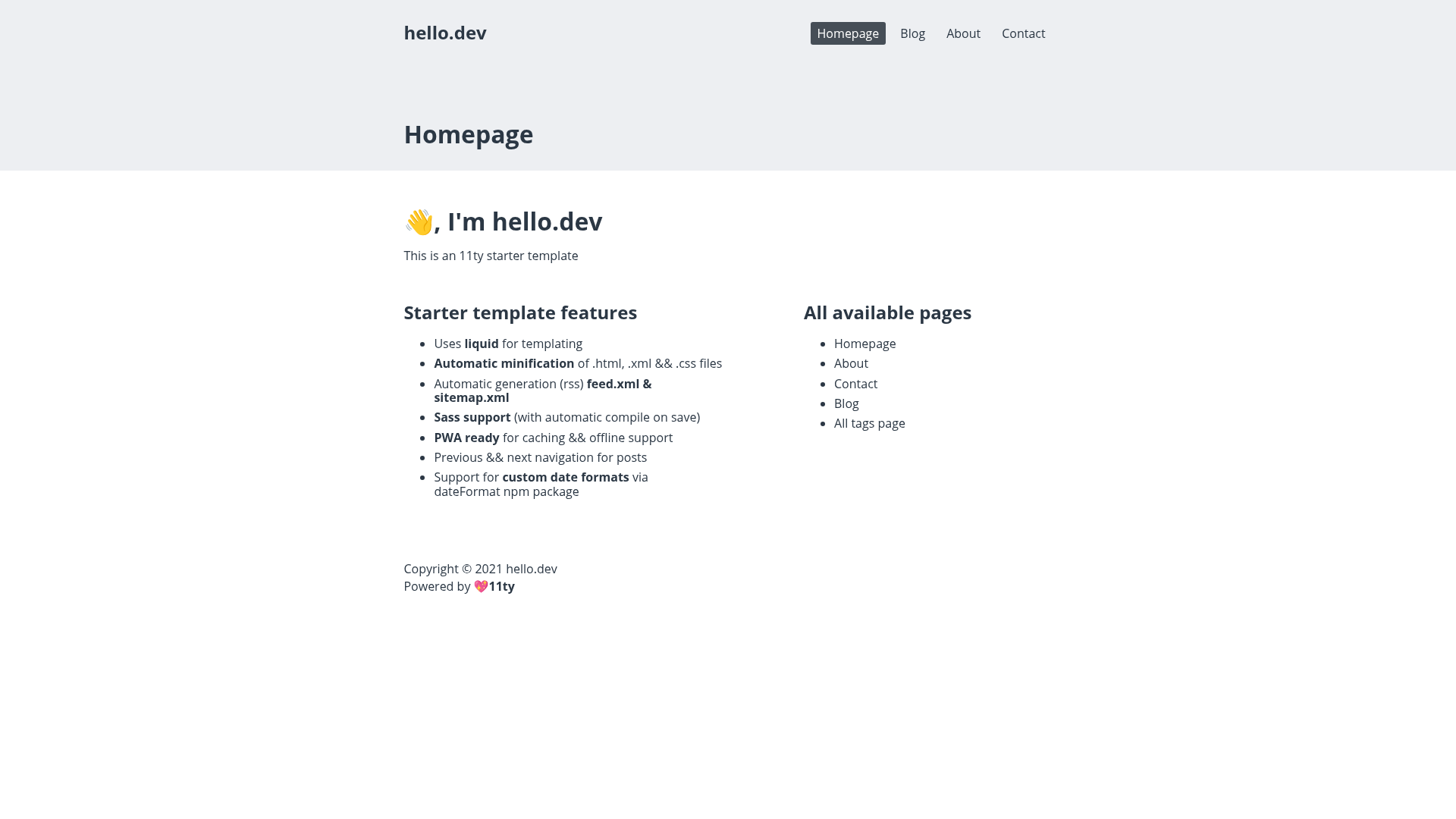
- Liquid templates — Uses .liquid files by default for building pages and layouts.
- Automatic minification — .html, .xml, and .css files are minified on each build.
- RSS and sitemap generation — Automatically generates feed.xml and sitemap.xml for SEO and content syndication.
- Sass support — Write styles with Sass and the template compiles them automatically on save.
- PWA ready — Built-in service worker setup enables caching and offline support.
- Post navigation — Adds previous and next links to blog posts automatically.
- Custom date formats — Supports flexible date formatting using the dateFormat npm package.
Who is it for?
- Portfolio owners — Create a personal portfolio site with a blog using the provided structure.
- Bloggers — Publish a static blog with RSS, sitemap, and offline support without configuring them manually.
- Developers — Use the template as a learning resource to see how to structure an Eleventy project with Sass and PWA features.
What can you do with Eleventy Template?
- Launch a personal portfolio: Showcase projects and posts with a clean, fast-loading site.
- Start a blog: Write in Markdown and get an automatically generated RSS feed and sitemap.
- Learn Eleventy: Explore the template's source code to understand 11ty configuration, Sass integration, and service workers.
How does Eleventy Template work?
Getting started is straightforward. Clone the repository, run npm install, then edit _data/metadata.json with your site details. Use npm run dev to develop with Sass compilation on save, or npm run build to create a production build of static files. The template is preconfigured to generate all navigation and feed files automatically.
Alternatives
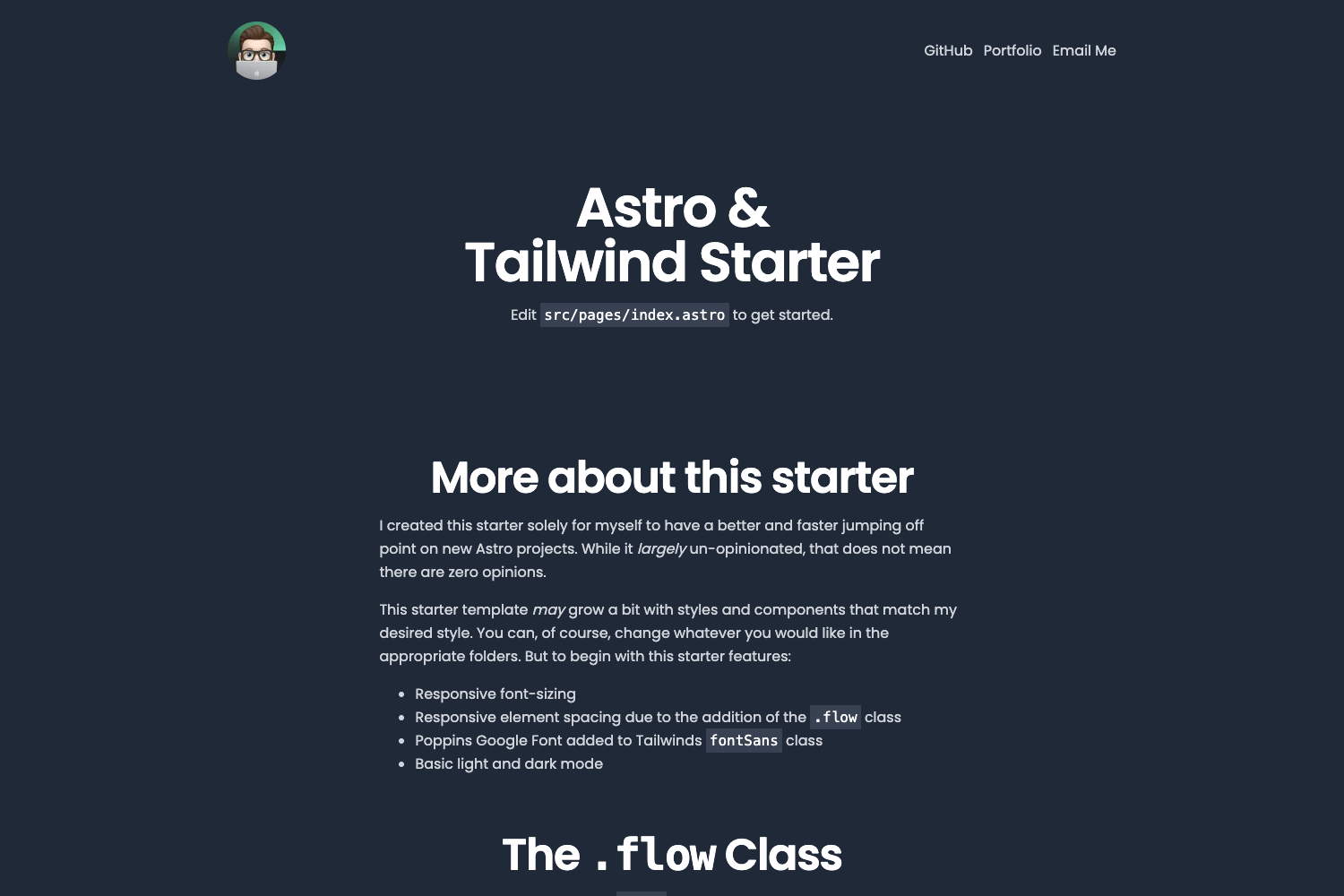
If you are evaluating static site generators, you might also consider Hugo, which is known for very fast build times, or Astro, which focuses on shipping minimal JavaScript to the browser.
FAQ
Is Eleventy Template free to use?
Yes, the template is open-source and hosted on GitHub, so you can use, modify, and extend it freely without any licensing fees.
Does the template include Sass support?
Yes, Sass is supported out of the box. The template automatically compiles .scss files on save during development, so you can write styles with variables, nesting, and partials.
Can I deploy the site to Netlify?
Yes, the template includes a live demo on Netlify at 11ty-template.netlify.app. Since the build outputs static files, you can deploy it to Netlify or any other static hosting service.
What content formats are supported?
By default, the template uses .liquid files for templates and supports Markdown for authoring content. This lets you write posts and pages in a simple markup format while leveraging Liquid for dynamic layouts.
How do I customize the site metadata?
Edit the _data/metadata.json file in the root of the project to update your site's title, description, URL, and other global settings.