Newsletter
Join the Community
Subscribe to our newsletter for the latest news and updates

Marketing team in Slack: one lead, five specialists. Blog drafts in Notion, posts in Typefully, campaigns in Resend, on approval.
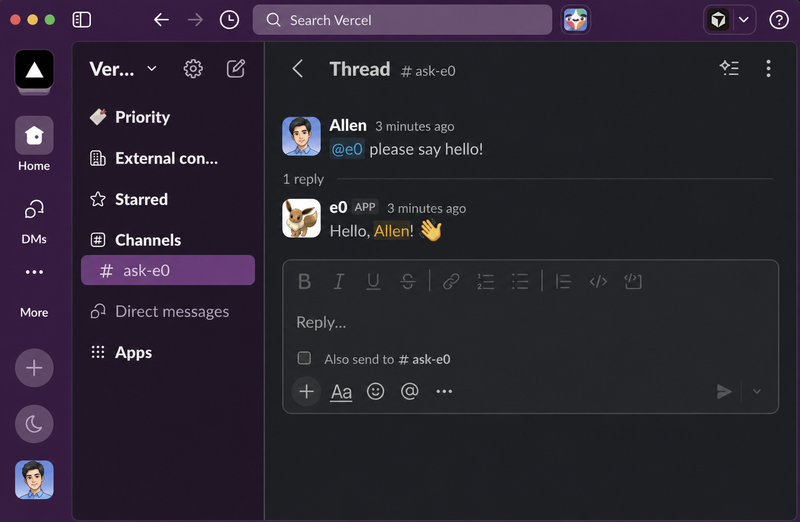
sre is an eve incident response agent for Slack that investigates alerts using Datadog, GitHub, Vercel, and other tools.
A Slack research bot built on Claude Managed Agents, Chat SDK, and Vercel Connect that streams researched briefs into threads.
A GitHub maintainer eve agent that emails weekly issue digests, summarizes PRs, answers @mentions, and works Linear issues from your inbox.
The eve Marketing Team Template is an open-source (MIT) starter from Vercel Labs that deploys a team of five marketing AI agents on the eve framework, coordinated by a team lead that accepts briefs in Slack or a terminal and delivers drafts, audits, and campaigns through Notion, Typefully, and Resend.
The eve Marketing Team Template is a TypeScript-based agent boilerplate that runs a team of five specialists — product marketer, content marketer, social media coordinator, SEO, and email — on the eve agent framework. You bring work to a team lead (a launch to plan, posts to write, or a page that isn't converting), and the lead routes a self-contained brief to the right specialist, who hands back a deliverable in the tool you already use.
The template runs on Node 24.x with strict ESM TypeScript, and deploys to Vercel with one click. It uses Vercel Blob for shared state, the Vercel AI Gateway for model access, and Vercel Sandbox for skill reference files and bash. Chat surfaces are Slack via Vercel Connect and the eve dev TUI. The full architecture, credential model, and approval matrix are documented in docs/ARCHITECTURE.md.
agent/subagents/, or delegate to remote agents defined with defineRemoteAgent for separate deployments with their own credentials and release cycles.docs/CUSTOMIZING.md.The template itself is open source under the MIT License. Deploying it to Vercel uses your Vercel account, and model access runs through the Vercel AI Gateway, so there are no template-specific licensing fees.
A Vercel account and a Typefully API key. The one-click deploy wires up Notion, Resend, Slack, and Vercel Blob automatically. Before your first email campaign, you must verify a sending domain and create at least one segment in the Resend dashboard.
The social media coordinator drafts short-form content for X, LinkedIn, Threads, Bluesky, and Mastodon, delivered as drafts in your Typefully queue. Nothing is scheduled automatically without your approval.
Any action that is irreversible — sending an email campaign, deleting in Resend, deleting or publishing scheduled posts in Typefully, or moving pages in Notion — pauses and shows an approve/deny button in Slack or the terminal. Drafting and research stay friction-free.
Yes. Create a new directory under agent/subagents/ and give it a description that the lead uses for routing. You can also add remote agents by defining them with defineRemoteAgent, useful when a specialist needs credentials or a release cycle you want to keep outside this repo.
The page lists three related templates from Vercel Labs that also build on eve: the eve Sanity Copilot, the eve Typefully Agent, and the eve Content Agent. Each pairs the framework with a different tool chain for specialized agent workflows.