Template details
OSS Data Analyst
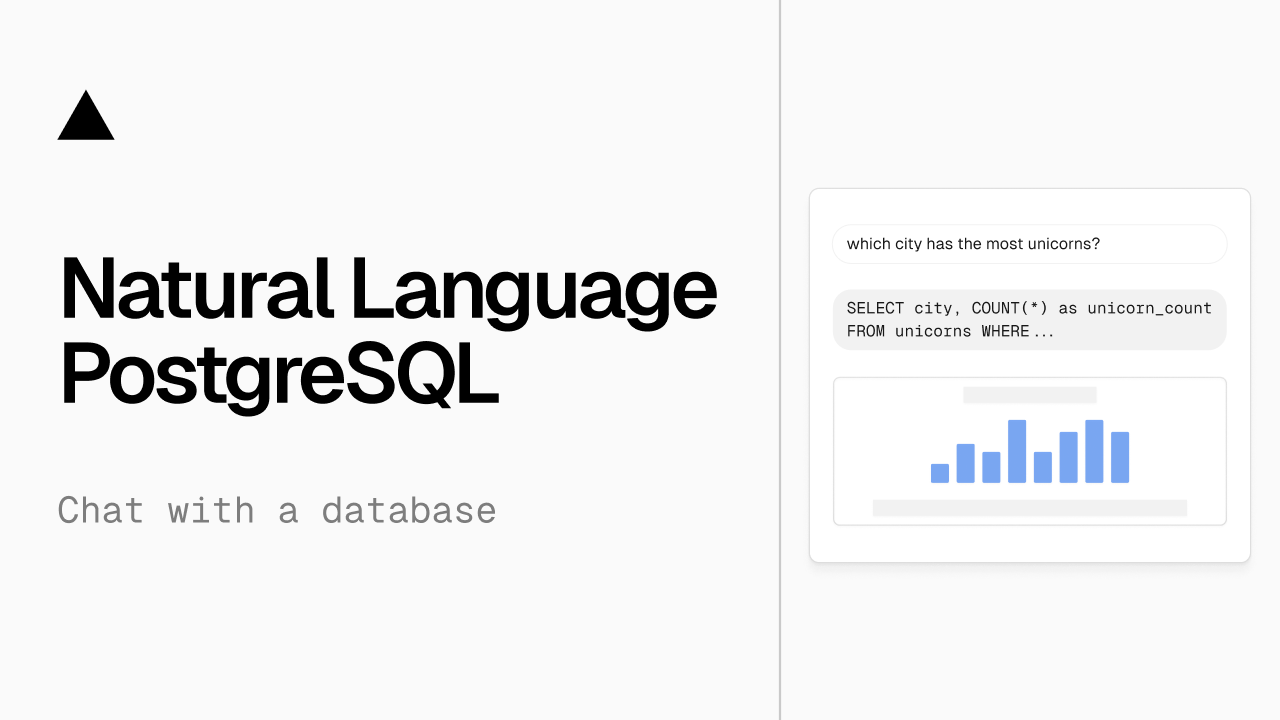
An open-source AI agent that explores a semantic layer in a Vercel Sandbox to answer natural-language questions with SQL.
About this template
OSS Data Analyst is an open-source reference architecture from Vercel Labs for a text-to-SQL agent that explores a semantic layer inside a Vercel Sandbox to answer natural-language questions with SQL.
What is OSS Data Analyst?
OSS Data Analyst is a Next.js application combining the Vercel AI SDK, Vercel Sandbox, and SQLite to translate natural-language questions into SQL queries. Instead of hardcoding schema knowledge into prompts, the agent is given shell access to a sandbox populated with your semantic layer YAML files. It discovers the schema at runtime using cat, grep, and ls, builds SQL, executes it against a SQLite database, and returns results with a narrative explanation. The project is maintained by Vercel Labs and is available on GitHub.
What makes OSS Data Analyst stand out?
- Sandboxed schema exploration — The agent uses shell commands (
cat,grep,ls) to browsecatalog.ymland entity definitions, so it adapts to any schema without prompt changes. - Runtime schema discovery — New entity YAML files dropped into
src/semantic/entities/are picked up automatically; no code changes or redeployment required. - SQL generation and execution — The agent builds SQL from discovered schema and runs it against a SQLite database through a dedicated execution tool.
- Semantic layer structure — The data model lives in
src/semantic/with acatalog.ymlindex and separate YAML files for each entity (companies, people, accounts), each definingsql_table_name,fields,joins, and example questions. - Narrative answers — Query results are formatted with a human-readable explanation alongside the raw data.
- Example data included —
pnpm initDatabasecreates a SQLite database with sample Companies, People, and Accounts tables for testing.
Who is OSS Data Analyst for?
- Data engineers — Prototype text-to-SQL interfaces that can adapt to evolving schemas without retraining or redeploying the agent.
- AI application developers — Build natural-language data querying features using the Vercel AI SDK and Sandbox primitives.
- Product teams — Evaluate how a sandbox-based exploration approach compares to hardcoded schema prompts for internal analytics tools.
What can you do with OSS Data Analyst?
- Ask ad-hoc business questions — Query "How many companies are in the Technology industry?" or "What is the average salary by department?" and receive SQL-backed answers.
- Analyze relationships between entities — The agent reads entity joins (e.g., companies to accounts) to reason about data the way a human analyst would.
- Extend the semantic layer — Add new entity YAML files and update
catalog.yml; the agent discovers them at runtime without code changes.
How does OSS Data Analyst work?
The workflow is: create a Vercel Sandbox and populate it with your semantic layer files; the agent explores the catalog and entity definitions using shell commands; it constructs SQL based on the discovered schema; queries execute against SQLite; and results are reported with a narrative explanation. Setup requires Node.js 20+, pnpm, and a Vercel AI Gateway API key.
FAQ
What is OSS Data Analyst?
OSS Data Analyst is an open-source reference architecture from Vercel Labs for building a text-to-SQL agent. It uses a Vercel Sandbox to give the agent shell access to your semantic layer YAML files, so it can discover schema dynamically and answer natural-language questions with SQL.
Do I need a Vercel AI Gateway API key?
Yes. The quick start instructs copying env.local.example to .env.local and adding your Vercel AI Gateway key. The agent uses it to power the language model that generates SQL and narratives.
What database does it support?
The current implementation runs queries against a SQLite database. The repository includes a script (pnpm initDatabase) that creates a sample SQLite database with Companies, People, and Accounts tables.
Can I use my own schema?
Yes. Add entity YAML files to src/semantic/entities/ and update src/semantic/catalog.yml. Because the agent explores schema at runtime, no code changes are needed and the new entities are discovered automatically.