Newsletter
Join the Community
Subscribe to our newsletter for the latest news and updates

An eve template for Slack agents with webhook handling, Vercel Connect, a starter agent, and an example tool ready to deploy on Vercel.
Marketing team in Slack: one lead, five specialists. Blog drafts in Notion, posts in Typefully, campaigns in Resend, on approval.
A GitHub maintainer eve agent that emails weekly issue digests, summarizes PRs, answers @mentions, and works Linear issues from your inbox.
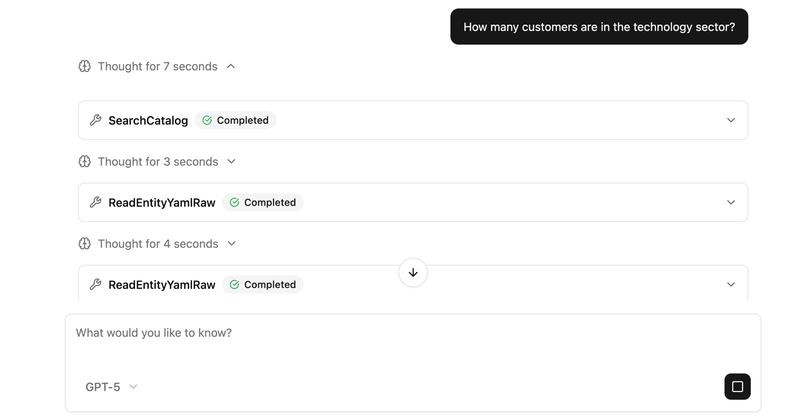
An open-source AI agent that explores a semantic layer in a Vercel Sandbox to answer natural-language questions with SQL.
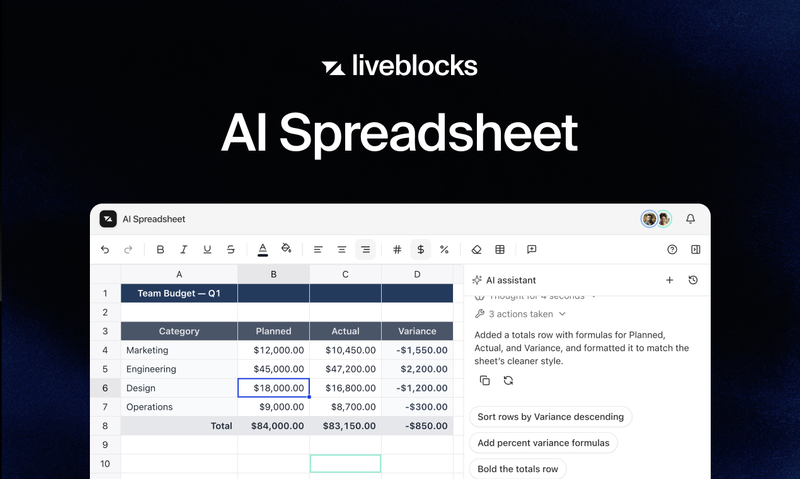
A collaborative AI spreadsheet powered by Liveblocks.
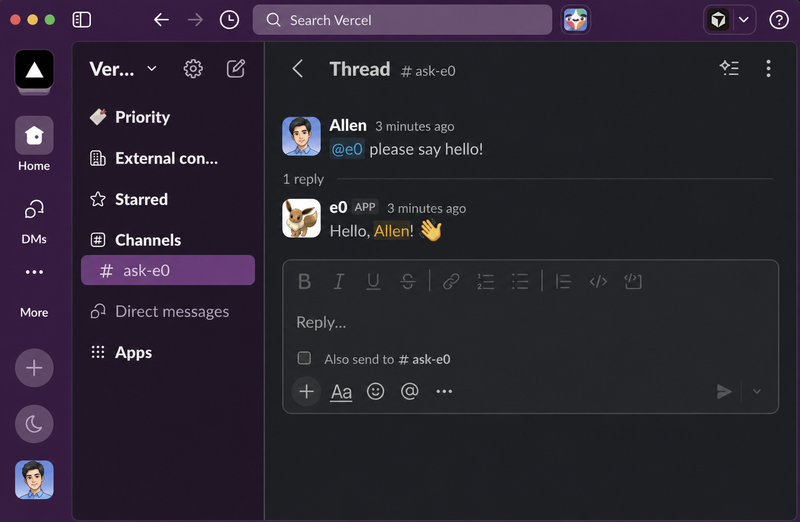
The eve Slack Agent is a Vercel-deployable template for building Slack agents on the Eve framework, bundling webhook handling, Vercel Connect credential management, a starter agent, and an example tool.
The eve Slack Agent is an example template from the Vercel eve-examples repository that gives you a working Slack agent powered by the Eve framework. It accepts Slack events through a webhook at /eve/v1/slack, processes them with an agent defined in agent/agent.ts, and returns responses through Slack. It runs on Vercel, uses Vercel Connect to manage Slack credentials, and deploys with a one-click Vercel button.
SLACK_CONNECTOR environment variable./eve/v1/slack for receiving Slack events.agent/agent.ts to define your agent's logic.agent/instructions.md and auto-updates as you edit the files.agent/tools/ to show how tools are structured.vercel link, vercel env pull, then pnpm dev to start a dev server.node_modules/eve/dist/docs/public/.agent/tools/ and updating instructions in agent/instructions.md.eve-slack-agent-template directory from the eve-examples repository.vercel link, pull environment variables with vercel env pull, then start the development server with pnpm dev.agent/agent.ts, agent/instructions.md, and agent/tools/ — the agent updates automatically as files change.Click the Deploy with Vercel button, which creates a new Vercel project, connects your Slack app, and sets up the SLACK_CONNECTOR environment variable through Vercel Connect. Alternatively, clone the template from the eve-examples GitHub repository and deploy it manually.
Agent behavior is defined in agent/instructions.md, and the logic is in agent/agent.ts. Tools are stored in agent/tools/. Edits to any of these files auto-update the running agent.
Run vercel link to link the project, vercel env pull to pull environment variables, and pnpm dev to start the development server. The local Eve guides are available at node_modules/eve/dist/docs/public/ after installing dependencies.
Vercel Connect manages the Slack channel's credentials, as described in the template's Vercel deployment setup. It sets the SLACK_CONNECTOR environment variable, so you don't handle Slack tokens directly.