Template details
Victor Hugo
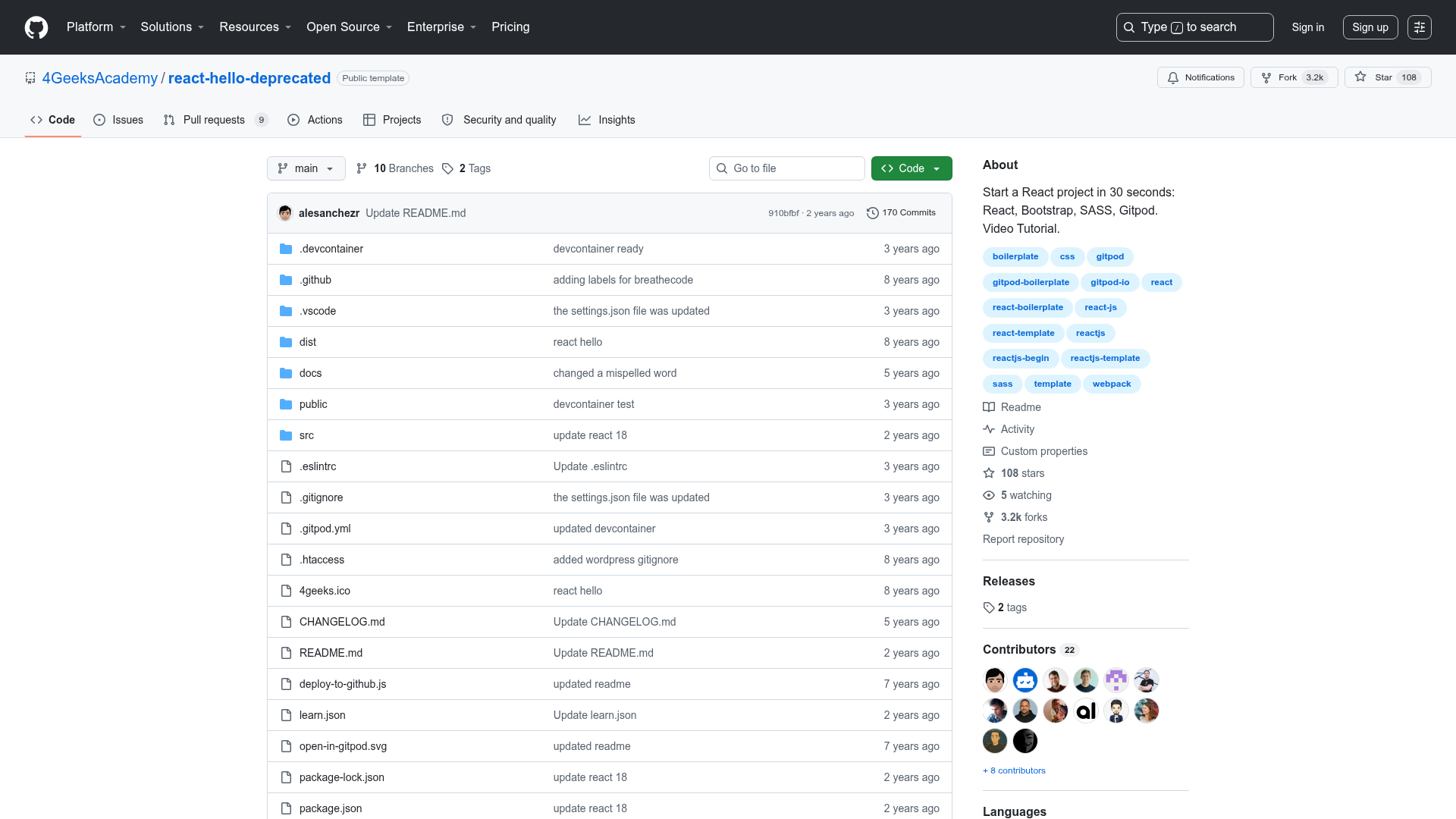
Victor Hugo is a Netlify boilerplate combining the Hugo static site generator with a Webpack 5 asset pipeline.
About this template
Victor Hugo is a Netlify-built boilerplate that pairs the Hugo static site generator with a Webpack 5 asset pipeline to produce static websites with a modern front-end build workflow.
What is Victor Hugo?
Victor Hugo is a free, MIT-licensed boilerplate maintained by Netlify that uses Hugo for content generation and Webpack 5 for compiling and bundling CSS and JavaScript. It takes content from the site/ directory and source assets from src/, processes them through PostCSS v8 and Babel v7, and outputs a static website into /dist. The template has over 1,500 GitHub stars and is designed for deployment on Netlify.
Key Features
- Webpack 5 asset pipeline — CSS and JS imported in
src/index.jsare bundled, compiled with PostCSS Next, and minified todist/[name].[hash:5].css. - PostCSS v8 and Babel v7 — CSS processing and JavaScript transpilation happen automatically during the build, so you can write modern syntax without a separate toolchain.
- ES6 module support — Use relative imports or install npm packages and import them directly into the Webpack entry point.
- NODE_ENV environment variable — Tasks run with either "development" or "production" set, and Hugo templates can read it via
getenv "NODE_ENV"for conditional logic. - Static asset passthrough — Files placed in
site/staticare copied verbatim to the web root, so images, fonts, and favicons do not pass through Webpack. - Development server —
npm startlaunches Webpack Dev Server at http://localhost:3000/ with automatic CSS reload and full-page refresh on content changes. - Preview builds —
npm run previewruns Hugo server with--buildDrafts --buildFuture, andnpm run build:previewcreates a static build that includes unpublished content. - Netlify deployment — A one-click "Deploy to Netlify" button is included, and the repo is preconfigured for Netlify builds on every push.
Who is it for?
- Hugo developers — use Hugo's template language and content structure while getting a Webpack-based pipeline for CSS and JavaScript.
- Netlify users — deploy static sites directly from the repo with the included Netlify configuration and deploy button.
- Front-end developers — write ES6 and import npm libraries, with Babel and PostCSS handling transpilation and minification.
- Freelancers and studios — ship marketing sites, blogs, or portfolios with a predictable local workflow and static output.
What can you do with Victor Hugo?
- Build a blog — add markdown content in
site/content, customize layouts insite/layouts, and generate a static site into/dist. - Create a portfolio — store images in
site/staticand use Hugo templates to render project galleries. - Launch a marketing site — combine Hugo's data files in
site/datawith the asset pipeline for a company landing page. - Preview draft content — use preview commands to see unpublished posts during development or in a Netlify deploy preview.
How does Victor Hugo work?
Clone the repository, run npm install to fetch dependencies, then use npm start for local development. Write content in site/content and add styles or scripts to src/; Webpack bundles them at build time. Run npm run build to produce a static site in /dist, then push the repo to GitHub and link it to Netlify for automated deploys.
Pros and cons
- Pro: Modern build toolchain with Webpack 5, PostCSS v8, and Babel v7 already configured.
- Pro: Preview builds for drafts and future posts make editorial review convenient.
- Pro: MIT license and 1,500+ GitHub stars indicate a widely used codebase.
- Con: Netlify has deprecated the template and recommends switching to Hyas.
- Con: The prerequisites specify Node.js v16 and npm v6, which may not match current LTS versions.
Pricing
Victor Hugo is free and open source under the MIT license.
Alternatives
- Hyas — a Hugo and Node.js starter that Netlify promotes as a maintained, deploy-ready alternative.
FAQ
Is Victor Hugo free?
Yes, Victor Hugo is released under the MIT license. You can use, modify, and redistribute it freely, including for commercial projects.
What Node.js version is required?
The template was tested with Node.js v16 and npm v6. Running other versions may lead to installation or build failures, so it is best to match those versions.
Is Victor Hugo still maintained?
Netlify has formally deprecated this boilerplate and is no longer actively developing it. The deprecation notice suggests Hyas as the recommended alternative.
How do I deploy Victor Hugo to Netlify?
After cloning and building your site, push it to a GitHub repository. Then create a new site on Netlify and link that repository; Netlify automatically runs the build on each push. The repository also includes a Deploy to Netlify button for one-click setup.