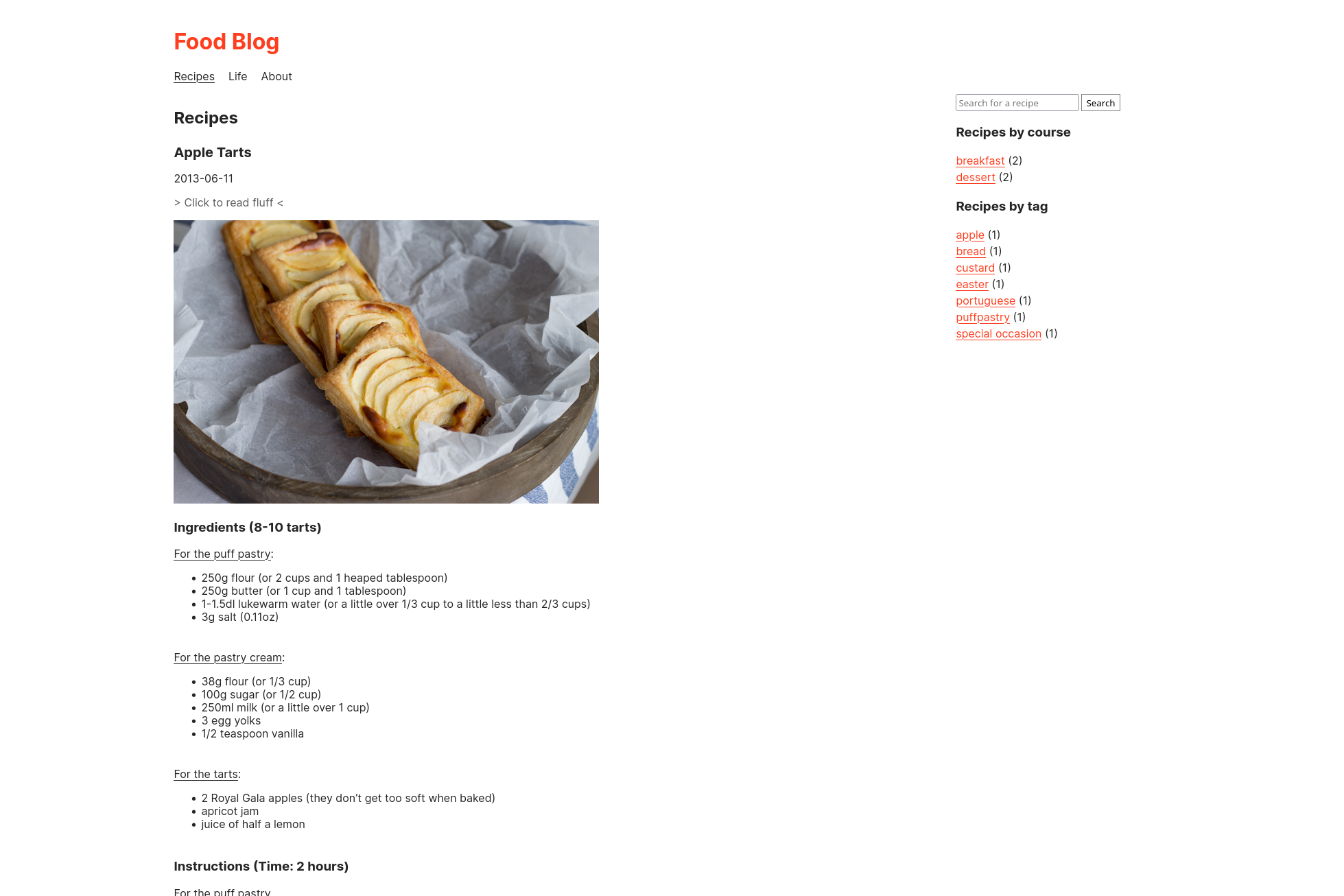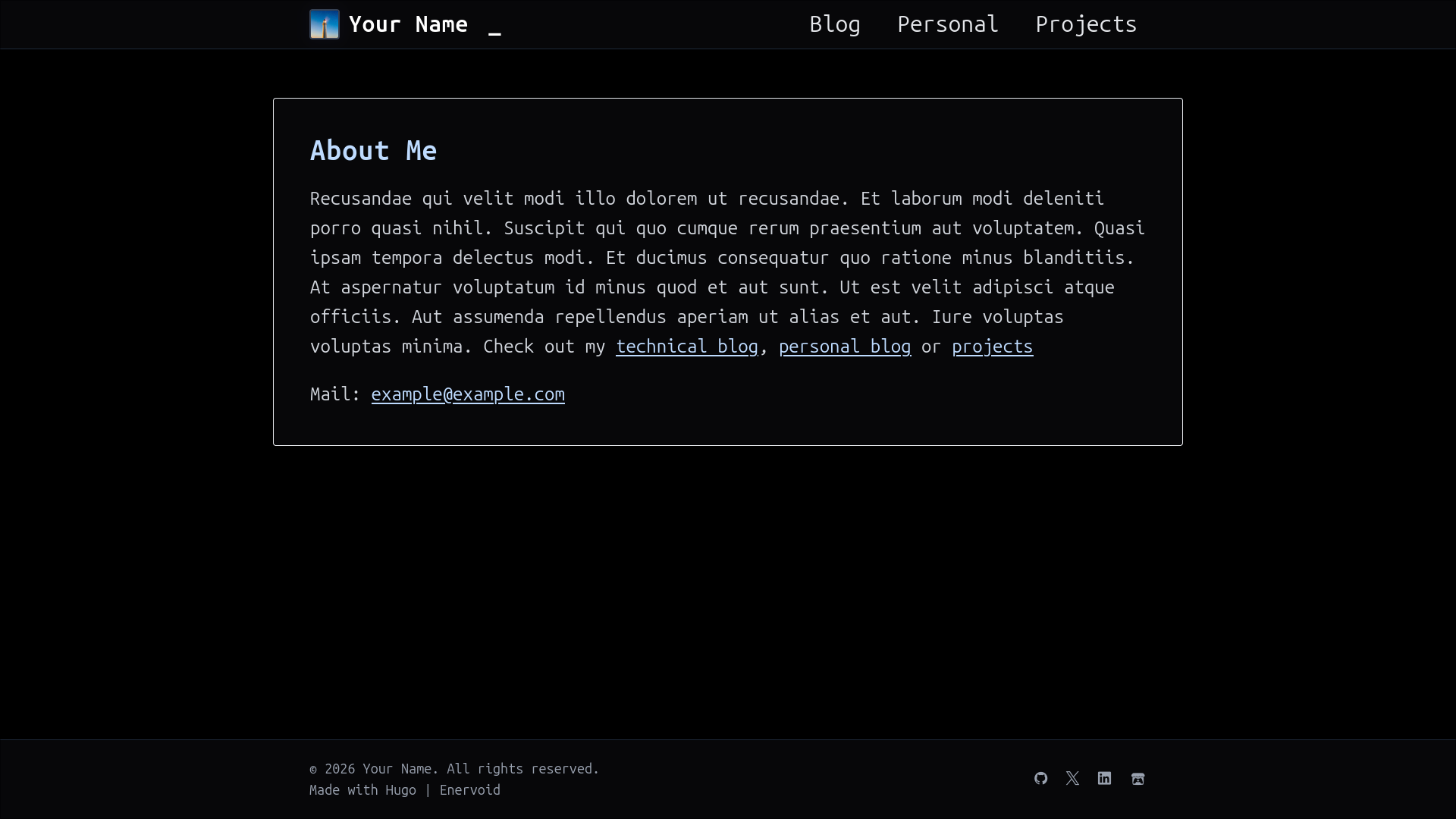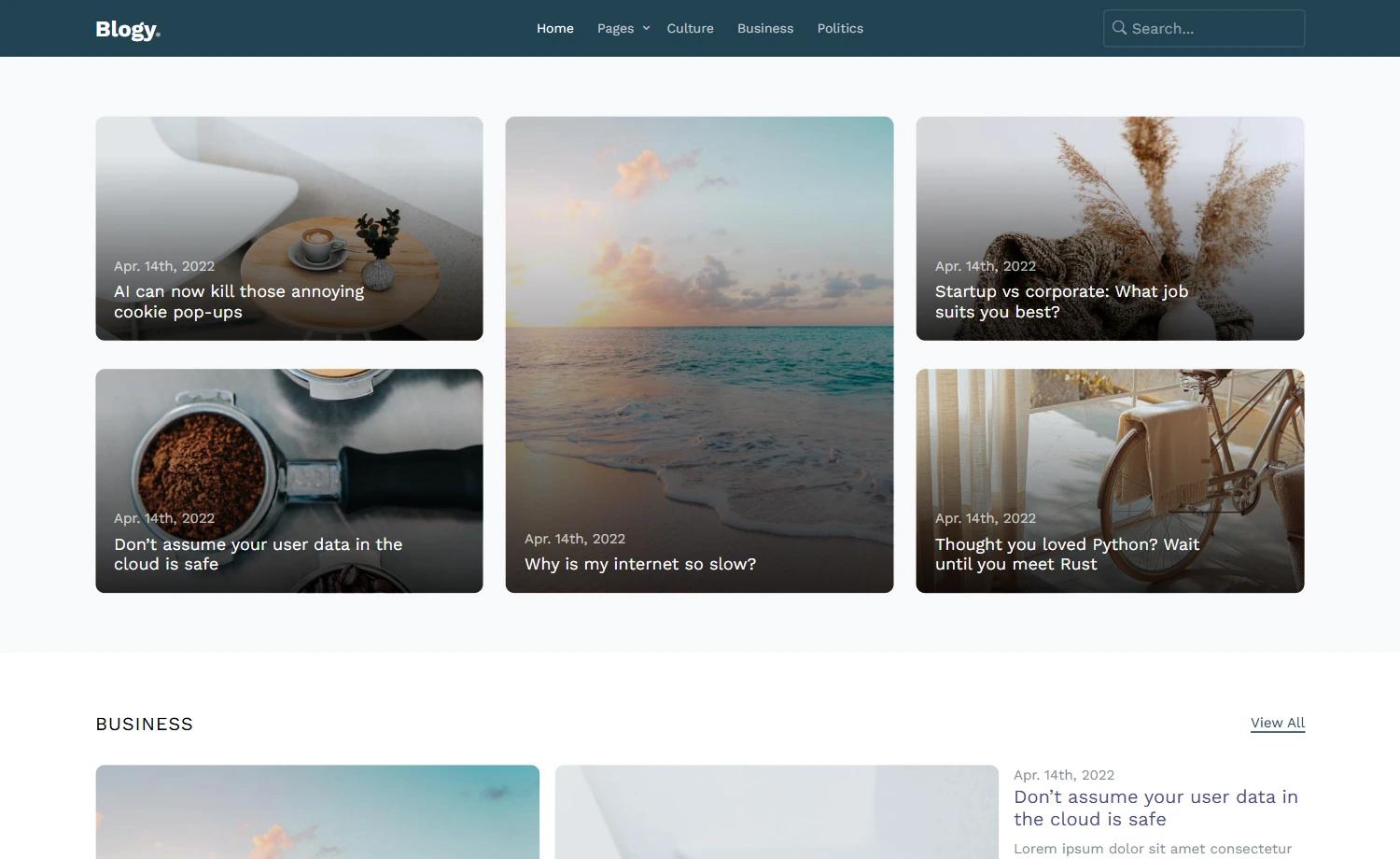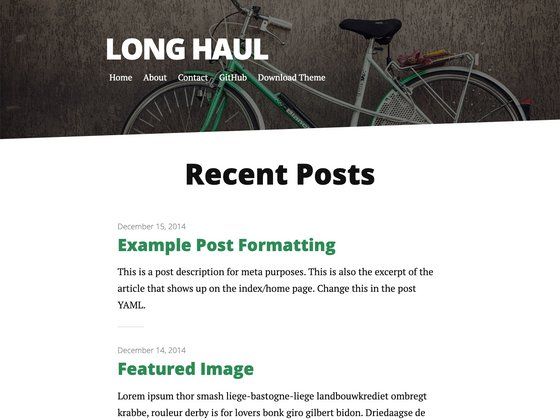
Template details
EYins Demo
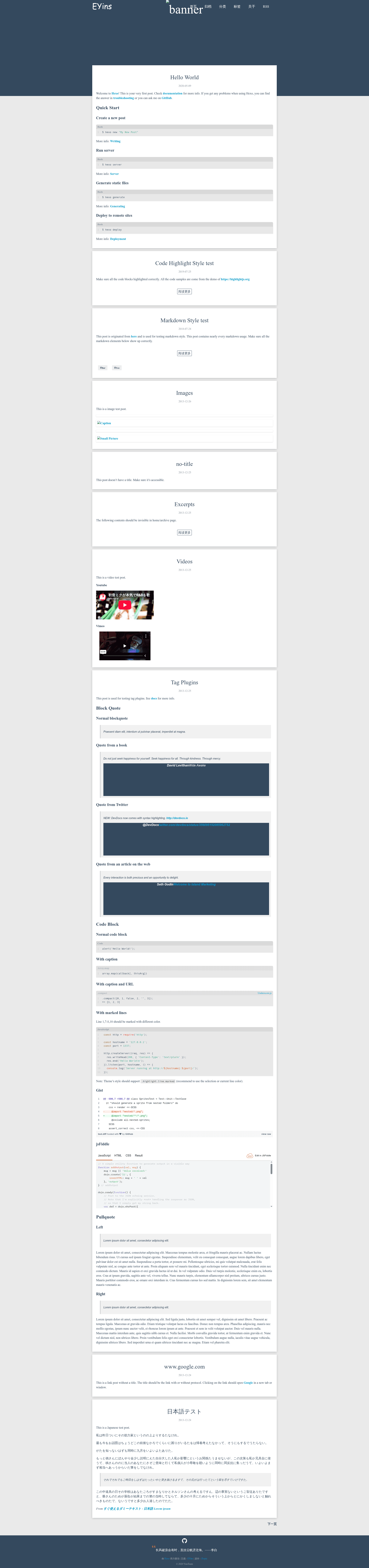
A live demo of the EYins Hexo theme, showcasing markdown, code highlighting, tag plugins, videos, and link posts.
About this template
EYins Demo is a live demo of the EYins Hexo theme, a static blog theme built on the Hexo framework and hosted on Netlify at eyins-demo.netlify.app. This repository contains the demo source, which includes sample posts that exercise the theme's markdown rendering, tag plugins, code highlighting, and multimedia embedding.
What is EYins Demo?
EYins Demo is a demonstration site for the EYins Hexo theme. It takes a set of Markdown posts written for Hexo and renders them into a static HTML blog, showcasing how the theme displays content. The demo runs on Hexo, a Node.js-based static site generator, and is deployed to Netlify, as seen in the live URL eyins-demo.netlify.app. The repository is authored under the Bample GitHub account and described as "Eyins主题Demo" (Eyins theme demo).
Key Features
The demo site explicitly shows off the following EYins theme capabilities:
- Hexo integration — the theme works with Hexo's standard workflow, including the commands
hexo new,hexo server,hexo generate, andhexo deployshown in the welcome post. - Syntax highlighting — code blocks render with colors; the demo explicitly states "Make sure all the code blocks highlighted correctly" and links to highlightjs.org, indicating the theme relies on Highlight.js.
- Markdown style testing — a post "nearly every markdown usage" verifies that headings, lists, blockquotes, and other elements display correctly.
- Tag plugins — a post tests Hexo tag plugins such as block quotes (normal, from a book, Twitter, web article), code blocks with captions and URLs, marked lines, Gist embeds, and jsFiddle embeds.
- Pullquotes — left and right pullquote rendering is demonstrated in the tag plugin test post.
- Multimedia support — YouTube and Vimeo videos are embedded in a dedicated video test post, with proper iframe handling.
- Image handling — an image test post shows images with and without captions and figures, including a placeholder image.
- Link posts — a link post without a title displays the link as the title, opening Google in a new tab.
- Japanese text support — a Japanese test post confirms the theme renders CJK characters and typography correctly.
Who is it for?
EYins Demo is aimed at three audiences:
- Hexo users evaluating themes — they can browse the live demo to decide whether EYins suits their blog without installing anything.
- Blog authors who write Markdown — they can see how complex post elements like code blocks, videos, and pullquotes will look on a real page.
- Theme developers — they can inspect the demo source to understand EYins' expected content structure and test their own modifications.
What can you do with the EYins Demo?
- Evaluate the theme visually — open eyins-demo.netlify.app to see the theme's typography, layout, and component styling across multiple post types in one place.
- Test content compatibility — use the demo's sample posts to check whether your own Markdown, code blocks, and embedded media will render as expected with EYins.
- Learn Hexo usage — the included welcome post provides the four essential Hexo commands (new, server, generate, deploy) with links to the official Hexo docs.
How does the demo work?
The demo is a standard Hexo site. From the welcome post, the workflow is: create a new post with hexo new "My New Post", preview locally with hexo server, build the static site with hexo generate, and deploy using hexo deploy. The live version on Netlify is the output of hexo generate.
FAQ
What is EYins?
EYins is a Hexo theme, and this repository is its demo site. The theme is designed to work with Hexo's standard tooling, and the demo shows a variety of post types and formatting options.
Is the EYins Demo free?
The repository has no license or pricing information, and the demo is publicly hosted on Netlify. Since it is a Hexo theme demo, it is reasonable to assume it is free, but no explicit statement is made in the content provided.
What does the EYins demo show?
The demo includes posts covering code highlighting, markdown elements, tag plugins, images, videos (YouTube/Vimeo), pullquotes, link posts, and Japanese text, giving a broad preview of theme behavior.
How can I run the demo locally?
Clone the repository, install Hexo's dependencies, and run hexo server to serve the site locally. The welcome post lists the standard Hexo commands.