Template details
jekyllBear
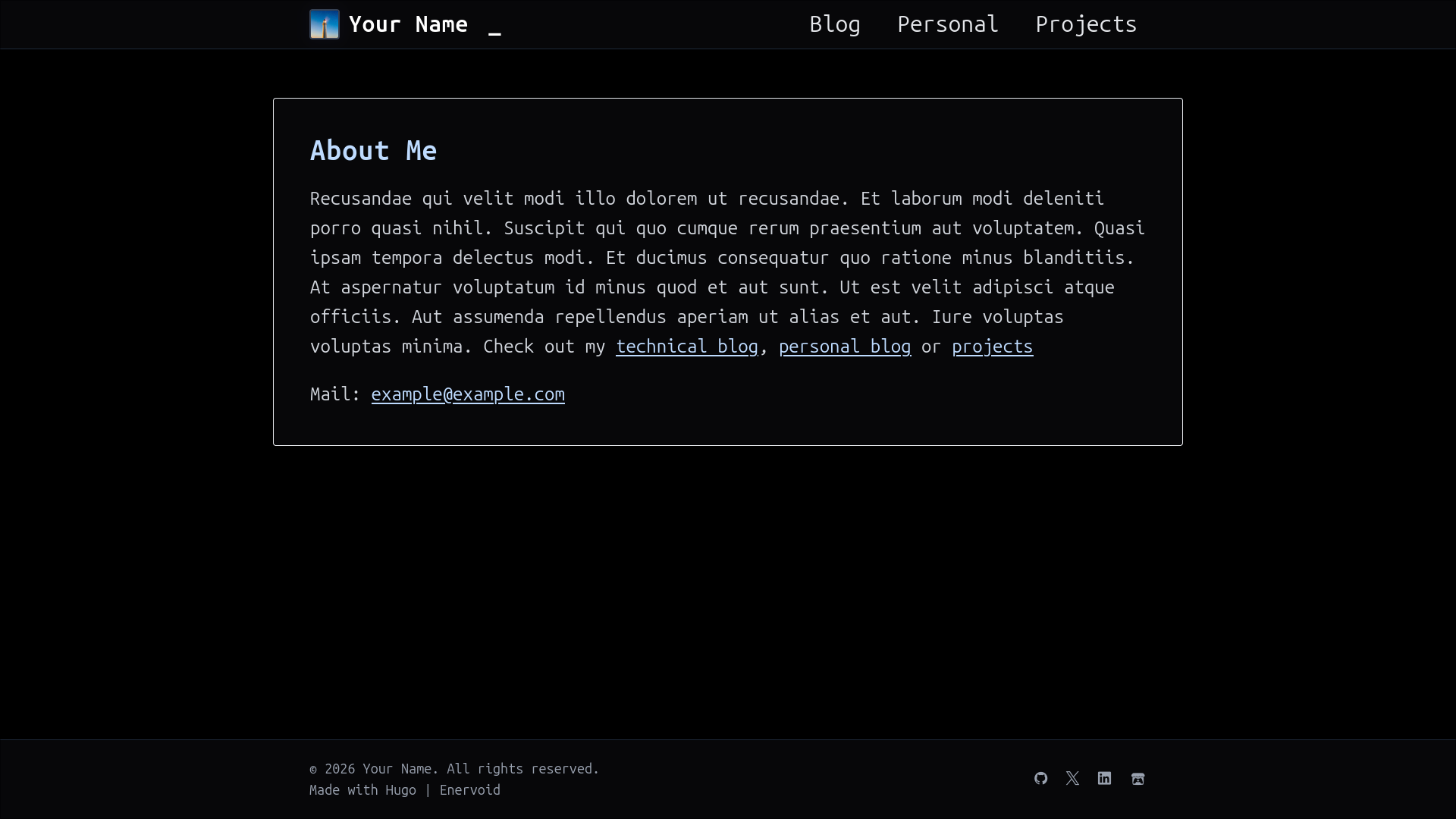
A minimalist, text-focused Jekyll theme ported from Bear Blog with tags, code highlighting, and a Life in Weeks visualization.
About this template
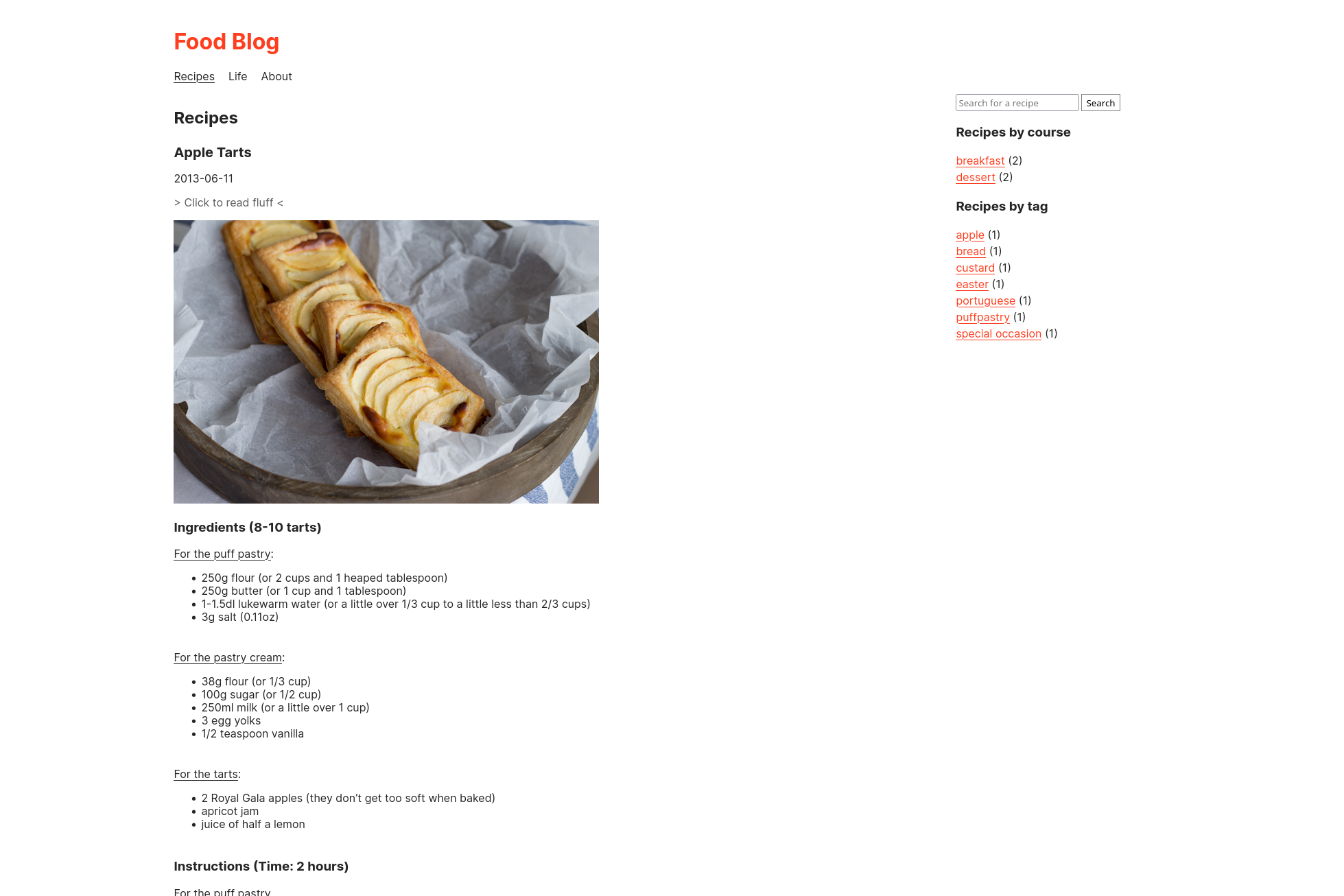
jekyllBear is a minimal, text-focused Jekyll theme that ports the Bear Blog design to Jekyll so you can host a distraction-free blog on GitHub Pages or any Jekyll-compatible static host.
What is jekyllBear?
jekyllBear is a Jekyll theme distributed as the ruby gem jekyll-bear-theme. It takes Markdown posts with YAML front matter as input and generates a static website with an automatic light/dark theme, tag filtering, code highlighting, a gallery view, and an optional "Life in Weeks" visualization page. The theme is maintained by knhash on GitHub and runs on any standard Jekyll setup, including GitHub Pages. It draws its design from Bear Blog, a platform where "words matter most," and adds several extras such as IBM Plex Mono typography and a pine forest color palette.
What makes jekyllBear stand out?
- Responsive design — The layout adapts to any screen size, from mobile phones to desktop monitors, with a mobile-first approach.
- Performance — The theme reports a perfect 100 score on PageSpeed Insights, thanks to its tiny, optimized pages with no trackers, ads, or scripts.
- Automatic light and dark themes — No configuration needed; the theme switches based on the visitor's system preference.
- Tag support — Posts can be filtered by tags defined in the
_my_tagsdirectory, and custom tags are easy to add. - Gallery view — A dedicated layout for displaying image collections, suitable for photography or visual posts.
- Code highlighting — Syntax highlighting is built in for code blocks in your posts.
- Life in Weeks visualization — An interactive timeline of your life events, driven by a YAML data file in
_data/life-in-weeks.yml, with optional links, descriptions, and tags per event. - Customizable CSS — All colors, fonts, spacing, and glow effects are exposed as CSS custom properties (e.g.,
--font-main,--glow-color-light), so you can rebrand the theme without touching layout files.
Who should use jekyllBear?
- Writers and bloggers — Publish long-form articles, poetry, or image galleries with a focused reading experience and no sidebar clutter.
- Developers with GitHub Pages — Set up a personal blog in about 15 minutes by adding the gem, copying the example posts, and pushing to GitHub.
- Minimalists — People who value fast, ad-free, tracker-free websites and consistent typography.
- Personal site owners — Build a simple homepage, a separate blog index, a 404 page, and a Life in Weeks page all in one static site.
What can you do with jekyllBear?
- Bloggers: Write posts in three supported formats — long-form reading, poetry, and gallery — each with its own template and front-matter structure.
- Photographers: Use the gallery view to showcase image sets within a text-first site.
- Life-loggers: Maintain a YAML file of life events with dates, names, descriptions, categories, links, and tags, and display it as an interactive week-by-week timeline.
- Developers: Modify CSS custom properties to match a personal brand, then rebuild the site with
bundle exec jekyll serve.
How does jekyllBear work?
Installation is straightforward: add gem "jekyll-bear-theme" to your Gemfile, set theme: jekyll-bear-theme in _config.yml, and run bundle. Then copy the contents of the /posts and /_my_tags folders from the repository, along with blog.md, index.md, life.md, and 404.html, into your own site. Configure the nav links and tag settings in _config.yml, and test locally with bundle exec jekyll serve at localhost:4000.
Is jekyllBear free?
Yes, jekyllBear is open source under the MIT License, and you can use it on any number of personal or commercial projects. The theme itself has no cost beyond the GitHub Pages hosting you may already use.
Does jekyllBear support tags?
Yes, tags are defined in the _my_tags directory and filtered on the blog landing page. Each post's front matter can declare one or more tags, and the theme filters the blog list accordingly. You can add new tags by copying an existing tag file and adjusting its name and description.
What is the Life in Weeks page?
It's an optional interactive visualization that shows every week of your life in a grid, with events you define in a YAML file. Each event can include a name, description, category, link, and tags, and the carousel-style rendering is handled by assets/life-carousel.js together with _layouts/life-in-weeks.html.