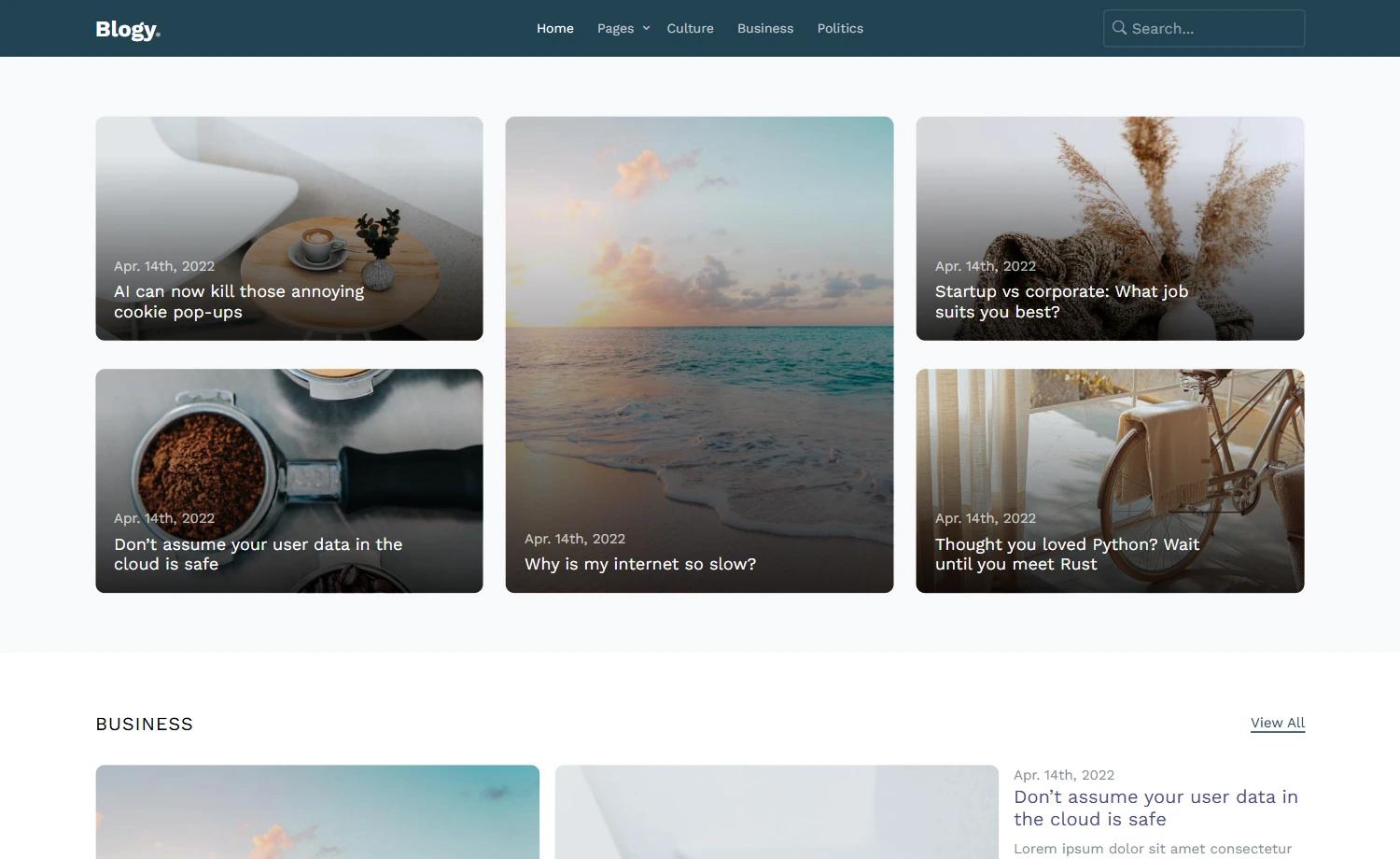
Template details
Simple Purple Theme
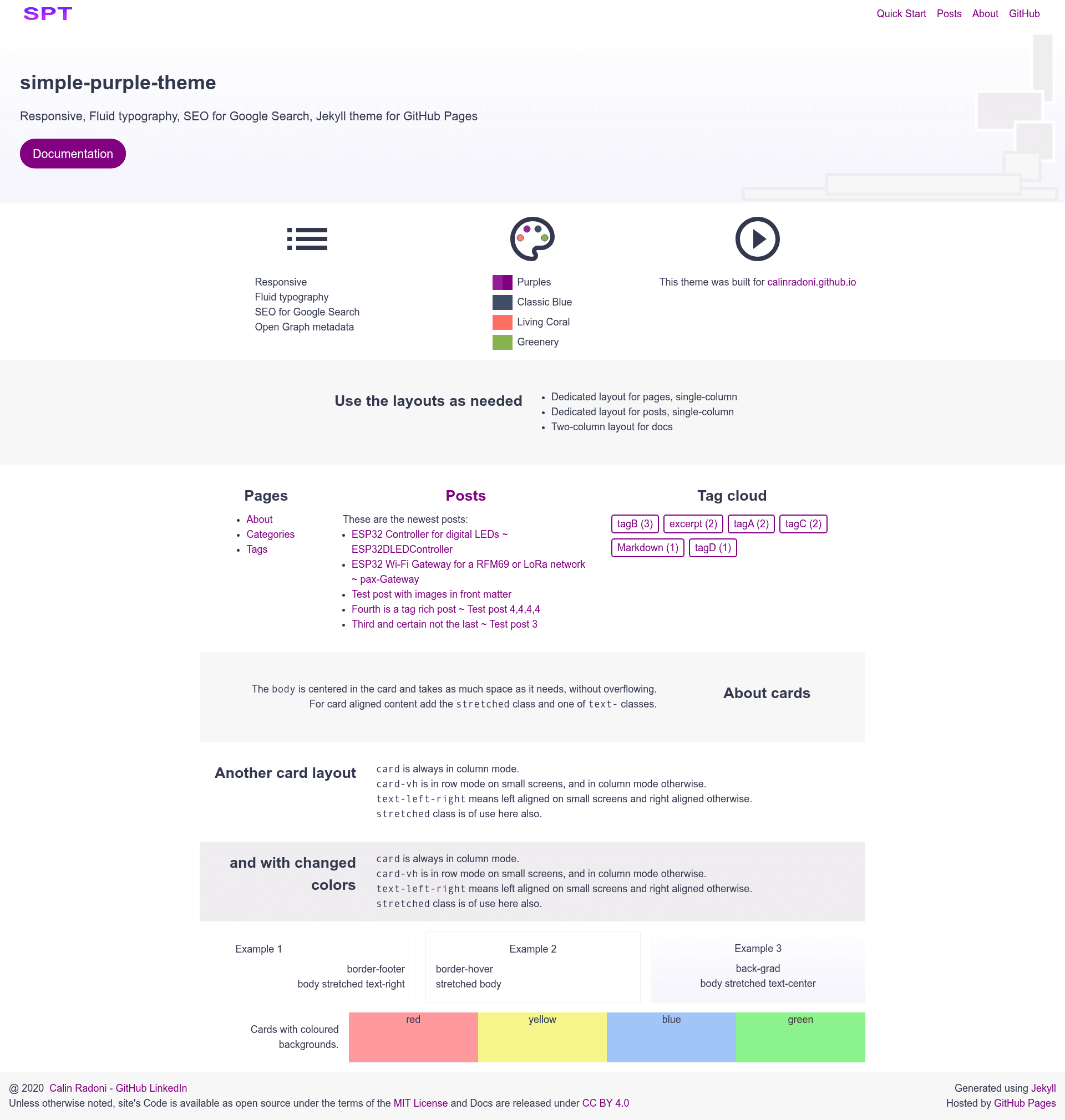
Responsive, fluid typography, SEO for Google Search — a JavaScript-free Jekyll theme for GitHub Pages.
About this template
Simple Purple Theme is a JavaScript-free Jekyll theme built for GitHub Pages, delivering responsive blog layouts with fluid typography and built-in SEO metadata.
What is Simple Purple Theme?
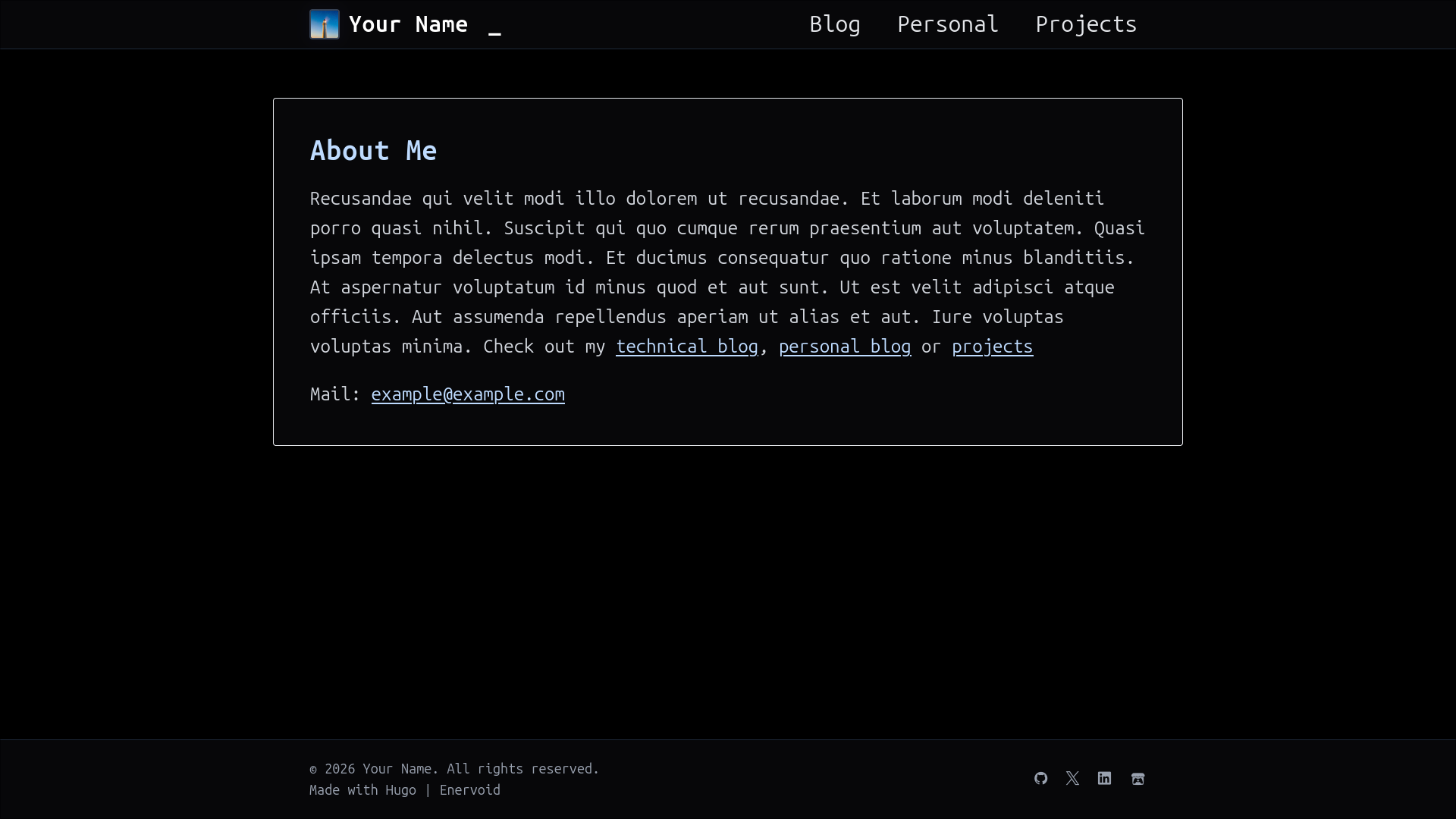
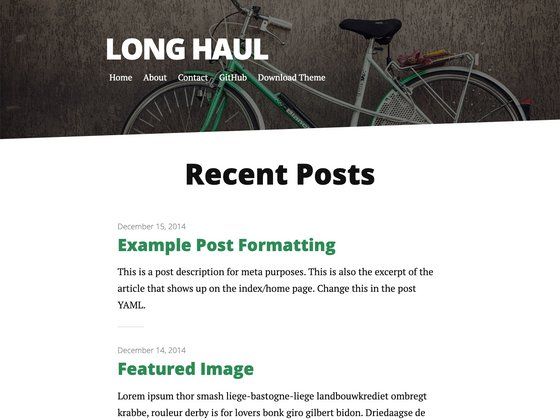
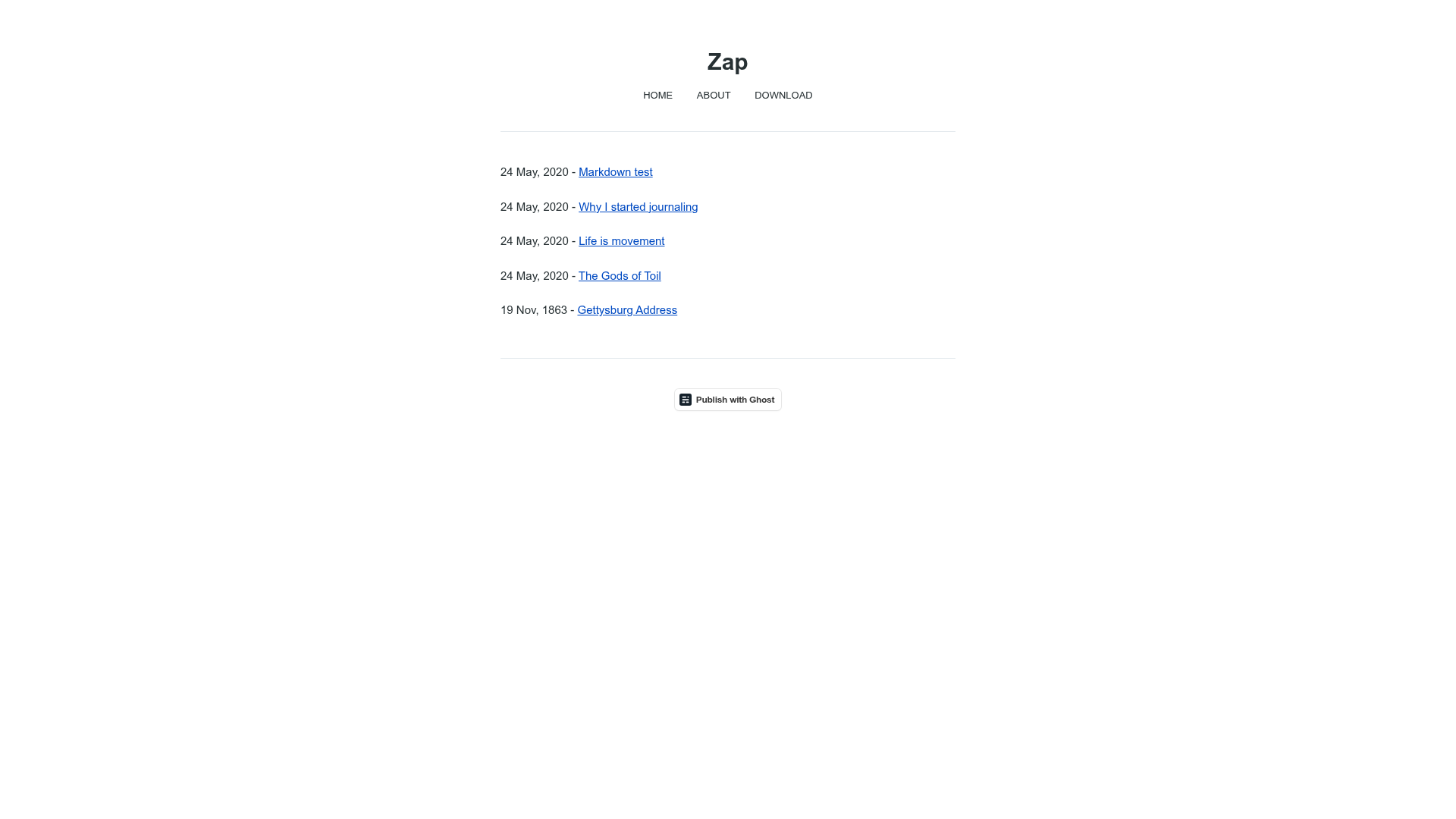
Simple Purple Theme is a gem-based Jekyll theme created by Calin Radoni for his personal site at calinradoni.github.io. It accepts Jekyll content—posts, pages, and configuration—and renders a static HTML site with purple accent colors, no client-side JavaScript, and search-engine optimization tags including JSON-LD and OpenGraph. The theme is 100% compatible with GitHub Pages and offers three installation paths: as a remote theme, as a Ruby gem, or by copying the source files directly.
Key Features
- JavaScript-free — the theme intentionally omits all client-side JavaScript for faster loading and simpler maintenance.
- GitHub Pages compatible — use it as a remote theme by adding
remote_theme: "CalinRadoni/simple-purple-theme"to_config.yml; you can pin a version or commit with an@suffix. - Responsive and fluid typography — the layout adapts across viewport sizes and uses fluid type sizing.
- SEO metadata — includes tags for Google Search, JSON-LD structured data, and OpenGraph, as listed in the repository topics.
- MIT licensed — the theme is open source under the MIT License, free to use, modify, and distribute.
- Clean file structure — consists of standard Jekyll
_includes,_layouts,_sass, andassetsdirectories plus demo pages, documentation, and alogo.svgplaceholder. - Flexible installation — besides remote_theme, you can install it as a Ruby gem via
gem "simple-purple-theme"(marked as not tested) or copy the theme files into your project manually.
Who is it for?
- Personal bloggers on GitHub Pages — set up a simple, clean blog with minimal configuration and no JavaScript.
- Developers who prefer static sites — use Jekyll's standard build process and keep the site lightweight and accessible.
- Owners of small project sites — create documentation or landing pages that follow the theme's demo structure.
What can you do with Simple Purple Theme?
- Publish a personal blog: create
_postsentries with Markdown and have them rendered into a responsive, SEO-friendly site. - Build a project documentation page: reuse the
pagesdirectory structure and demo content to organize guides and references. - Set up a quick GitHub Pages site: copy the demo
_config.yml,Gemfile,index.html, andpagesfolder to get a working site in minutes.
How does Simple Purple Theme work?
In the remote-theme workflow, you add one line to _config.yml, run bundle install and bundle exec jekyll serve, then view your site at http://127.0.0.1:4000/demo/. For the copy-files method, you clone the repository, copy the theme directories (_includes, _layouts, _sass, assets) into your site, and comment out the remote_theme entry. The theme also ships a create_test_theme.sh script that builds a test directory for development.
Pricing
Simple Purple Theme is free and open source under the MIT License. There are no paid tiers or premium features.
FAQ
Is Simple Purple Theme free?
Yes. The theme is released under the MIT License, so you can use, modify, and redistribute it for free, including for commercial projects.
How do I install Simple Purple Theme on GitHub Pages?
Add remote_theme: "CalinRadoni/simple-purple-theme" to your _config.yml, make sure no other theme: or remote-theme: entries exist, and set up the required Gemfile. You can pin a specific version using @ and a git reference, such as CalinRadoni/simple-purple-theme@1.0.0.
Does Simple Purple Theme work without JavaScript?
Yes. The theme was intentionally designed to be JavaScript-free, so all functionality relies on server-rendered Jekyll output and CSS.
Is the Ruby gem installation reliable?
The page labels the gem installation as "NOT TESTED" and a work in progress. The recommended and documented installation method is the remote theme for GitHub Pages; the other two methods are provided for flexibility but the gem route is not yet fully verified.
What is included in the theme's file structure?
The theme includes _includes, _layouts, _sass, and assets directories, plus root files like LICENSE.txt, README.md, and index.html. When released as a Ruby gem, only the files tracked by Git from those directories are bundled.