Template details
Long Haul
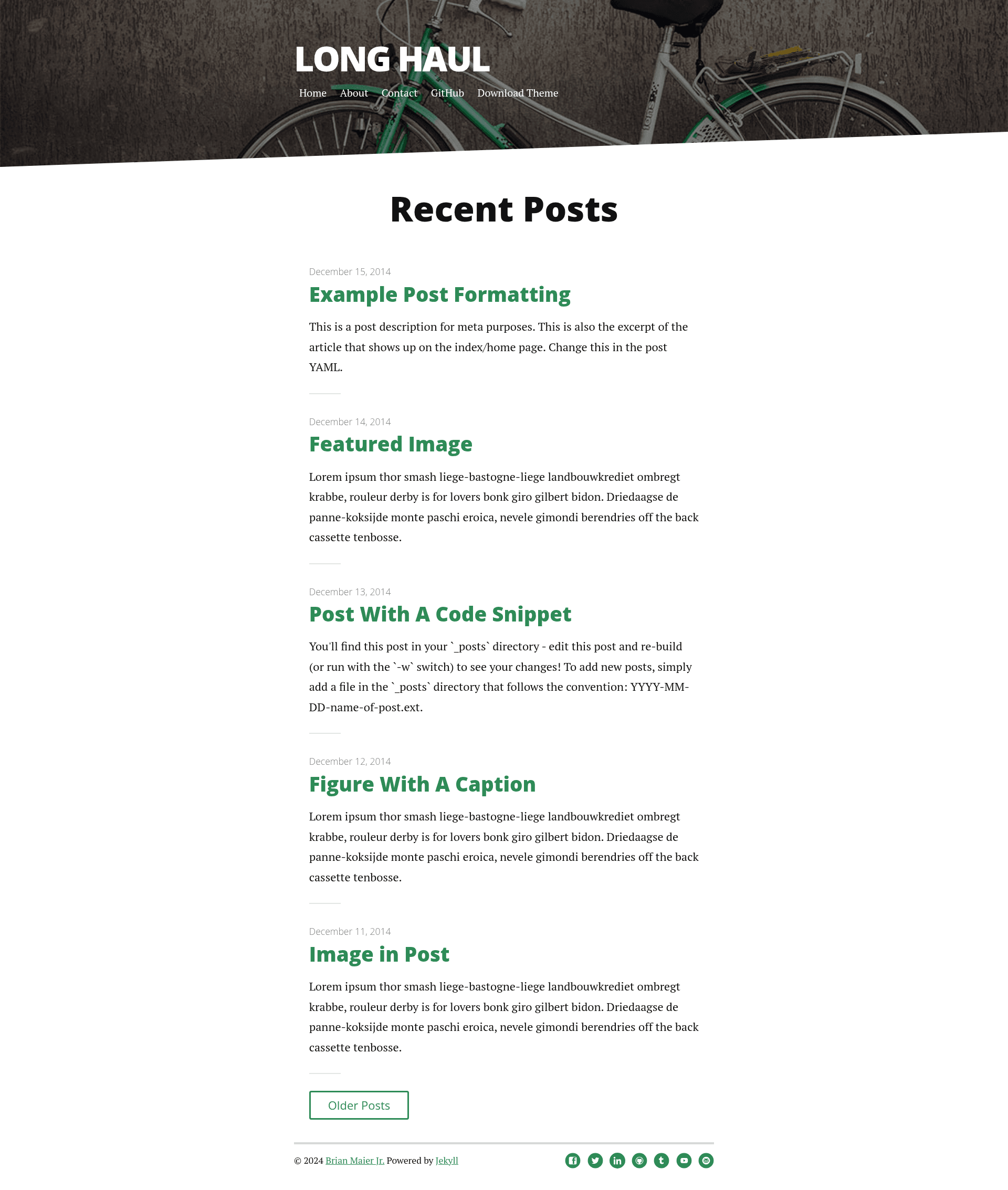
A minimal, type-focused Jekyll theme built with SASS for long-form blog posts.
About this template
Long Haul is a minimal Jekyll theme built with SASS that focuses on long-form blog posts, designed as a starting point for a Jekyll blog or website.
What is Long Haul?
Long Haul is a static site theme for Jekyll, the Ruby-based static site generator. It takes a Jekyll site configuration and outputs a responsive, type-focused blog. The theme is created by Brian Maier Jr, as indicated by the author's Twitter handle @brianmaierjr. It is distributed under the MIT license with no added caveats.
Key Features
- Minimal Type Focused Design — A design that emphasizes readability and typography, suitable for long-form articles.
- Built with SASS — Styles are written in SASS, allowing for customization via variables and partials.
- SVG Social Icons — Includes social media icons in SVG format for crisp display on all screens.
- Responsive Nav Menu — Navigation adapts to mobile and desktop viewports.
- XML Feed for RSS Readers — Generates an Atom/RSS feed so readers can subscribe.
- Contact Form via Formspree — A contact form that works with Formspree for processing submissions.
- 5 Post Loop with Excerpt on Home Page — Displays the five most recent posts with excerpts on the homepage.
- Previous / Next Post Navigation — Provides links to navigate between posts.
- Estimated Reading Time — Calculates and displays an estimated reading time for each post.
- Stylish Drop Cap — Applies a drop cap to the first letter of posts for a classic editorial look.
- A Better Type Scale — Uses a responsive type scale that adjusts to different devices.
- Comments powered by Disqus — Integrates Disqus for comments on posts.
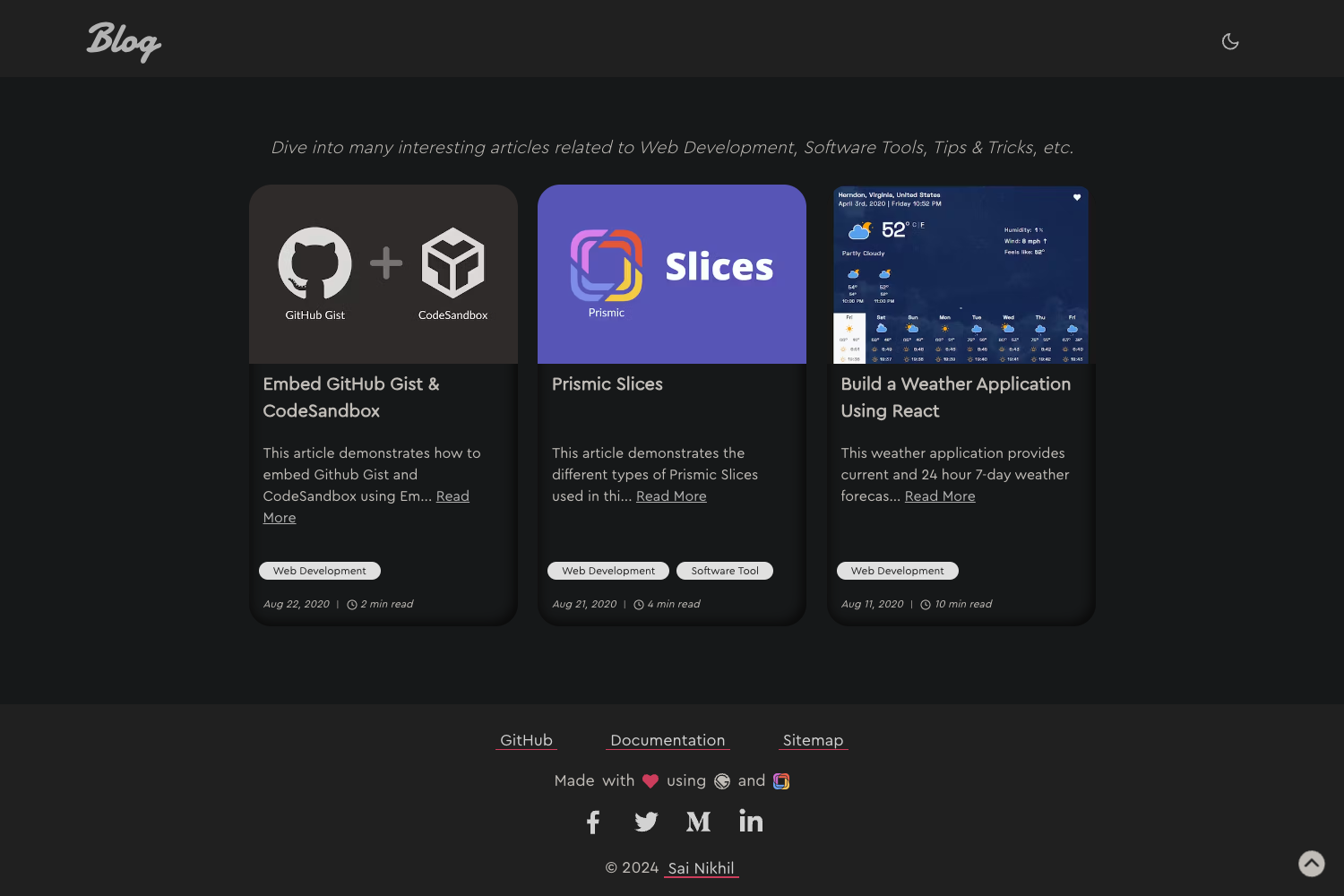
- Dark Mode support — Supports dark mode via the
prefers-color-schemeCSS media query.
Who is it for?
Long Haul is intended for bloggers and writers who want a clean, minimal starting point for a Jekyll-based website. It suits developers who prefer a simple theme they can customize with SASS and Jekyll's configuration options. Also suitable for anyone looking to deploy a fast static blog on platforms like GitHub Pages.
What can you do with Long Haul?
- Publish long-form articles — Use Jekyll's markdown support to write blog posts with a beautiful type-focused layout.
- Customize site settings — Adjust the site title, description, URL, pagination, navigation links, social usernames, and Google Analytics key in the
_config.ymlfile. - Deploy to GitHub Pages — Use the theme as a GitHub Pages site, with the option to deploy via GitHub Actions for the latest Jekyll features.
- Add a contact form — Use the built-in Formspree integration to create a contact page.
- Enable comments — Plug in Disqus to allow readers to comment on posts.
How does Long Haul work?
- Install Jekyll on your system.
- Fork the Long Haul repository from GitHub.
- Clone the repository to your local machine.
- Install Bundler if you haven't already.
- Run
bundle installto install dependencies. - Run
bundle exec jekyll serve -wto start a local development server with live reload.
Pricing
Long Haul is free and open source under the MIT license.
FAQ
Is Long Haul free?
Yes, Long Haul is released under the MIT license, meaning you can use it without paying or linking back to the author.
How do I install Long Haul?
You can install it by forking the repository, cloning it locally, and running bundle install followed by bundle exec jekyll serve -w.
Does Long Haul support dark mode?
Yes, it supports dark mode through the CSS prefers-color-scheme media query.
Can I use Long Haul on GitHub Pages?
Yes, you can use the theme on GitHub Pages. Recent updates allow deployment via GitHub Actions to use the latest Jekyll and SASS features.
What customization options are available?
The _config.yml file contains settings for the title, description, URL, pagination, navigation, social media usernames, and Google Analytics. There is also a header: large option for a larger header on larger screens.