Template details
Firefly
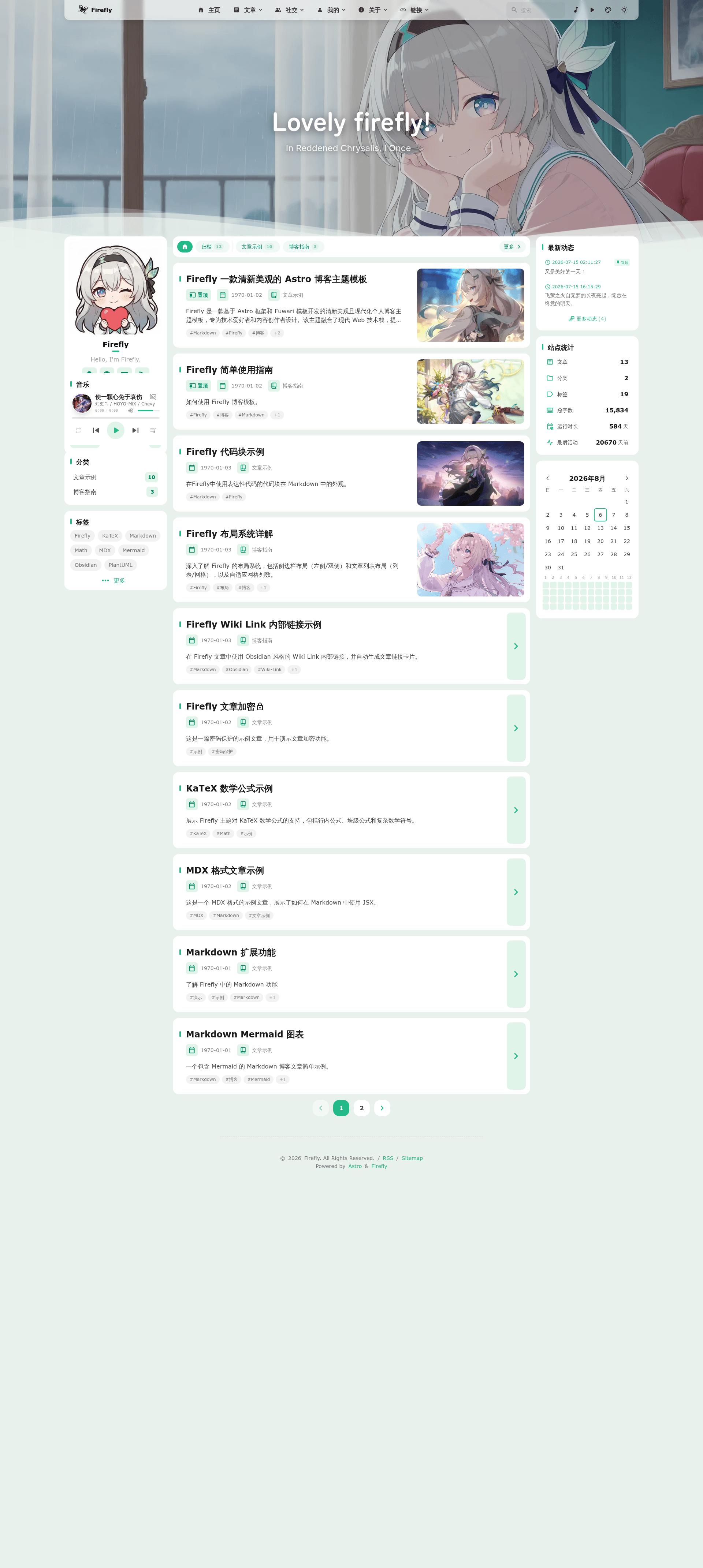
Firefly (流萤) is a fresh, aesthetic Astro static blog theme template, a secondary development of Fuwari with i18n and extensive modular configuration.
About this template
Firefly (流萤) is a fresh, aesthetic static blog theme template built on Astro 7.1.3 and Tailwind CSS, created by CuteLeaf as a secondary development of the Fuwari template. It generates a fast, SEO-friendly static blog from Markdown content and a set of TypeScript config files.
What is Firefly?
Firefly is an open-source static blog theme template that runs on the Astro framework with TypeScript 5.9.2, requiring Node.js 22 or higher and pnpm 9 or higher. It takes Markdown files (articles and dynamics) plus a modular configuration directory as input, and outputs a fully static website with a responsive, modern interface. The template is developed by CuteLeaf and published on GitHub under the MIT license.
Key Features
Firefly packs a set of features that cover design, functionality, and extensibility.
- Astro + Tailwind CSS — Built on Astro 7.1.3 with Tailwind CSS, the theme delivers fast static site generation and built-in SEO optimization.
- Swup page transitions — Smooth animated page transitions give the browsing experience a native-app feel.
- i18n multi-language UI — The interface supports Simplified Chinese, Traditional Chinese, English, Japanese, Russian, and Korean; languages other than Simplified Chinese are AI-translated and pull requests for corrections are welcome.
- Pagefind full-text search — Client-side search indexes article content, so the site needs no backend for search.
- Multiple wallpaper modes — Users can switch between banner, full-screen wallpaper, full-screen transparent, and solid-color background modes.
- 360° theme color — Adjust the accent hue by any degree, with light, dark, and system color modes.
- Flexible layouts — Configure single or double sidebars, and choose between list or grid (multi-column/waterfall) article layouts.
- Extensible Markdown — Supports admonition blocks (GitHub, Obsidian, VitePress, Docusaurus styles), GitHub repository cards, and Expressive Code enhanced code blocks.
- Modular configuration — More than 20 config files under
src/config/control comments, analytics, music player, Mermaid/PlantUML diagrams, mascot, sponsors, friends, gallery, and more.
Who is Firefly for?
Firefly is designed for three main audiences: technical bloggers, content creators, and developers.
- Technical bloggers who want a lightweight, fast personal site with a modern aesthetic and minimal setup.
- Content creators who need multi-language support and a visually rich writing environment with Markdown extensions.
- Developers looking for a customizable Astro starting point — the modular config and the ability to switch to the original Fuwari layout make it a flexible base for further development.
What can you do with Firefly?
Firefly supports a variety of content publishing and deployment workflows.
- Publish a personal tech blog: Write posts with frontmatter fields like
title,published,description,image,tags,category,draft,pinned, andcommentto control metadata and behavior. - Post short dynamics: Use the
pnpm new-d 内容command to create a quick status update, or connect Memos as a data source to sync real-time dynamics with pinned support and image attachments. - Deploy to modern platforms: Use the one-click deploy buttons for Vercel and Netlify, or follow the official Astro deploy guide for Cloudflare Pages and EdgeOne Pages. The build settings are preconfigured (framework preset
Astro, root./, outputdist, build commandpnpm run build).
How do I install and configure Firefly?
Clone the repository, install dependencies with pnpm install, edit the config files in src/config/, then run pnpm dev to launch a local development server at http://localhost:4321. The theme provides commands such as pnpm new-post <filename> to create a post, pnpm new-d <content> to create a dynamic, and pnpm build to build the static site into ./dist/.
Is Firefly free?
Yes, Firefly is completely free and open source under the MIT license. You can freely use, modify, and distribute the code as long as you retain the copyright notices from both Fuwari (saicaca, 2024) and Firefly (CuteLeaf, 2025). The README also links to a Ko-fi page and an "爱发电" (Ai Fa Dian) page for optional donations.
Alternatives
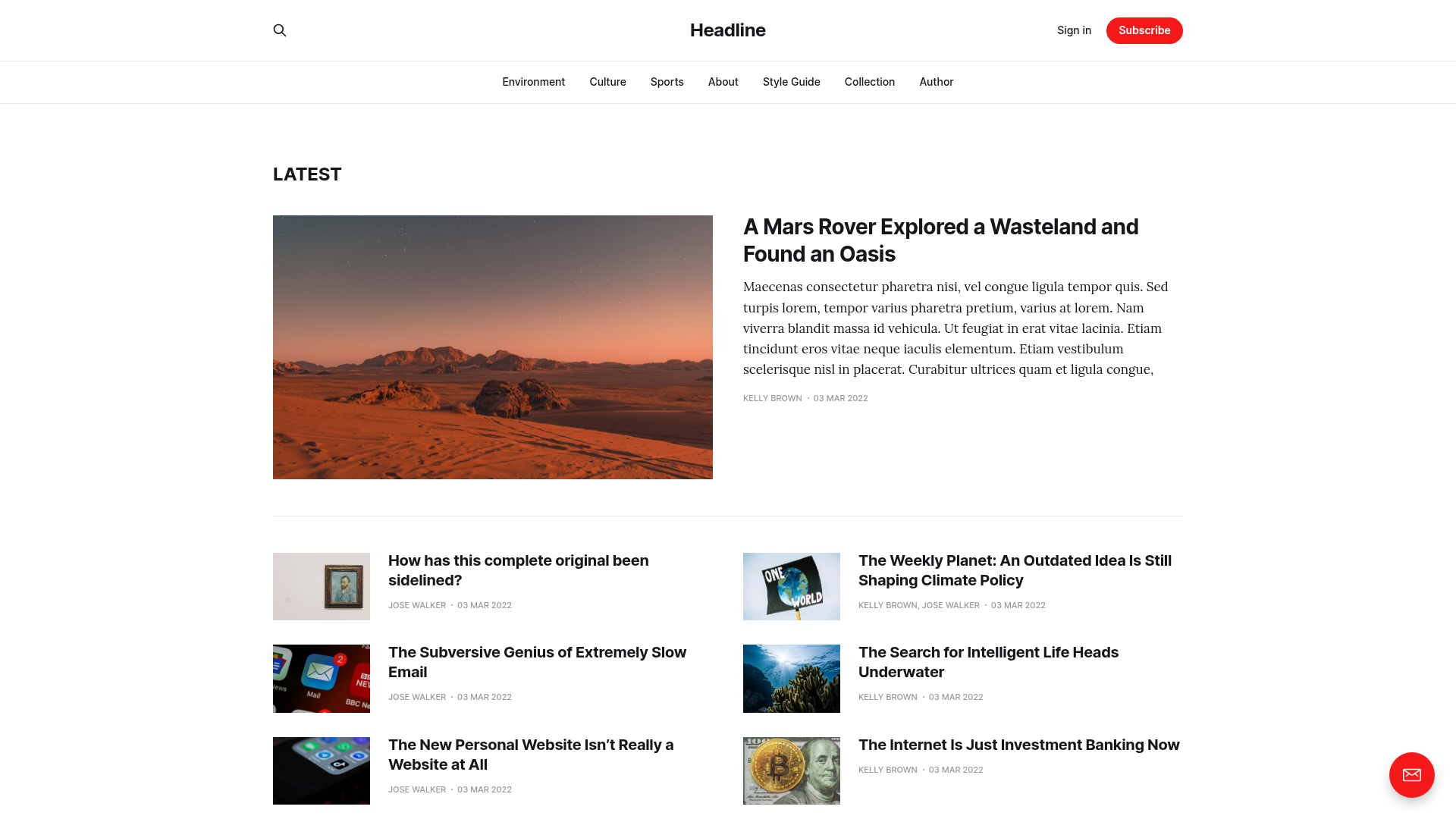
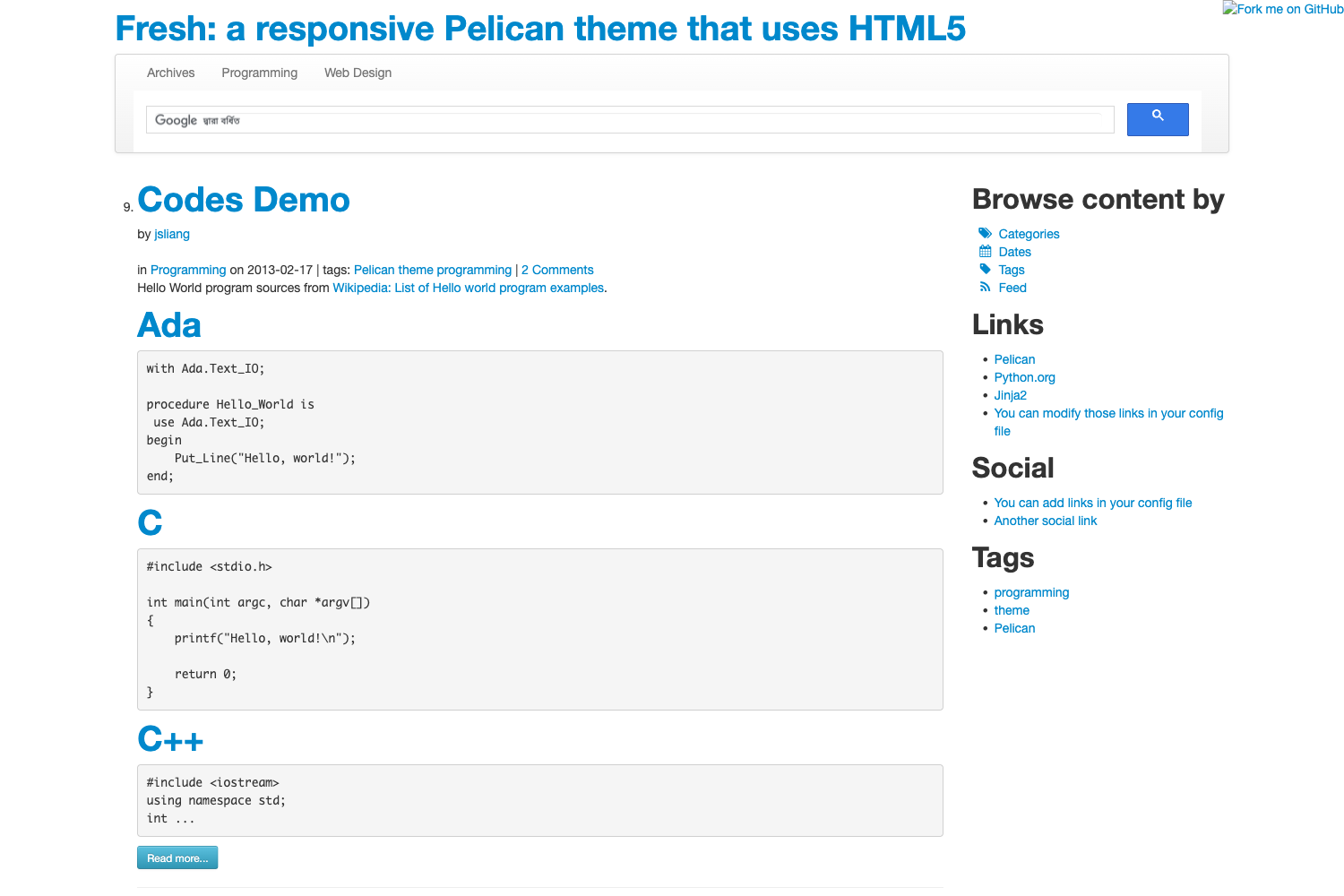
Firefly is based on Fuwari and draws inspiration from several other Astro and Hexo blog themes.
- Fuwari — the original template Firefly is based on; it has a different visual style and its own layout options.
- hexo-theme-shoka — a Hexo-based theme listed as an inspiration for Firefly.
- astro-koharu — another Astro blog theme that shares a similar aesthetic philosophy.
FAQ
Answers to common setup and usage questions.
Does Firefly support full-text search?
Yes, Firefly uses Pagefind, a client-side search index, so visitors can search your articles directly on the static site without any server-side components.
What languages does the interface support?
The UI is available in Simplified Chinese, Traditional Chinese, English, Japanese, Russian, and Korean. The default language is set in src/config/siteConfig.ts with a constant such as zh_CN. If a post is written in a different language, you can set the lang field in its frontmatter.
Can I deploy Firefly to Vercel or Netlify?
Yes, the README includes one-click deploy buttons for both Vercel and Netlify. The build configuration is already set: framework preset Astro, root directory ./, output directory dist, build command pnpm run build, and install command pnpm install.
What are the system requirements?
You need Node.js version 22 or higher and pnpm version 9 or higher. The project itself uses TypeScript 5.9.2.
How do I add a new post or dynamic?
Use the command line: pnpm new-post <filename> creates a new article, and pnpm new-d <content> creates a dynamic. Dynamics are stored individually in src/content/dynamic/ and support frontmatter fields like published, pinned, and location.