Template details
Kiss
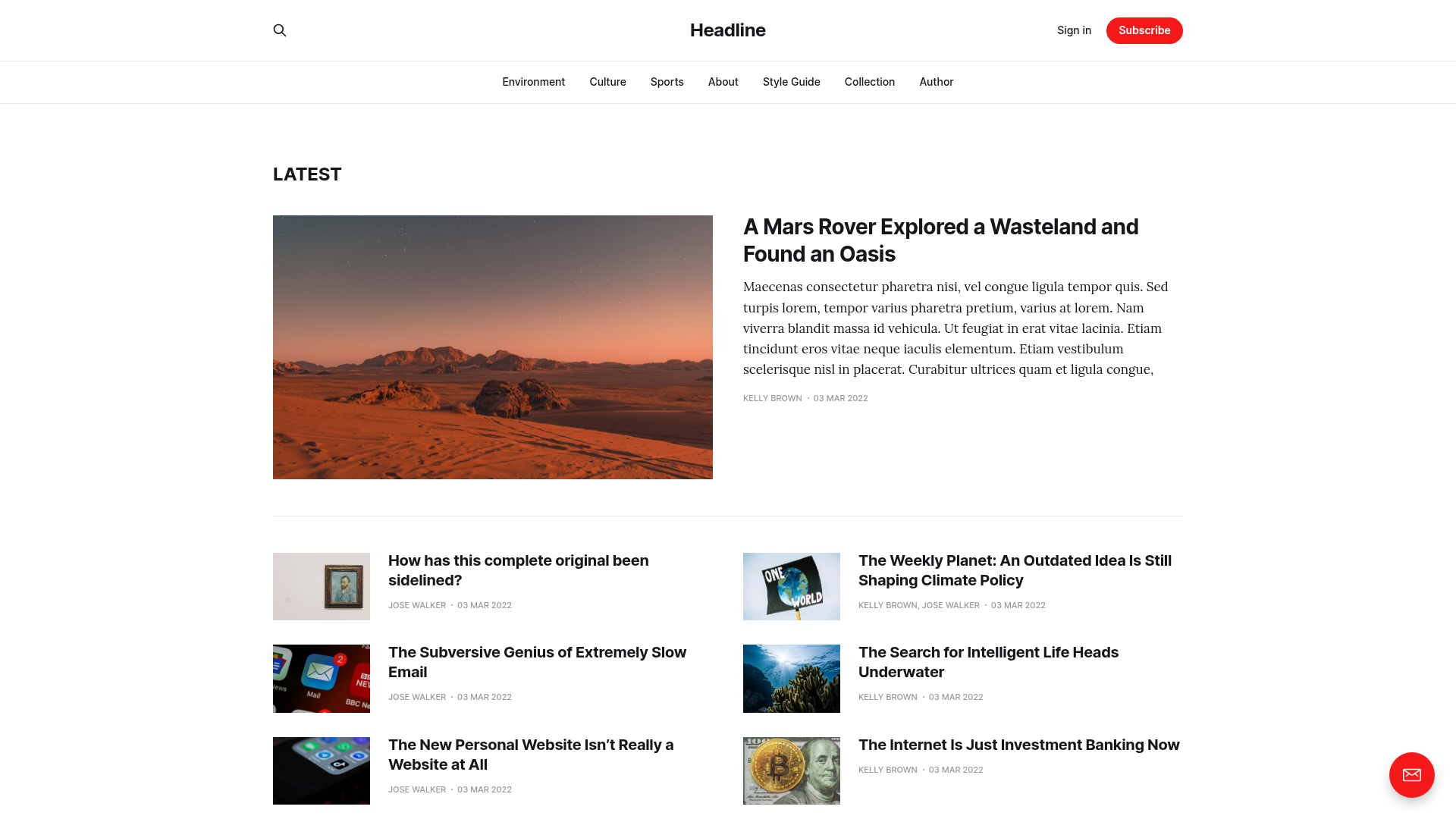
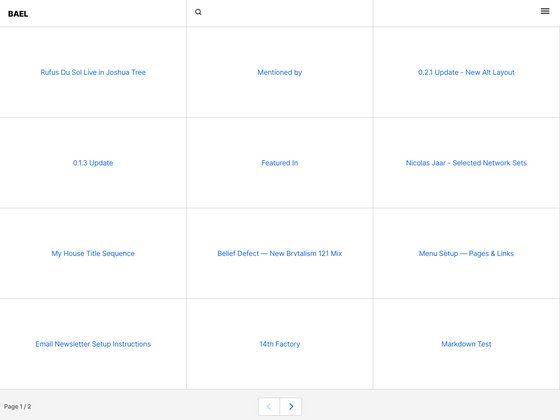
A minimal Hugo blog theme forked from Hemingway, with configurable social links, on-demand Disqus, and analytics integrations.
About this template
Kiss is a minimal blog theme for the Hugo static site generator, forked from the Hemingway theme by Emir Ribic, that produces a distraction-free single-column blog with configurable social links, analytics, and per-page options.
What is Kiss?
Kiss is a Hugo theme for building a blog. It takes Hugo site content written in Markdown and a config.toml configuration file, and outputs a static HTML site with a single-column layout. The theme was created by Emir Ribic and is licensed under the MIT license. It is available on GitHub and can be installed by cloning the repository into the themes directory of a Hugo project.
Key Features
- Simple setup — Clone the repository into the Hugo themes directory and copy the exampleSite config.toml; run
hugo serverto see the theme at localhost:1313. - Customizable social links — A configurable array of platform icons (GitHub, Facebook, Twitter, Instagram, Email, Codepen, LinkedIn, Mastodon, and others) appears in the order specified in the
[params.social.config]section of the config file. - Two navbar section positions — Add links under the blog title via
[params.sections_left]and under the social links via[params.sections_right], each mapping a target URL to a label. - On-demand Disqus comments — Set
disqusOnDemandto true to load Disqus comments only after the visitor clicks a "Show comments" button, speeding up initial page load. - Related articles — Enable related posts at the bottom of articles with
params.info.related; up to five older posts are shown by default, and the behavior follows Hugo's built-in related content system. - Multiple analytics integrations — Config sections exist for Matomo, Fathom, Hotjar, and Plausible Analytics, each accepting a site ID or root URL in config.toml.
- Per-page front matter options — Each post can set tags, a cover image for OpenGraph/Twitter cards, additional CSS or JS files, AdSense ads above/below content, and the
hiddenflag to exclude the page from list views. - Typography and image alignment — Titles can be recolored via custom CSS, and images can be aligned by appending
#c(center),#r(right), or#l(left) to the image path in Markdown.
Who is it for?
Kiss suits bloggers and developers who use Hugo and want a minimal, fast, dependency-light theme. It fits personal blogs and content sites that need social links, comments, and analytics without the overhead of a larger framework. It also serves as a learning resource for Hugo theme structure, given its small codebase and the fork relationship to Hemingway.
What can you do with Kiss?
- Personal bloggers: Publish Markdown posts with tags and a cover image, and the theme automatically generates OpenGraph and Twitter Card metadata to improve sharing on social platforms.
- Hugo developers: Customize the theme's configuration without touching code — change social icons, add navbar links, enable MathJax or KaTeX, and integrate analytics by editing config.toml.
- Site owners with comment needs: Set
disqusShortnamein config.toml and optionally enable on-demand loading so comments appear only when visitors request them. - Readers on slow connections: Benefit from the option to include full content in the RSS feed and to load Disqus on demand, reducing initial page weight.
How does Kiss work?
Installation follows a standard Hugo theme workflow: clone the repo into the themes folder, copy the exampleSite config.toml to the site root, adjust the settings, and run hugo server to preview locally. The theme then reads the site's content files and configuration to render static pages with the selected options.
Pricing
Kiss is free and open source under the MIT license.
Alternatives
The parent theme, Hemingway for Hugo, is the most direct alternative; Kiss is a simplified fork of it.
FAQ
Is Kiss free to use?
Yes, Kiss is released under the MIT license, so it is free for personal and commercial projects without restrictions.
How do I install the Kiss theme?
Clone the repository from GitHub into the themes directory of your Hugo site, copy the exampleSite config.toml to the site root, adjust the settings, and run hugo server to use it.
Can I customize the color of headings?
Yes. Add CSS rules to static/css/custom.css in your site, targeting .content h1 through h6, and set the desired color. The theme loads customCSS files defined in the [params.assets] section of the config.
How do I enable related articles?
Set params.info.related to true in config.toml. The theme will display up to five older related posts at the bottom of each article, using Hugo's built-in related content logic.
Does Kiss support analytics?
Yes, the theme includes configuration for Matomo, Fathom, Hotjar, and Plausible Analytics. Each has a dedicated section in config.toml where you set your site ID or root URL.