Template details
Flotiq Gatsby Portfolio 2
Gatsby 5 portfolio starter that uses Flotiq headless CMS, Tailwind CSS, and Flotiq source plugin to build a customizable portfolio site.
About this template
Flotiq Gatsby Portfolio 2 is a Gatsby 5 starter template for building a portfolio website, with content managed through the Flotiq headless CMS and styled with Tailwind CSS. This project is maintained by Flotiq and includes the gatsby-source-flotiq plugin, the flotiq-components-react library, and working deployment configs for Heroku, Netlify, and Cloudflare Workers.
What is the Flotiq Gatsby Portfolio 2?
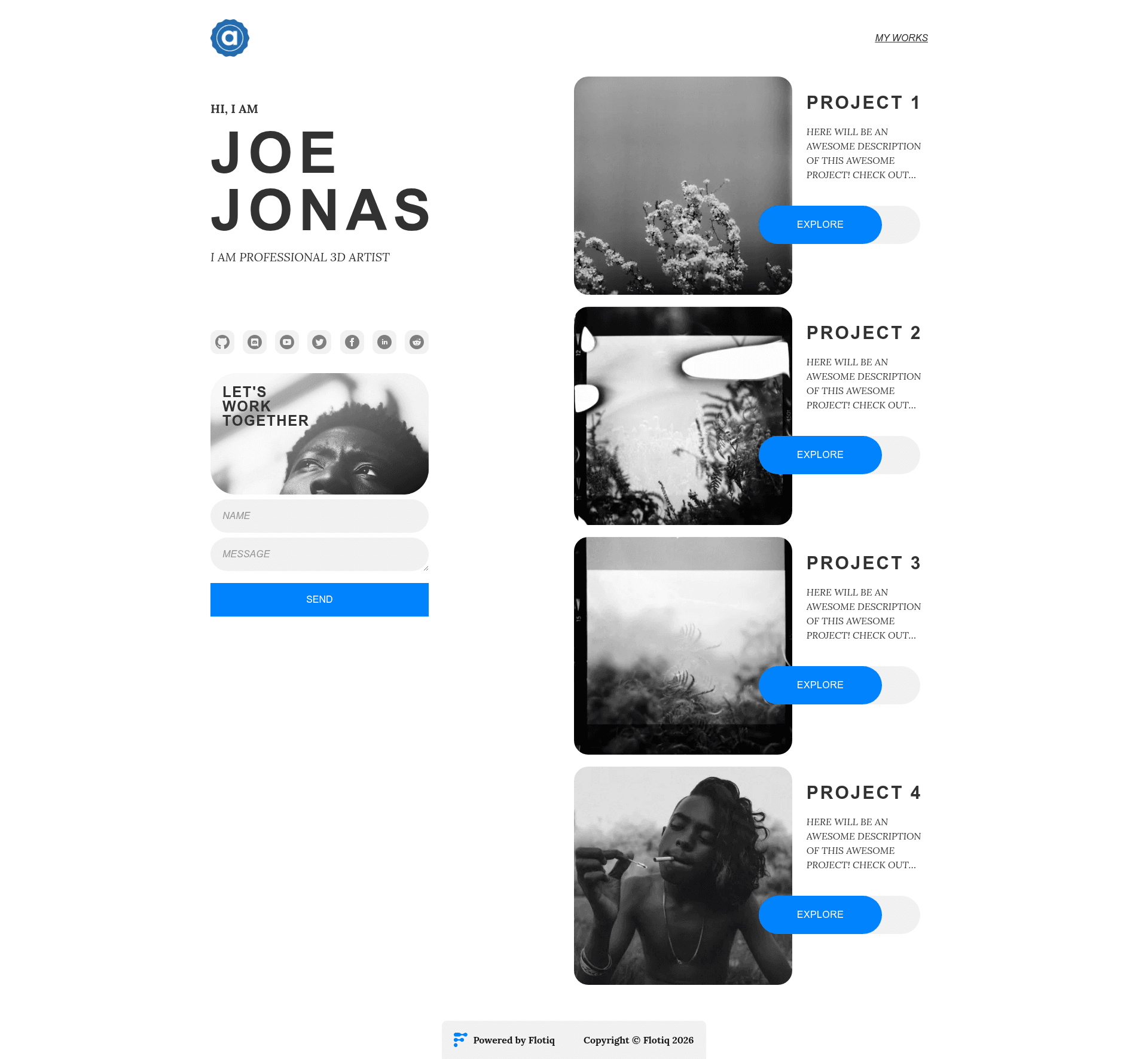
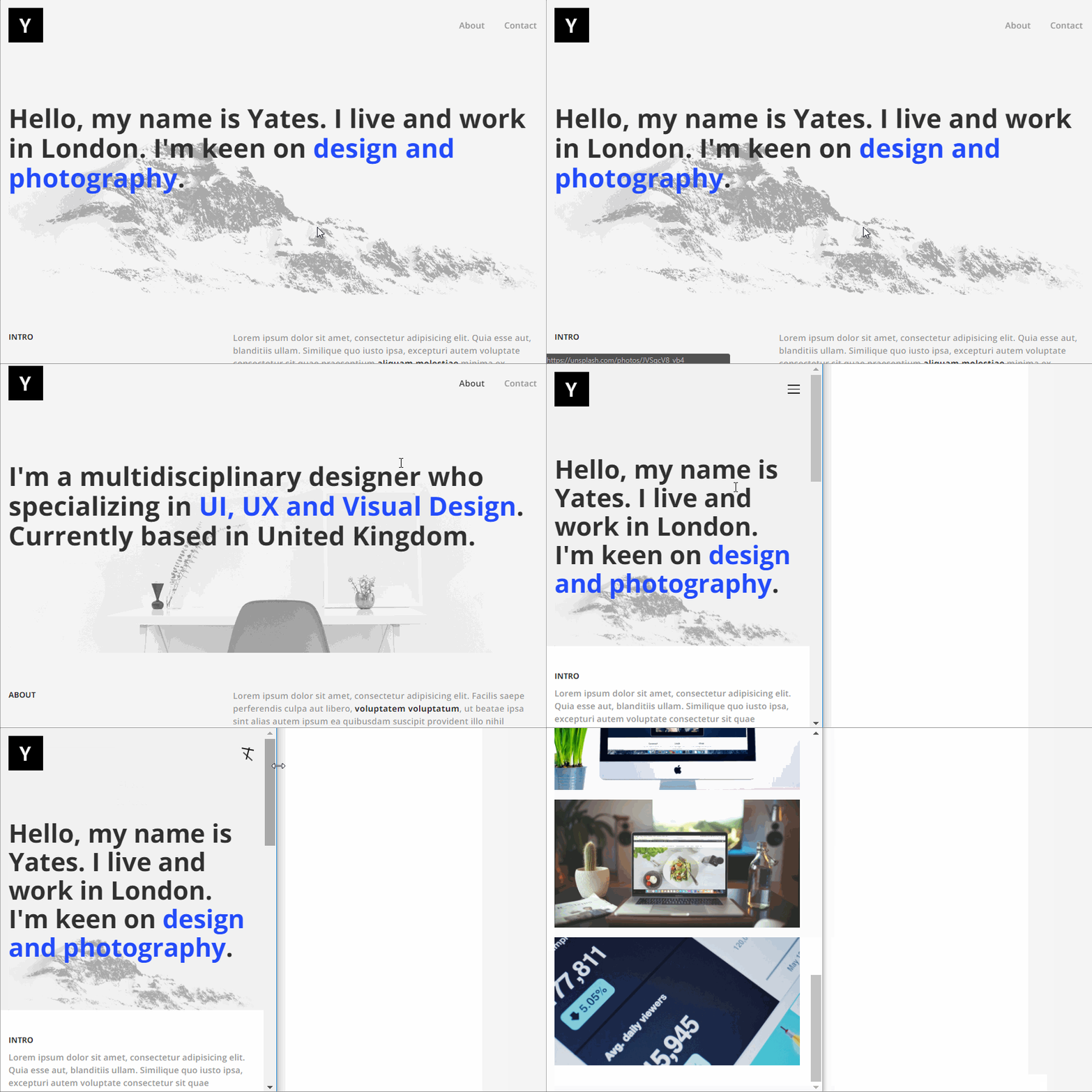
The Flotiq Gatsby Portfolio 2 is a Gatsby 5 starter that creates a static portfolio site. It takes a Flotiq API key and example content objects as input, and outputs a set of static pages you can deploy anywhere. The template requires Node 18.0.0 or newer because it is built on Gatsby 5. It includes a live demo at https://flotiq-gatsby-portfolio-2.netlify.app, where you can see the default design in action.
Key Features
- Gatsby 5 framework — Built on Gatsby 5 with source files configured in gatsby-config.js, gatsby-node.js, and gatsby-browser.js; Node 18.0.0 or newer is required.
- Tailwind CSS styling — Uses Tailwind CSS as the utility-first styling framework, with a tailwind.config.js file included for customizing the design.
- Flotiq headless CMS integration — Content is fetched with the gatsby-source-flotiq plugin and edited in the Flotiq editor; the .flotiq directory contains the content type definitions used by the starter.
- Flotiq React components — Includes flotiq-components-react, a component library designed to display Flotiq Content Objects in your pages.
- Example data import — The flotiq import command loads four example objects into your Flotiq account, so the site has sample content before you write any data.
- One-click deployment — Provides deploy buttons for Heroku, Netlify, and Cloudflare Workers, with supporting configuration files such as netlify.toml, static.json, and wrangler.toml.
- Developer tooling — Comes preconfigured with ESLint, Prettier, and a GraphiQL query explorer at http://localhost:8000/___graphql.
Who is it for?
The starter is aimed at developers and content editors who want a portfolio site backed by a headless CMS. Front-end developers can use it as a preconfigured Gatsby project with a working Flotiq integration, freelancers and agencies can hand content editing over to clients through the Flotiq editor, and developers deploying to serverless platforms get ready-made workflows for Netlify, Heroku, and Cloudflare Workers.
What can you do with it?
- Portfolio creators: Manage projects and personal information in the Flotiq editor, then rebuild the site to publish updated static pages.
- Gatsby learners: Explore the project structure and use the GraphiQL explorer to experiment with querying Flotiq content during development.
- One-click deployers: Fork the repository and use the Netlify deploy button or the Cloudflare Workers GitHub Action to stand up the site without manual server configuration.
How does it work?
To start, install the Flotiq CLI and run the command flotiq start [projectName] https://github.com/flotiq/flotiq-gatsby-portfolio-2.git [flotiqApiKey], which scaffolds the project, installs npm dependencies, writes your API key to the .env file, imports sample data, and launches the development server. In development you run gatsby develop; because Gatsby generates static pages, content changes in Flotiq require a rebuild (gatsby develop after object updates, or gatsby clean after content type definition changes). For production, run gatsby build or integrate the Flotiq Gatsby Cloud or Netlify plugins to rebuild automatically.
Deployment options
The README includes one-click deploy buttons for Heroku, Netlify, and Cloudflare Workers. For Cloudflare Workers, the deployment uses Flotiq's starter API key by default; to use your own key, add a GATSBY_FLOTIQ_API secret to your GitHub repository and rerun the 'Deploy Cloudflare Worker' workflow. Alternatively, you can configure webhooks in Flotiq to trigger builds on other hosting services.