Template details
Gatsby Starter Portfolio Minimal
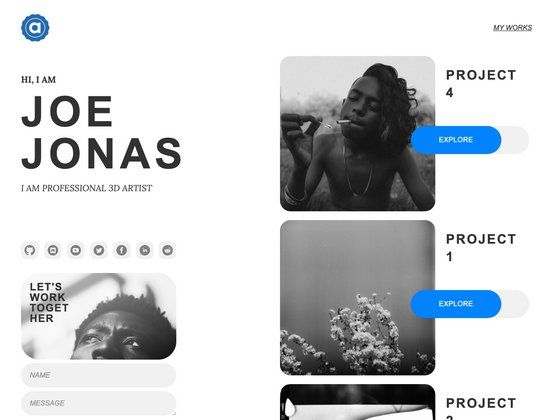
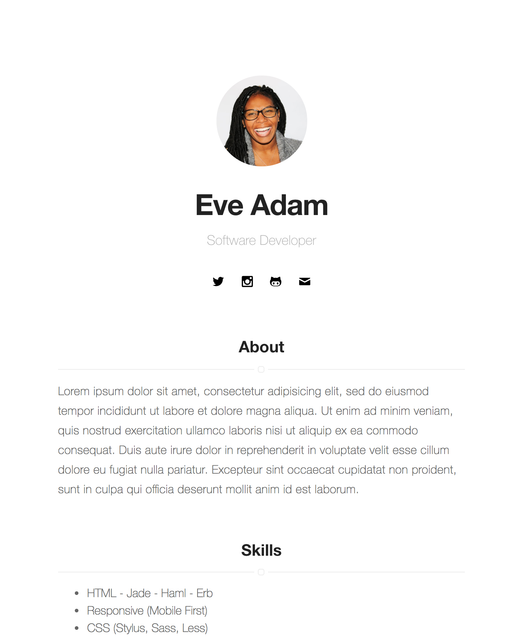
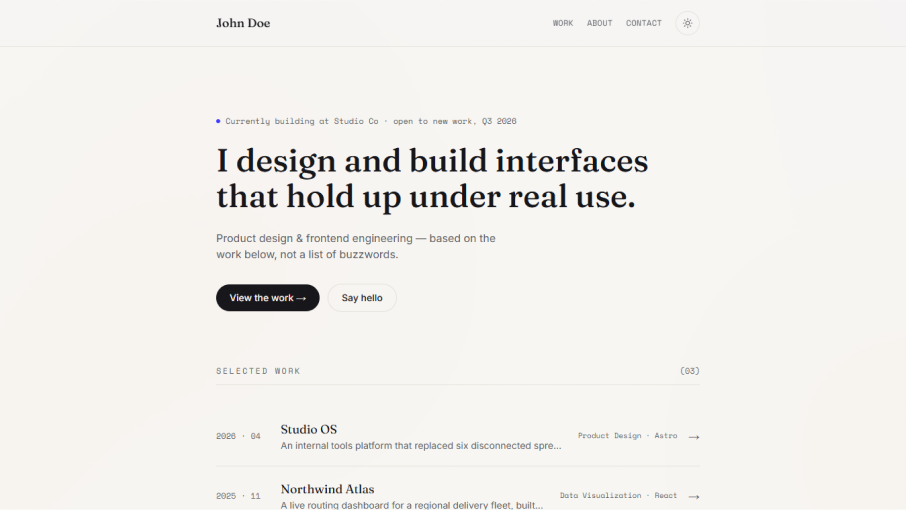
A Gatsby Starter to create a clean one-page portfolio with Markdown content.
About this template
Gatsby Starter Portfolio Minimal is a free Gatsby starter that produces a clean one-page portfolio site from Markdown/MDX content.
What is Gatsby Starter Portfolio Minimal?
It is a Gatsby starter created by Konstantin Münster, published from his personal website konstantin.digital. It takes content written as MDX files in the content folder and configuration from a config/index.js file, and builds a static one-page portfolio with predefined sections: About me, Interests/Skills, Projects, Contact me, and Medium articles. The project runs on Gatsby, a React-based static site generator, and is distributed under the MIT license. Note that the repository is no longer maintained; the author recommends using the successor Gatsby Starter Portfolio Minimal Theme instead.
What makes Gatsby Starter Portfolio Minimal stand out?
- Dark Mode — Automatically switches the site to a dark theme when the user's operating system is set to dark mode.
- GDPR Cookie Consent Bar — Displays a cookie consent banner so you can add tracking services like Google Analytics in a GDPR-compliant way.
- MDX Content Integration — All page content lives in MDX files, a Markdown format that accepts React components, so no external CMS is required.
- Extendable Layout — The starter includes a section template at src/components/templates so you can add custom sections; predefined sections can be removed or reordered by editing src/pages/index.js.
- Responsive Design — Built mobile-first with smooth animations; the design adapts to small and large breakpoints.
- Medium Integration — If you publish on Medium, the starter can fetch and feature your latest articles.
Who should use Gatsby Starter Portfolio Minimal?
- Developers who want a personal portfolio site quickly without building one from scratch — they can install the starter, edit MDX files, and deploy.
- Gatsby newcomers who want a minimal example of a Gatsby site with GraphQL queries and page structure they can study and modify.
- Medium writers who want their latest articles displayed on their own site using the built-in Medium integration.
What can you do with Gatsby Starter Portfolio Minimal?
- Quickly launch a portfolio: install with the Gatsby CLI, add your content, and deploy to hosts like Netlify in minutes.
- Customize sections: remove or reorder predefined sections by editing the home page component and GraphQL queries, or create new sections from the provided template.
- Build a GDPR-compliant site: turn on the cookie consent bar when adding analytics services.
How do you use Gatsby Starter Portfolio Minimal?
After installing the Gatsby CLI, run gatsby new portfolio-minimal https://github.com/konstantinmuenster/gatsby-starter-portfolio-minimal, then gatsby develop to start a local server. Edit the configuration at config/index.js for site-wide settings and social profiles, edit the MDX files in content/index for section content, and adjust the theme colors and fonts in the same config file.
Pricing
Gatsby Starter Portfolio Minimal is free and open source, distributed under the MIT license.
Alternatives
Gatsby Starter Portfolio Minimal Theme, the author's successor project rebuilt as a Gatsby Theme to make updates easier.
FAQ
Is Gatsby Starter Portfolio Minimal still maintained?
No. The repository description states that it is no longer maintained. The author recommends switching to the Gatsby Starter Portfolio Minimal Theme, which is rebuilt as a Gatsby Theme for easier updates.
Do I need a CMS to use this starter?
No. Content is stored locally in MDX files inside the content folder. MDX is Markdown extended with React components, so you can enrich content without an external CMS.
Can I remove a section I don't need?
Yes. Predefined sections are React components with corresponding GraphQL queries in src/pages/index.js. Deleting the imported component and its query removes the section; reordering the components inside the Layout changes the page order.
Does the starter support dark mode?
Yes. Dark Mode is built in and based on the user's operating system preference — if the OS is set to dark mode, the site automatically uses the dark theme.
How do I add my Medium articles?
The starter has a Medium integration. You configure it in the site config file, and the Articles section will feature your latest posts.