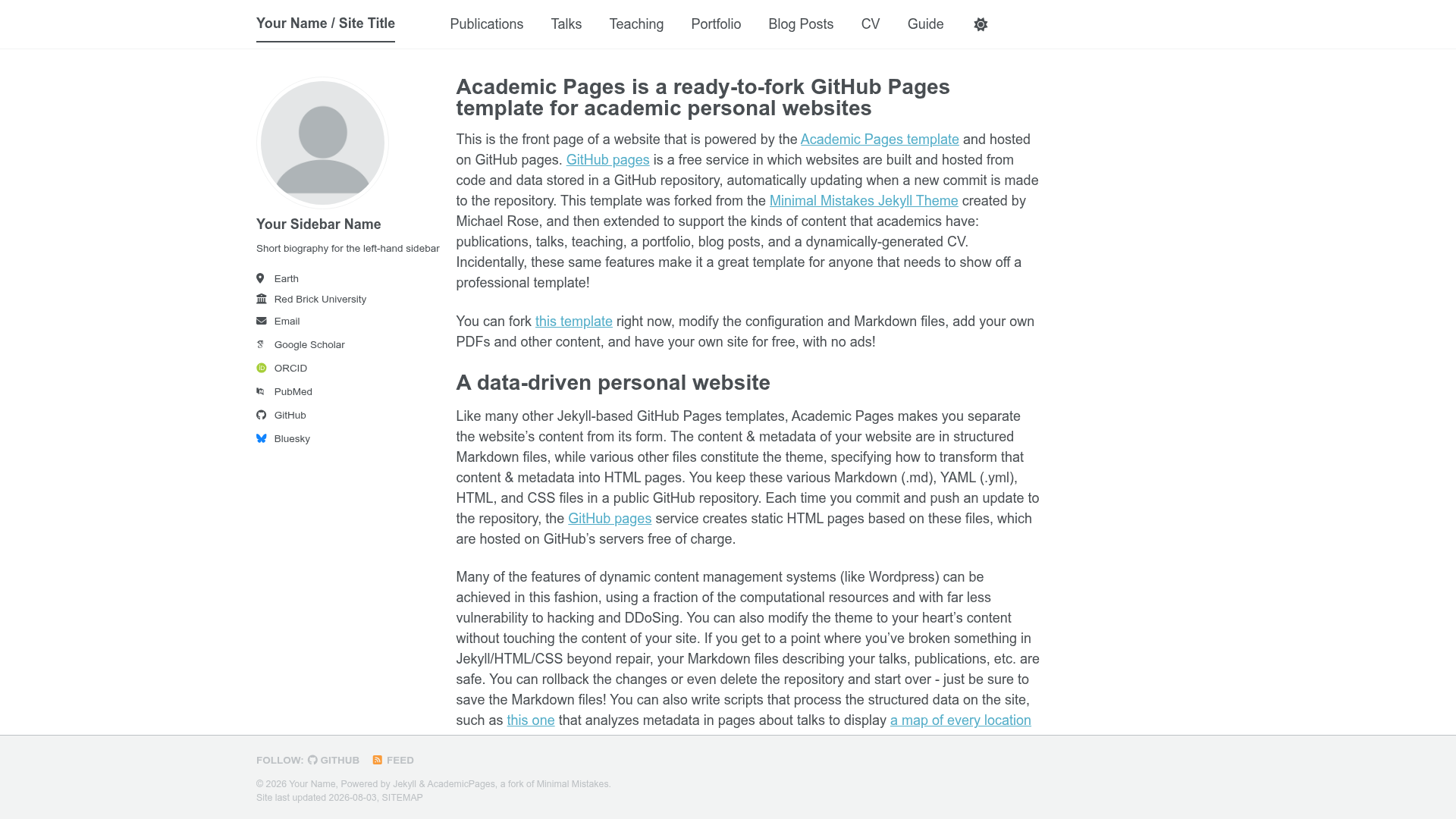
Template details
vinodjangid07.github.io
A static HTML/CSS/JS portfolio website template with sections for projects, skills, and contact, hosted on GitHub Pages.
About this template
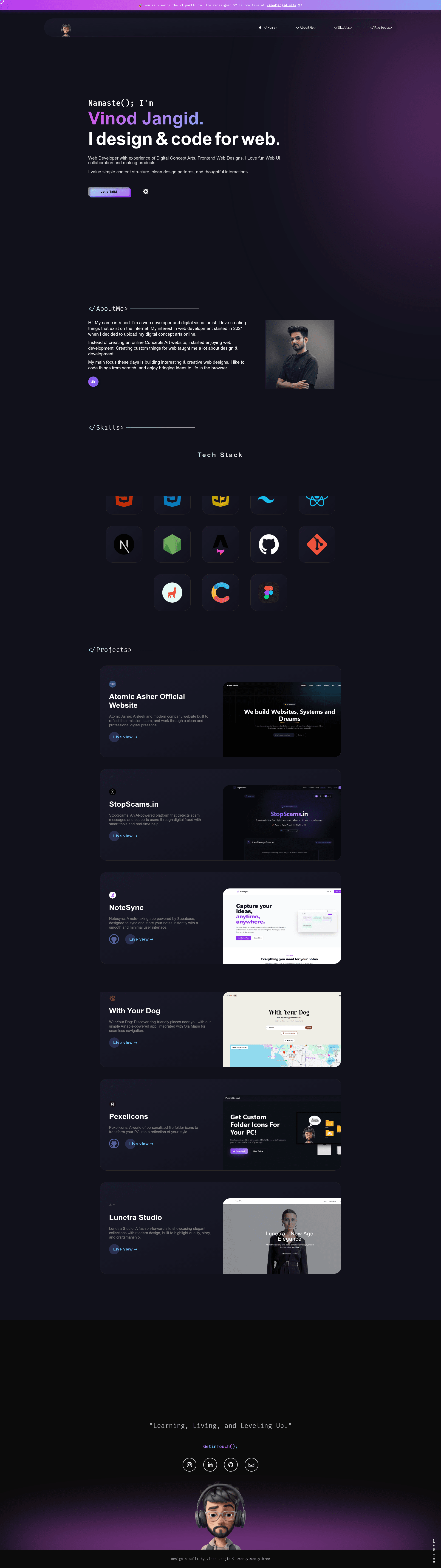
vinodjangid07.github.io is a static, single-page portfolio template built with plain HTML, CSS, and JavaScript and designed for free hosting on GitHub Pages.
What is vinodjangid07.github.io?
It is the open-source personal portfolio of developer Vinod Jangid (Portfolio V1), which doubles as a reusable template. It takes content that you edit directly in index.html — projects, about text, skills, work experience, and contact details — and renders it as a responsive single-page site. The site runs entirely in the browser with no backend, making it deployable to any static host, with GitHub Pages being the documented target. The repository is maintained, with the latest release dated 11 Jan 2024, and carries an MIT license.
Key Features
- Single-file content editing — All page content lives in index.html; clone the repository and modify that one file to replace the portfolio's text and links.
- Scroll-triggered animations — Integrates the Animate on Scroll (AOS) library so sections fade in and slide as the visitor scrolls down.
- Animista CSS animations — Uses Animista to add interactive hover and entrance animations without a JavaScript animation framework.
- Five ready-made sections — The page ships with a Mini intro, About me, Skills, Projects, and Contact me section already structured.
- Google Analytics integration — The head tag includes placeholder analyticsId and Google Search Console ID values that you replace with your own tracking IDs.
- GitHub Pages ready — The project is built to be served from a username.github.io repository; no build script or configuration is required.
- MIT licensed — The template is freely usable and modifiable, with only attribution required per the license.
Who is it for?
- Developers seeking a no-build portfolio — Anyone who wants a personal site without installing Node, a bundler, or a framework can clone and edit a single HTML file.
- Students and junior developers — A simple way to present projects and skills to recruiters, with sections already laid out.
- GitHub users — People who want a free portfolio under their own GitHub Pages subdomain and are comfortable editing HTML.
What can you do with it?
- Job applicants: Replace the sample content with your own projects, bio, and contact details and deploy to GitHub Pages to have a live resume link.
- Freelancers: Use the Mini intro and Projects sections to show clients a concise portfolio and link to your email for inquiries.
- Developers learning frontend: Study how AOS and Animista are wired into a vanilla HTML/CSS/JS site, or fork the repo to experiment.
How does it work?
- Clone the repository.
- Edit index.html to replace the author's content with your own.
- Replace the author's Bitmoji in the navbar and footer with your own image or logo.
- Add or remove images in the src directory as needed.
- Remove the placeholder analyticsId and Google Search Console ID in the head tag and insert your own.
- Push the repository to GitHub and enable GitHub Pages.
Pros and cons
- Pros: Free under MIT license; no build step — edit one HTML file; lightweight static site that loads fast; integrates AOS and Animista without extra dependencies.
- Cons: Static content only — no blog, CMS, or dynamic pages; you must replace the author's Bitmoji and analytics IDs to make it your own; all edits are manual in raw HTML, which may be less convenient for non-developers.
Pricing
Free — the project is released under the MIT License, so you can use it with no cost. The only required action is including the license text if you redistribute the code.
FAQ
Is this portfolio template free to use?
Yes. The repository is licensed under MIT, which allows free personal and commercial use, modification, and redistribution with attribution.
How do I host it on GitHub Pages?
Clone or fork the repository, customize index.html, then push it to a new repository named username.github.io. Go to the repository's Settings → Pages and set the source to the main branch; the site will publish at https://username.github.io.
Do I need to know React or another framework to use it?
No. The template is built with vanilla HTML5, CSS3, and JavaScript. You only need to edit HTML and optionally add your own CSS or JS.
Can I use my own Google Analytics?
Yes. In the head tag of index.html you'll find an analyticsId and a Google Search Console ID. Delete the author's values and insert your own to track visits.
What sections are included in the template?
The page includes a Mini intro, About me, Skills, Projects, and Contact me sections. The README lists exactly those five.