Template details
Hugo TailwindCSS PurgeCSS Starter
A working Hugo starter that compiles TailwindCSS through PostCSS and PurgeCSS to produce minified, purged CSS.
About this template
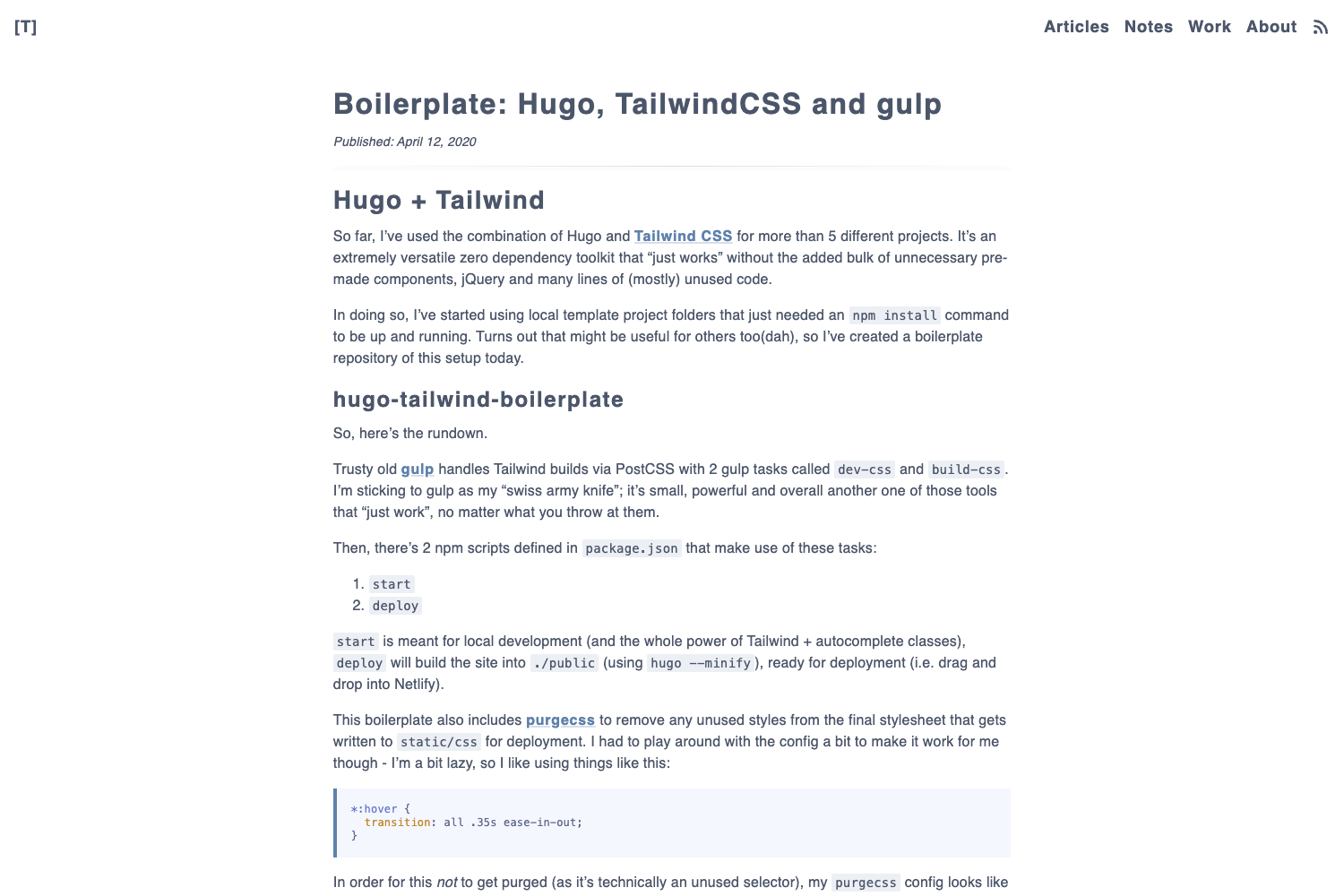
This Hugo starter template demonstrates how to wire Hugo Pipes to TailwindCSS with PurgeCSS for production-ready, minified CSS output. It's a working example repository, not a full site theme, that shows the minimal file structure and configuration needed to compile TailwindCSS through PostCSS inside Hugo's asset pipeline.
What is this template?
This is a boilerplate repository that pairs Hugo's Pipes asset processing with TailwindCSS, PostCSS, and PurgeCSS. It takes TailwindCSS source files as input and produces a purged, minified CSS bundle during the Hugo build. The repository is maintained as a working example, so you can copy its configuration into your own Hugo site. The critical configuration lives in /assets/css/postcss.config.js for production and /assets/css/dev/postcss.config.js for development.
Key Features
- Hugo Pipes integration — Uses Hugo's native asset pipeline to process CSS through PostCSS, with no external build tool required.
- Dual PostCSS configs — A development config at
/assets/css/dev/postcss.config.jsskips PurgeCSS to keep rebuilds fast while editing templates. - Production PurgeCSS — The main
/assets/css/postcss.config.jsruns PurgeCSS to strip unused TailwindCSS utility classes and AutoPrefixer to add vendor prefixes, with PostCSS-Import inlining imported CSS files. - Custom TailwindCSS extractor — A custom extractor for PurgeCSS is included so it correctly recognizes class names used across your template files.
hugo --gcdeployment step — The README instructs you to runhugo --gcbefore deploying to generate the minified, purged CSS file.- Resources folder committed — You're told to check the
resourcesfolder into your repository so Hugo doesn't regenerate assets unnecessarily on CI or deployment. - Theme-aware PurgeCSS content list — The PurgeCSS
contentconfiguration must be updated with the file paths of any themes you add, so classes used in theme templates are not stripped.
Who is it for?
- Hugo developers who want to use TailwindCSS without switching to a JavaScript build system, and need a reference for the correct PostCSS and Pipe configuration.
- Theme authors building Hugo themes that need production CSS minification and unused-class removal, and want a starting point that already wires PurgeCSS.
- Static site developers who need a deploy workflow that commits Hugo's
resourcesdirectory and runshugo --gcbefore pushing to production.
What can you do with it?
- Create a Hugo site with TailwindCSS utility classes: Copy the asset folder and PostCSS configs into your project, then write templates that use Tailwind classes; Hugo Pipes compiles them into a single CSS file.
- Set up a fast local development flow: Use the dev PostCSS config without PurgeCSS so you can edit templates and see style changes without a full purge cycle, then switch to production config for deploy.
- Avoid common PurgeCSS pitfalls: Learn the required configuration changes — like the custom extractor and the
contentfile list for themes — that prevent empty templates or missing theme paths from breaking the build.
How does it work?
Hugo Pipes reads your TailwindCSS entry file and passes it through PostCSS, which runs PostCSS-Import, a custom TailwindCSS extractor, AutoPrefixer, and — in production — PurgeCSS. Because Hugo only rebuilds CSS when the CSS file itself changes, the repo provides two config files: one for development that skips PurgeCSS, and one for production that runs it. Before deploying, run hugo --gc to produce the final purged, minified stylesheet, and commit the generated resources folder so builds stay deterministic.
FAQ
Why does Hugo not rebuild my CSS when I edit a template?
Hugo Pipes only regenerates assets when the source file changes, not when templates change. In a TailwindCSS setup most of your work happens in templates, which is why this repo provides a separate development PostCSS config without PurgeCSS — so you can edit templates and see changes without waiting for a full purge. Run hugo --gc before deployment to force a production build.
Why do I need a custom extractor for PurgeCSS with TailwindCSS?
PurgeCSS scans your templates for class names, but TailwindCSS supports class variants and dynamic construction that the default extractor can miss. The custom extractor included in this repo ensures PurgeCSS detects all classes that Tailwind generates, including ones that appear in partials or are built from strings.
What happens if a template file is empty?
PurgeCSS will fail if any of your templates are empty. This is a known limitation stated in the repository notes. You should either remove empty template files or ensure they contain at least some markup so PurgeCSS can parse them without error.
Do I need to modify PurgeCSS config when adding a theme?
Yes. The repo notes say that when you add themes, you must add the theme's file location to the PurgeCSS content configuration item. If you don't, PurgeCSS will strip utility classes that your theme templates actually use.