Template details
Free Landing Page Templates
Free open-source HTML/CSS/Tailwind landing page templates for SaaS, portfolios, restaurants, law firms, and NGOs.
About this template
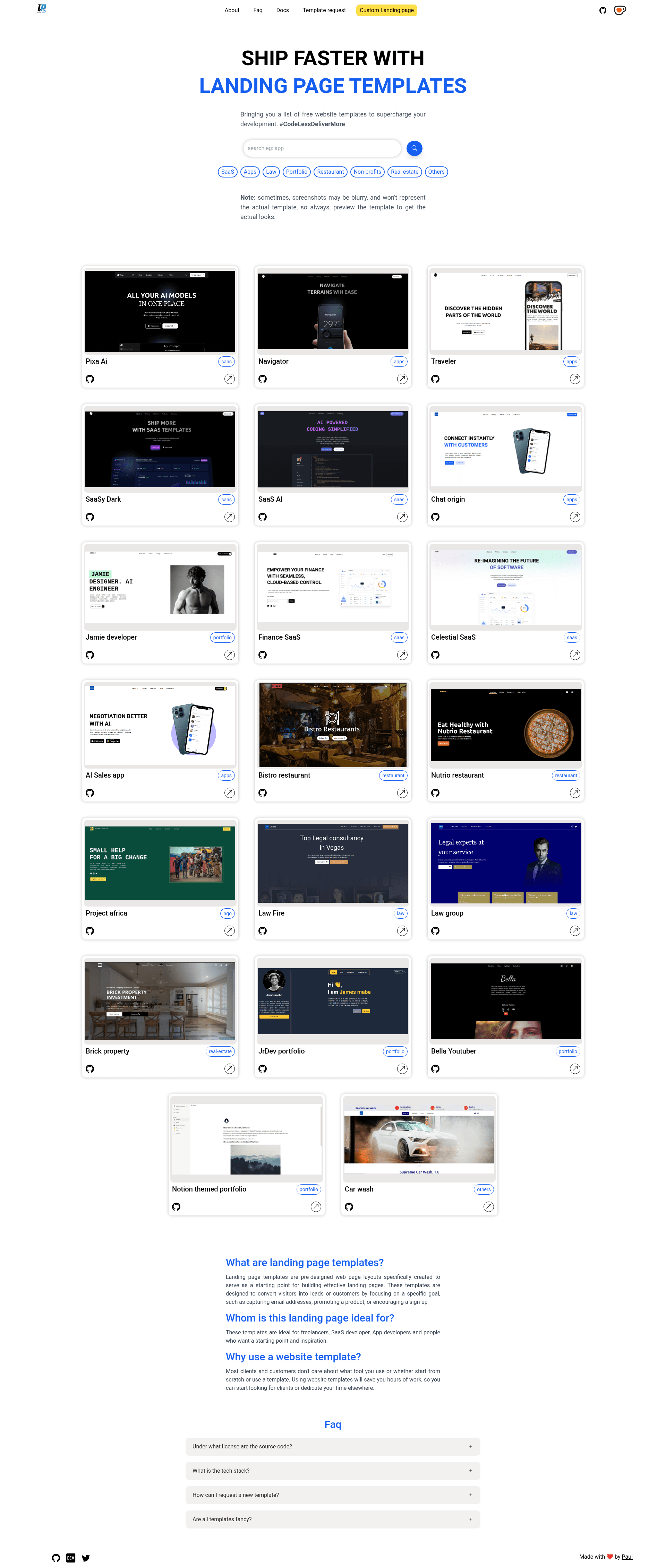
This collection of 20 free, open-source landing page templates by PaulleDemon covers SaaS, mobile apps, restaurants, real estate, law firms, portfolios, NGOs, and car washes, all built on plain HTML, CSS, and Tailwind CSS. Each template is a complete static page with its own assets folder, stylesheet, JavaScript file, and a live Netlify preview link, so you can try it before downloading.
What is this template collection?
It is the landing-pages GitHub repository, also presented as "Free Landing page templates," maintained by PaulleDemon. The repository ships 20 ready-to-use websites that take plain HTML, CSS, and JS as input and output a responsive landing page you can host on any static server. The code is frontend-framework independent, meaning you can drop the markup into React, Vue, or Django, and it works with either the prebuilt Tailwind CSS or a custom Tailwind setup. A browsable page at awesome-landingpages.vercel.app lets you preview and download any single template folder without cloning the entire repository.
Key Features
- Responsive layouts — every template adapts to mobile, tablet, and desktop widths using CSS and Tailwind's utility classes.
- Technical SEO structure — the HTML uses semantic tags such as h1, h2, section, and article so search engines can parse the page correctly out of the box.
- Tailwind CSS preconfigured — templates use a tw- prefix on all Tailwind classes to avoid conflicts with your existing styles, and the Tailwind config file lets you change the primary color globally.
- Quick text customization — you can replace placeholder text directly in the HTML without touching JavaScript, and button/input colors are controlled by variables in the index.css file.
- Framework independent — no build step is required to use the templates as-is; they are static files that can also be integrated into React, Vue, or Django projects later.
- Free resource credits — photos come from Pexels, Unsplash, and Pixabay, icons from Bootstrap Icons and Material Icons, and brand logos from Brandfetch, so all assets are free to use.
- Reusable folder structure — each template contains assets, css (with index.css, tailwind.css, and tailwind-build.css), index.html, index.js, tailwind.config.js, and a readme, making it easy to copy into a new project.
Who is it for?
- Web developers facing deadlines — use the prebuilt pages to ship a client site in hours instead of days.
- Freelancers prototyping for clients — spin up a realistic landing page quickly to show the look and feel before custom development.
- SaaS founders and app developers — get a marketing page for a new product without investing time in design, including specific templates like Simple Finance, AI SaaS, and ChatOrigin.
- People learning HTML, CSS, and JavaScript — read the clean, well-structured source code of each template to understand how Tailwind and semantic HTML work together.
- Owners of local businesses — use the Bistro, Nutrio, Supreme Carwash, or Brick Property templates to put a professional page online cheaply.
What can you do with these templates?
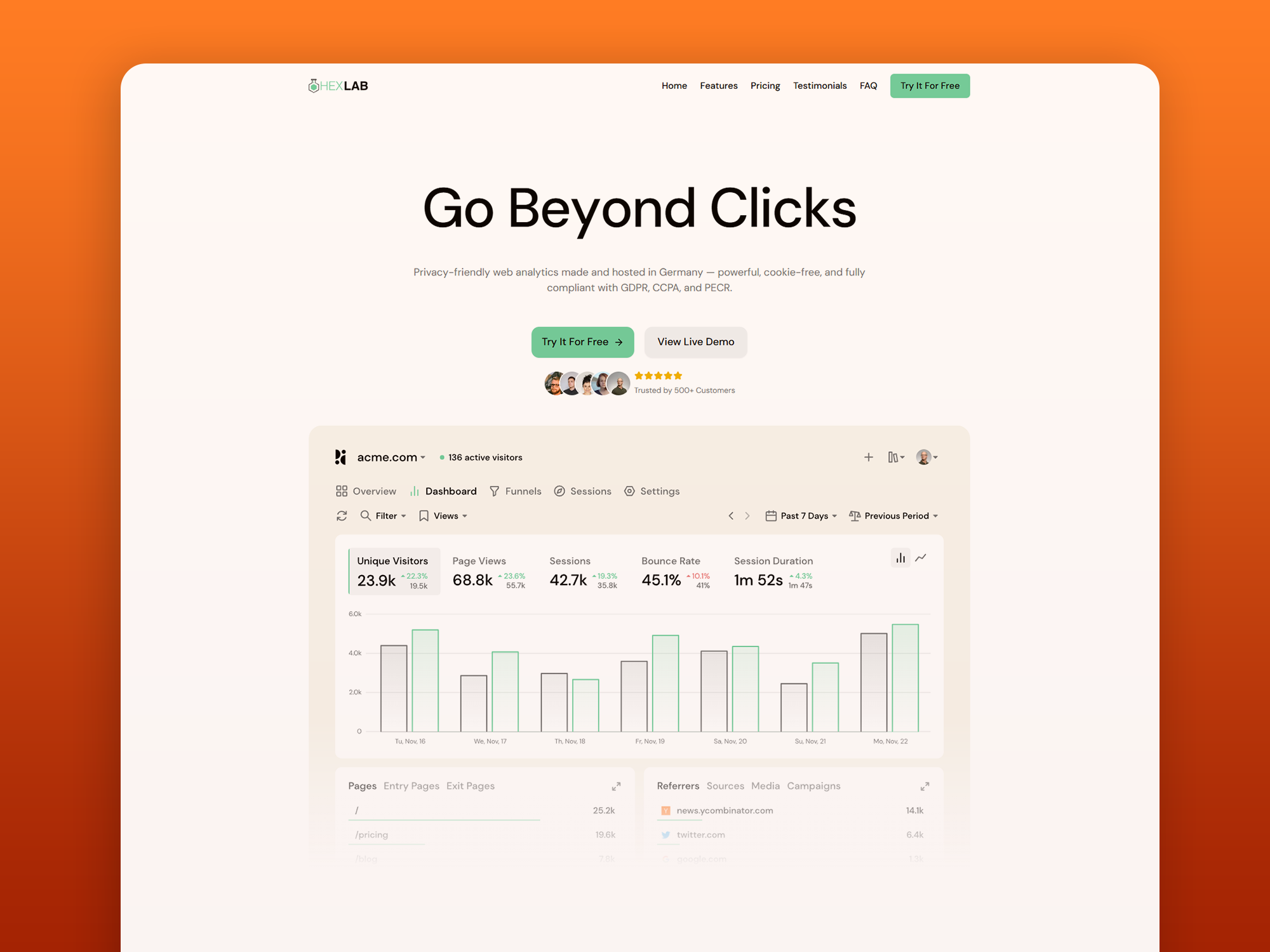
- Launch a SaaS landing page: choose Simple Finance, CelestialSaaS, AI SaaS, SaaSy Dark, or Pixa AI to present features, pricing, and a hero section for a software product.
- Create an app showcase page: use ChatOrigin, AiSales, Navigator, or Traveler to highlight mobile app screenshots and download links.
- Build a professional portfolio: pick Bella, Jrdev, Jamie, or the Notion-style portfolio to display projects, skills, and contact details.
- Publish a restaurant or law firm site: use Bistro and Nutrio for menus, or Law Group and Law Fire for practice-area pages, all responsive and SEO-friendly.
- Support a cause or service: the Project Africa NGO template suits donation calls and mission statements, while Supreme Carwash handles service-based business marketing.
How does installation and setup work?
Download the folder you want from the browsable page, or clone just that folder with git sparse checkout. The folder structure is consistent across templates. To customize Tailwind, you'll need Node installed: add tailwind.config.js, postcss.config.js, and a base tailwind.css file (these are already included in each template), then run npm run start:tailwind for development or npm run build:tailwind for production. You can also replace the stylesheet link in the head from tailwind-runtime.css to tailwind-build.css when deploying.
Pricing
All templates in this repository are free and open source. The author accepts optional support via Ko-fi, and you can request new generic templates by creating a GitHub issue; templates with enough upvotes get built.
FAQ
How do I change the primary color?
Each template's tailwind.config.js includes a custom primary color in the theme section. Edit that value, and all Tailwind-generated colors throughout the page update. The index.css file also holds CSS variables for button and input colors that you can change without touching the HTML.
Do the templates work with React or Vue?
Yes, because the templates are plain HTML, CSS, and JavaScript with no framework dependencies. You can copy the markup into a React or Vue component, or leave them as static pages. A Django-specific guide for integrating Tailwind is linked in the repository README.
Are the images and icons free to use?
The README credits Pexels, Unsplash, and Pixabay for photos, Bootstrap Icons and Material Icons for icons, and Brandfetch for brand logos. These are free-to-use sources, though you should verify each asset's license for commercial use.
Can I request a new template?
The repository includes a template issue form. You can file a request, and if it collects enough thumbs up, the author will build it and add it to the collection.