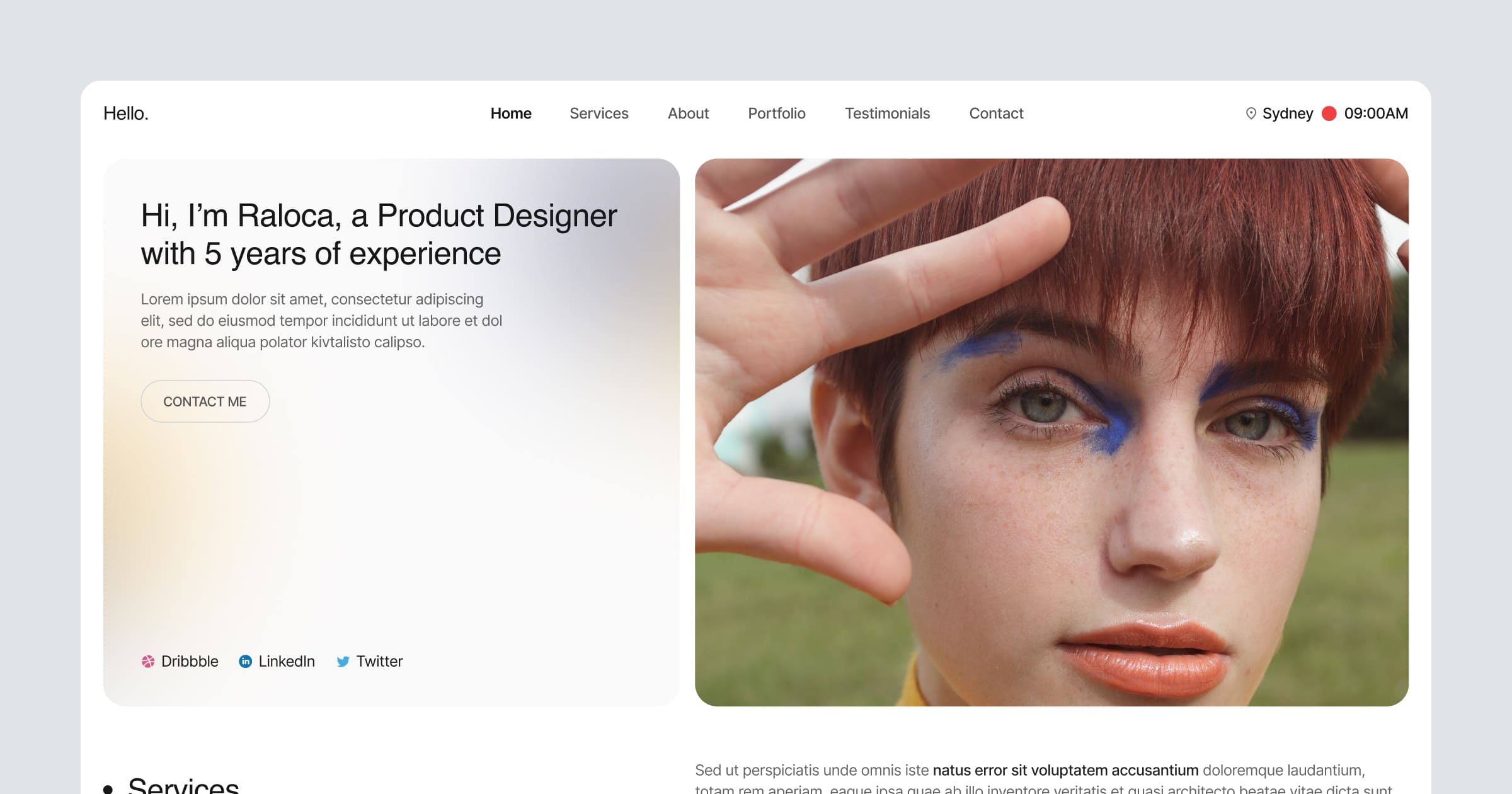
Template details
onepage
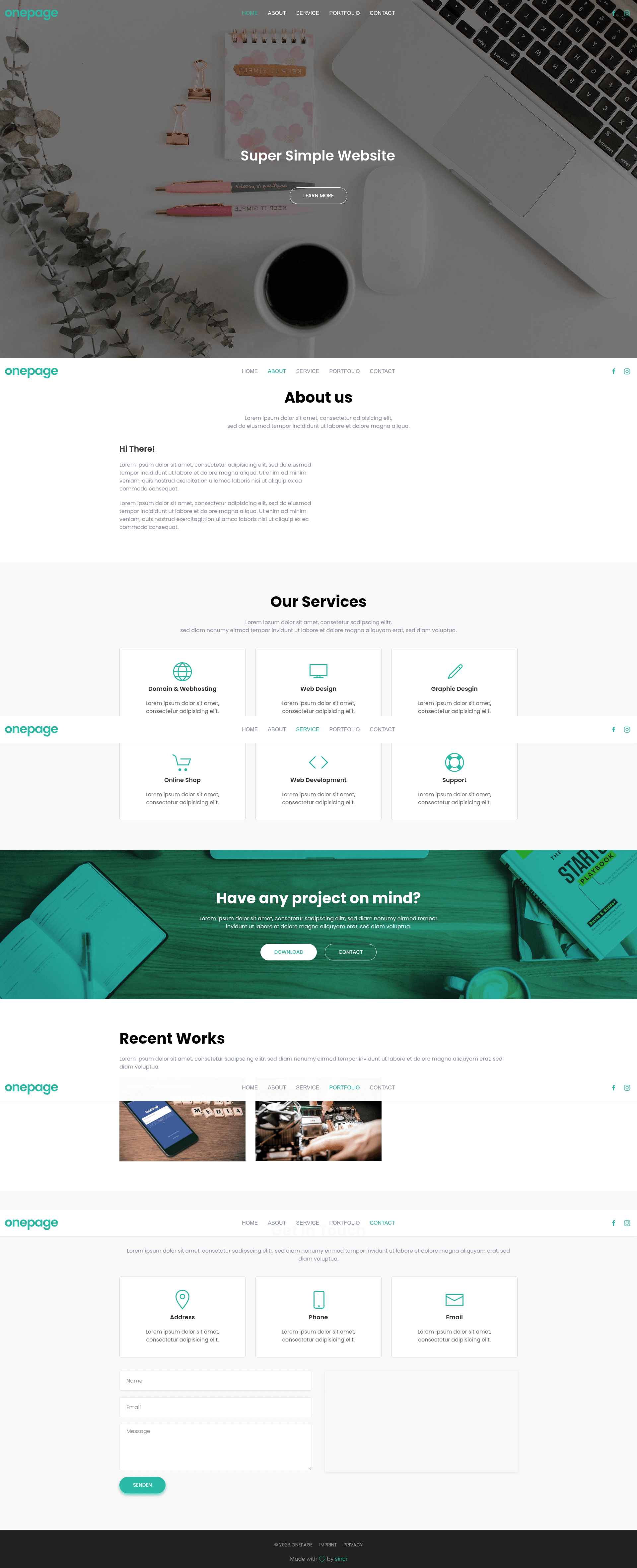
Free one-page HTML portfolio template built with UIkit.
About this template
onepage is a free one-page HTML portfolio template built on the UIkit framework, giving you a single-page site to showcase your work and contact details.
What is onepage?
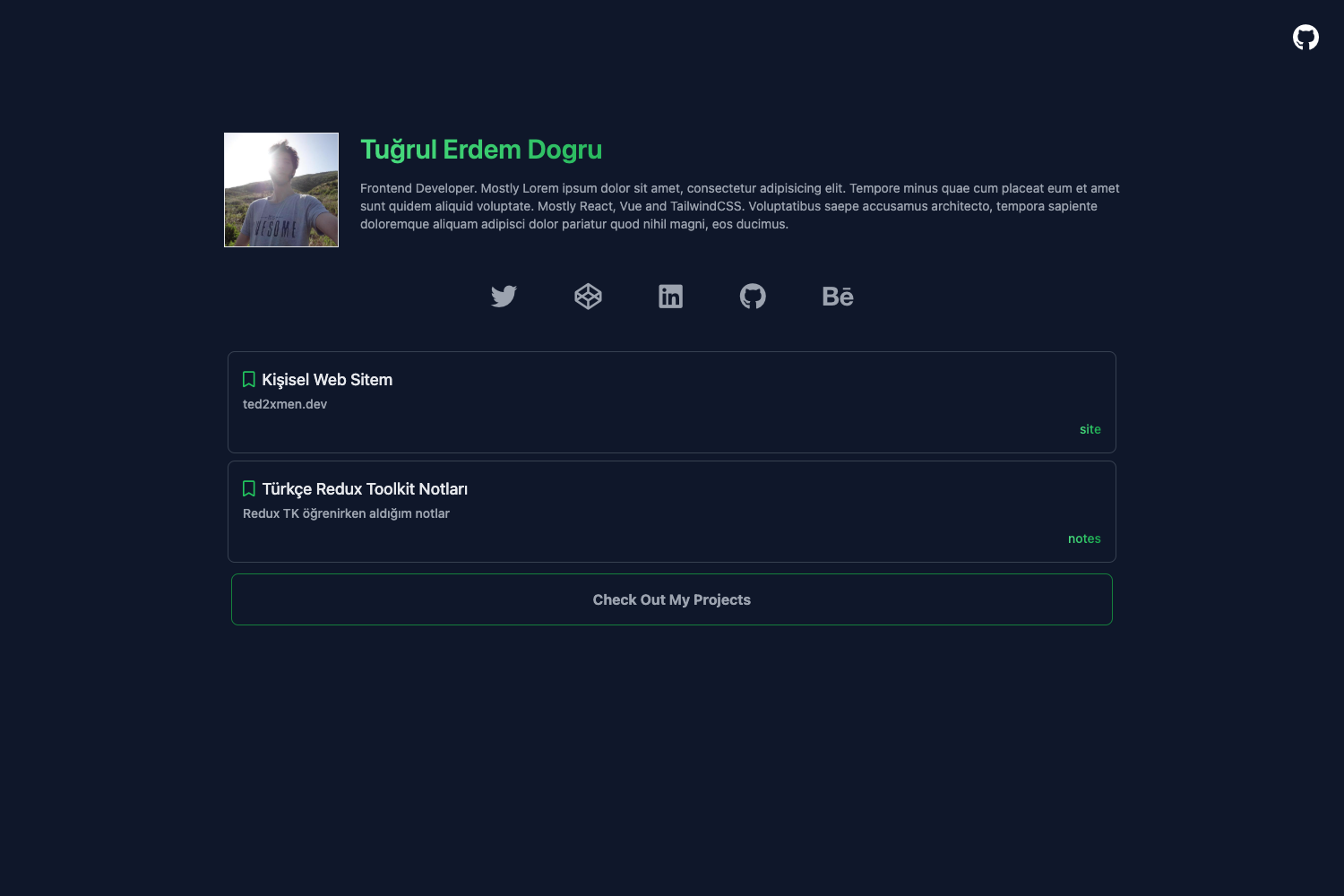
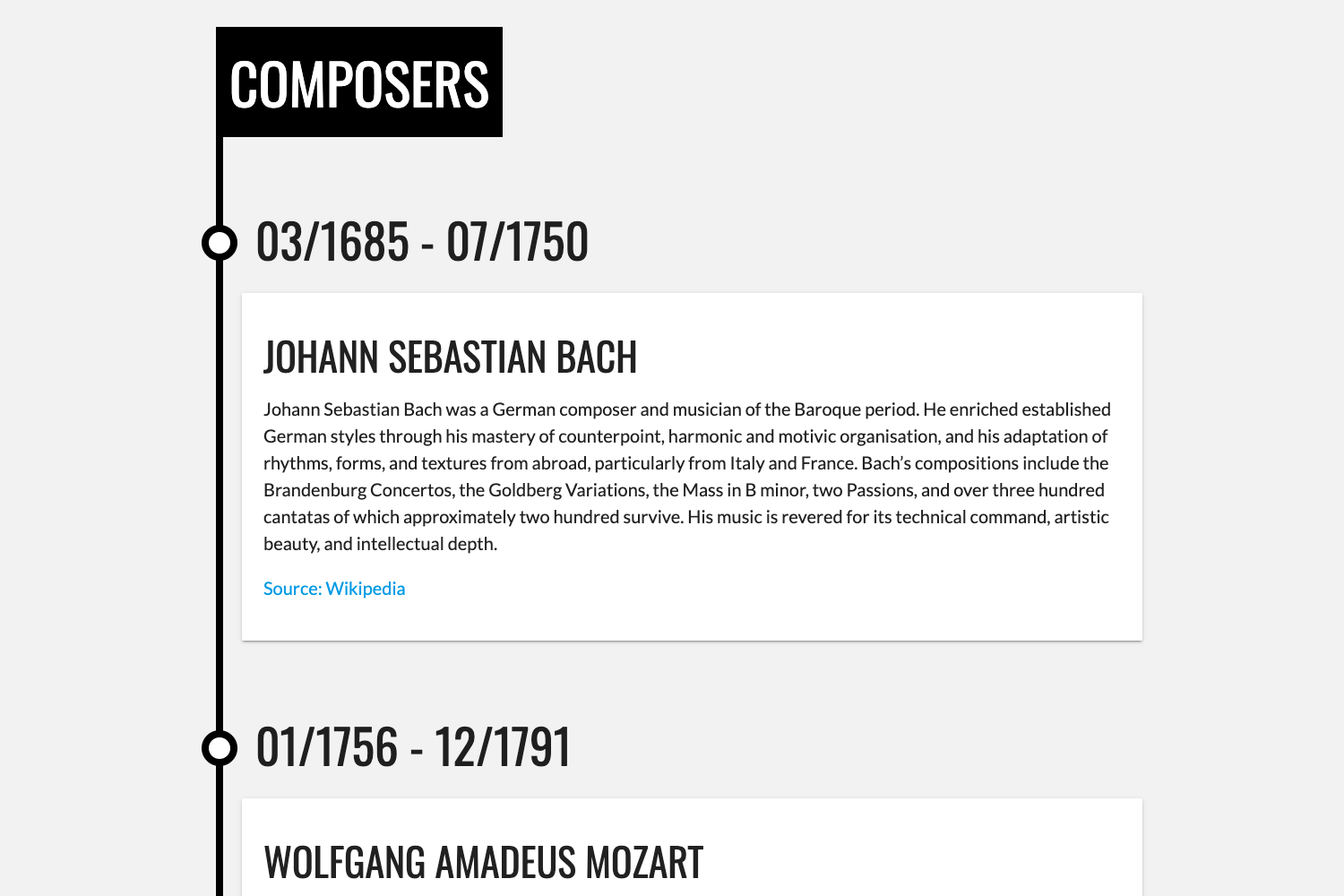
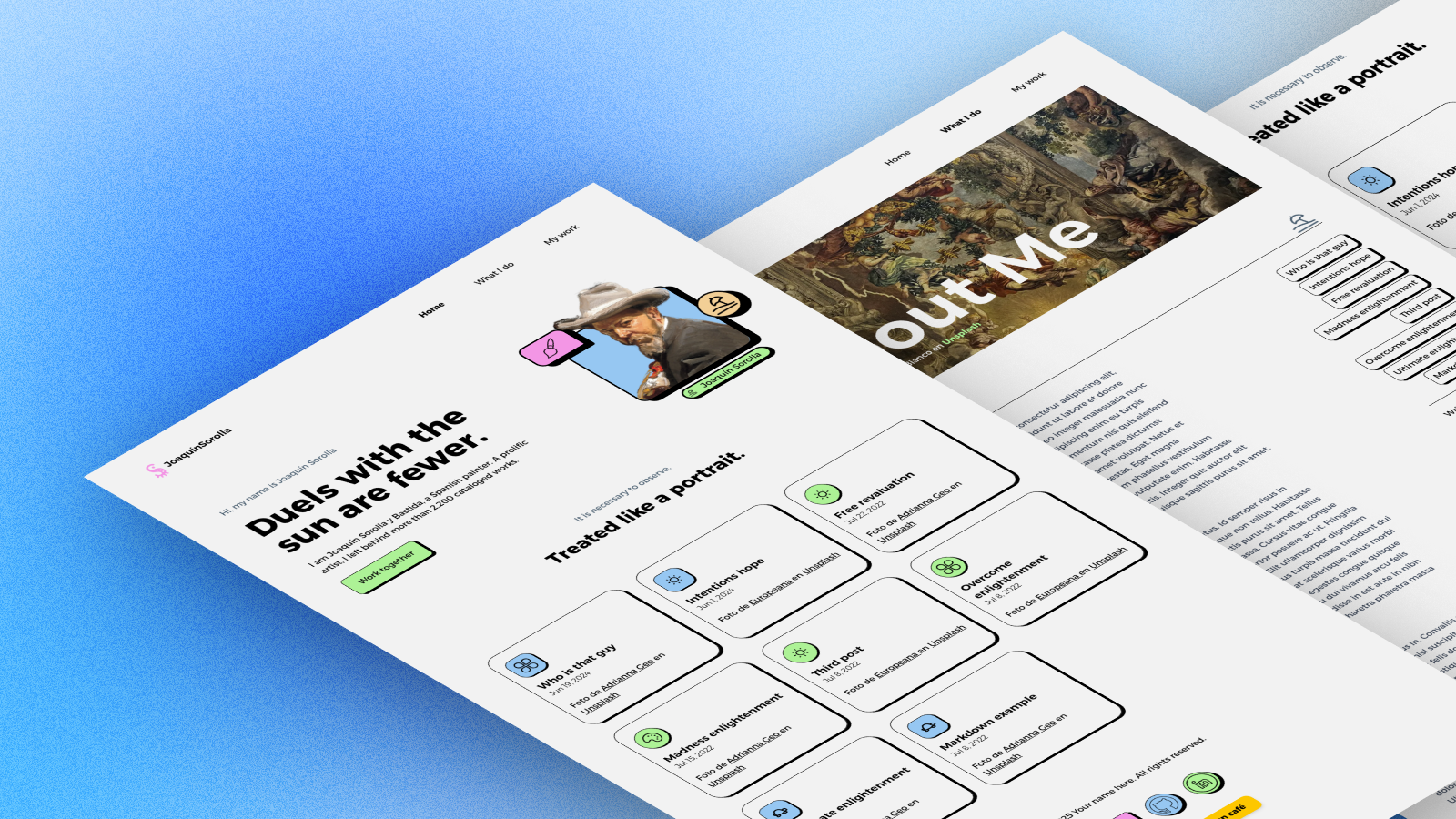
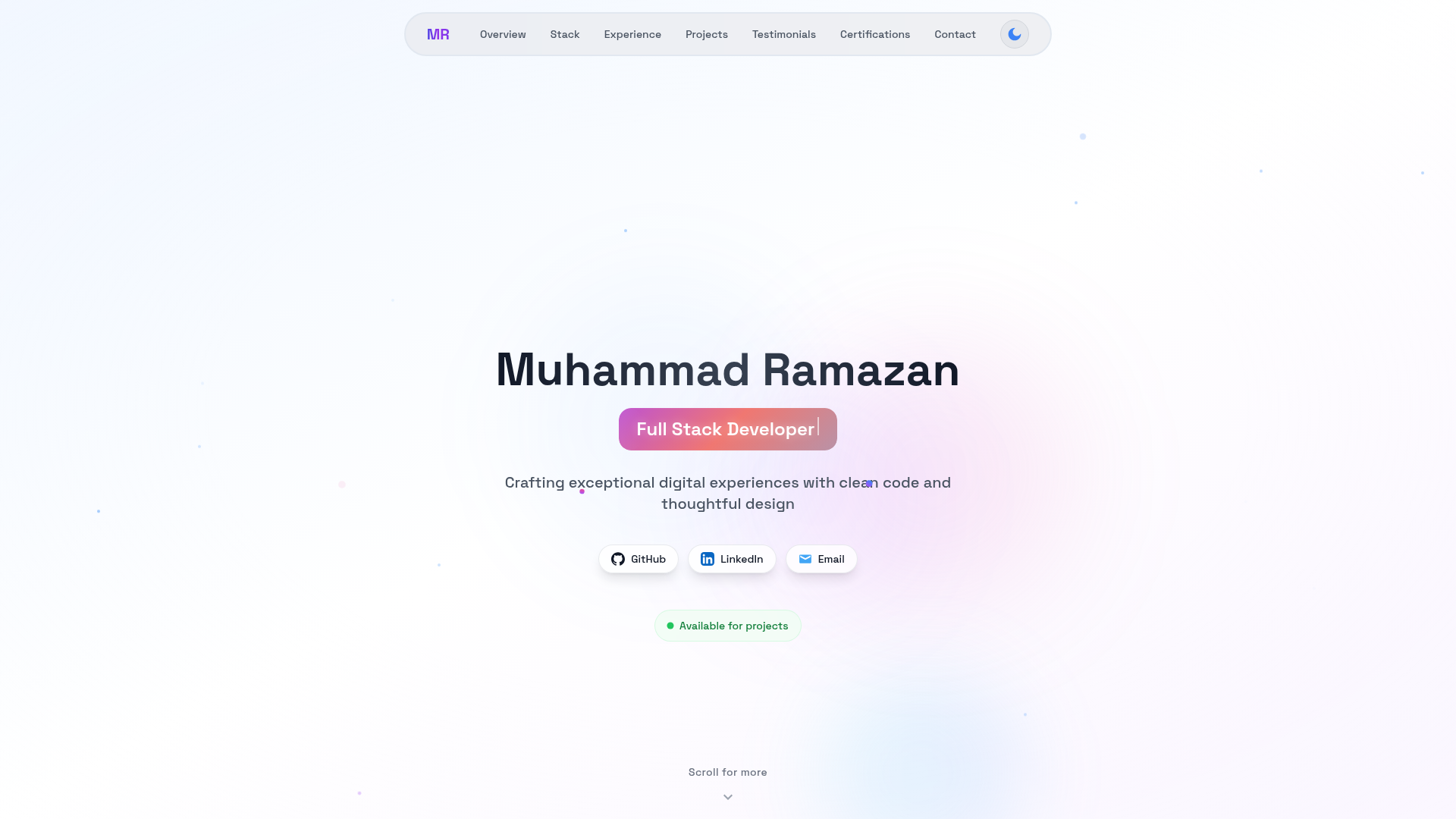
onepage is a static HTML template that uses UIkit 3 as its CSS and JavaScript framework. The template consists of plain HTML5 files that you edit directly — no build process, no database, and no server-side processing required. The output is a self-contained static website that you can host on any web server or static hosting service. The repository includes a live preview at onepage.demoserver-a.eu and ships with sample imagery from Pixabay so the design is visible out of the box.
Key Features
- UIkit 3 framework — The template is built entirely on UIkit, giving you access to its responsive grid, navigation, card, and modal components with no additional libraries.
- One-page layout — All content is contained in a single HTML page, which is ideal for a personal portfolio or resume site.
- HTML5 structure — Uses semantic HTML5 elements for cleaner markup and better accessibility.
- Free to use — The template is available at no cost, and the source code is public on GitHub.
- Demo preview — A hosted demo at onepage.demoserver-a.eu lets you see the template's look and behavior before you download it.
- Pixabay placeholder images — Includes two placeholder photos from Pixabay (a laptop on a desk and a Mac showing a browser) to replace with your own work.
Who is it for?
- Freelancers and creatives — who want a clean one-page portfolio to present their services and past projects.
- Students and job seekers — who need a simple, modern resume page without a CMS.
- Developers — who prefer starting from a minimal HTML template and customizing it with UIkit's utility classes.
What can you do with onepage?
- Build a personal portfolio — Showcase your latest work and a short bio on one scrolling page.
- Create a resume site — Replace the portfolio sections with your experience and education highlights.
- Launch a simple landing page — Adapt the layout for a freelance service or product announcement.
Pricing
onepage is free. The repository and all its files are available at no cost on GitHub.
FAQ
Is onepage free?
Yes, onepage is free to use and the source code is publicly available on GitHub. There are no paid tiers or premium features.
What framework does onepage use?
onepage is built with UIkit 3, a modular front-end framework. You can customize the look using UIkit's themes and utility classes, or write your own CSS overrides.
Can I use the images in my own project?
The template includes placeholder images from Pixabay. You should review Pixabay's license before reuse and replace them with your own photos for real projects.
Does the template need a build step?
No, onepage is plain HTML5. You edit the .html files directly and upload them to any static hosting service; no Node.js or build tooling is required.
Where can I see a demo?
A live demo is hosted at onepage.demoserver-a.eu so you can preview the template's layout and interactions.