Template details
front-cover
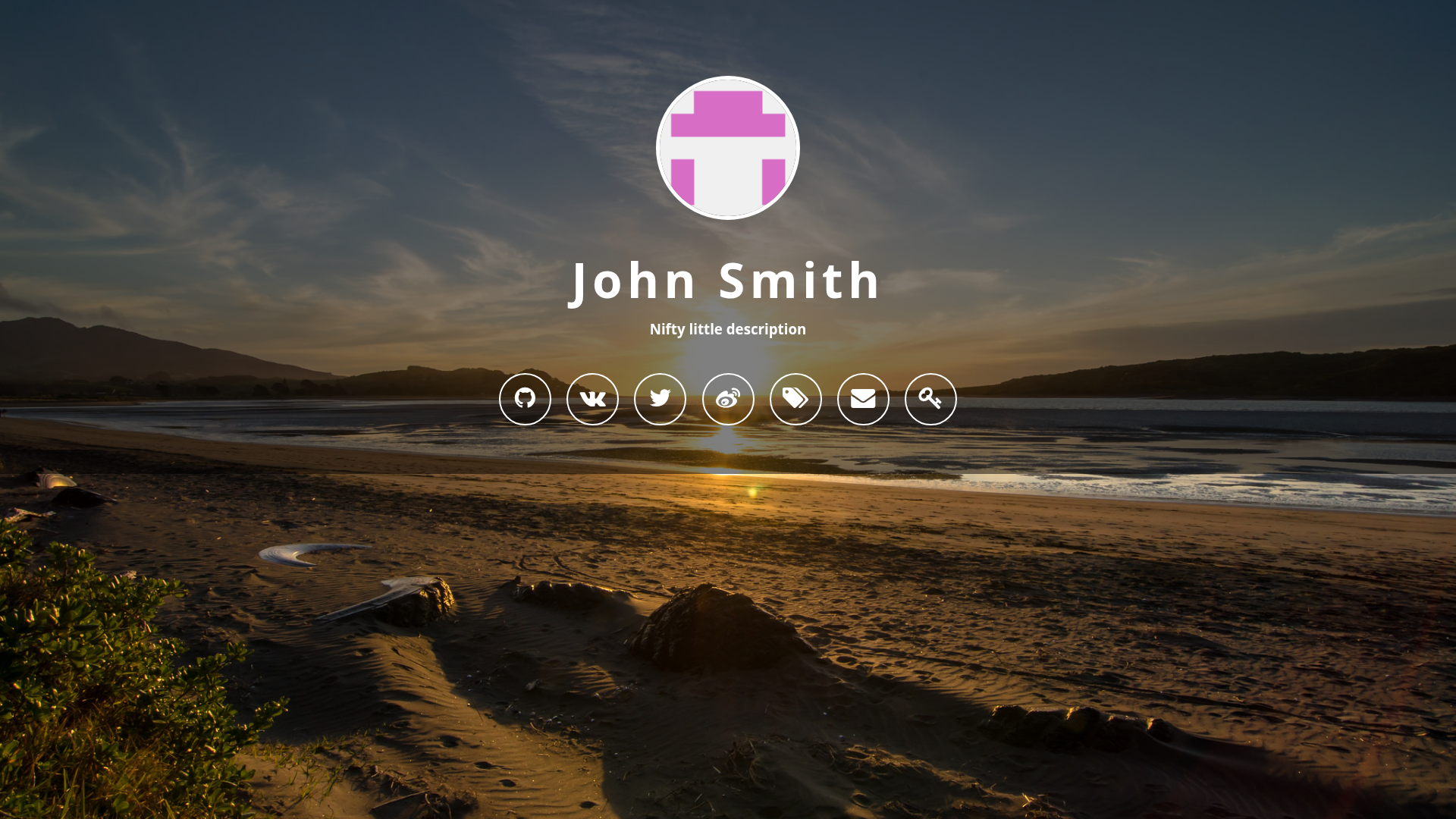
A lightweight, MIT-licensed Jekyll theme for building a front cover page with no JavaScript, entirely configurable via config.yml.
About this template
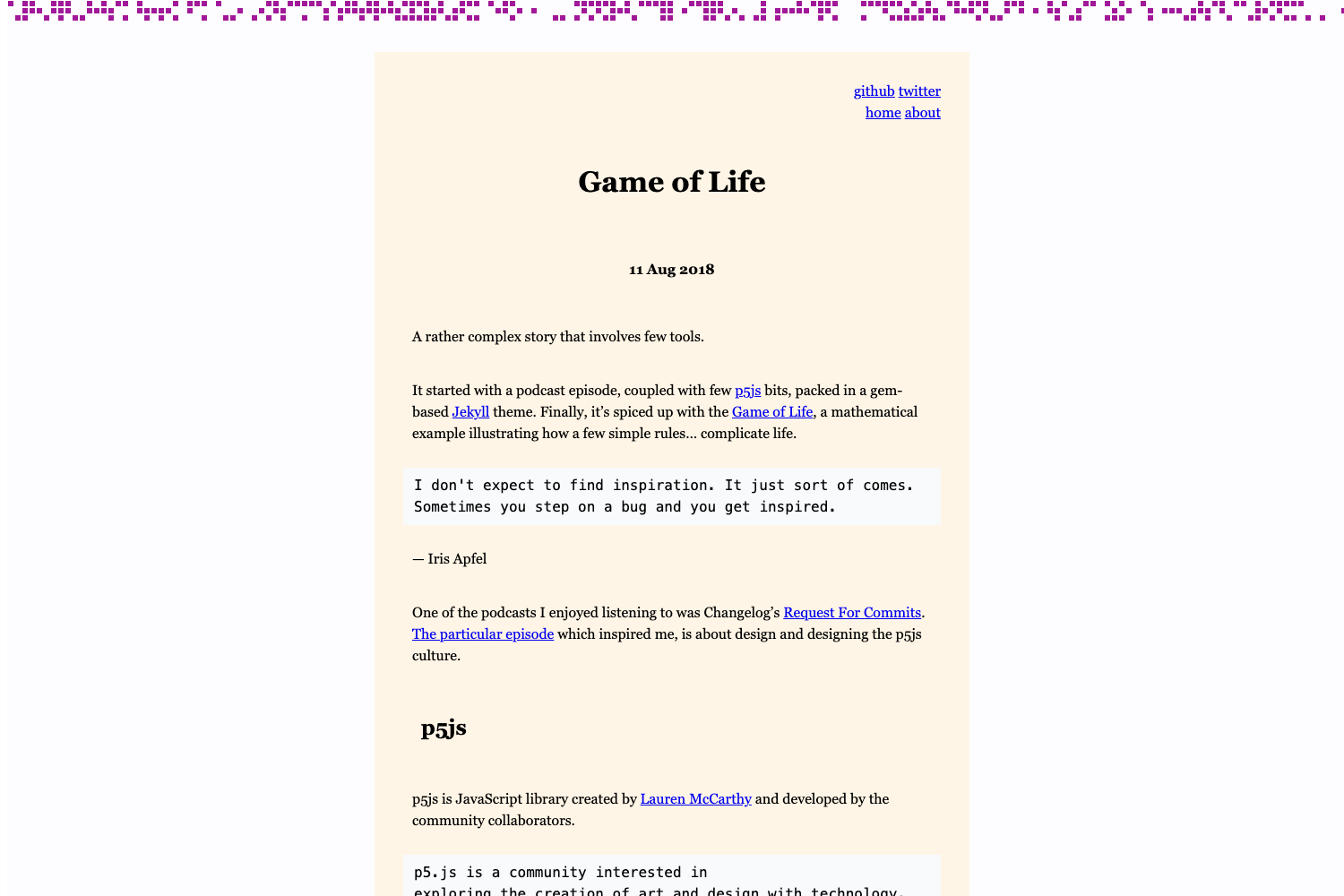
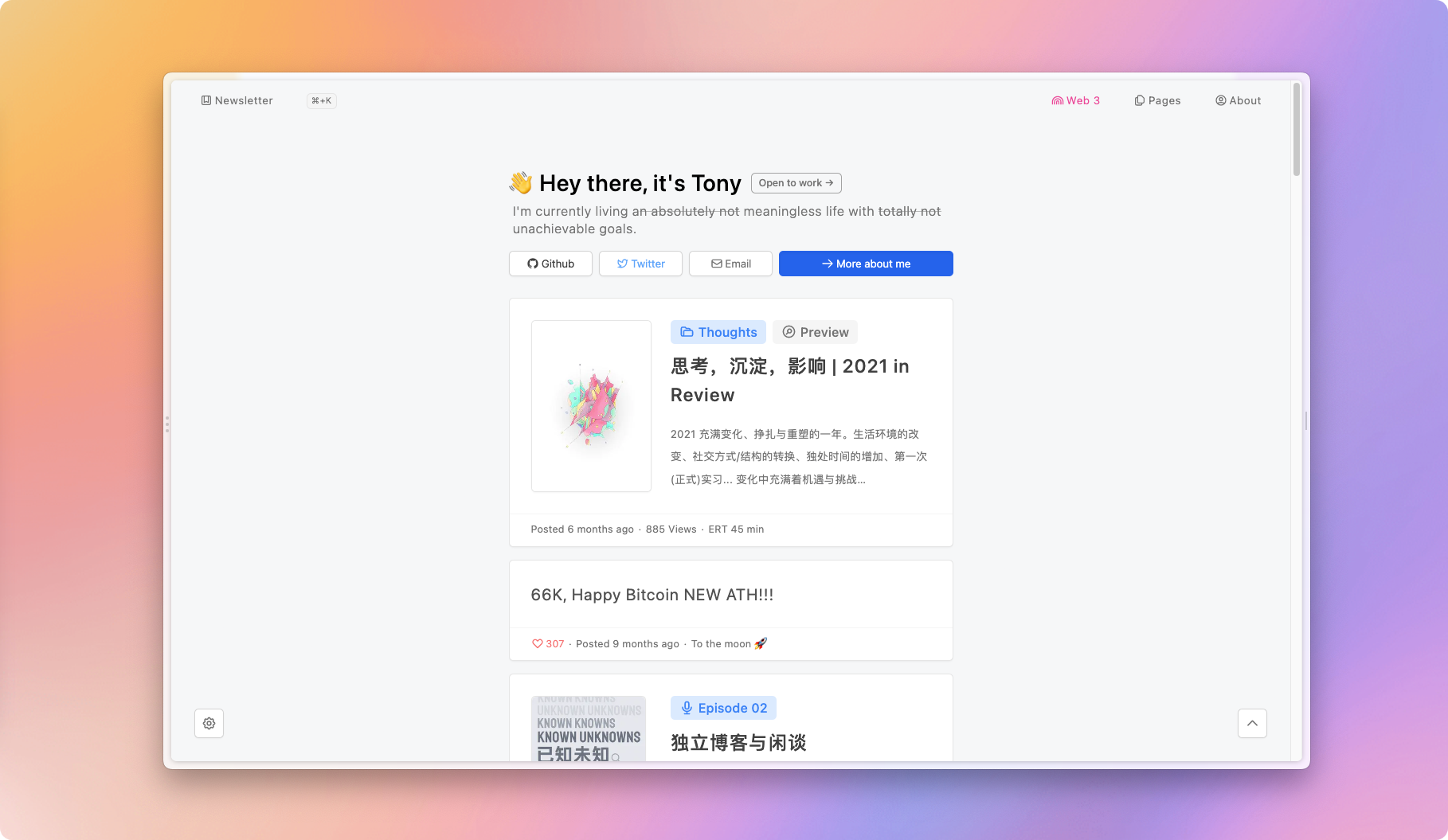
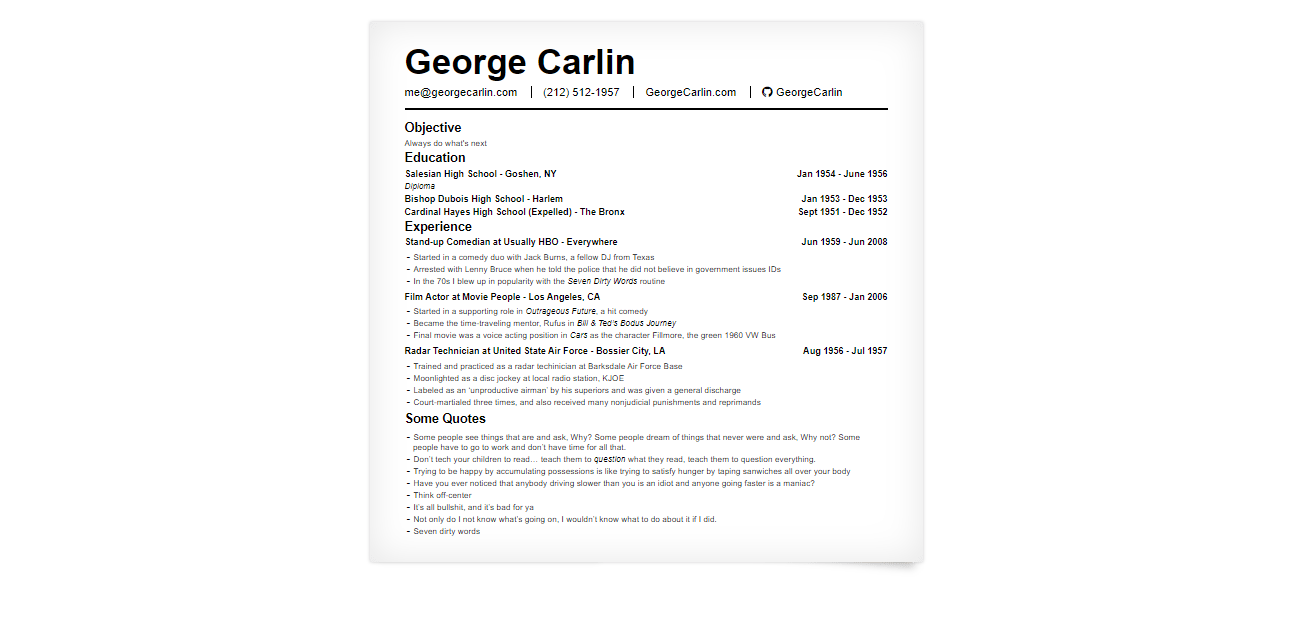
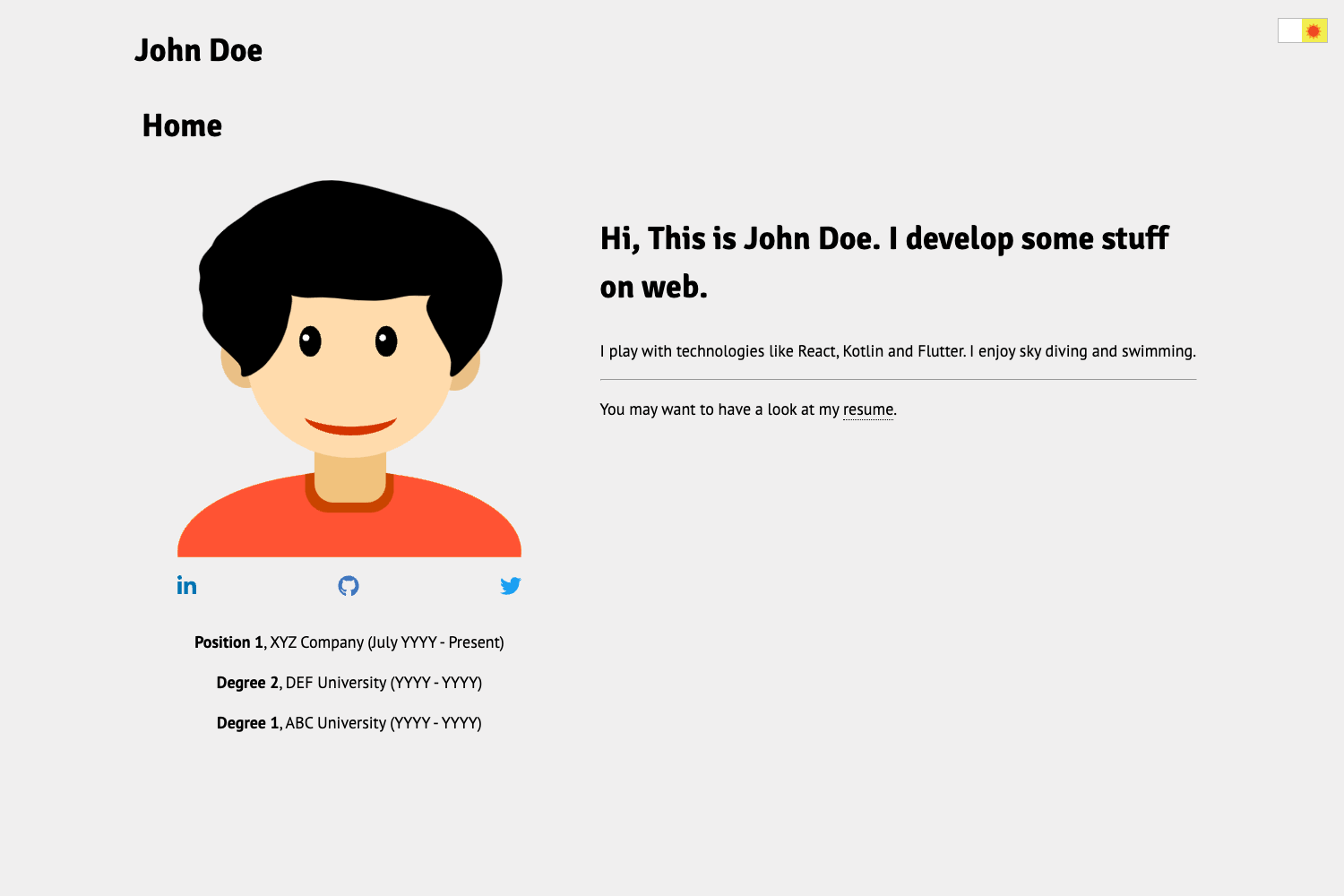
front-cover is a lightweight, MIT-licensed Jekyll theme that generates a single front-cover page from a single _config.yml file, with no HTML editing, no JavaScript, and no Bootstrap. It is released under the MIT license and showcased in a live demo hosted at https://dashingcode.github.io/front-cover/. The repository currently has 128 stars on GitHub.
What is front-cover?
front-cover is a Jekyll theme designed to produce a static front page (a "cover" page) for a personal or project website. It takes a Jekyll project configured entirely through _config.yml and outputs a plain HTML/CSS page. The theme runs on Jekyll, requires no front-end frameworks, and uses Font Awesome icons for iconography. The theme's GitHub repository is under the dashingcode account, and a live preview is available at the GitHub Pages link above.
Key Features
The feature set is intentionally minimal: all content is declared in YAML, and the theme avoids bundling any external front-end libraries. The main capabilities you get are:
- No HTML modifications — All content, links, and settings live in
_config.yml; you never need to edit templates. - Lightweight and fast — The theme ships without JavaScript or Bootstrap, keeping the page size minimal.
- MIT licensed — You can freely use, modify, and redistribute the theme.
- Font Awesome support — Icons are integrated via Font Awesome (fontawesome.io).
- Configuration-driven — Change the site title, tagline, links, and appearance by editing YAML keys.
- Live demo available — You can preview the theme in action at the GitHub Pages demo site.
Who is front-cover for?
front-cover is aimed at Jekyll users who want a simple, low-maintenance front page without learning a front-end build system. It is also useful for developers who prefer to manage their entire homepage from a single config file, and for anyone who wants a minimalist, no-JS landing page backed by a static site generator.
What can you do with front-cover?
Because it produces a single configurable cover page, you can adapt it to several lightweight landing scenarios:
- Personal front page — Set up a minimal homepage with your name, links, and icons by filling in
_config.yml. - Project landing page — Showcase an open-source project with a tagline, demo link, and icon set, all configurable from YAML.
- Coming-soon page — Quickly stand up a "site under construction" cover using the same single-page layout.
Pricing
front-cover is free to use under the MIT license. No paid tiers or premium features are listed.
FAQ
Is front-cover free?
Yes, front-cover is released under the MIT license, so it is completely free to use, modify, and redistribute, even for commercial projects.
Do I need to edit HTML?
No. The theme is designed so that everything can be modified in config.yml — you never have to touch HTML directly.
Does front-cover use JavaScript or Bootstrap?
No. The theme is intentionally lightweight: it does not bundle JavaScript or Bootstrap, which keeps the front cover page fast and simple.
Where can I see a live demo?
A live demo is available at https://dashingcode.github.io/front-cover/.
What icons does it use?
The theme uses Font Awesome icons, a popular icon set, for any iconography on the page.