Template details
Game of Life Jekyll Theme
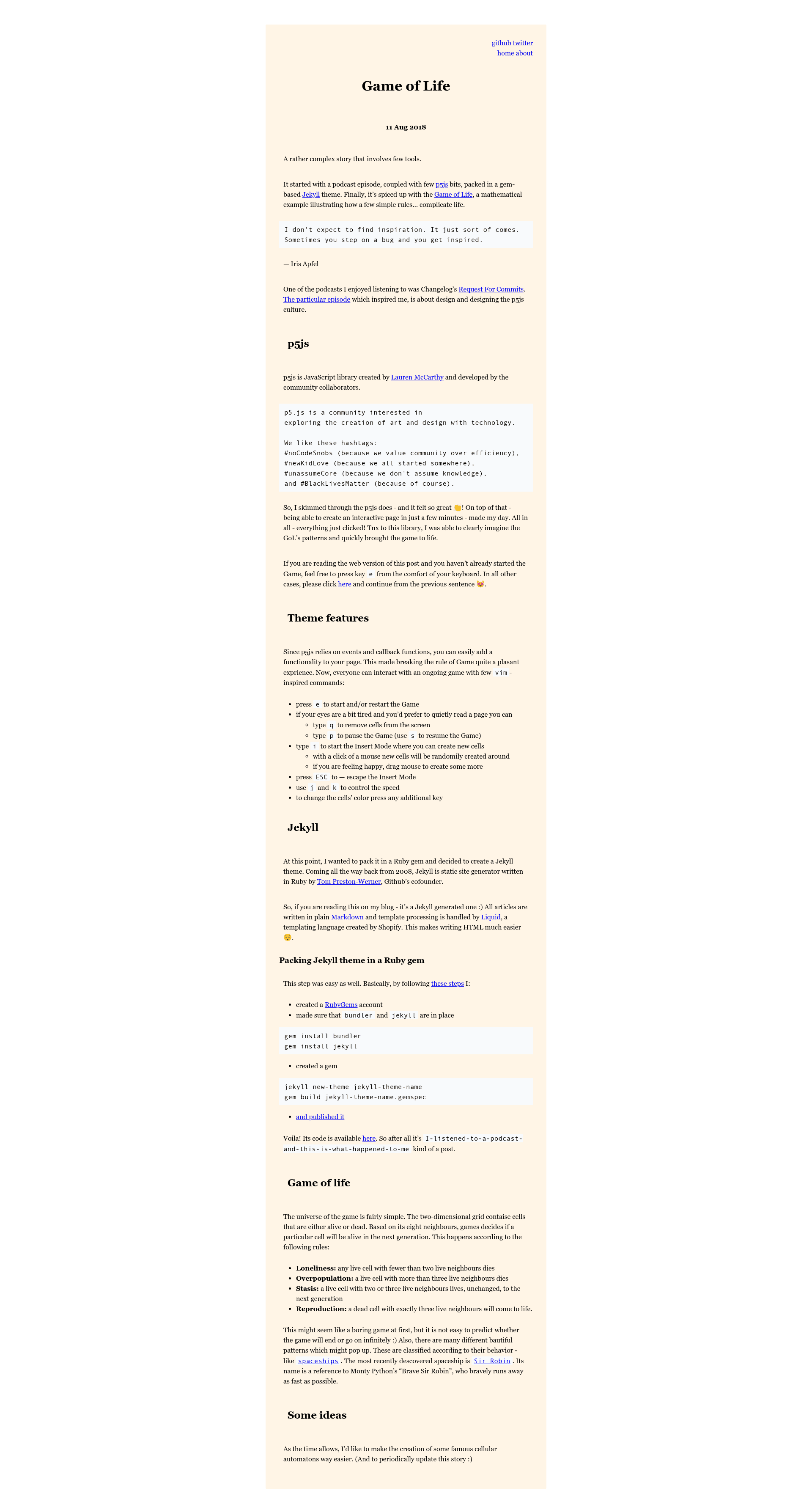
A Jekyll theme with an interactive Conway's Game of Life background that visitors can start, pause, draw on, and recolor.
About this template
Game of Life is a Jekyll theme that turns Conway's Game of Life into an interactive, full-page background simulation, letting visitors start, pause, draw, and recolor the cellular automaton directly in the browser.
What is the Game of Life Jekyll theme?
The Game of Life Jekyll theme is a static-site theme built on Jekyll that uses the p5.js JavaScript library to render a live Conway's Game of Life grid as the page's background. It takes a standard Jekyll site as input and produces a page where the background is an actual simulation, not a static image. The theme is configured through _config.yml, where site owners can change the font and background color. It also includes a customizable Game of Life strip defined in code with lines like board = new Board(columns, rows) and board.fill(starting_column, ending_column, starting_row, ending_row).
What makes the Game of Life Jekyll theme stand out?
- Interactive simulation — Visitors can press
eto start or restart the Game of Life,pto pause, andsto resume, making the background an active part of the page. - Insert Mode drawing — Press
ito enter Insert Mode, then click or drag the mouse to randomly create new cells around the cursor; press ESC to exit. - Speed control — Use
jto slow down andkto speed up the simulation's generation rate. - Color cycling — Press any additional key to change the color of the cells on the grid.
- Reading mode — Press
qto erase cells from the screen for a quieter reading experience. - Configuration via _config.yml — Font and background color are set in the Jekyll config file, matching Jekyll conventions.
- Customizable grid and pattern — The simulation's columns, rows, and initial filled region are set in the theme's JavaScript using the
Boardandfillfunctions. - Built on Jekyll and p5.js — The theme is a Ruby-based Jekyll theme that integrates the p5.js canvas library, outputting a static site with a live JavaScript canvas.
Who should use the Game of Life Jekyll theme?
This theme is for Jekyll users who want a distinctive, animated background for a personal site, blog, or portfolio. It is also a good fit for developers who enjoy Conway's Game of Life and want to experiment with the simulation's parameters directly in the code. Because the background is interactive, it can engage visitors beyond what a static theme offers.
What can you do with the Game of Life Jekyll theme?
- Visitors: Start or restart the simulation with
e, pause withp, resume withs, and adjust speed withjandk. - Site owners: Customize the initial cell pattern by editing the
Boardandfilllines in the theme's JavaScript, such as setting the number of columns, rows, and the region to fill. - Designers: Change the font and background color directly in
_config.ymlwithout altering the core theme files.
How does the Game of Life Jekyll theme work?
The theme runs a p5.js sketch that creates a Board instance with a specified number of columns and rows, then fills a region with starting cells using board.fill(starting_column, ending_column, starting_row, ending_row). On page load, the simulation automatically begins evolving. Visitors interact through keyboard shortcuts: e restarts, p pauses, s resumes, i toggles Insert Mode, q erases cells, j/k adjust speed, and any other key changes cell colors.
FAQ
How do I start the Game of Life simulation?
Press the e key to start or restart the Game of Life. The simulation runs automatically on page load; pressing e resets it to its initial configuration.
How do I pause the Game of Life?
Press the p key to pause the simulation. To resume, press the s key. You can also press q to erase cells entirely if you prefer a clean reading background.
What does Insert Mode do?
Press i to enter Insert Mode. In this mode, clicking or dragging the mouse randomly creates new cells around the cursor, allowing you to alter the simulation's pattern. Press ESC to escape Insert Mode.
Can I change the background color?
Yes, the font and background color can be changed by editing the _config.yml file included with the theme, using standard Jekyll configuration.