Template details
Double Great
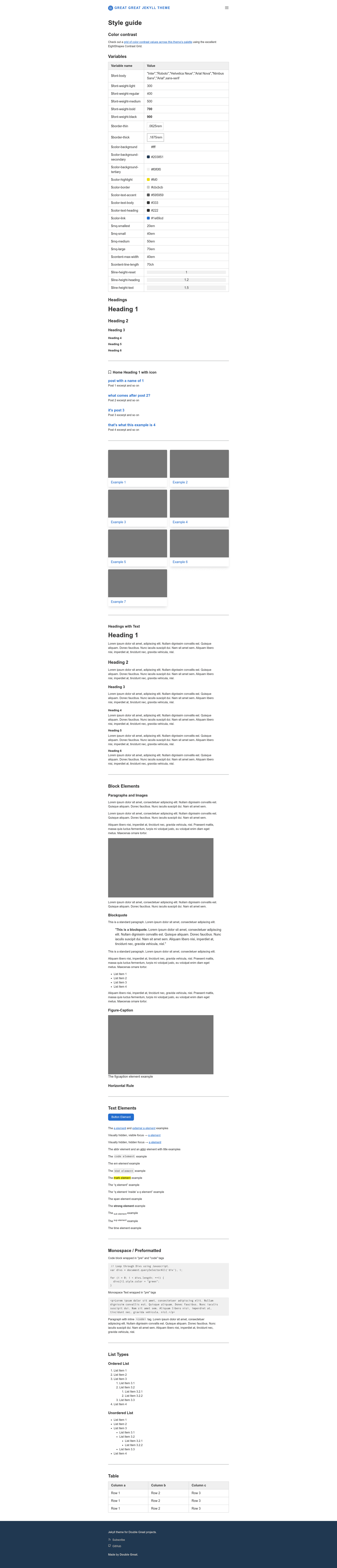
Jekyll theme for doublegreat.dev, installable remotely via the jekyll-remote-theme plugin.
About this template
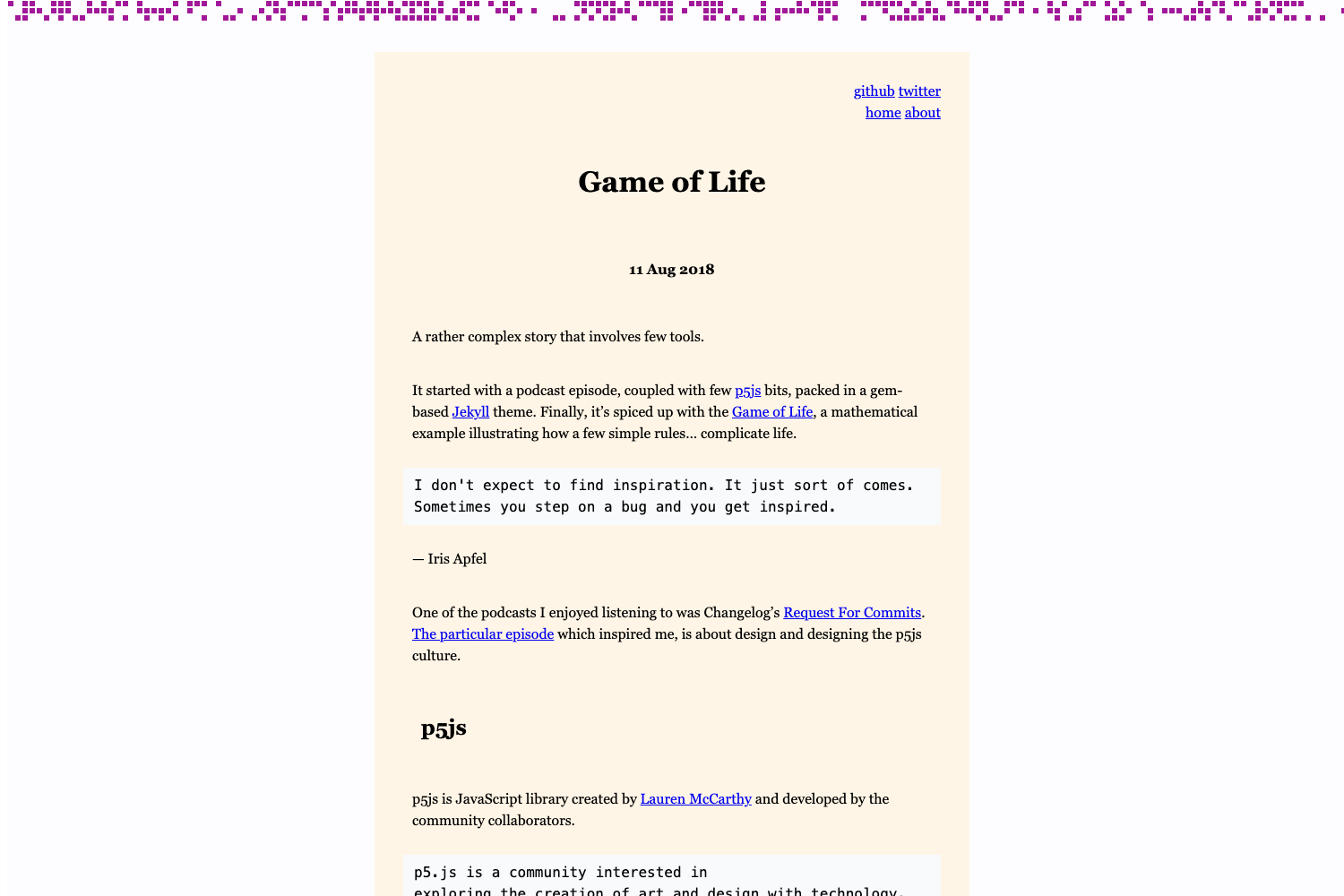
Double Great is a Jekyll theme that powers the website doublegreat.dev, distributed through the double-great/theme GitHub repository as a remote theme. Its core function is to provide the site's design and layout to any Jekyll installation via the jekyll-remote-theme plugin, so you can adopt the same theme without copying theme files into your own project.
What is Double Great?
Double Great is an open-source Jekyll theme for the Double Great website. It takes a standard Jekyll site as input and applies its own templates, styles, and layout through the remote-theme mechanism. The theme is maintained in the double-great/theme repository and is published under the MIT License, so it can be freely reused and modified. The README provides the exact installation steps, and the repository carries the jekyll-theme topic on GitHub.
Key Features
- Remote theme installation — Add
remote_theme: double-great/theme@mainto your Jekyll site's_config.yml, then addjekyll-remote-themeto the plugins list, and the theme is fetched from GitHub on build. - Versioned via branch reference — The README points to the
@mainbranch, meaning updates are pulled from the main branch at build time. - MIT License — The theme is open source with a permissive license; you can use, copy, and modify it, and the license is explicitly linked in the README.
- GitHub Topic — The repository is tagged with the
jekyll-themetopic, making it discoverable in the Jekyll theme ecosystem. - Minimal setup — The installation requires only two configuration lines plus adding the plugin; no further instructions imply additional dependencies.
Who is it for?
Double Great is for developers and writers who use Jekyll and want a theme hosted remotely so their own site repository stays clean. It's also useful for anyone who wants to see how a site like doublegreat.dev is styled, since the theme source is public. Finally, it serves as a starting point for Jekyll theme developers who want a simple, MIT-licensed example of a remote theme with a short README.
What can you do with it?
- Jekyll site owners: Install the theme by following the README to give your site the same appearance as doublegreat.dev. The remote-theme approach keeps your own repository free of theme code.
- Jekyll theme learners: Study the repository structure and configuration to understand how remote themes are set up and distributed.
- Contributors: Because it's MIT licensed, you can fork the repository to create your own variation or submit improvements back.
How does it work?
The README gives a two-step installation process. First, add remote_theme: double-great/theme@main to your _config.yml. Second, add jekyll-remote-theme to your plugins list. The jekyll-remote-theme plugin then downloads the theme from the specified GitHub repository when you build the site with Jekyll.
Pricing
The theme is free to use because it is published under the MIT License. No paid tiers or commercial restrictions are mentioned in the README; the only requirement is preserving the license notice if you redistribute it.
FAQ
Is Double Great a free theme?
Yes, it is free and open source under the MIT License. The README explicitly states the theme is available under those terms, so there are no licensing fees.
How do I install this Jekyll theme?
Add remote_theme: double-great/theme@main to your _config.yml and add jekyll-remote-theme to your plugins list. The plugin fetches the theme from GitHub when you run Jekyll.
What is the theme for?
It's the Jekyll theme used on doublegreat.dev, and it is published publicly so other Jekyll sites can use the same appearance.
What license does this theme use?
It uses the MIT License, so you can freely use, modify, and distribute it, as long as the copyright notice is included.