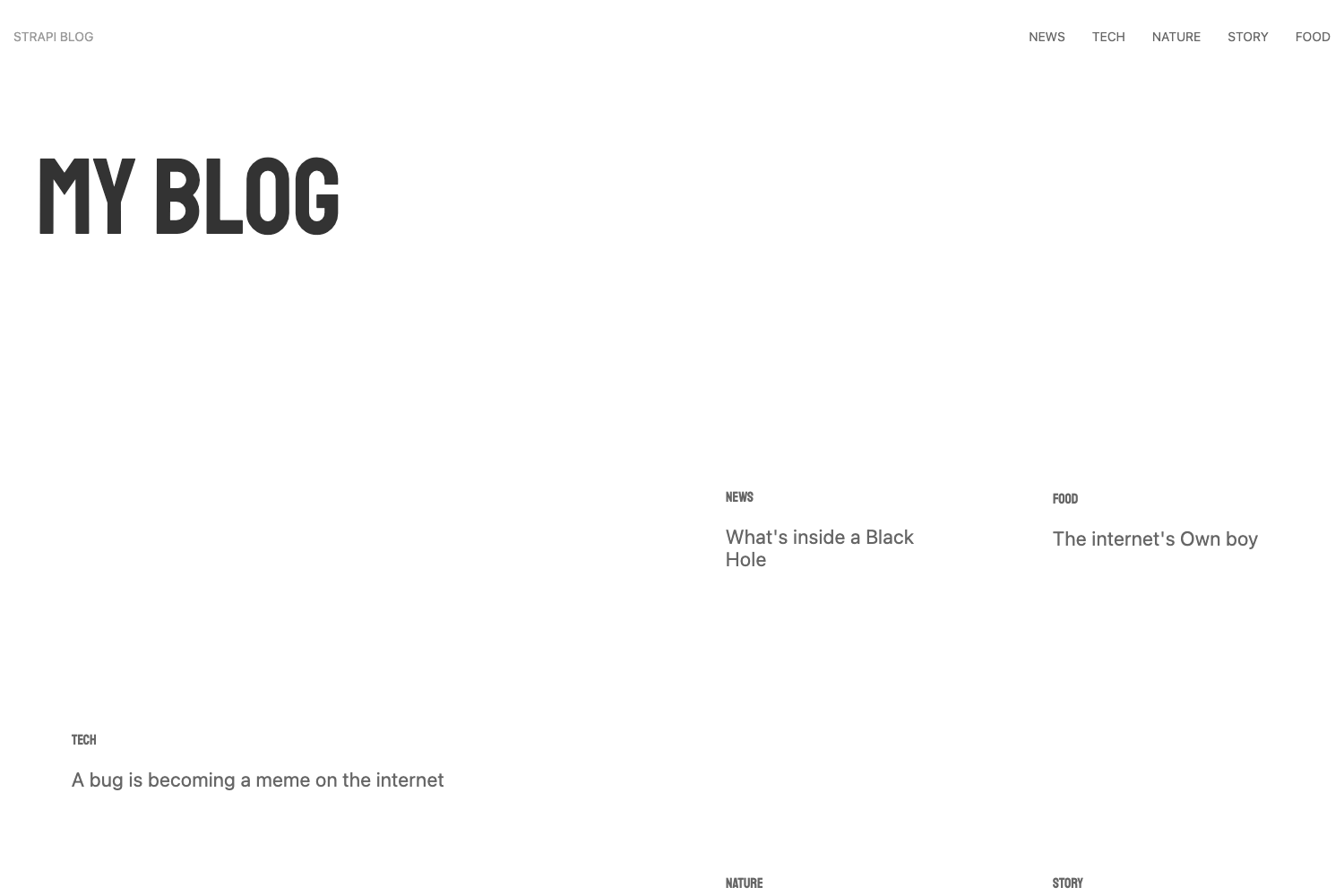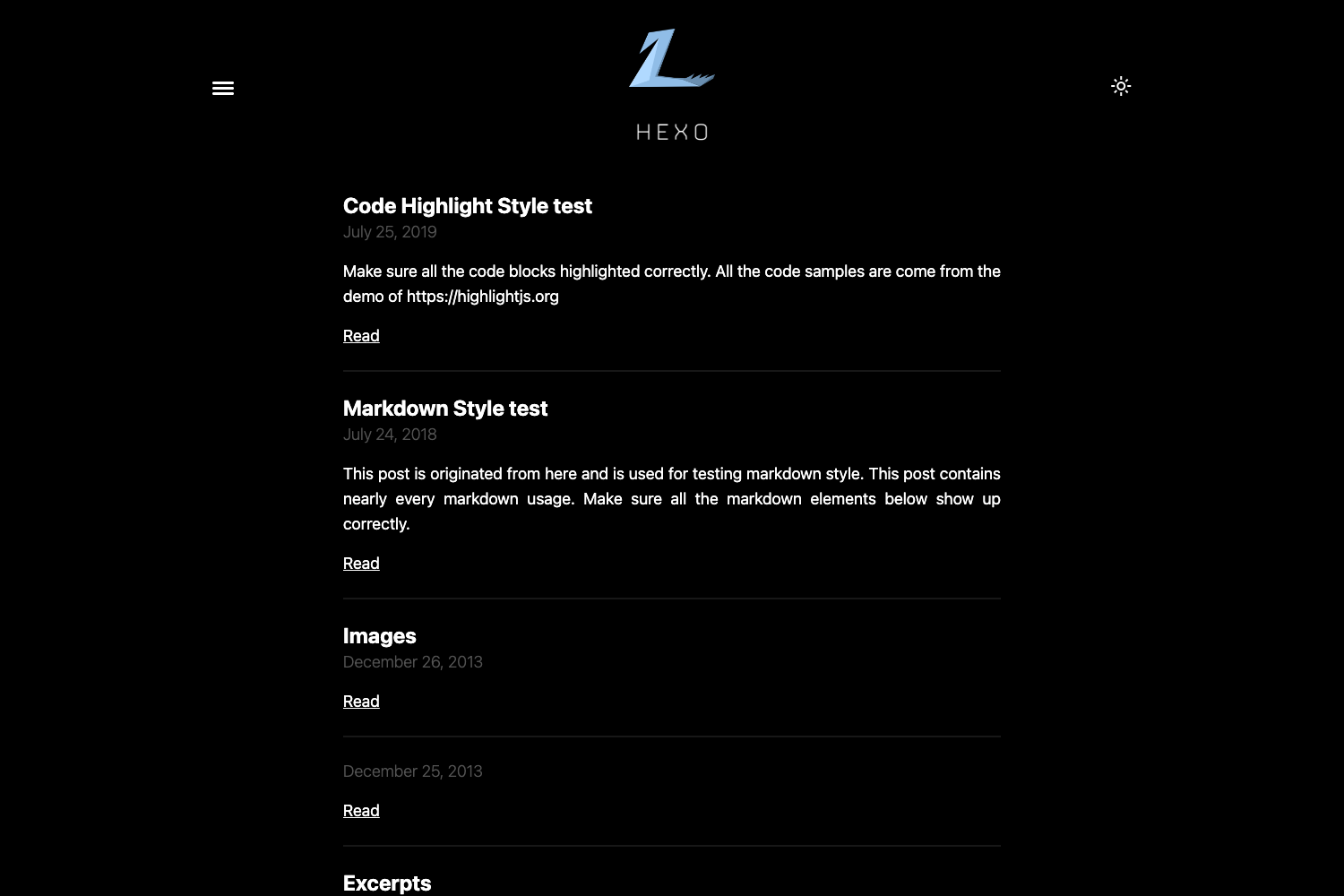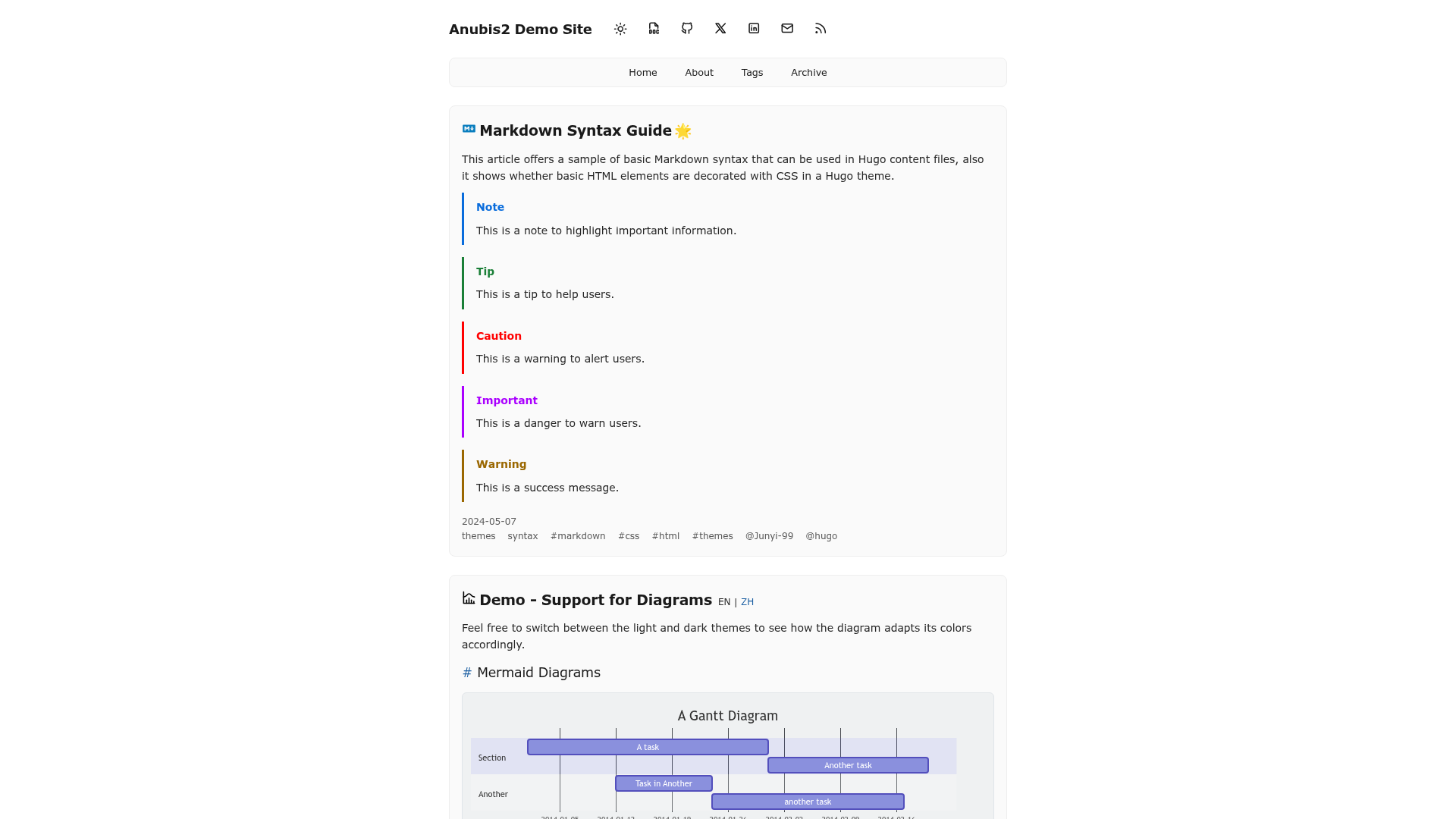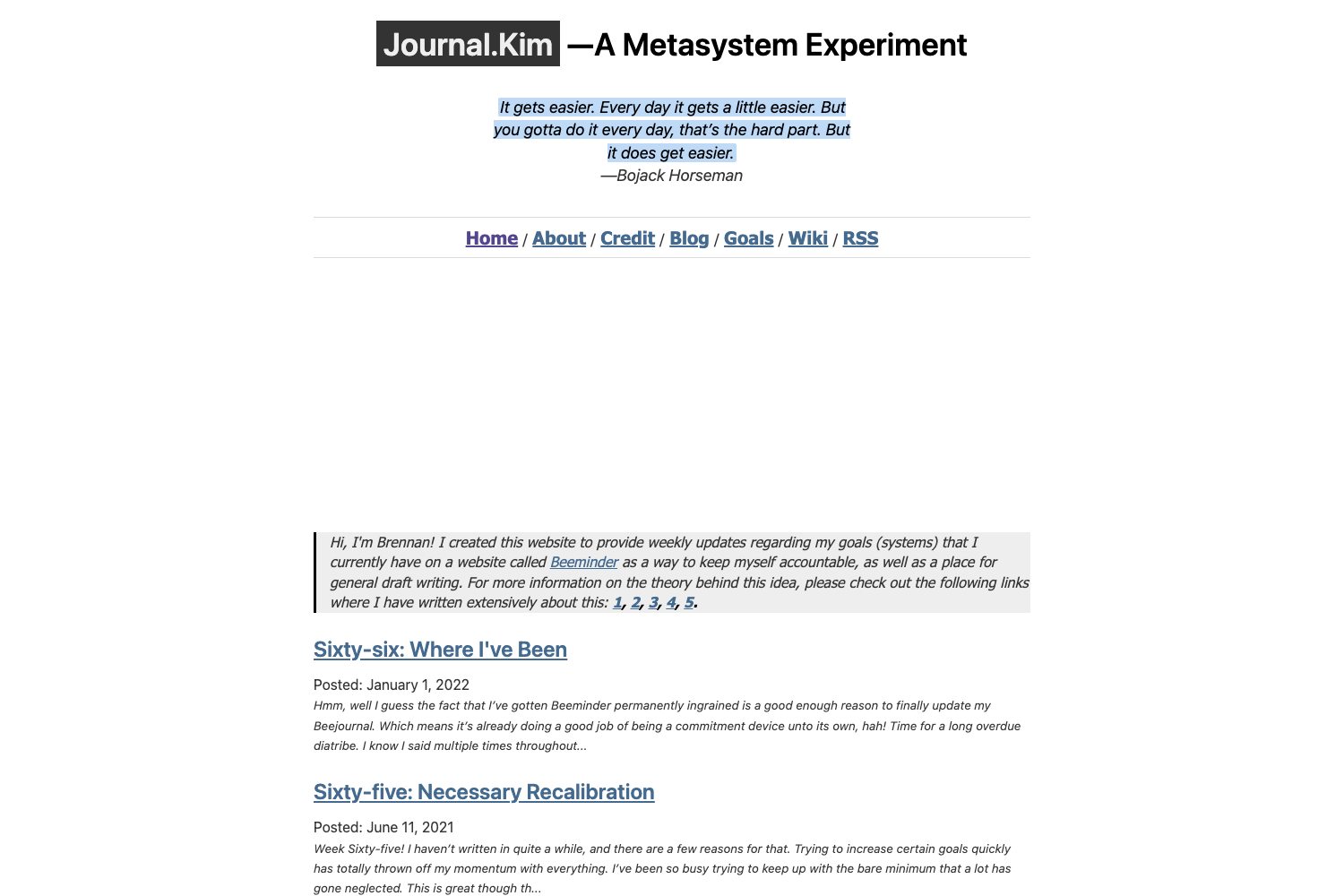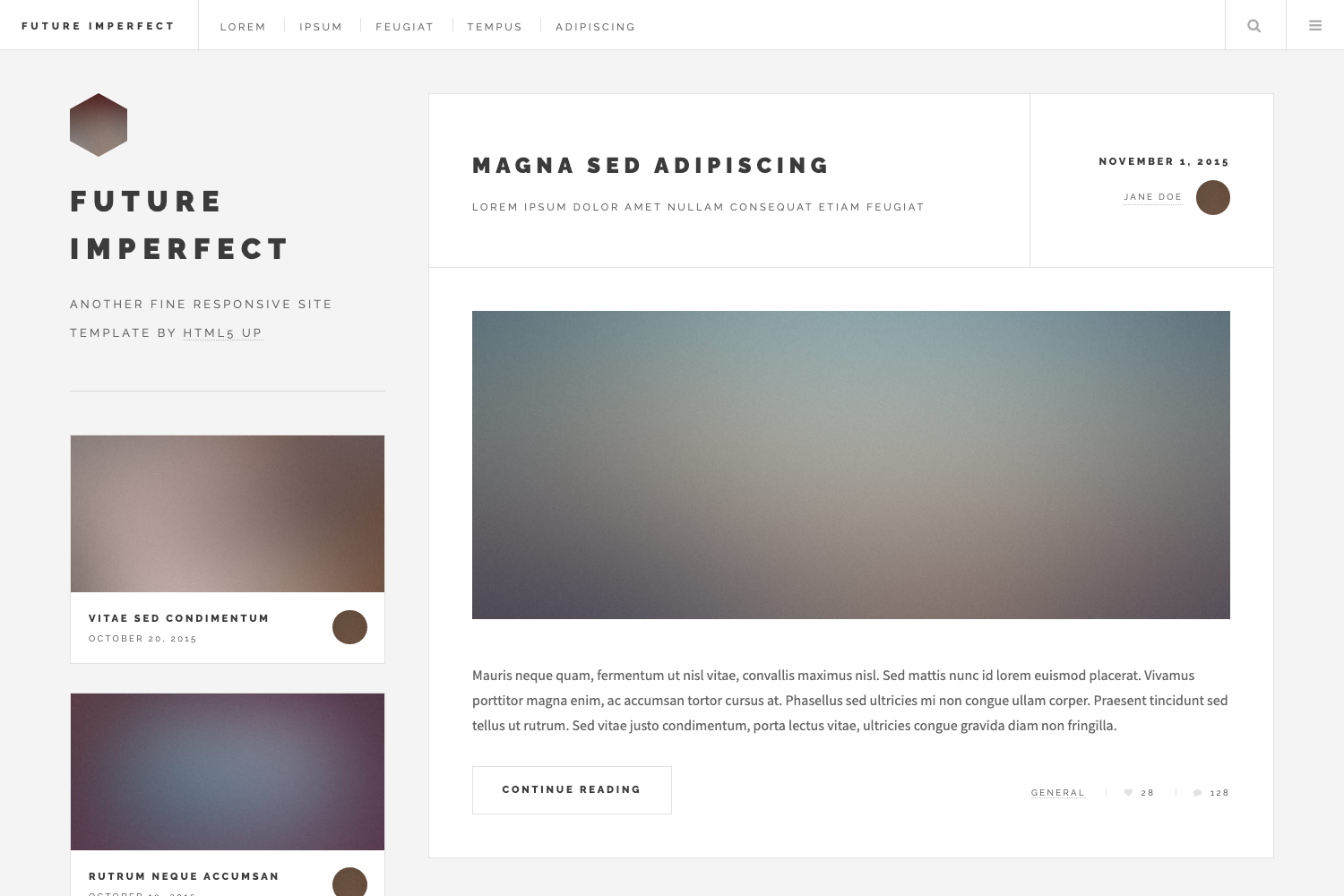
Template details
Libretto
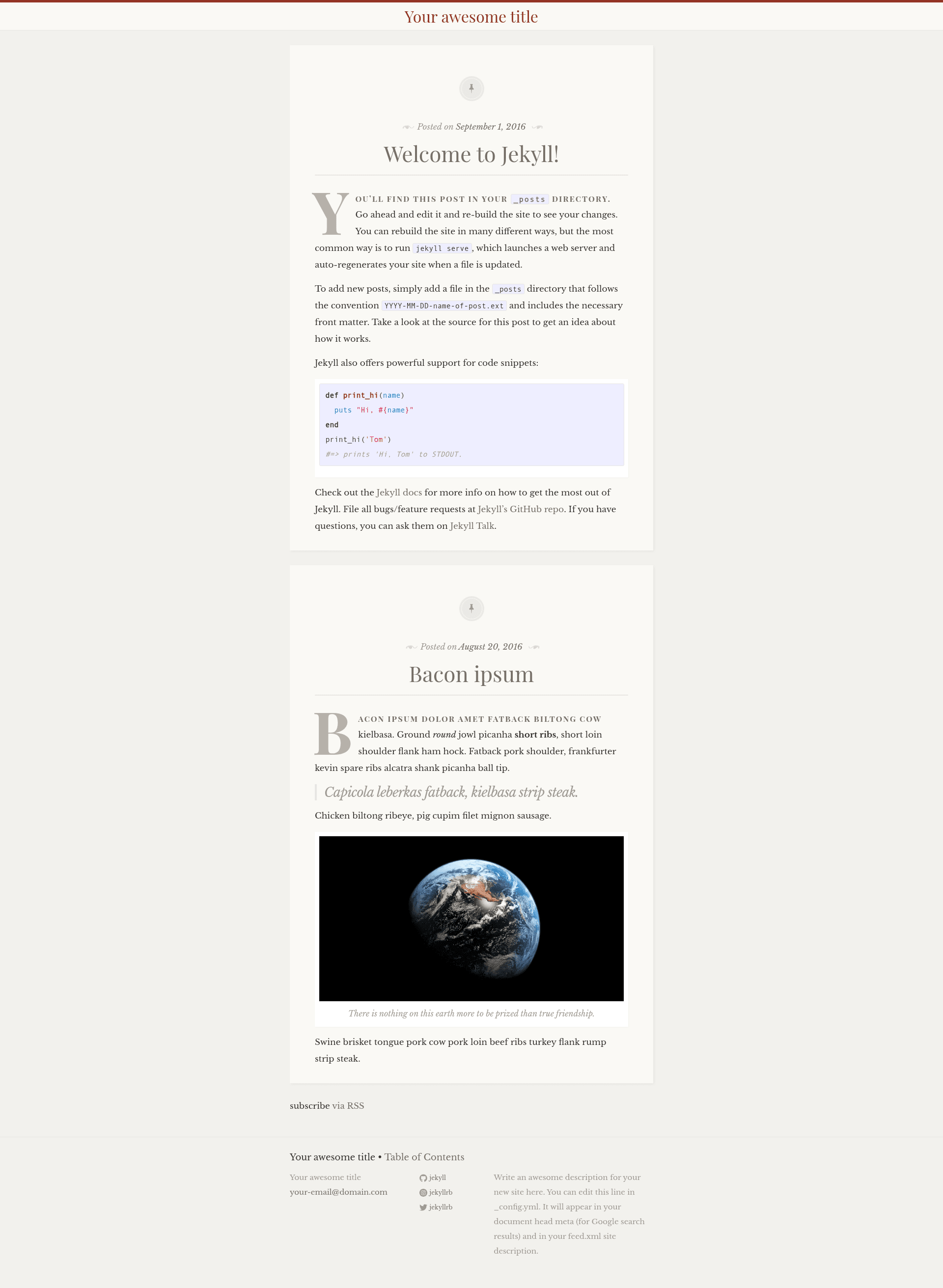
A responsive one-column Jekyll theme with classic styling and typographic details, ported from the WordPress theme.
About this template
Libretto is a responsive one-column Jekyll theme that focuses on classic styling and typographic details, designed for text-first sites like personal blogs. It is a port of the Libretto WordPress theme, and is available as a GitHub repository with a live demo.
What is Libretto?
Libretto is a Jekyll theme that produces a static, single-column website from standard Jekyll content files. It runs on Jekyll, meaning posts and pages written in Markdown are compiled into HTML without a database or backend. The theme was created by ferrolho from the Libretto WordPress theme, and its repository includes a demo at https://ferrolho.github.io/jekyll-theme-libretto/.
Key Features
- Responsive one-column layout — The theme's single column adapts to viewport sizes, keeping the reading area centered and clutter-free.
- Classic editorial styling — Visual design inherited from the Libretto WordPress theme gives it an old-fashioned, print-inspired look.
- Typography-focused presentation — Careful attention to font sizes, line heights, and spacing supports long-form reading.
- Standard Jekyll workflow — After cloning the repository, a local server is started with
jekyll serve --watch, and the site is viewed at http://127.0.0.1:4000/jekyll-theme-libretto/. - Git-based installation — The theme is installed via
git clone git@github.com:ferrolho/jekyll-theme-libretto.git, requiring no package manager beyond Jekyll itself. - Live demo included — The project's GitHub Pages site demonstrates the default appearance.
Who is it for?
Libretto suits bloggers and writers who want a minimal, typography-first space for their posts. It also fits developers who prefer Jekyll's flat-file static site workflow over dynamic CMS platforms, and designers who appreciate the classic WordPress-theme-derived aesthetic.
What can you do with Libretto?
- Personal bloggers: Write posts in Markdown, organize them as Jekyll posts, and publish a clean, one-column blog.
- Technical writers: Build a lightweight knowledge base or article hub without managing a database or server-side scripts.
- Static site hobbyists: Use the theme as a base for experimentation, customizing the design and structure by editing Jekyll HTML and CSS files directly.
How does Libretto work?
Start by cloning the repository from GitHub. Then enter the directory and run jekyll serve --watch from the command line, which compiles the theme and generates a local preview at http://127.0.0.1:4000/jekyll-theme-libretto/. This development loop is identical to most Jekyll themes: write content, refresh the browser, and see the output.