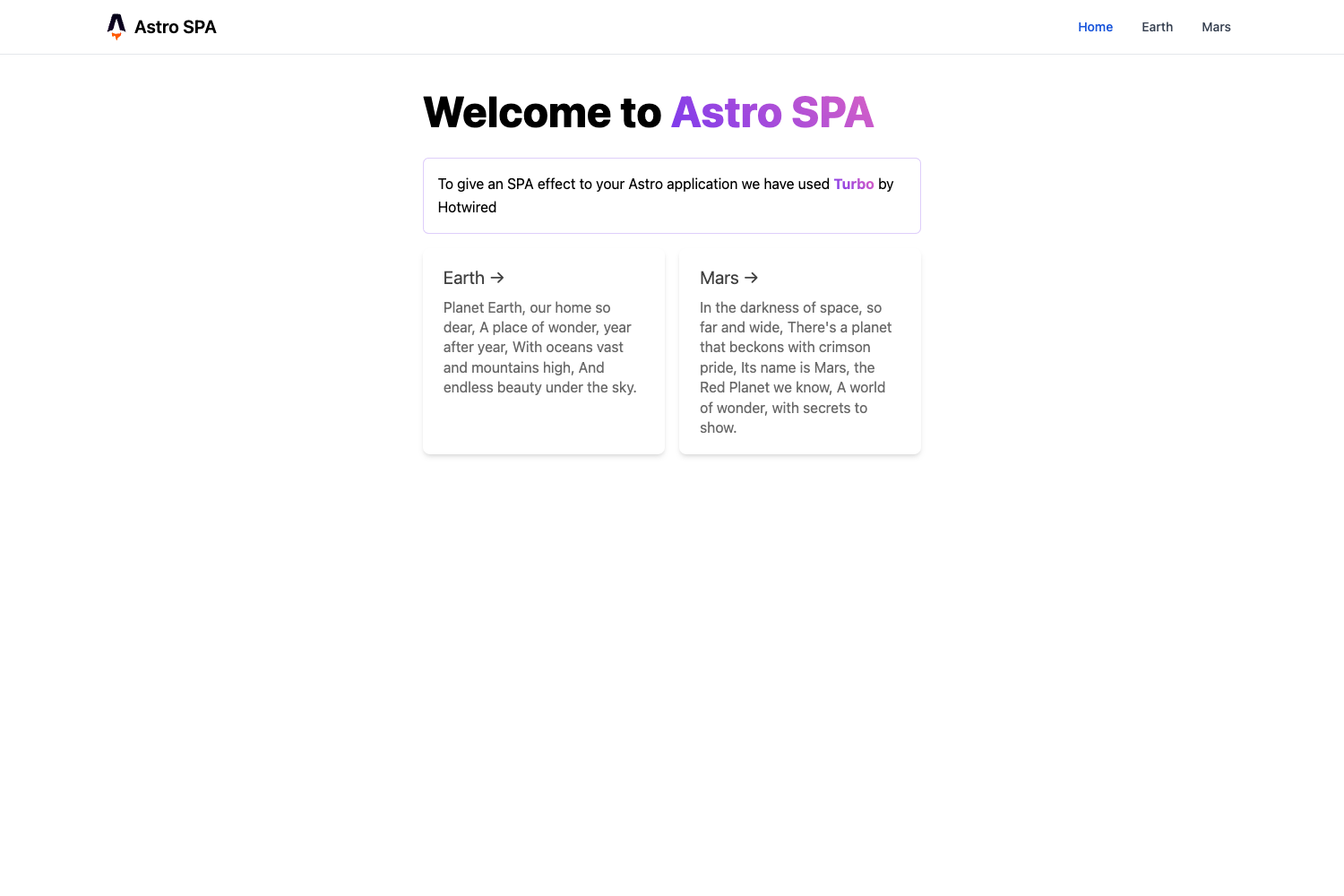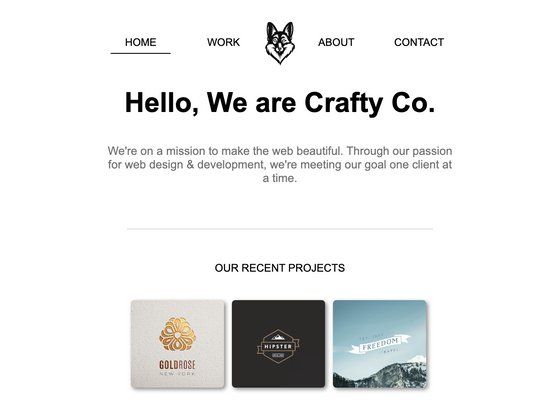
Template details
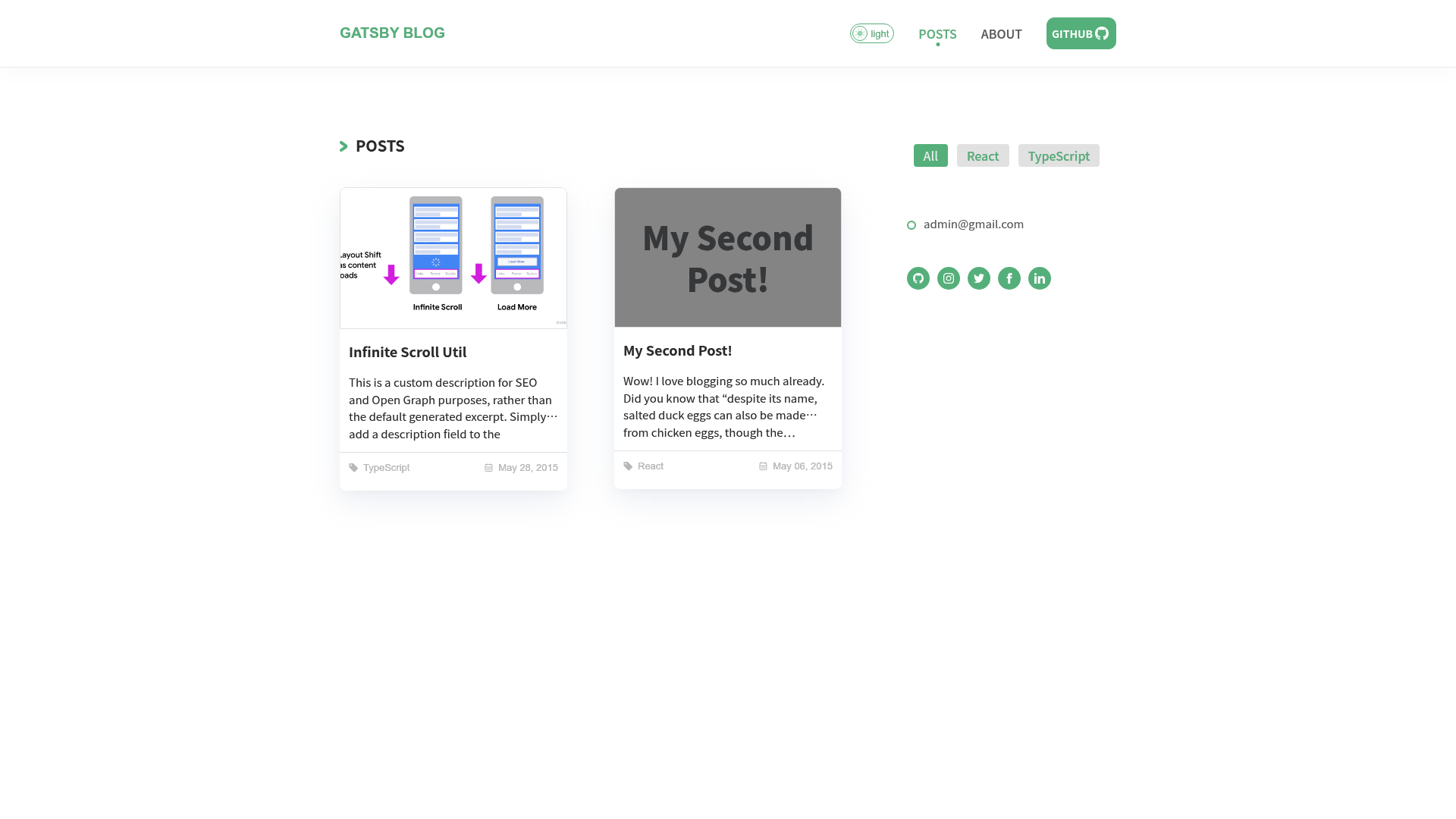
Gatsby Blog Starter With Typescript
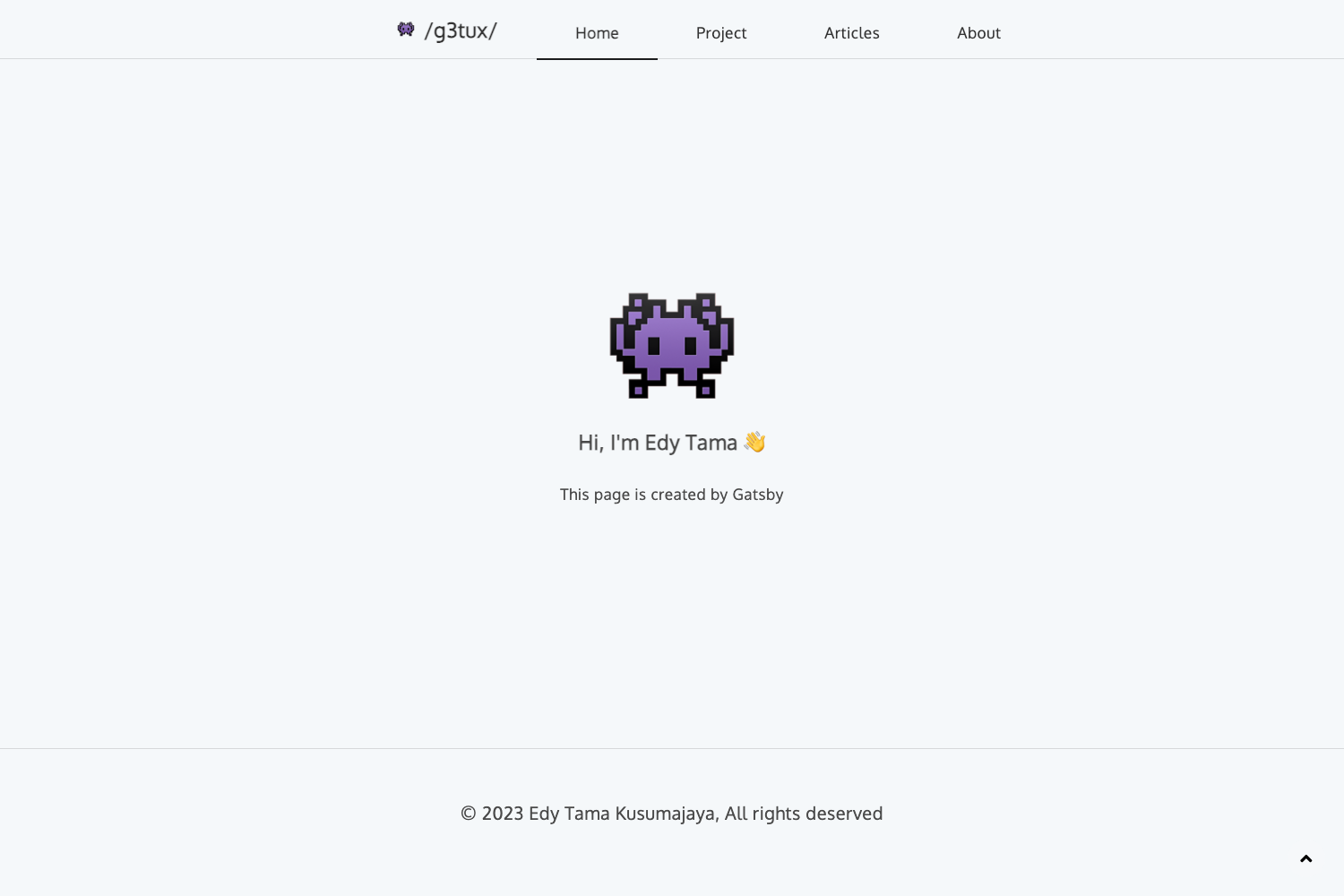
A simple blog starter focused on the post, and with typescript.
About this template
Gatsby Blog Starter With Typescript is a TypeScript-based blog starter for Gatsby that scaffolds a minimal, post-focused static site with SCSS styling and one-click Netlify deployment.
What is the Gatsby Blog Starter With Typescript?
Gatsby Blog Starter With Typescript is a starter template from the react-sprint GitHub organization that creates a static blog site using Gatsby, TypeScript, and SCSS. You provide a repo URL to the Gatsby CLI, and it generates a new project with a development server at localhost:8000 and a GraphiQL explorer at localhost:8000/___graphql. The template is focused on the post reading experience and is demonstrated live at our-blog-starter.netlify.app.
Key Features
- TypeScript source — The starter's code is written in TypeScript, giving you type checking across pages and components.
- SCSS styling — Styles are written in SCSS, allowing variables, nesting, and partials for maintainable CSS.
- Gatsby static generation — Built on Gatsby, it outputs a static blog you can host anywhere, with built-in GraphQL data querying.
- Focused blog layout — The layout is designed to keep the post as the centerpiece, with minimal chrome.
- One-click Netlify deploy — A deploy button in the README links to app.netlify.com to deploy the starter directly.
- Fast development workflow — Use
gatsby developfor hot reloading; editingsrc/pages/index.jsupdates the browser in real time.
Who is it for?
- Gatsby beginners — Want a TypeScript template to learn Gatsby's file-based routing and GraphQL without configuring the toolchain from scratch.
- TypeScript-first developers — Need a blog starter that enforces typed props and catches errors at compile time.
- Static site publishers — Want a simple blog you can stand up and deploy to Netlify in minutes, without a content management system.
What can you do with it?
- Start a blog quickly — Run
gatsby newwith this repo to have a local blog in under a minute. - Customize the look — Edit the SCSS files to restyle the blog without touching build configuration.
- Deploy to Netlify — Use the included deploy button to publish the starter to Netlify with continuous deployment.
How does it work?
Follow the quick start steps in the README: install the Gatsby CLI globally with npm, create a new site with gatsby new pointing to this repo, start the development server with gatsby develop, then edit files in src/pages. The site runs at localhost:8000 and includes a GraphiQL interface at localhost:8000/___graphql.
Pricing
The starter is free and open source, released under the react-sprint GitHub organization. There is no charge to use or modify it.
FAQ
Is this starter free to use?
Yes, the Gatsby Blog Starter With Typescript is free and open source. You can clone or fork the repository and use it for personal or commercial projects without any licensing fees.
What prerequisites do I need?
You need Node.js and npm installed, then install the Gatsby CLI globally with npm install -g gatsby-cli. After that you can create a new site with the gatsby new command.
Does this starter use TypeScript?
Yes, the entire source code is written in TypeScript. This gives you static typing for your components and pages, reducing errors and improving maintainability.