Template details
Gatsby Theme Legals Prismic
Gatsby theme for adding polished, responsive legal pages to your site, with content managed in Prismic.
About this template
Gatsby Theme Legals Prismic is a Gatsby theme that adds polished, responsive legal pages — such as Privacy Policy and Terms and Conditions — to any Gatsby site, pulling the page content from a Prismic CMS repository.
What is Gatsby Theme Legals Prismic?
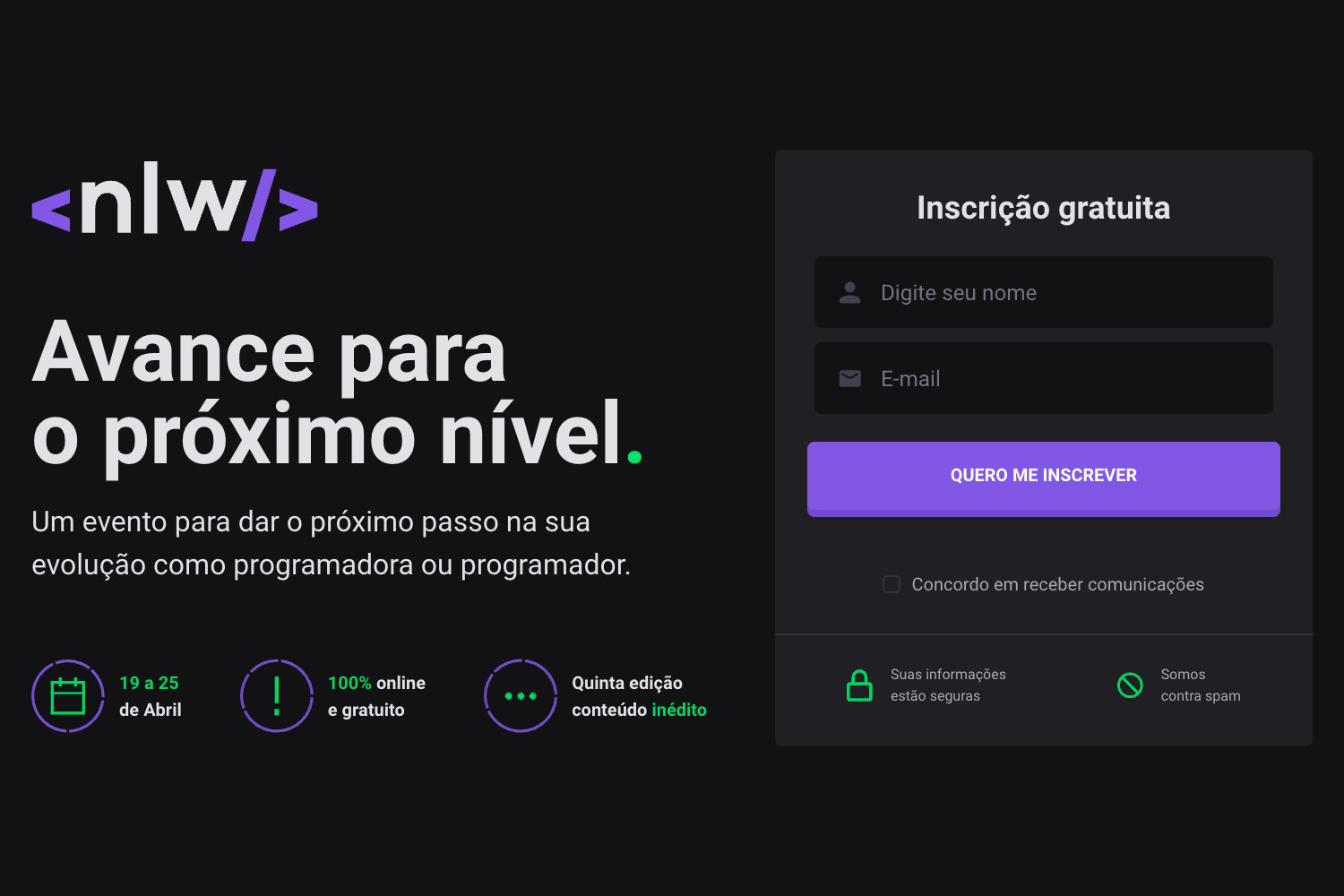
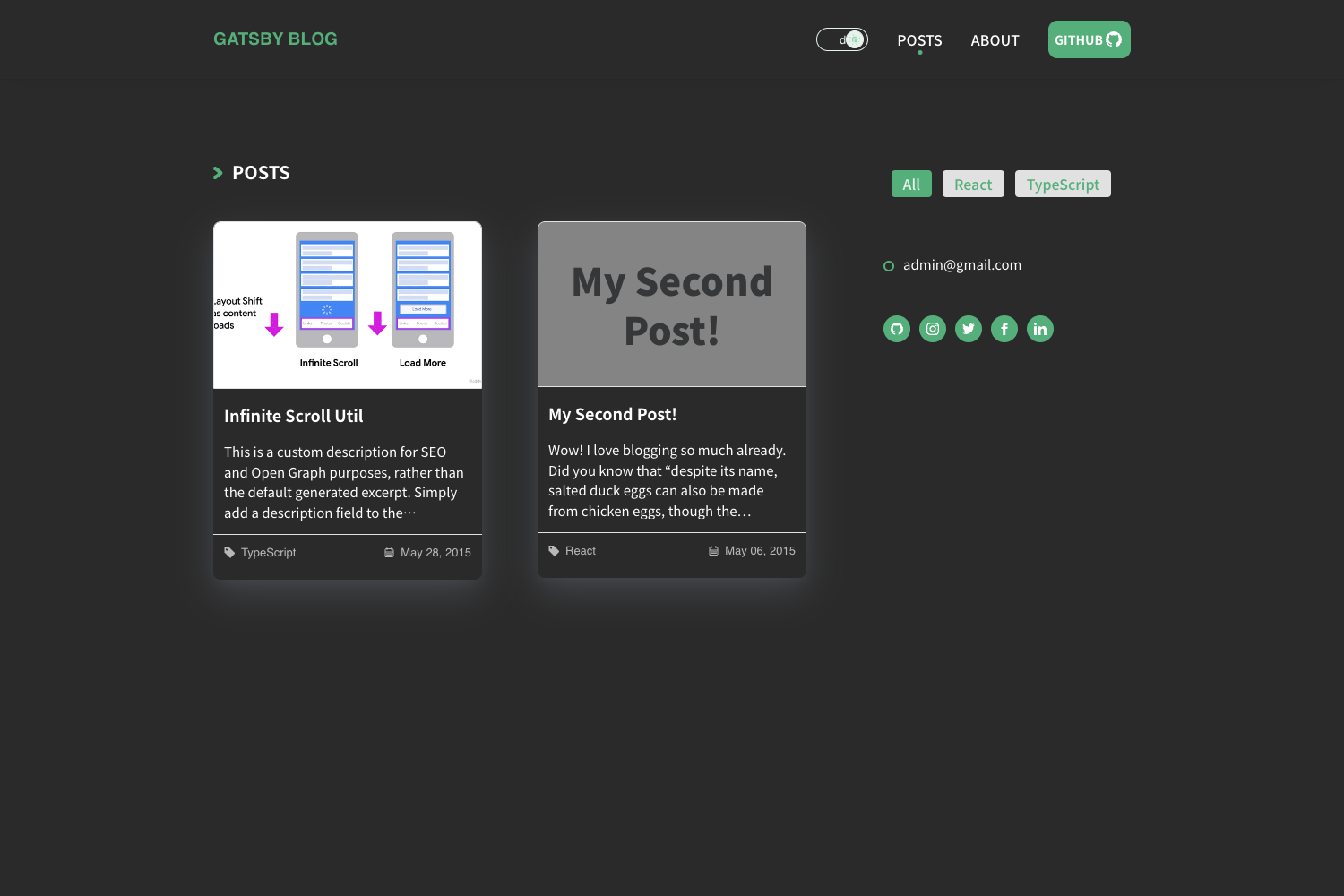
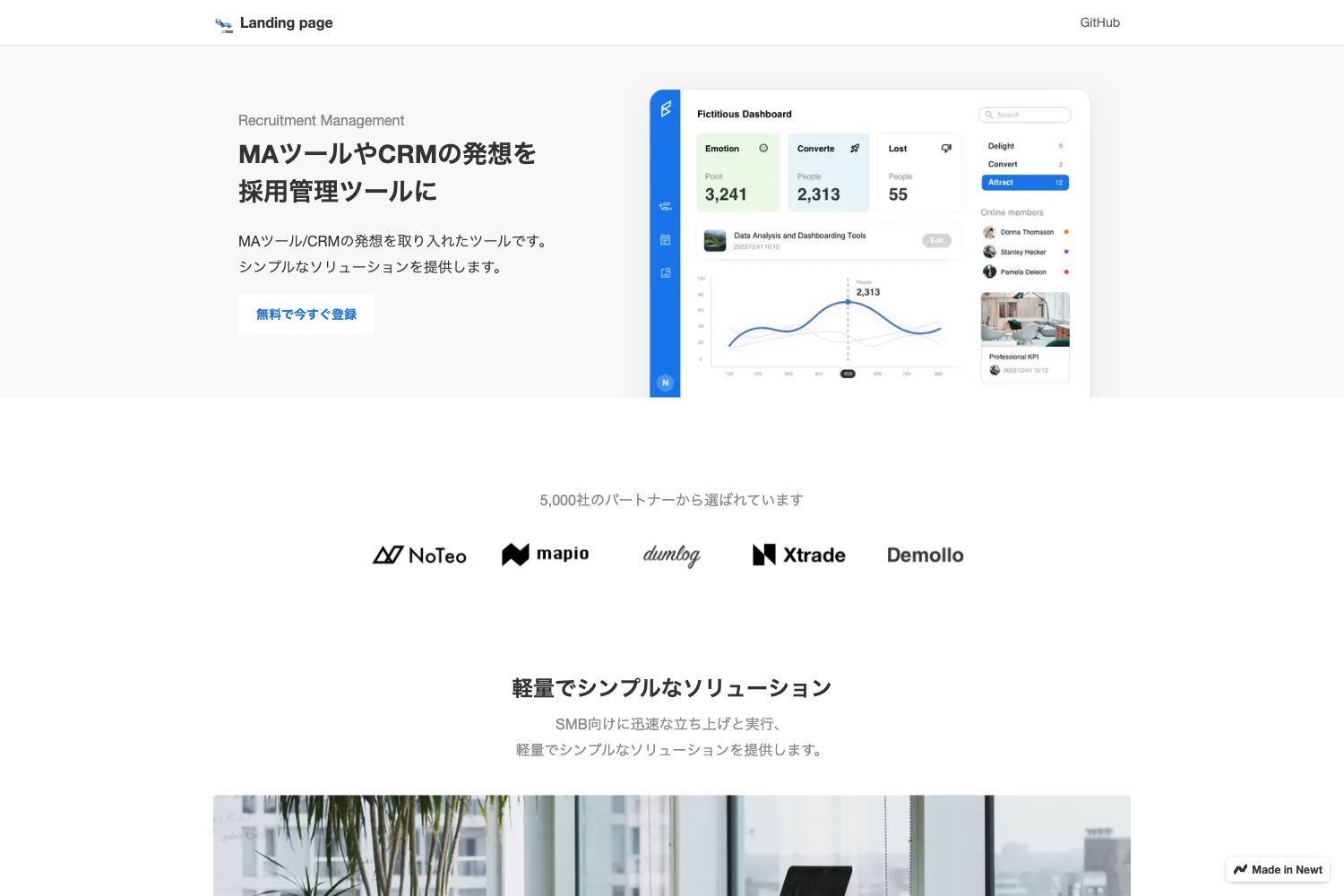
Gatsby Theme Legals Prismic is a Gatsby theme that provides ready-made legal pages for Gatsby projects. It takes a Prismic repository configured with a repeatable "Legal" custom type as input and outputs fully styled, responsive pages at routes like /privacy-policy and /terms. The theme is maintained by littleplusbig and is installable via yarn add @littleplusbig/gatsby-theme-legals-prismic. It is built on Theme UI for styling and uses the gatsby-plugin-theme-ui mechanism for customization.
What makes Gatsby Theme Legals Prismic stand out?
- Prismic CMS integration — Legal page content (hero subtitle, sections, SEO fields) is authored in Prismic using a repeatable custom type named "Legal", which includes fields for page name, slug UID, hero subtitle, and a group of sections with heading and rich-text content.
- Responsive design — The theme is responsive across mobile, tablet, and desktop viewports out of the box.
- Theme UI theming — Colors and fonts can be overridden from a project-level
gatsby-plugin-theme-uifile; the default palette uses primary, primaryDark, and primaryLight accents (default purple shades) that can be changed to any brand colors. - Component shadowing — Individual components (like
layout.js) can be shadowed via Gatsby's component shadowing, letting you inject your own<Header />and<Footer />into the legal pages. - SEO support — Each legal page can include a meta title, meta description, and a 1200×630 Open Graph image via the "SEO" tab in Prismic.
- Single-command setup — After installing the theme, only a few lines of
gatsby-config.jsoptions (prismicRepositoryName, prismicAccessToken, optional siteName and homePath) are needed to wire it up.
Who should use Gatsby Theme Legals Prismic?
- Gatsby developers who need to add legal pages to a client project quickly without designing from scratch.
- Agencies building marketing sites that require standard legal pages and prefer to keep content in a headless CMS like Prismic.
- SaaS founders launching a product site with a privacy policy and terms of service, who want the content editable by non-developers through Prismic's interface.
What can you do with Gatsby Theme Legals Prismic?
- Add a Privacy Policy page by creating a Legal document in Prismic with slug
privacy-policyand filling in sections; the theme renders it with a hero, sections, and SEO metadata. - Add a Terms and Conditions page similarly, reusing the same content model and getting consistent styling.
- Customize the look by editing the Theme UI theme file in your project's
src/gatsby-plugin-theme-ui/index.js— for example, shifting accents from purple to blue. - Extend the layout via component shadowing to wrap legal pages with your existing site header and footer.
How does Gatsby Theme Legals Prismic work?
The theme expects a Prismic repository with a repeatable custom type named "Legal", defined via the JSON editor with Main and SEO fields. After installing the package and adding the plugin to gatsby-config.js with your repository name and access token, you create one or more Legal documents in Prismic. Gatsby builds static pages at the slug path using the document's content, applying the theme's responsive styling and SEO tags.
FAQ
Is Gatsby Theme Legals Prismic free?
Yes, the theme is open-source and available via npm/yarn. The repository is public on GitHub, and you can install it with yarn add @littleplusbig/gatsby-theme-legals-prismic at no cost.
Does it work with Markdown or Contentful?
No, this version is built specifically for Prismic. The author notes in the README that Markdown, Contentful, and WordPress support is "soon", but only the Prismic source is currently available.
How do I customize the colors?
Create a file at src/gatsby-plugin-theme-ui/index.js in your project, import the base theme from @littleplusbig/gatsby-theme-legals-prismic/src/gatsby-plugin-theme-ui, and override the colors object. The default primary, primaryDark, and primaryLight values are shades of purple.
What content fields does the Legal custom type require?
The Prismic custom type needs a Main tab with a page_name (heading1), a uid for the slug, a hero_subtitle, and a sections group containing section_heading and rich-text content. An SEO tab holds meta_title, meta_description, and open_graph_image.