Template details
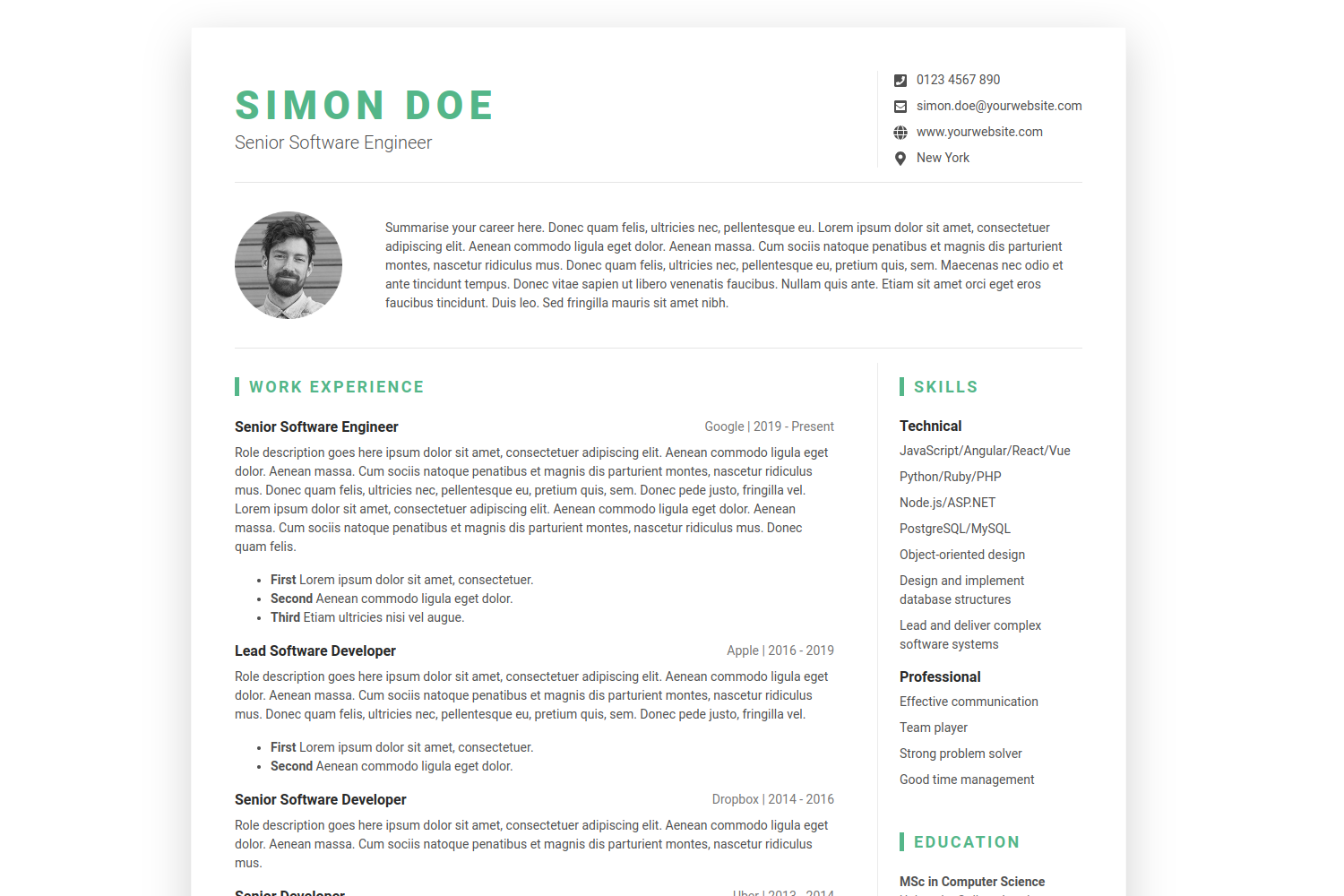
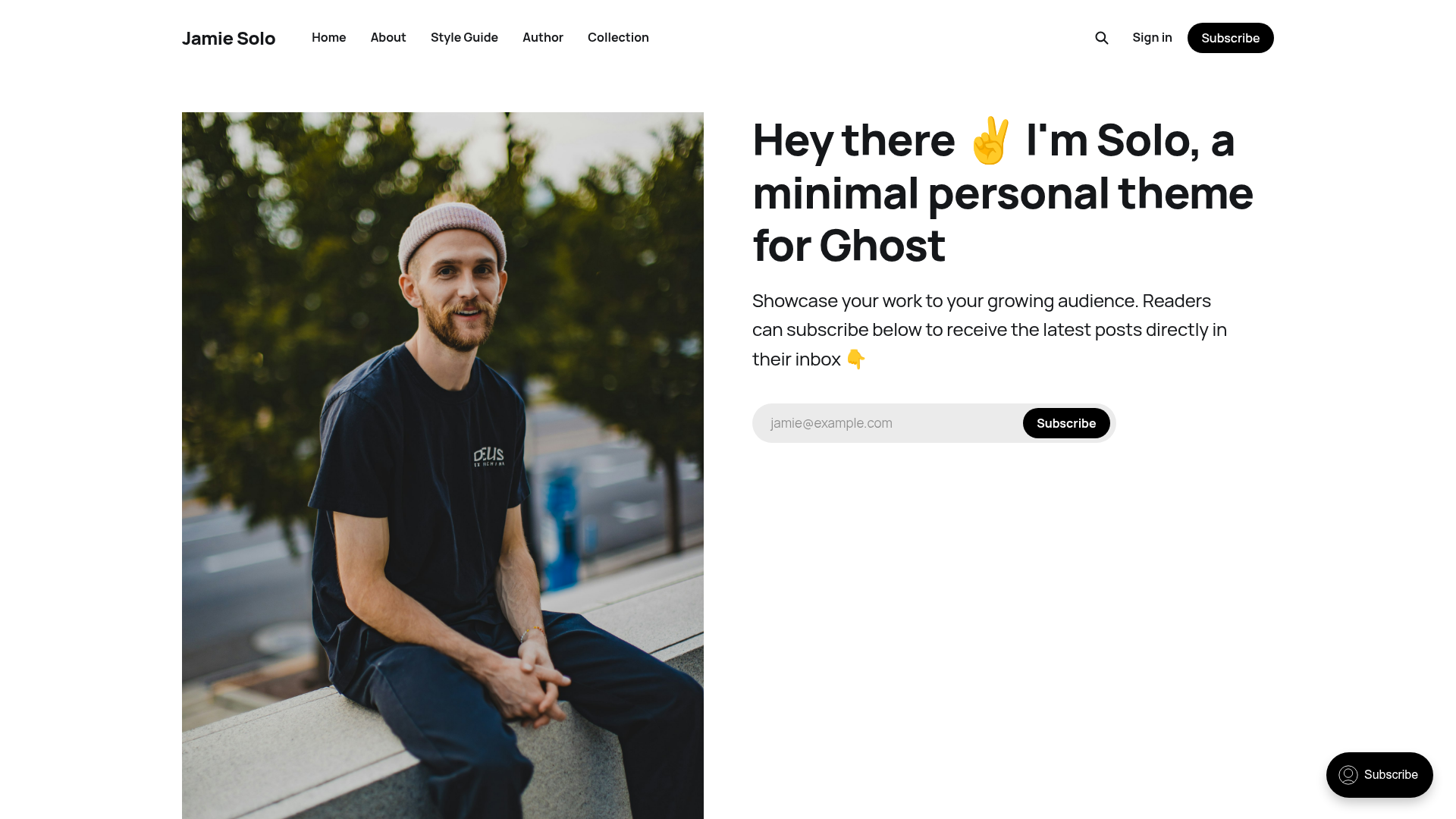
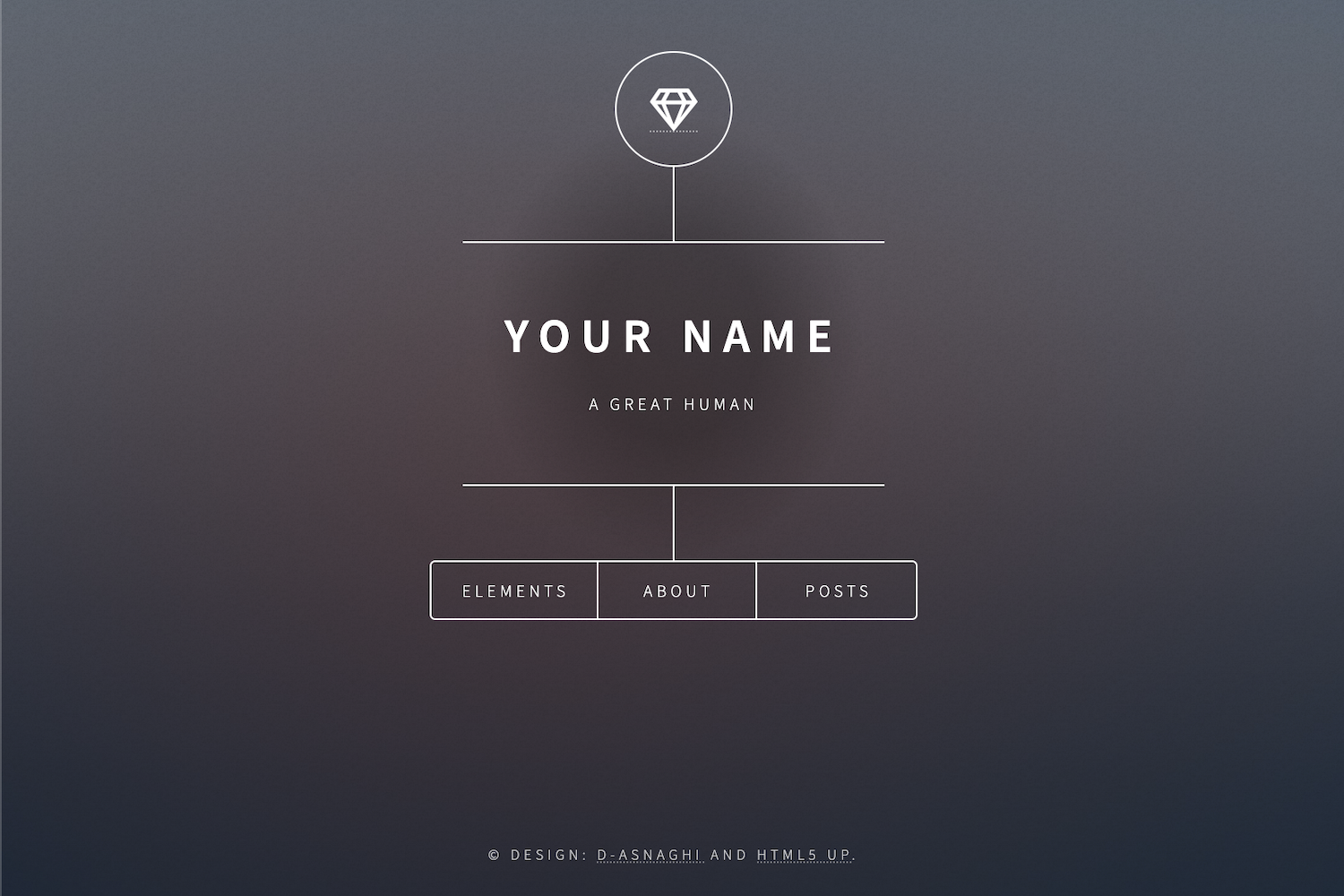
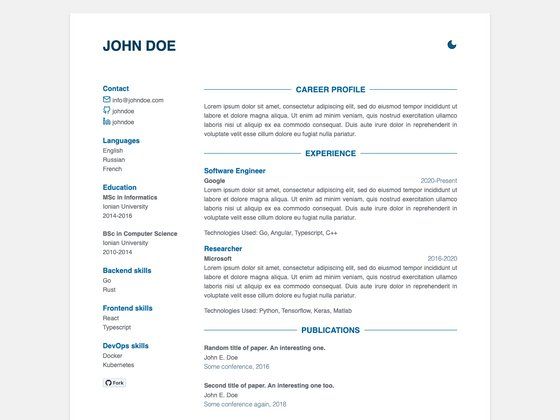
Gatsby Markdown Personal Website
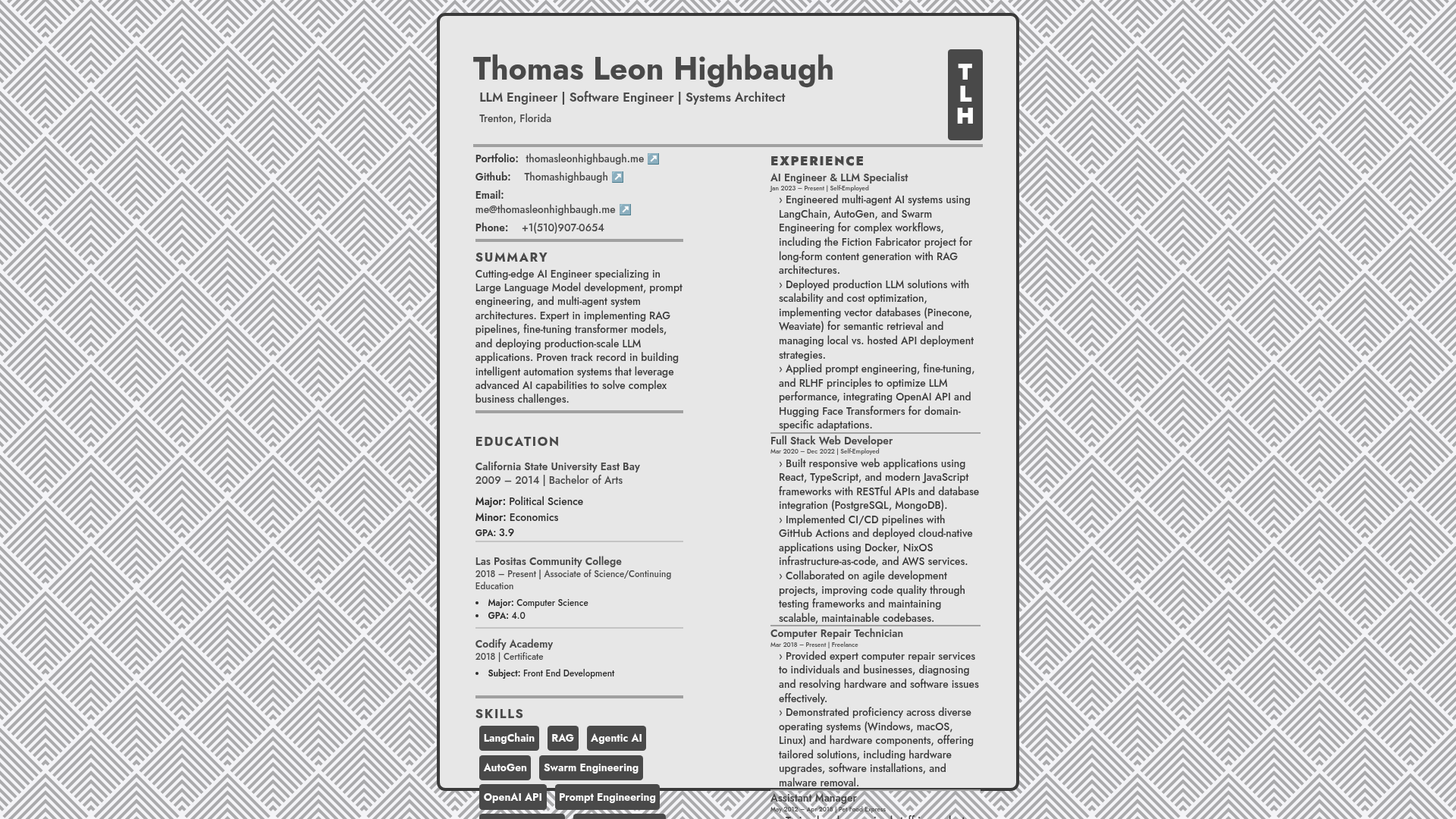
Gatsby starter for a personal/resume website with Markdown, Tailwind CSS, Styled Components, and Framer Motion.
About this template
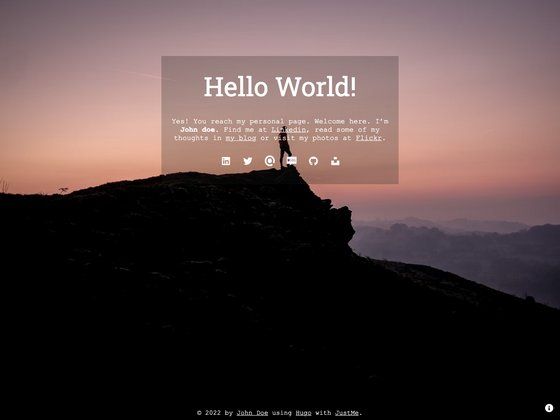
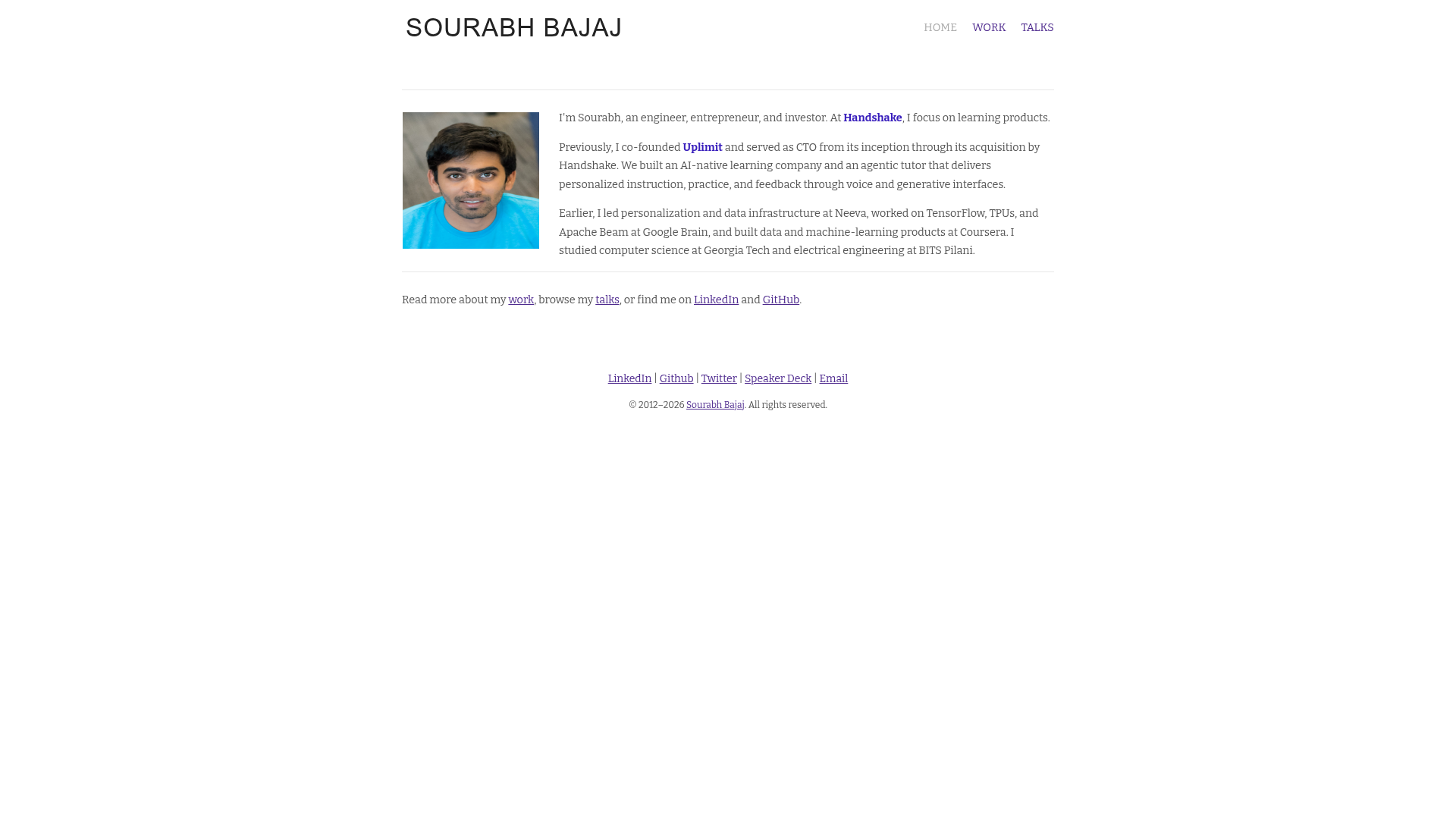
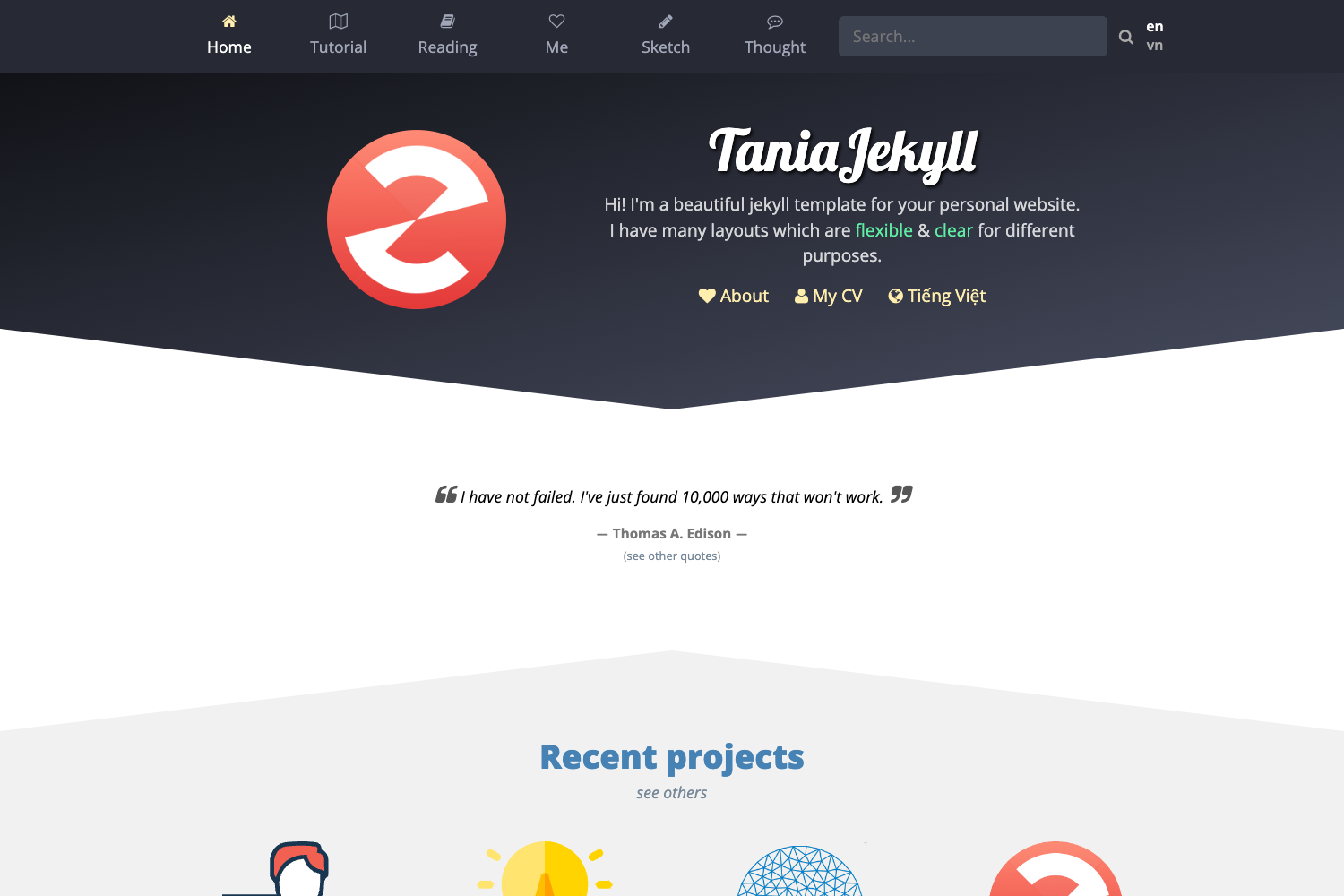
Gatsby Markdown Personal Website is a Gatsby starter that scaffolds a personal website and blog where content is written in Markdown and styled with Tailwind CSS, Styled Components, Framer Motion, and React Font Awesome.
What is Gatsby Markdown Personal Website?
This starter creates a static personal website and blog using the Gatsby static site generator. It takes Markdown files as content input and produces a production-ready static site with gatsby build. The project is published under the GitHub account SaimirKapaj and runs on Gatsby's Node.js-based build system. It combines Styled Components and Tailwind CSS for styling, Framer Motion for animations, and React Font Awesome for icons.
Key Features
- Gatsby static generation — Running gatsby build generates static HTML along with JavaScript and CSS bundles that can be served anywhere.
- Markdown content — Site pages and blog posts are written in Markdown, a lightweight markup format.
- Tailwind CSS and Styled Components — Styling is handled by both Tailwind utility classes and Styled Components, giving two styling approaches in one template.
- Framer Motion animations — Add motion and transitions to React components using Framer Motion.
- React Font Awesome icons — Font Awesome icons are available through the react-fontawesome package.
- Gatsby CLI scaffolding — A new site is created in one command: gatsby new my-site-name followed by the starter's GitHub URL.
- One-click deployment — The README includes Deploy to Netlify and Deploy with ZEIT Now buttons for pushing the project to those platforms.
Who is it for?
- Developers who want a ready-made Gatsby site for a personal blog or resume rather than setting up a project manually.
- Job seekers and freelancers looking to publish a resume or portfolio site with a blog, since the repository is described as a "Personal/Resume Website".
- Markdown users who prefer writing content in Markdown and want a build system that converts it into a static website.
What can you do with Gatsby Markdown Personal Website?
- Developers: scaffold a fresh project with gatsby new, then develop locally with gatsby develop at http://localhost:8000.
- Content writers: author pages in Markdown and rebuild with gatsby build to publish a static site.
- Designers: use Framer Motion and Tailwind CSS to add custom animations and responsive utility styling without leaving React.
How does it work?
The template follows Gatsby's standard workflow: create a site with the Gatsby CLI using the starter URL, run gatsby develop for a live development server at http://localhost:8000, run gatsby build to create an optimized production build with static HTML and asset bundles, and run gatsby serve to test the production output at http://localhost:9000.
FAQ
What commands does this starter use?
The README's quick start lists four commands: gatsby new to create a site from the starter, gatsby develop to run a development server at localhost:8000, gatsby build to generate a production build, and gatsby serve to test that build at localhost:9000.
Can I deploy this site with Netlify or ZEIT Now?
Yes. The README includes a "Deploy to Netlify" button and a "Deploy with ZEIT Now" button, both with one-click deployment links that use the repository URL as a template.
What styling and animation libraries are included?
The template lists Styled Components and Tailwind CSS for styling, Framer Motion for animation, and React Font Awesome for icons. Both styling approaches are present, so you can use utility classes, component-scoped styles, or a combination.