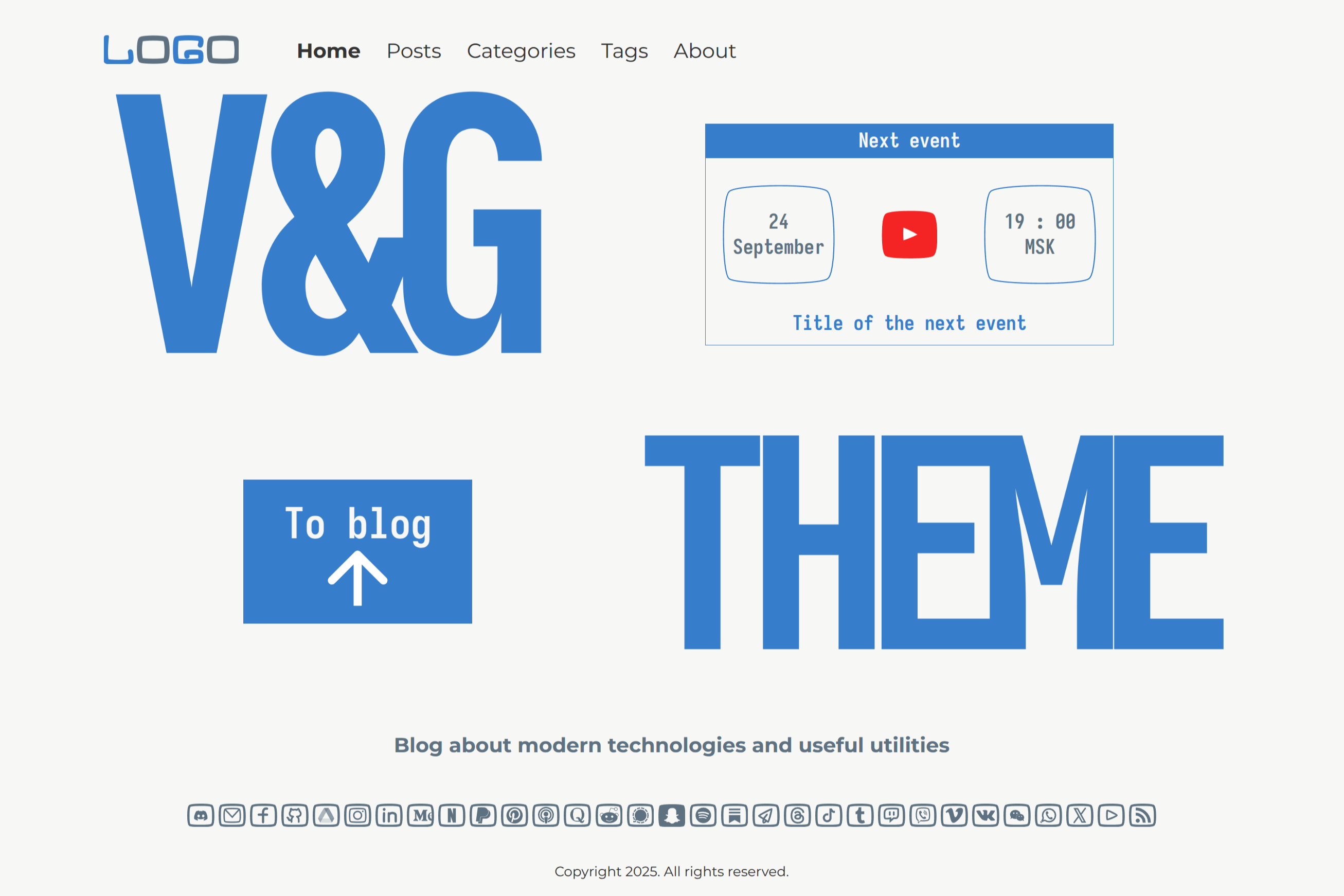
Template details
Gatsby Medium Blog
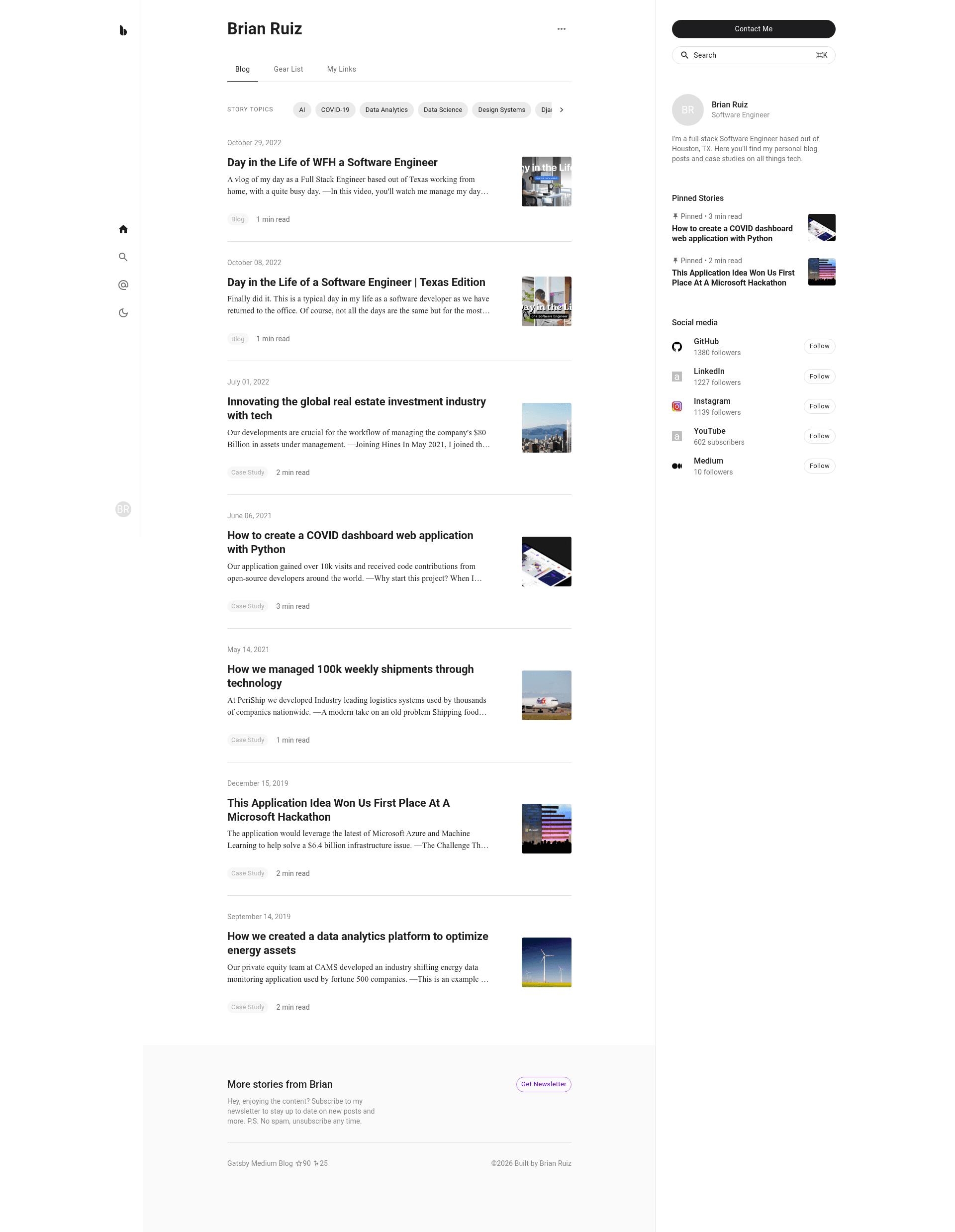
📝 Gatsby.js starter blog template using a Medium theme; with features like Algolia Search, post claps, Prism highlighting, contact form, dark mode, +more.
About this template
Gatsby Medium Blog is a Gatsby.js starter template that builds a Medium-style blog site with React, Material-UI, and MDX, bundling Algolia search, a Getform contact form, PWA installation, and dark mode into a single Jamstack project.
What is Gatsby Medium Blog?
Gatsby Medium Blog is a starter template for creating a blog with the visual style and reading experience of the Medium platform. It takes MDX blog posts from the content/posts/ directory and generates a static website with SEO meta tags, syntax highlighting, and a clap feature that lets readers react to posts. The template runs on Gatsby.js, uses React for component building, and Material-UI for styling, and it is published as an open-source project on GitHub.
Key Features
The template ships with production-ready features for a modern blog: PWA support, Algolia search, a Getform-powered contact form, MDX content, dark mode, and SEO controls. Here are the specifics:
- PWA ready — The site is installable on Android and iOS, allowing readers to add it to their home screens and use it like a native app.
- Algolia Search — Full-text search across all post attributes; requires setting your Algolia App ID, Search-Only API Key, and Admin API Key in a
.envfile. - Getform contact form — A contact drawer component that submits to a Getform endpoint; only the form URL is needed in the
actionattribute. - MDX blog posts — Write content in markdown and embed React components; posts live in
content/posts/without writing HTML or CSS. - Togglable dark mode — Visitors can switch between light and dark themes from the UI.
- SEO ready — Each post can include a meta description to improve search engine visibility.
- Post claps — Readers can clap for posts, a Medium-style engagement feature.
- Prism highlighting — Code blocks in posts are syntax-highlighted with Prism.
Who is it for?
Gatsby Medium Blog suits bloggers and developers who want a Medium-style site without building from scratch. Typical audiences and their tasks:
- Content creators and bloggers who want a Medium-like reading experience on their own domain, with markdown-based publishing and zero server maintenance.
- Developers who need a Gatsby starter with search, theming, and PWA features to quickly scaffold a blog or documentation site.
- Technical writers who publish tutorials with code samples and want syntax highlighting, search, and a contact form embedded.
What can you do with it?
Beyond publishing posts, the template supports search, contact, and app-like installation. Common activities:
- Publish MDX posts: Drop a new
.mdxfile intocontent/posts/and use React components inside the markdown to create interactive tutorials. - Add instant search: Connect Algolia to let readers search across all post attributes from the front end.
- Collect messages: Use the contact drawer with Getform to receive form submissions without writing a backend.
- Install as an app: Let visitors install the blog as a PWA on their mobile devices for offline access.
How does it work?
Setup involves three steps: configure Algolia, connect Getform, and run the Gatsby development server. The README instructs copying .env.example to .env, filling in Algolia keys, replacing the action attribute in src/components/ContactDrawer.js with your Getform URL, then running npm install and gatsby develop. Posts are then added as MDX files in content/posts/.
FAQ
Do I need an Algolia account?
Yes. Algolia Search requires environment variables in a .env file: your App ID, a Search-Only API Key, and an Admin API Key. The README links to Algolia's sign-up page and explains where to find these keys in your Algolia profile.
How do I set up the contact form?
The contact form uses Getform. You need a Getform endpoint URL; the README directs you to src/components/ContactDrawer.js where you replace the action attribute value with your own Getform URL. No other backend code is required.
What Node.js version is recommended?
The README instructs using Node.js 18 via nvm, and installing the Gatsby CLI globally with npm install -g gatsby-cli. You can then run npm install and gatsby develop to start.
Can I add posts without touching HTML or CSS?
Yes. The Jamstack design lets you add blog posts as markdown .mdx files in the content/posts/ directory. You can optionally embed React components, but no HTML or CSS styling is required for basic posts.
Is this template free to use?
The template is published as an open-source starter on GitHub, so the source code is freely available. No pricing or license fees are mentioned in the README.