Template details
Northendlab Light Astro
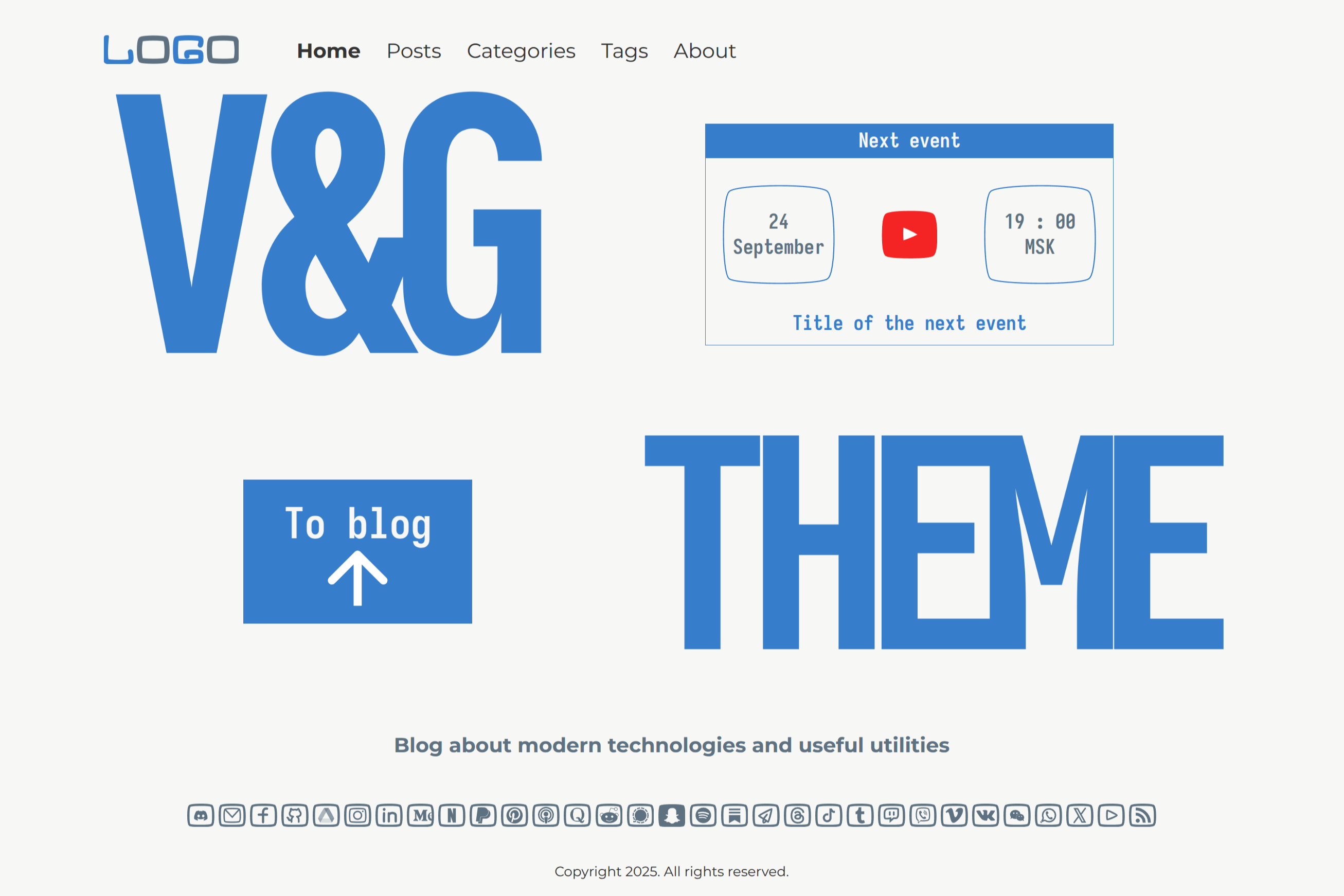
Highly customizable Astro blog theme with 10+ pages, Tailwind CSS, Markdown/MDX support, and Netlify pre-configuration.
About this template
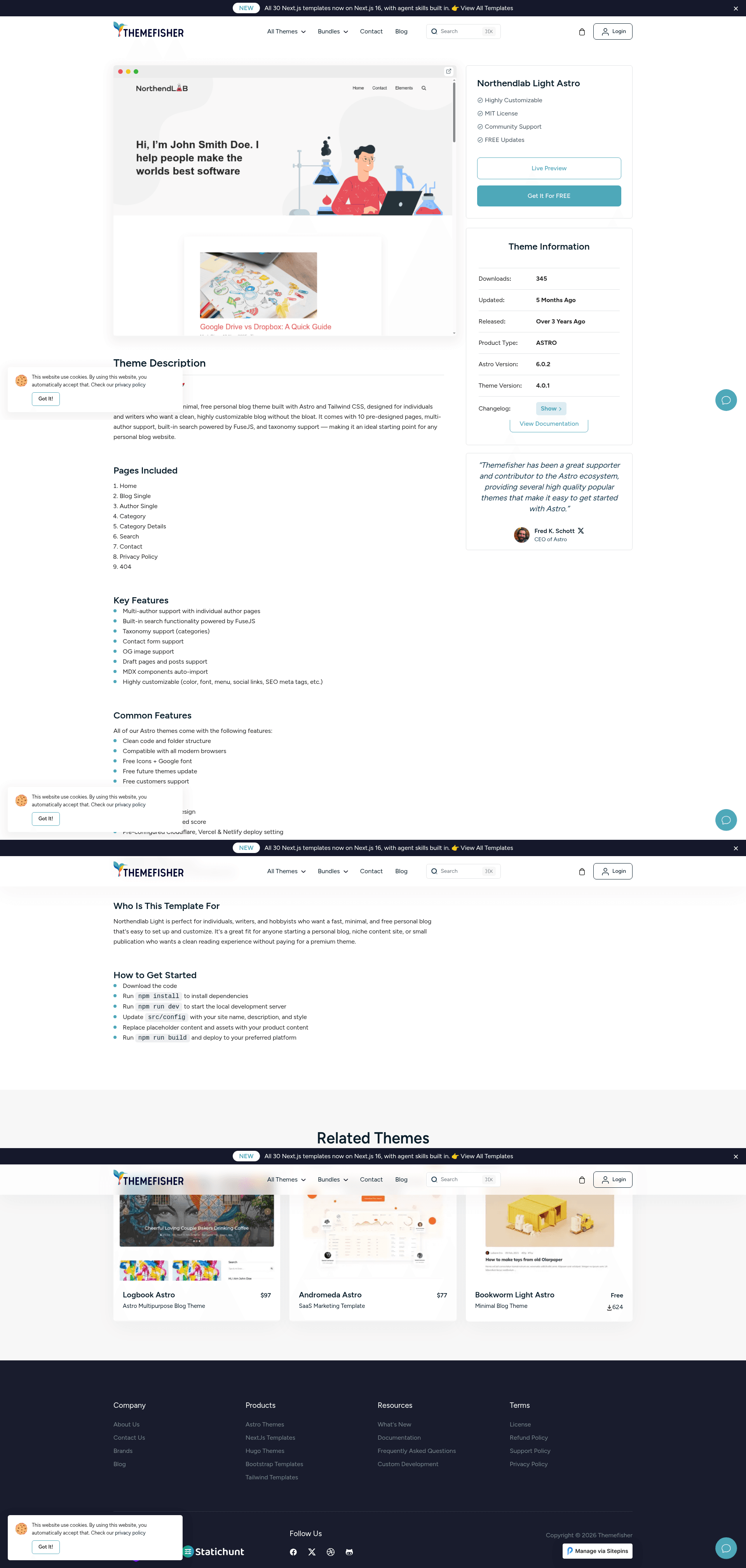
Northendlab Light Astro is an open-source, MIT-licensed Astro theme from Themefisher built specifically for personal blog websites, combining a pre-built page set with Markdown/MDX content editing and a static, SEO-friendly output.
What is Northendlab Light Astro?
Northendlab Light Astro is an open-source Astro theme designed by Themefisher for personal blogs. It takes Markdown or MDX files and site configuration as input and produces a static, responsive blog with more than 10 pre-designed pages, including home, about, contact, privacy policy, blog listing, blog single, author, author single, category, and category single. The theme runs on the Astro framework — the repository badge references Astro 6.0.0-beta.17 — and is styled with Tailwind CSS, with Netlify deployment settings pre-configured.
Key Features
- Pre-designed pages — Over 10 pages are included, covering home, about, contact, privacy policy, blog listing, blog single, author, author single, category, and category single layouts.
- Highly customizable — Color scheme, fonts, menu, social links, and SEO meta tags can be edited through the site configuration without touching code.
- Markdown / MDX content — Write and update posts in Markdown or MDX; MDX components are auto-imported, and the theme includes support for draft pages and posts.
- Performance-focused — The demo link claims a PageSpeed score of 100%, and the feature list states 95+ Google PageSpeed scores by default.
- Netlify pre-configuration — Netlify settings are included, so deployment to Netlify works out of the box.
- Contact form support — A contact page with form handling is part of the theme.
- Tailwind CSS — Built on the Tailwind CSS framework, the theme is fully responsive on desktops, tablets, and smartphones.
- OG image support — Open Graph images are supported for social sharing snippets.
Who is it for?
- Personal bloggers — Publish articles in Markdown or MDX without touching code, using the provided blog, author, and category templates.
- Developers building blog sites for clients — Customize colors, fonts, menus, and social links via configuration, then deploy to Netlify with pre-configured settings.
- Indie writers and content creators — Set up a fast, SEO-friendly blog with draft posts, author pages, and OG images for social sharing.
Use cases
- Bloggers: Start a personal blog with a pre-built home page, about page, and contact form, and manage content through Markdown files or the Sitepins headless CMS.
- Developers: Use the template as a starter for client projects, adjusting theme colors and fonts, then generate a static production build with
npm run build. - Small publishers: Organize posts by categories and authors using dedicated category and author archive pages that are auto-generated from frontmatter.
How does it work?
After downloading the template, install Node.js (LTS recommended) and run npm install followed by npm run dev to preview locally. Content is written as Markdown or MDX in the project, and a production build is created with npm run build. The theme also integrates with Sitepins, a Git-based headless CMS, so text, images, and configuration can be edited visually without code.
Pricing
Northendlab Light Astro is free and open source under the MIT license. Demo images included in the theme are for demonstration purposes only and are not covered by the MIT license.
FAQ
Is Northendlab Light Astro free?
Yes, the theme is released under the MIT license, so it is free to use, modify, and distribute. Demo images are not licensed for reuse — they are for demonstration only and have their own licenses.
What content formats does it support?
Posts and pages can be written in Markdown or MDX. MDX components are auto-imported, and the theme includes support for draft pages and posts that are not published to the final site.
Does it work with a CMS?
Yes, the theme is pre-configured to work with Sitepins, a Git-based headless CMS. Without a CMS, you can edit content directly in Markdown files.
How do I deploy it?
Netlify settings are pre-configured, so you can deploy to Netlify directly. You can also build the site locally with npm run build and host the static output anywhere.