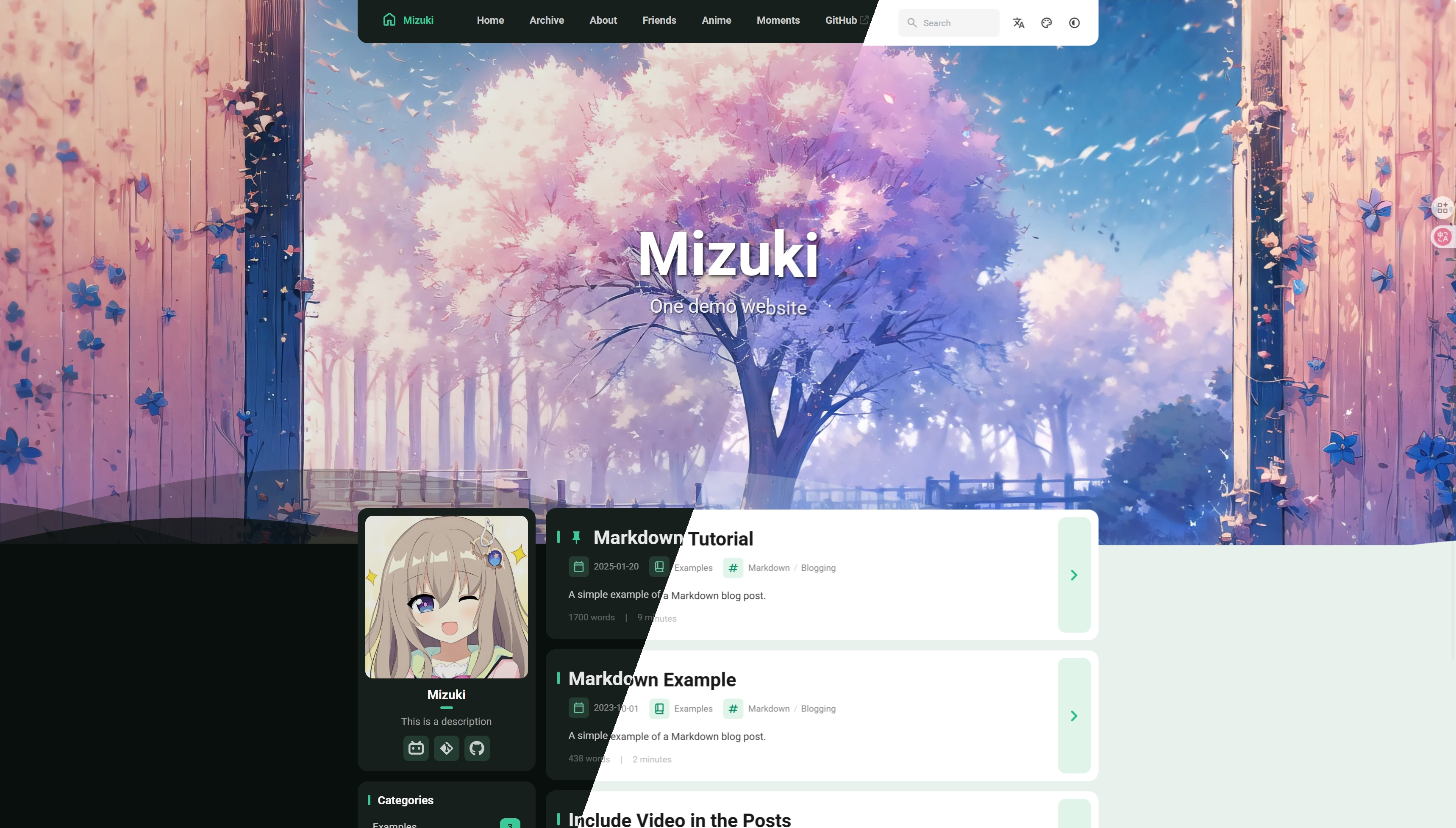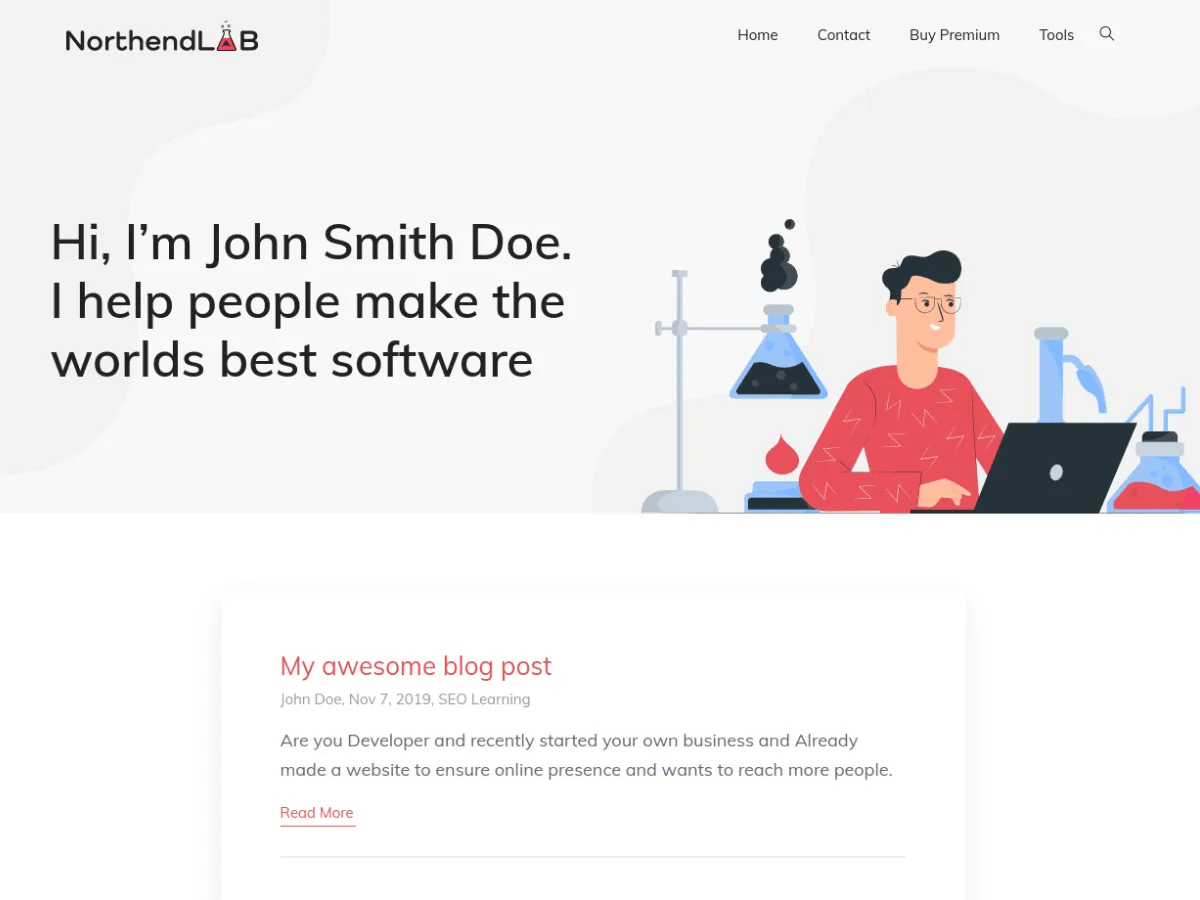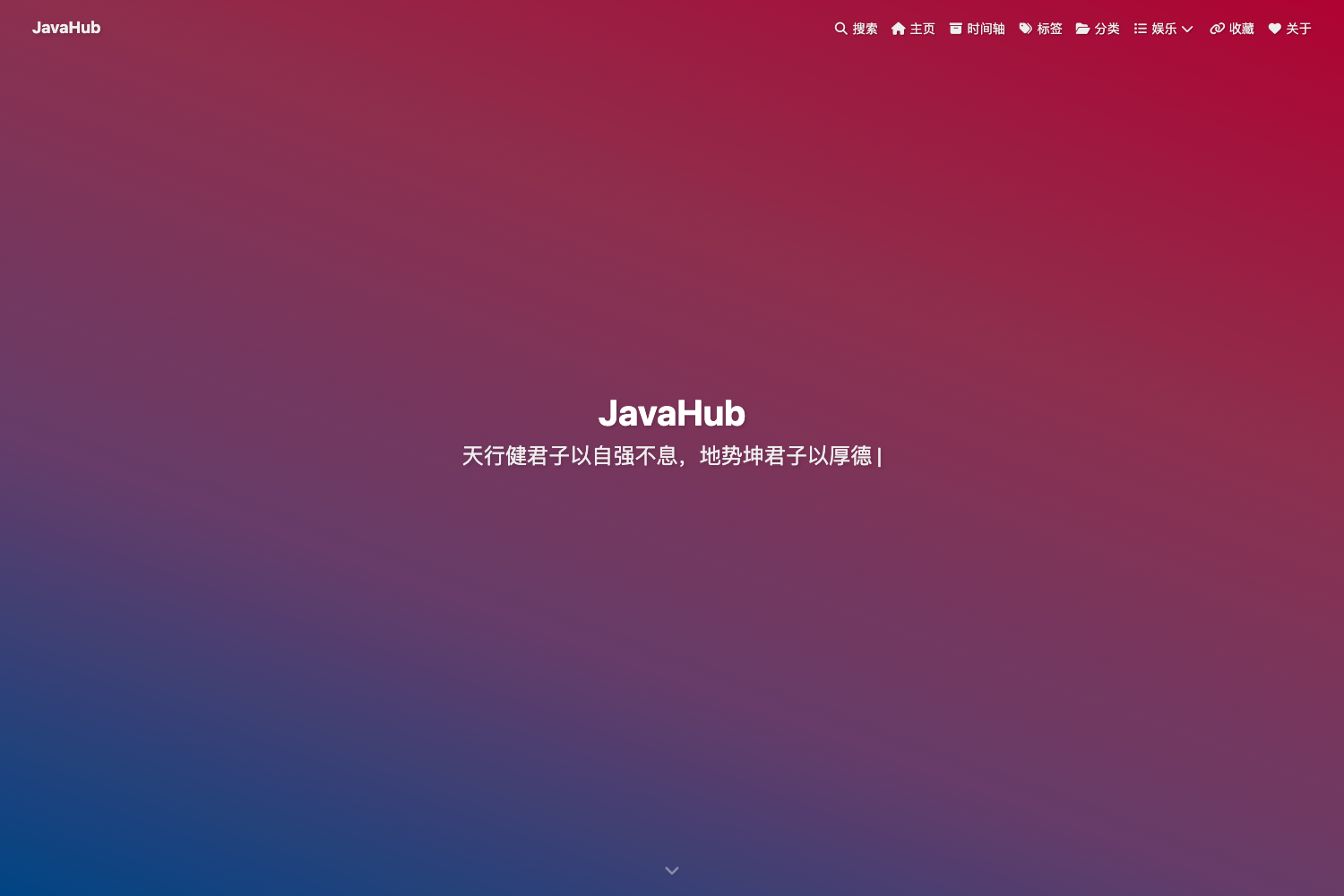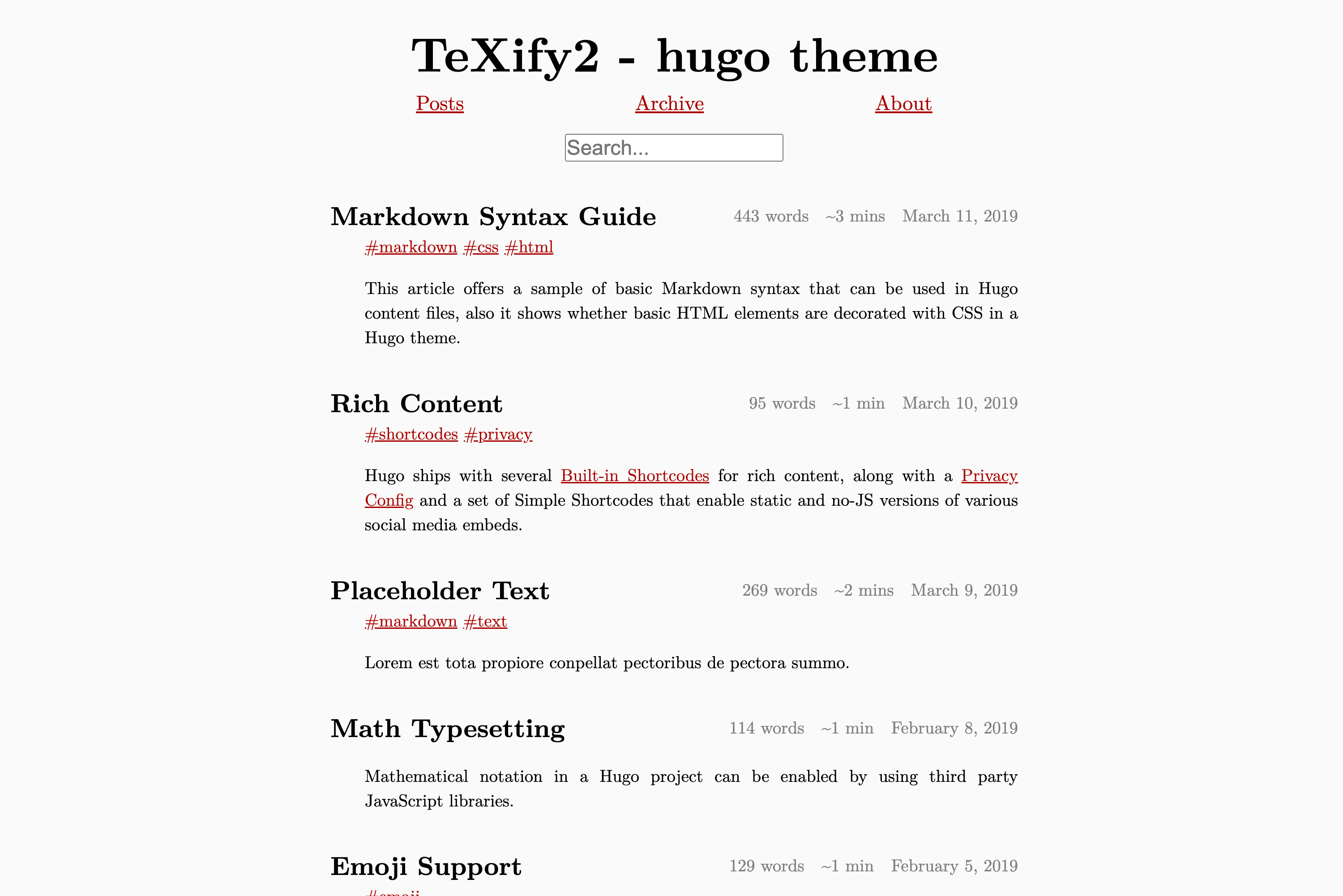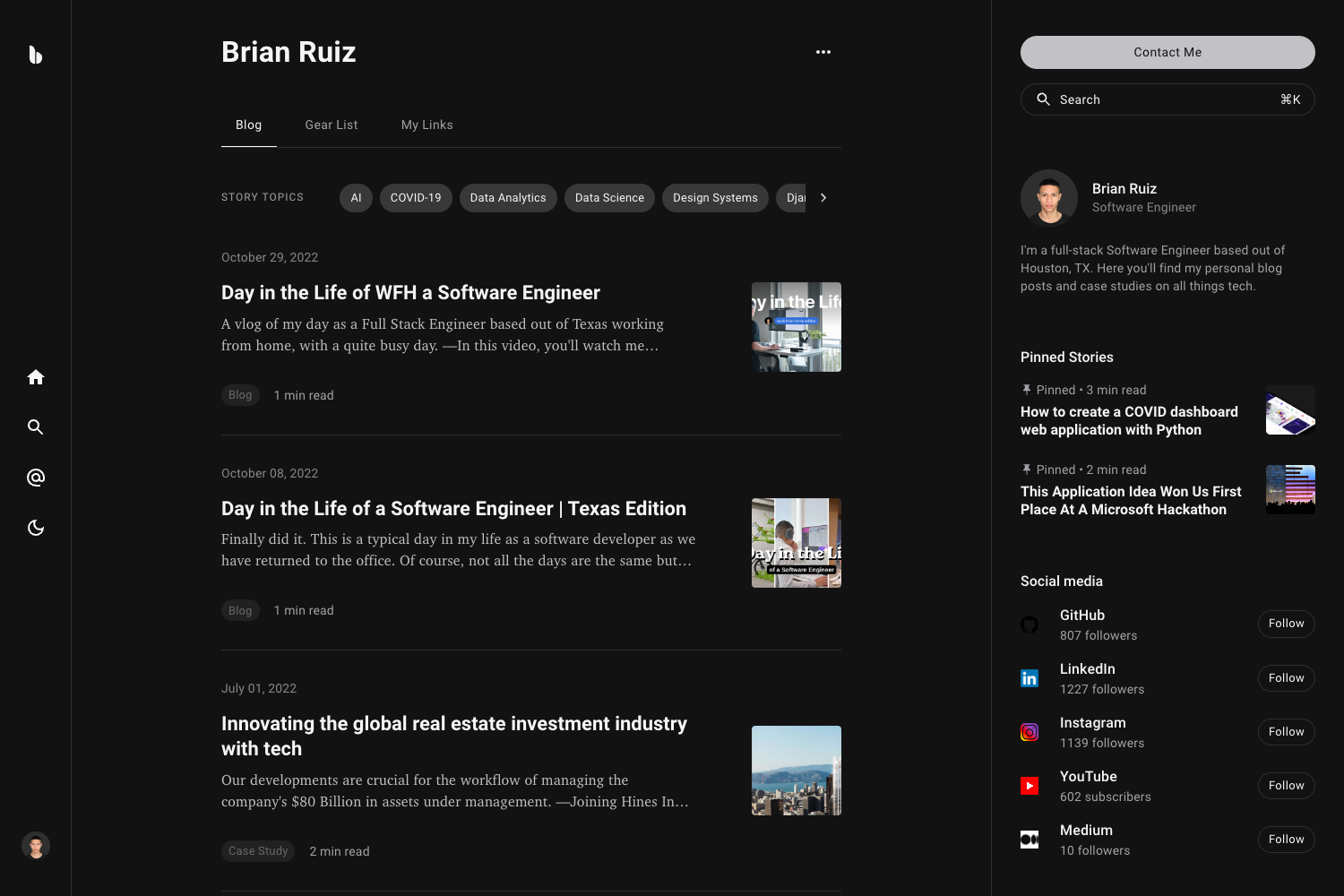
Template details
Astro Blog Zozo
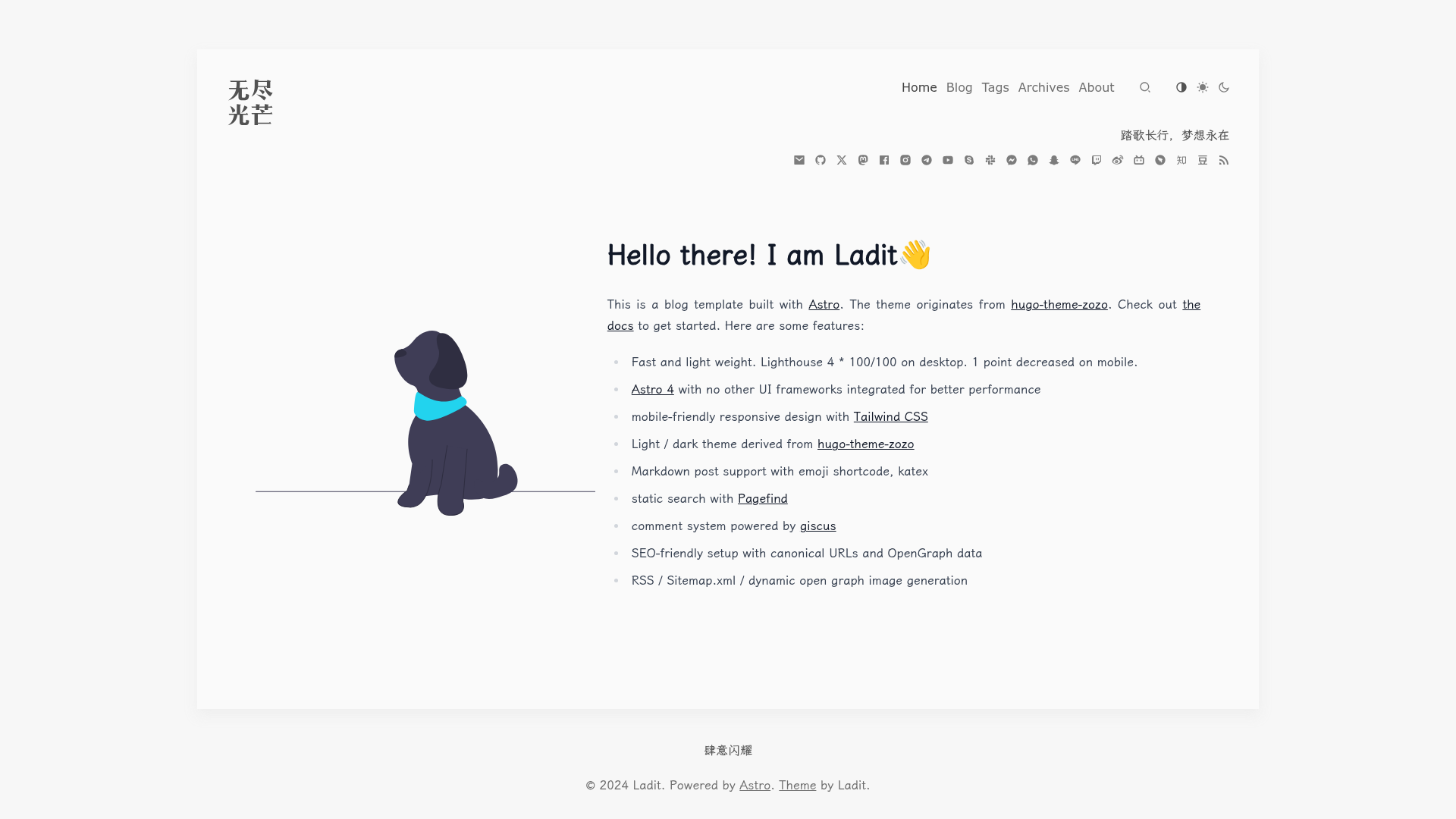
An opinionated and neat Astro blog template with Tailwind CSS, Pagefind search, giscus comments, and Markdown support.
About this template
Astro Blog Zozo is an opinionated, neat blog template built with Astro 4 that produces a fast, static, SEO-friendly blog with zero client-side UI frameworks.
What is Astro Blog Zozo?
Astro Blog Zozo is a blog template for the Astro static site generator. It takes Markdown posts as content and outputs a fully static blog site with built-in search, comments, RSS, and sitemap generation. The theme originates from the Hugo theme Zozo (varkai/hugo-theme-zozo) and is released as open-source software under the MIT license. The live demo is hosted at astro-blog-zozo.pages.dev.
Key Features
This template includes a set of features focused on performance, content authoring, and SEO.
- Performance — Reports a Lighthouse score of 4 times 100 out of 100 on desktop, dropping by only 1 point on mobile.
- Astro 4 only — No additional UI frameworks are integrated, keeping the bundle small and rendering fast.
- Tailwind CSS styling — Mobile-friendly responsive design built with Tailwind CSS.
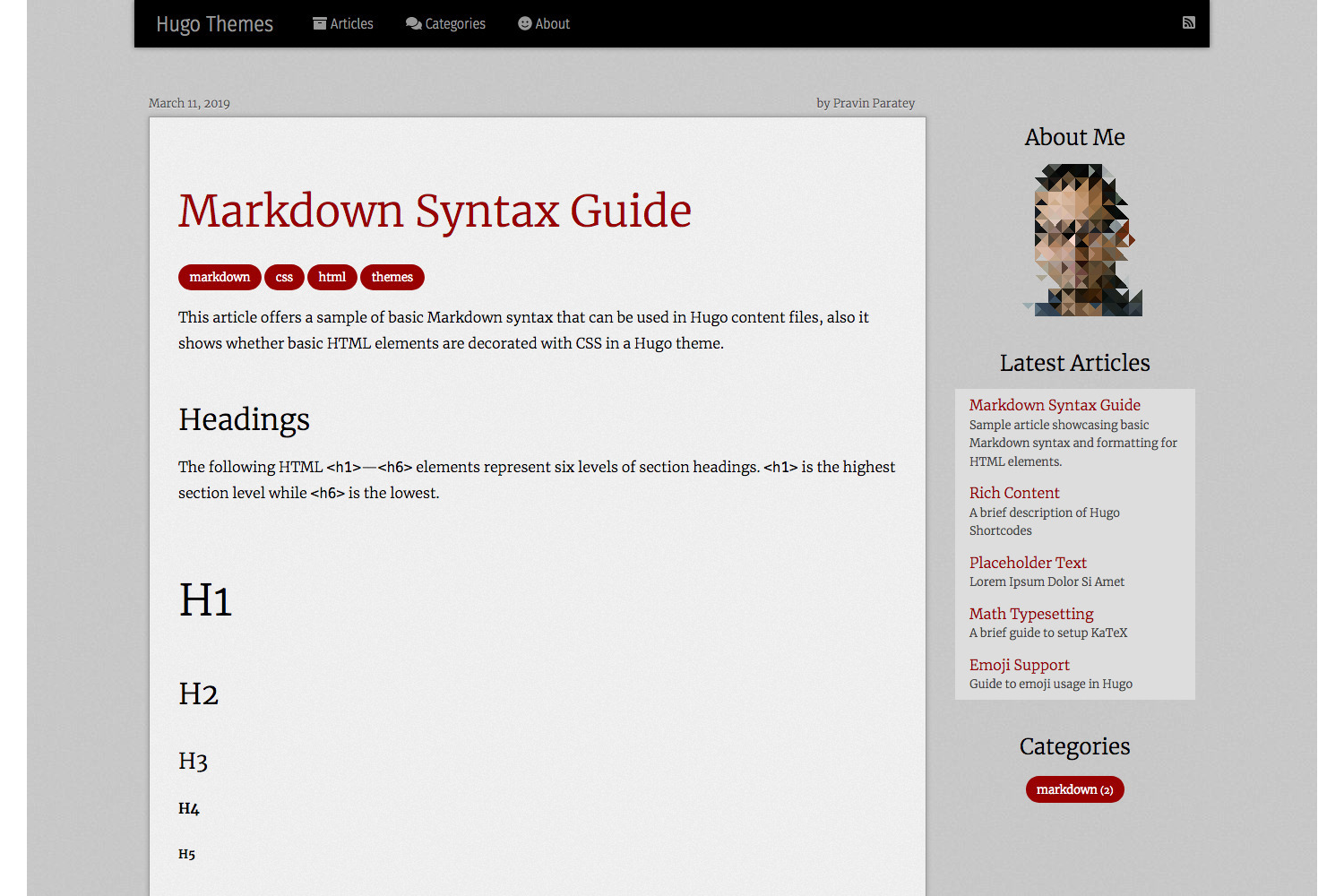
- Light and dark themes — Both color schemes are derived from the original Hugo theme Zozo.
- Markdown posts — Write posts in Markdown with support for emoji shortcodes and KaTeX math rendering.
- Pagefind search — Static, client-side search powered by Pagefind, requiring no external search service.
- giscus comments — Comment system integrated via giscus, which uses GitHub Discussions.
- SEO and metadata — Generates canonical URLs, OpenGraph data, and dynamic Open Graph images for social sharing.
- RSS and sitemap — Automatically generates RSS feeds and sitemap.xml for your blog.
- Configurable visibility — Hide unwanted elements through the src/config.ts file.
Who is it for?
Astro Blog Zozo works well for individuals and teams who want a no-fuss static blog.
- Individual bloggers — Publish a personal blog with Markdown posts and get a fast, searchable static site out of the box.
- Developers — Use it as a foundation to build a custom blog without pulling in a heavy JavaScript framework; customize the site's appearance through Tailwind CSS and the config file.
- Technical writers — Write posts that include math formulas using KaTeX and enable reader comments via giscus tied to GitHub Discussions.
What can you do with Astro Blog Zozo?
You can use the template to build and customize a blog quickly.
- Write and publish posts — Drop Markdown files into the content directory; emoji shortcodes and KaTeX blocks render automatically.
- Enable site search — Pagefind indexes the generated pages, so visitors can search posts without any server-side search.
- Add comments to posts — Connect giscus to a GitHub repository's Discussions to let readers comment on any post.
- Customize the site — Use the central config file to hide or show elements, and adjust styling with Tailwind CSS.
How does it work?
The template follows the standard Astro content-collection workflow: write Markdown with frontmatter, preview locally with the Astro dev server, and run astro build to produce a static site. The getting-started guide is published at the live demo under /posts/getting-started, which walks through installation, configuration, and deployment.
Pros and cons
- Pro: Exceptional performance — Lighthouse 100/100 on desktop and 99/100 on mobile.
- Pro: Minimal JavaScript because no UI framework is bundled, only Astro's partial hydration.
- Con: Internationalization (i18n) is not yet implemented; it appears as a Todo item in the repository.
Alternatives
Other Astro blog templates mentioned in the acknowledgements include satnaing/astro-paper and one-aalam/astro-ink.
FAQ
Is Astro Blog Zozo free?
Yes, the template is released under the MIT license, so you can use, modify, and redistribute it freely, including for commercial projects.
Does Astro Blog Zozo support multiple languages?
Not yet. i18n is listed as a Todo item in the repository, so the current version is English-only and does not include translation infrastructure.
How do I get started with Astro Blog Zozo?
The live demo includes a getting-started post at /posts/getting-started that explains installation, configuration, and deployment. The typical workflow is to clone the repository, install dependencies, and run the Astro dev server.
Can I customize the theme colors and layout?
Yes, the template uses Tailwind CSS for styling and also exposes a centralized configuration file at src/config.ts where you can control which elements appear on the site.
Does it have a comment system?
Yes, comments are powered by giscus, which stores discussions in GitHub Discussions and loads them into the blog without requiring a custom backend.