Template details
Gatsby Portfolio
Sample GatsbyJS portfolio website integrated with DatoCMS for content management.
About this template
Gatsby Portfolio is a starter template for a portfolio website that combines the GatsbyJS static site generator with DatoCMS as the content management system. Its core function is to demonstrate and provide a working foundation for building a static portfolio site where all text, images, and links are stored in DatoCMS and fetched at build time.
What is the Gatsby Portfolio Website?
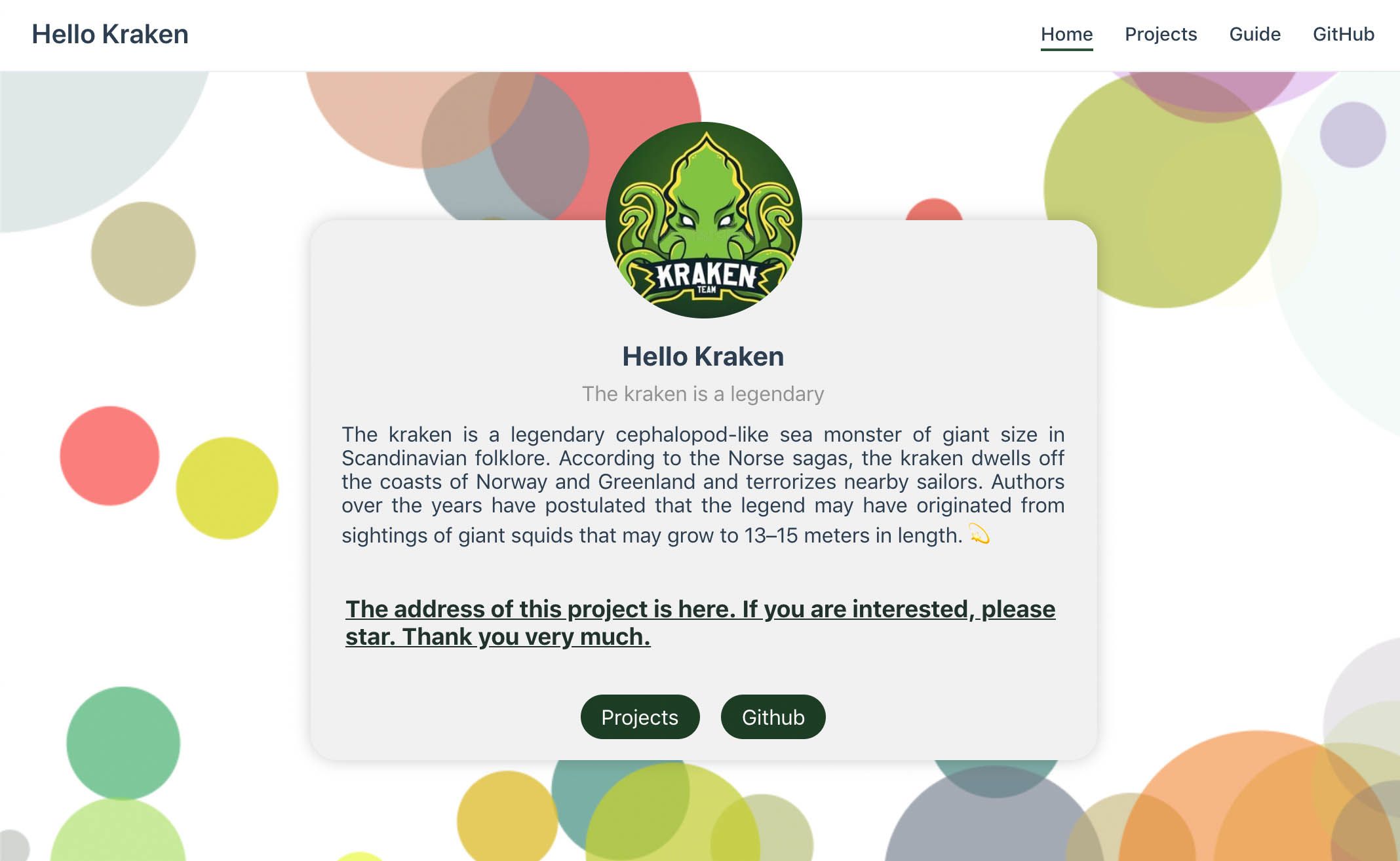
Gatsby Portfolio is a sample static website built with GatsbyJS and integrated with DatoCMS. It takes content managed in a DatoCMS project — text, images, links — and generates a production-ready static site. The project is published by DatoCMS as a reference implementation and supports one-click deployment from the DatoCMS dashboard.
Key Features
- GatsbyJS static generation — The site runs on Gatsby, outputting a fully static website with the production build saved in the
publicdirectory. - gatsby-source-datocms integration — This plugin connects Gatsby to DatoCMS, pulling structured content into Gatsby's GraphQL data layer for use in pages and components.
- Live-reload development — Running
npm run developstarts a development server with live-reload, so you can see content changes instantly. - Environment-based API token — A
.envfile withDATO_API_TOKENdetermines which DatoCMS project the site reads from. - One-click DatoCMS deployment — A button on the DatoCMS dashboard creates a new project from this template and deploys it directly.
- Live demo — A hosted demo at the Netlify URL shows what the final portfolio looks like.
Who is it for?
- Developers exploring headless CMS workflows — use this starter to see how Gatsby pairs with DatoCMS, including GraphQL queries and build-time content fetching.
- Portfolio site owners — a straightforward foundation for a personal or professional portfolio that avoids building a custom CMS.
- DatoCMS evaluators — a working example to test DatoCMS features like content modeling and API delivery before committing to a larger project.
What can you do with it?
- Freelance designers: set up a portfolio in minutes by cloning the repo, adding your DatoCMS API token, and populating projects from the CMS backend.
- Agencies: reuse this starter as a base for client portfolio sites, replicating the DatoCMS-to-Gatsby pipeline across projects.
- Gatsby learners: inspect the integration pattern between Gatsby's data layer and a third-party CMS plugin without building from scratch.
How does it work?
First, create a free DatoCMS account and either click the deploy button or clone the repository. Then install dependencies with npm install, add your read-only API token to a .env file, and run npm run develop for local development with live reload. When ready, npm run build compiles the site into the public directory for static hosting.
Pricing
The template is free and open source. DatoCMS itself offers a free account tier, which is enough to follow the setup steps and run the site locally. No paid features are required for the template to function.
FAQ
Is the Gatsby Portfolio template free?
Yes, the template is free to use and open source. You will need a DatoCMS account; a free tier is available and lets you create a project, add your API token, and test the site.
How do I connect it to DatoCMS?
Add a read-only API token from your DatoCMS project to a .env file as DATO_API_TOKEN. The gatsby-source-datocms plugin uses this token to fetch content during build and development.
What does the site output?
Running npm run build produces a fully static website in the public directory. The output can be hosted anywhere that serves static files, such as Netlify or any web server.