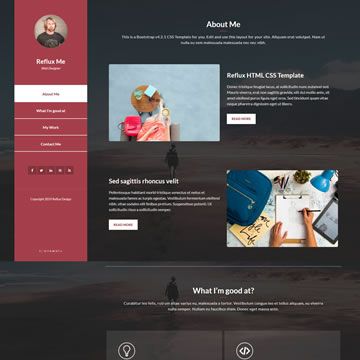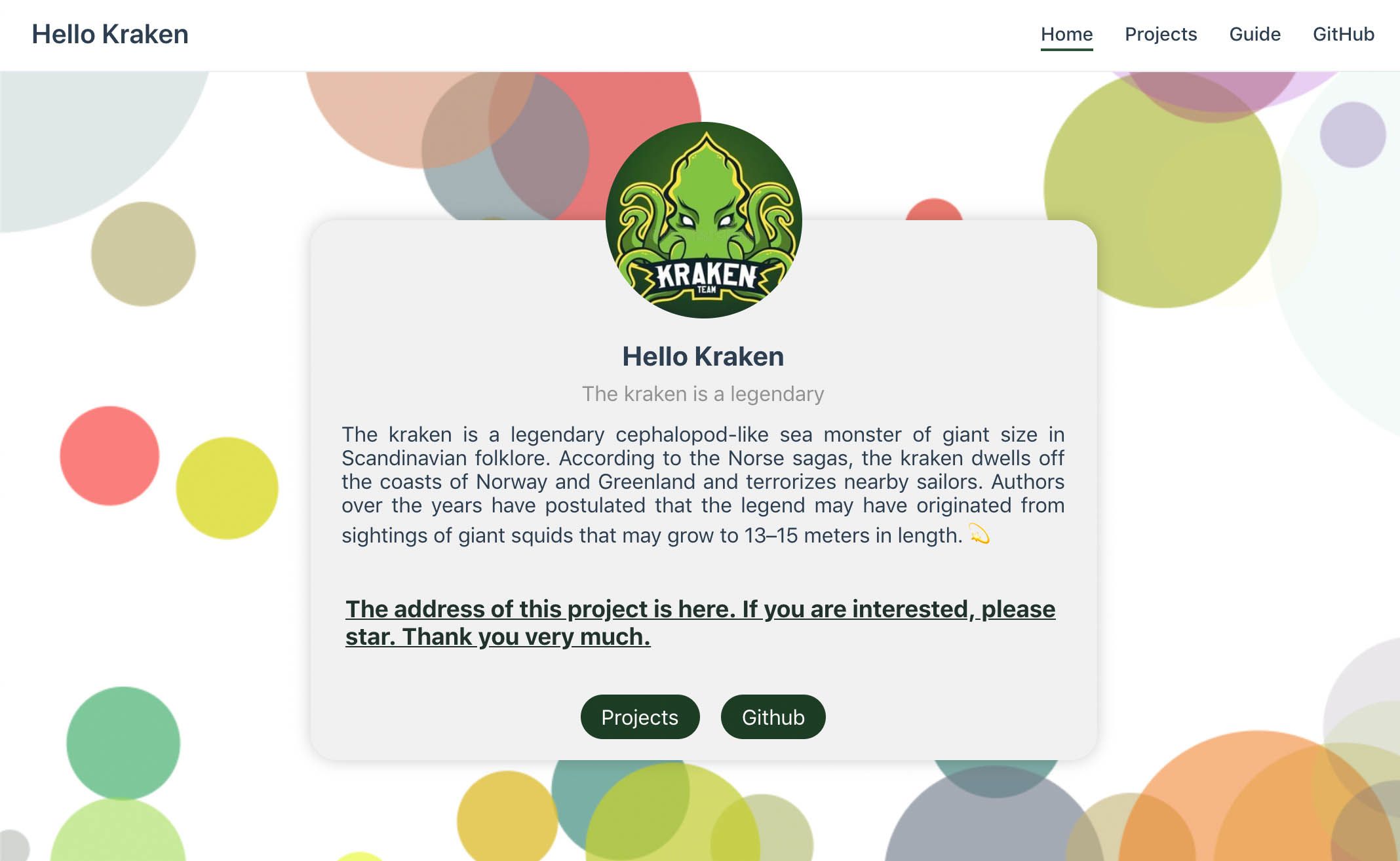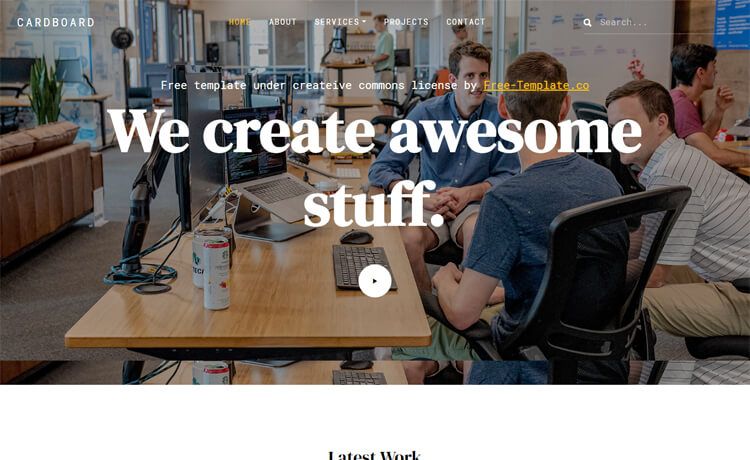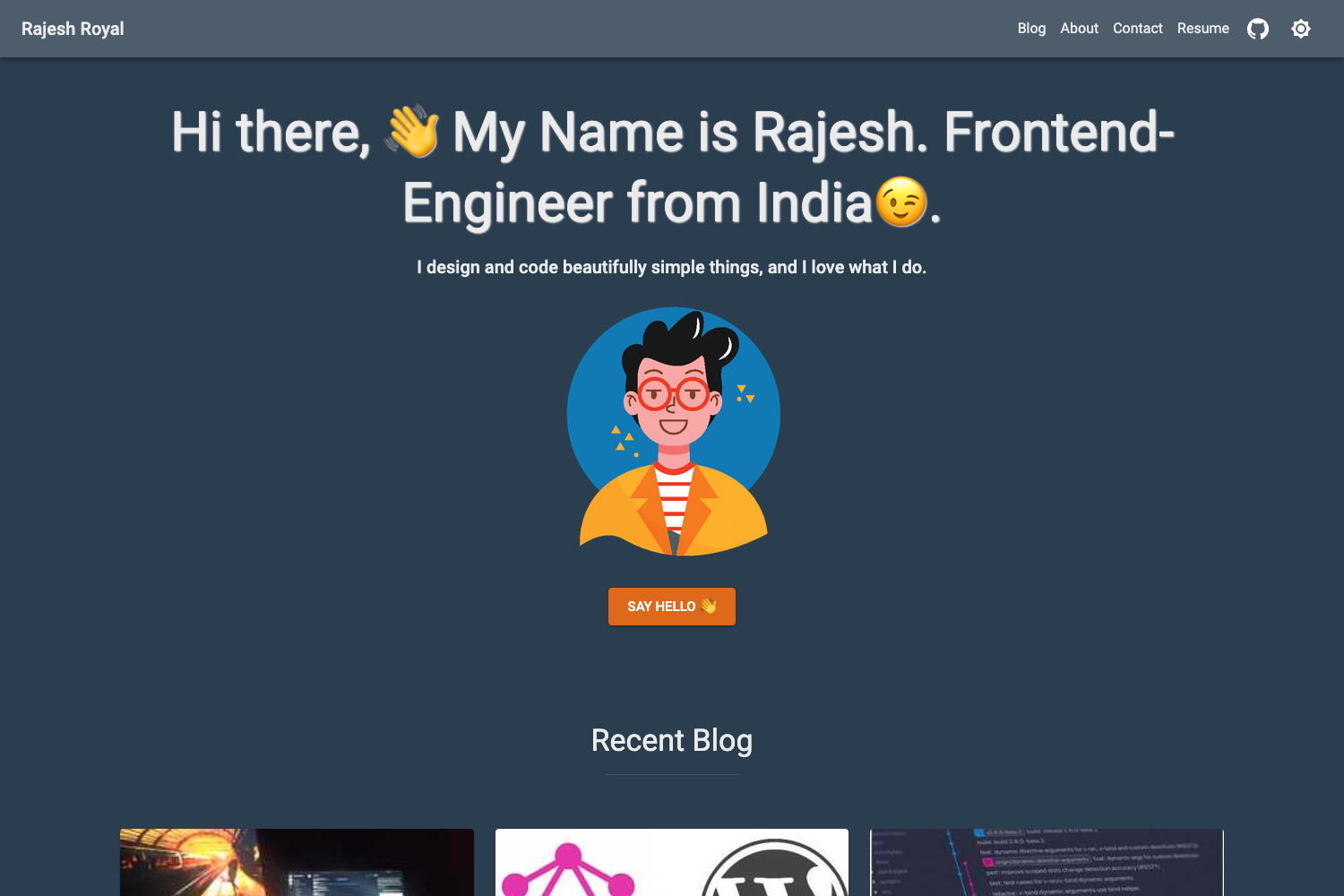
Template details
Portfolio Demo 1
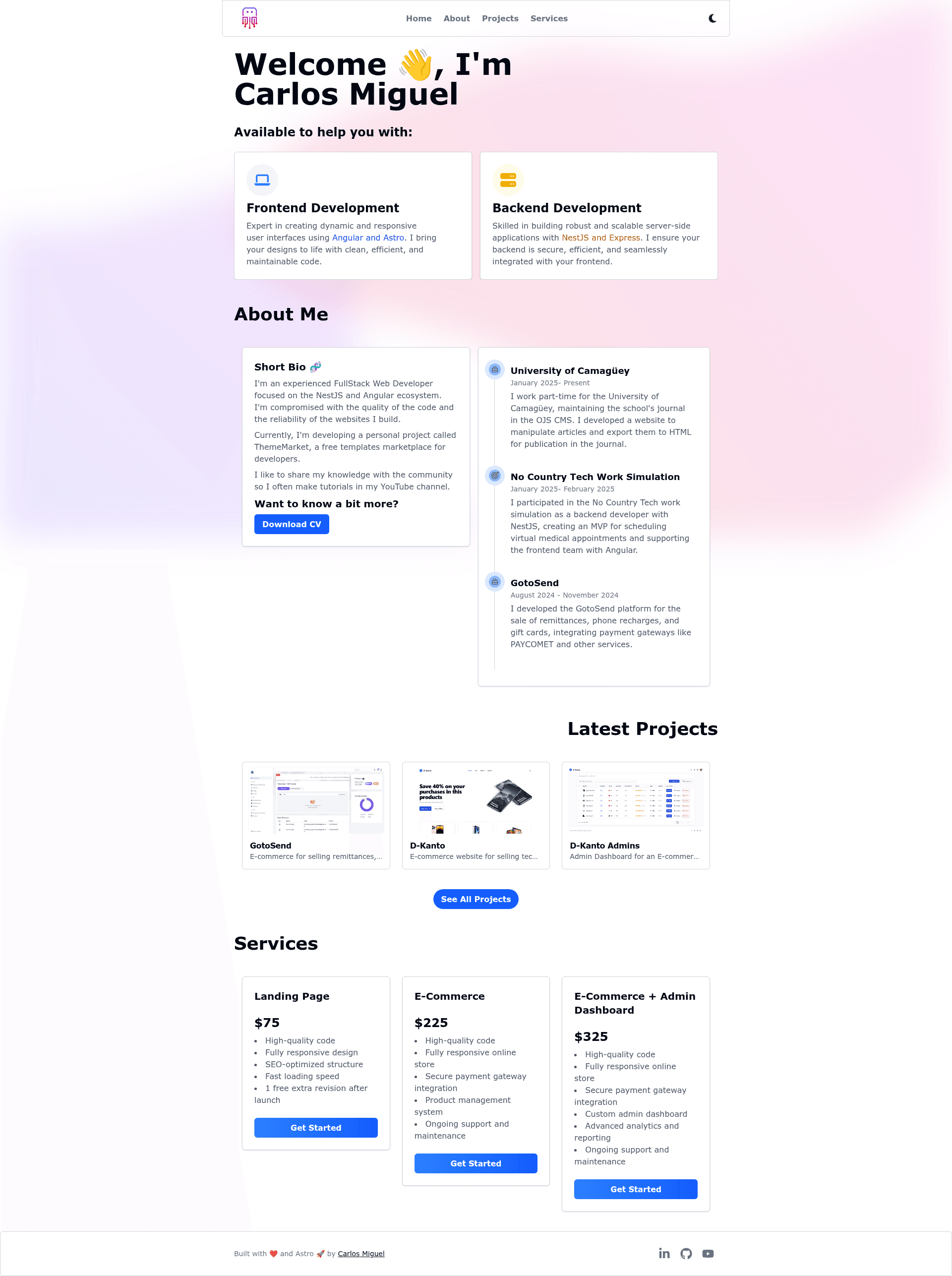
Astro + TailwindCSS portfolio template for web developers with SSR, Resend email, dark mode, and Motion animations.
About this template
Portfolio Demo 1 is an Astro-based portfolio template for web developers that combines TailwindCSS styling, server-side rendering on Vercel, and Resend-powered email delivery.
What is Portfolio Demo 1?
Portfolio Demo 1 is a portfolio template created with Astro v5.2.5 and TailwindCSS v4.0.5, distributed through the ThemeMarket GitHub organization. It takes a developer's projects, skills, and contact details as content and produces a deployed portfolio website with a working contact form. The template runs on Astro's server-side rendering (SSR) via the Astro Vercel Adapter v8.0.6, and it sends contact-form messages through Resend v4.1.2 using Handlebars 4.7.8 email templates. Local preview images are included in the repository's public folder.
What makes Portfolio Demo 1 stand out?
- Astro SSR with Vercel — Astro v5.2.5 is configured with the Astro Vercel Adapter v8.0.6, so pages are server-rendered at request time and deploy directly to Vercel.
- Email sending via Resend — Contact form submissions are emailed using Resend v4.1.2, with the message body generated from Handlebars 4.7.8 templates.
- TailwindCSS v4.0.5 styling — The entire visual design, including responsive layout and dark mode, is built with Tailwind utility classes.
- Motion animations — Motion v12.0.5 adds scroll and entrance animations to portfolio sections.
- Dark mode toggle — A built-in light/dark theme switch is included, implemented with Tailwind's dark mode variant.
- Simple local setup — After cloning, three commands (npm install, npm run dev) get the development server running.
Who should use Portfolio Demo 1?
- Web developers who want a ready-made portfolio to present their projects, with SSR and email already wired.
- Freelancers who need a contact form that delivers messages to an inbox without building a backend — Resend handles it via Astro server routes.
- Astro learners who want a small reference project showing Astro SSR, the Vercel adapter, TailwindCSS v4, and a third-party email API working together.
What can you do with Portfolio Demo 1?
- Showcase development projects: Replace the demo projects with your own screenshots and descriptions to populate the portfolio grid.
- Collect contact form messages: The contact form sends email through Resend, so visitor messages arrive in your configured inbox.
- Deploy a production site to Vercel: Use the included Vercel adapter to deploy the Astro app with SSR; the project is ready for Vercel's build pipeline.
How to run the project?
- Clone the repository from github.com/ThemeMarket/portfolio-demo-1.git.
- Move into the project folder: cd portfolio-demo-1.
- Install dependencies: npm install.
- Start the development server: npm run dev.
The repository includes an Astro Vercel Adapter, so for production you can push the project to Vercel and the build step will generate an SSR-compatible Node.js installation.
FAQ
Does Portfolio Demo 1 support dark mode?
Yes, the template includes a dark mode built with TailwindCSS, so the interface adapts to the dark scheme without an extra library.
How do I send emails from the contact form?
The template uses Resend v4.1.2 to send emails. Handlebars 4.7.8 templates generate the message body on the server during an SSR request. You'll need your own Resend API key set as an environment variable.
What do I need to run the project locally?
You need Node.js and npm. After cloning the repository, run npm install and then npm run dev to start the Astro development server. No additional services are required for local development.
Which hosting provider is the template designed for?
The template ships with the Astro Vercel Adapter v8.0.6, so it is configured to deploy to Vercel with server-side rendering. Using another hosting provider would require replacing the adapter.
Is the template free to use?
The repository is publicly accessible on GitHub, and the setup steps only require cloning and installing dependencies, indicating it is free to use and modify.