Template details
Gatsby React Boilerplate
A Gatsby starter with Sass/PostCSS, Bootstrap 4 grid, local JSON data, SVG sprites, and Node.js server code.
About this template
Gatsby React Boilerplate is a Gatsby starter for static websites that pairs React components with a Bootstrap 4 grid, Sass/PostCSS processing, and local JSON data, while leaving all visual styling to the developer.
What is Gatsby React Boilerplate?
Gatsby React Boilerplate is a starter project for the Gatsby static site generator, structured around React and webpack. It accepts local JSON files as a data source and outputs a static website into a /public folder when built. The project includes basic configuration and folder structure, plus Node.js server code intended for easy, secure, and fast hosting. It is based on Gatsby's build system and runs on Node.js.
Key Features
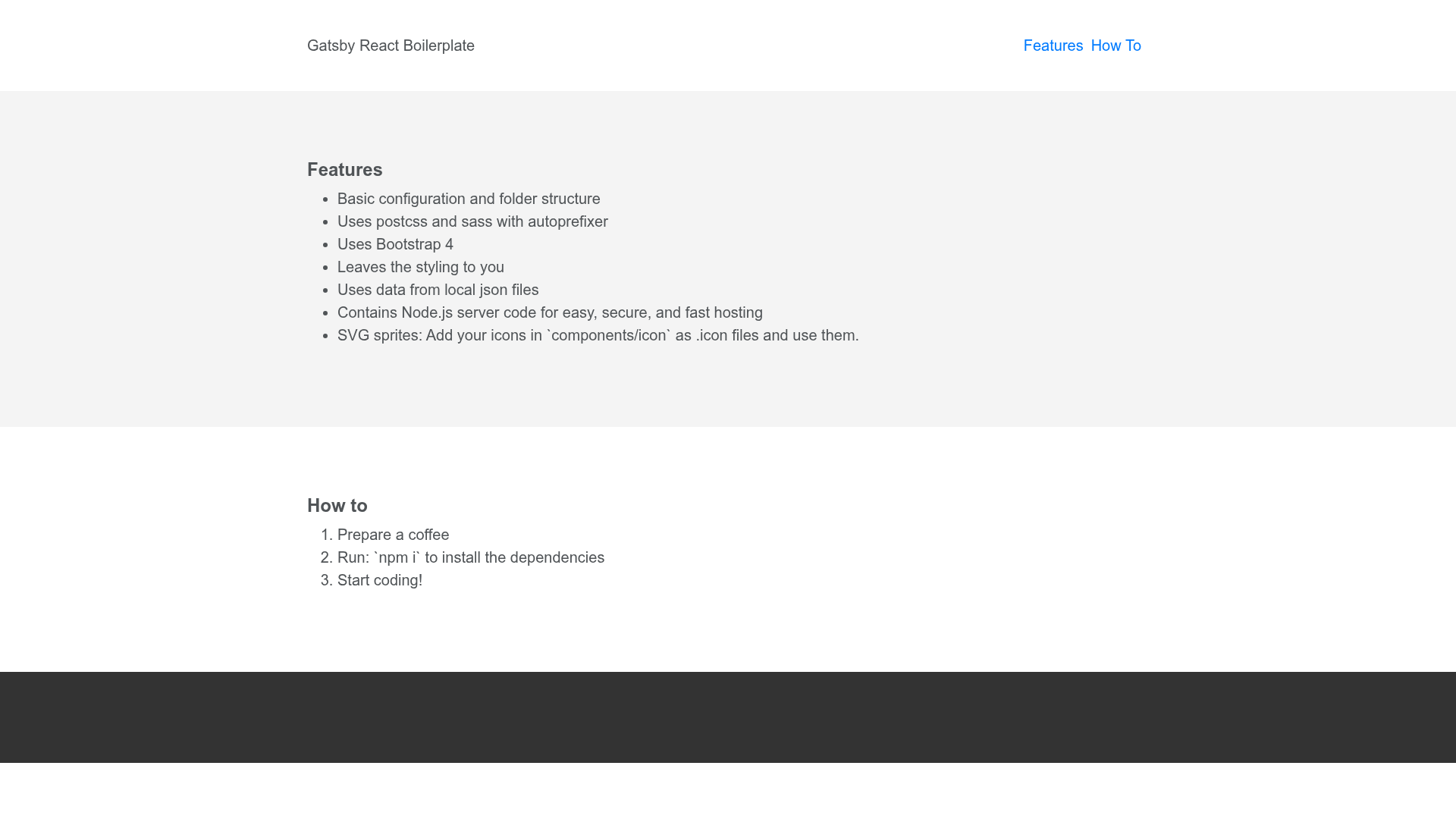
- Basic configuration and folder structure — A pre-wired Gatsby layout so developers can skip scaffolding and jump straight to coding.
- PostCSS and Sass support — Includes autoprefixer for vendor prefixes and pixrem for converting px units to rem, covering both preprocessing pipelines.
- Bootstrap 4 grid — Only the grid system from Bootstrap 4 is included, leaving the rest of the styling to you.
- Local JSON data — Content is sourced from local
.jsonfiles rather than a CMS or database, keeping data simple and versionable. - Node.js server code — Bundles server code for hosting the built site without needing a separate backend.
- SVG sprites — Drop
.iconfiles intocomponents/iconand reference them to automatically generate an SVG sprite. - Webpack integration — Inherits Gatsby's webpack-based build pipeline, enabling bundling and asset optimization.
Who is this for?
- Developers who want a bare-bones Gatsby setup — They get a project with data handling and preprocessing configured, but no opinionated UI theme.
- Designers who prefer to own the styling — The boilerplate only enforces a grid, so designers can apply a custom CSS framework or hand-written styles.
- Teams shipping fast static sites — Local JSON data and the included Node.js server make it easy to stand up a content-driven site and host it quickly.
What can you do with it?
- Static site developers: assemble landing pages or marketing sites using React components and the Bootstrap 4 grid, without committing to a full CSS framework.
- Prototypers: wire up content from local JSON files and iterate on layouts with live reload through the Gatsby dev server.
- Self-hosters: use the bundled Node.js server code to serve the built site securely and quickly instead of relying on a separate hosting platform.
How does it work?
- Run
npm ito install dependencies. - Run
npm run devto start the Gatsby development server, which listens athttp://localhost:8000. - Edit components and JSON data, and the dev server reloads automatically.
- Run
npm run buildto generate the production site into the/publicfolder.
Pros and cons
- Pros: Minimal styling overhead (only the Bootstrap grid is included), built-in SVG sprite workflow, and included Node.js server code for hosting.
- Cons: RTL support is limited; because Gatsby bundles all CSS together, a separate RTL stylesheet overrides the LTR one, so the usual static HTML approach does not work out of the box.
FAQ
How do I install the dependencies?
Run npm i in the project root. This installs Gatsby, React, and the Sass/PostCSS tooling configured in the boilerplate.
How do I start the development server?
Run npm run dev. The terminal will show a message like The development server is listening at: http://localhost:8000; open that address in your browser.
How do I build the site for production?
Run npm run build. Gatsby compiles the site into a /public folder containing static files you can deploy to any web host.
Does the boilerplate support RTL languages?
Not out of the box. The standard method of creating a separate RTL CSS file does not work because Gatsby pulls all CSS together, so the RTL styles would override the LTR ones.
What styling tools are included?
The boilerplate uses PostCSS and Sass, with autoprefixer for vendor prefixes and pixrem for rem fallback. It also includes Bootstrap 4's grid system only.